
დააკავშირეთ WhatsApp
არხებიგანახლდა 4 ოქტომბერი, 2026
ნომრის დაკავშირების ორი გზა და რას ნიშნავს თითოეული თქვენი გუნდისთვის.
გახსენით პარამეტრები > არხები > WhatsApp და დააჭირეთ „WhatsApp-ის დაკავშირება“. ორი გზაა, ორ ჩანართზე.
„OAuth კავშირი“ თქვენს ნომერს WhatsApp Business Platform-ზე გადაიტანს. ამის შემდეგ ნომერი Solwees-ით მუშაობს და WhatsApp Business აპლიკაციაში აღარ.
„თანაარსებობა“ ნომერს თქვენს WhatsApp Business აპლიკაციაში ტოვებს. ასისტენტი პასუხობს, გვერდზე დგება, როცა თანამშრომლები აპლიკაციიდან პასუხობენ, და შესაძლებელია 180 დღემდე ისტორიის იმპორტი.
შეტყობინებებს, რომლებსაც ბიზნესი 24-საათიანი სიჩუმის შემდეგ იწყებს, მაგალითად შეხსენებებსა და დაგზავნებს, Meta-ს მიერ დამტკიცებული შაბლონები სჭირდება. Solwees მათ თქვენს WhatsApp Business ანგარიშში ქმნის იმ ტექსტებიდან, რომლებიც მარკეტინგში გაქვთ.
სტატიამ უპასუხა თქვენს კითხვას?
მეტი ამ თემაზე
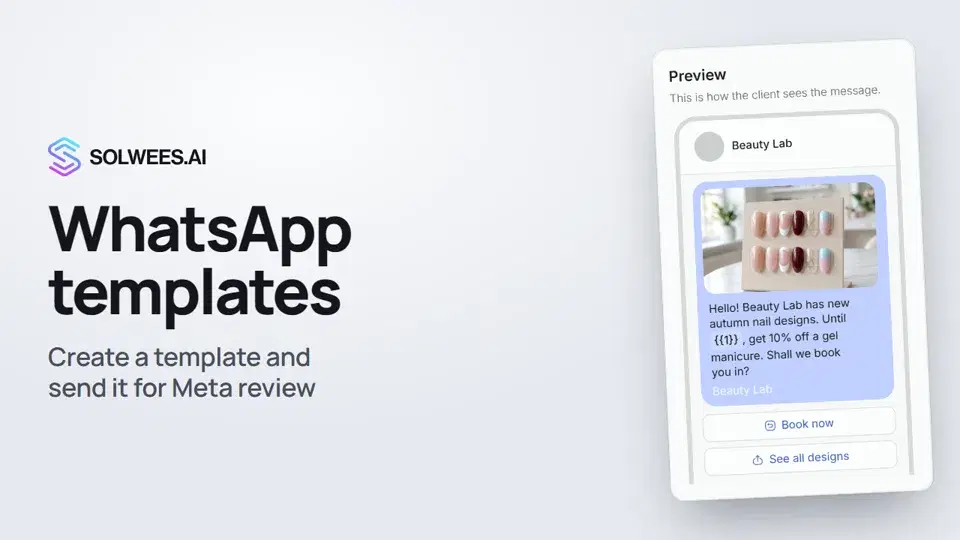 WhatsApp templates: messages approved by MetaHow to create a WhatsApp template in Solwees and send it for Meta review: category, language, image, variables in the text and buttons. You need a template to message a client who hasn't written to you for more than 24 hours.1:30
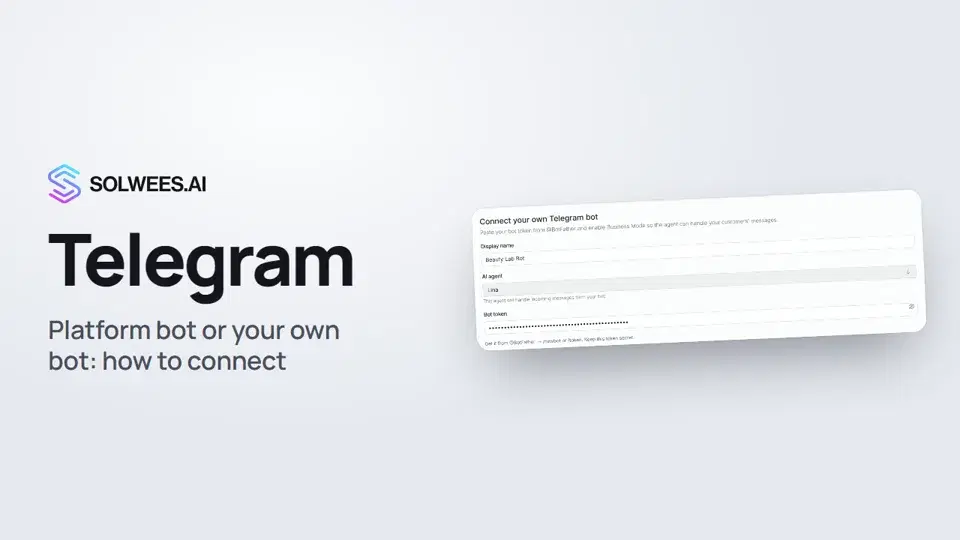 Telegram: how to connect the assistantHow to connect Telegram to Solwees so the AI assistant replies to your clients: through the platform bot and Telegram Business, or through your own bot with a token from BotFather.1:31
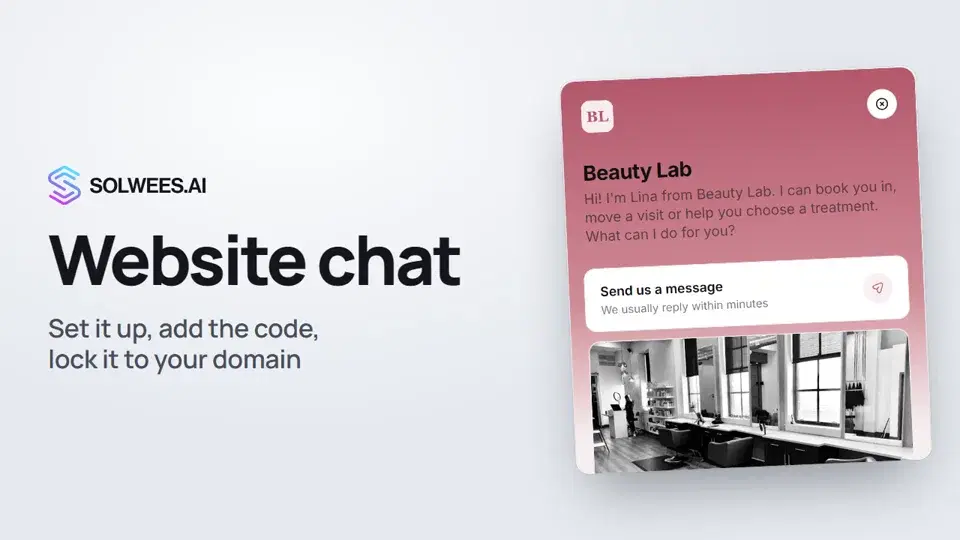 Website chat: how to set it up and install itHow to add the Solwees chat to your website: languages, visitor contact, welcome message, appearance, chat button, the install code and allowed domains. Visitors write in the chat and the AI assistant replies right away.1:52
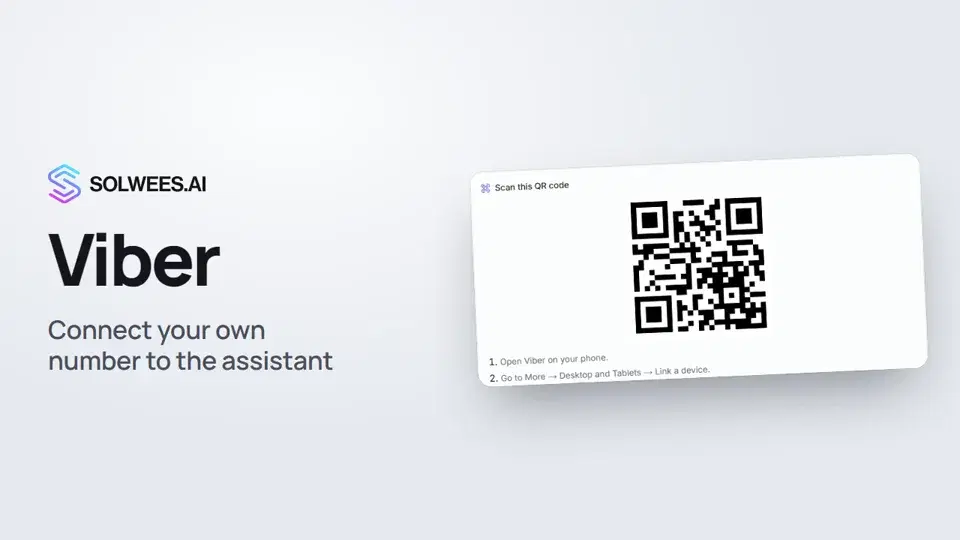 Viber: how to connect your own number to the assistantHow to connect Viber to Solwees so the AI assistant replies to your clients: paying for the channel, display name and AI agent, Connect number and linking with a QR code in Viber.1:11
გჭირდებათ დახმარება?
ჰკითხეთ Sola-ს კაბინეტში
ასისტენტის ღილაკი კაბინეტის ნებისმიერი გვერდის კუთხეში ყველა პარამეტრს იცნობს და გაჩვენებთ, სად არის.
კაბინეტის გახსნა