
Solwees-ის დახმარების ცენტრი
ვიდეოები და ნაბიჯ-ნაბიჯ პასუხები Solwees-ის ყველა ნაწილზე: AI ასისტენტი, არხები, ჩატები, კლიენტები, მარკეტინგი და პარამეტრები.
დაიწყეთ აქედან
ოთხი ნაბიჯი ახალი ანგარიშიდან ასისტენტამდე, რომელიც კლიენტებს პასუხობს და ჯავშნის მათ.
თემები
დაწყება
რა არის Solwees, პირველი დაყენება, ტარიფები, საცდელი პერიოდი და რამდენიმე ფილიალი.
- Solwees in 2 minutes: a tour of the menu
- Sola: the setup assistant in Solwees
- Plans and free trial: what's included and how to choose
- Several locations or brands: workspaces
AI ასისტენტი და ცოდნის ბაზა
ბიზნესის პროფილი, ჯავშნის წესები, ადამიანზე გადაცემა, ცოდნის ბაზა და ასისტენტის შემოწმება.
- Business profile: what the assistant knows about your company
- Custom rules and wording
- Persona and languages: how the assistant introduces itself and which languages it speaks
- Booking rules: how the assistant books your clients
არხები
WhatsApp, Instagram, Telegram, საიტის ჩატი და ტელეფონის ნომერი ასისტენტისთვის.
- WhatsApp templates: messages approved by Meta
- Telegram: how to connect the assistant
- Website chat: how to set it up and install it
- Viber: how to connect your own number to the assistant
ჩატები
ერთი ყუთი ყველა არხისთვის: როდის პასუხობს ასისტენტი, როდის თქვენ, სწრაფი პასუხები და შენიშვნები.
- Chats: every channel in one place
- AI or you: taking a chat over from the assistant and handing it back
- Needs attention: when a client is waiting for a person
- Quick replies and notes: what the chat input can do
კლიენტები, გარიგებები და ამოცანები
კლიენტის ბარათი, იმპორტი, მოლოდინის სია, გარიგებების დაფა, ძაბრები და ამოცანები.
- Customers and the customer card
- Importing clients: from a CSV file or from your CRM
- Waiting list: the assistant offers a freed-up time by itself
- Deals: the board
მარკეტინგი და აქციები
ჯავშნის შეხსენებები, დაგზავნები, WhatsApp-ის დაბლოკვისგან დაცვა, სერვისები და აქციები.
- Booking messages: reminder, confirmation, reschedule and cancellation
- Google Maps reviews: a rating after the visit and a review link
- Winning clients back: reactivation, call follow-up, greetings and programs
- Broadcasts: how to message clients in WhatsApp and Telegram
ზარები, ანგარიშები და შეტყობინებები
ზარების ჩანაწერები და ტექსტები, ანგარიშები, შეჯამებები და გუნდის შეტყობინებები.
- Calls: history, recordings, transcripts and the assistant's calls
- Outbound campaigns: the assistant calls clients from your list
- Reports: bookings, money and how the assistant works
- Ads: which ads bring you clients
ინტეგრაციები
ჯავშნის სისტემები, CRM, გადახდები და კალენდრები, რომლებსაც Solwees უკავშირდება.
- App Directory: connect your booking system, CRM and payments
- Bitrix24: client conversations in your Open Lines
- Kommo (amoCRM): how to connect it and what goes into the deal
- Restaurant bookings: connecting SevenRooms, OpenTable and CoverManager
გუნდი, პარამეტრები და გადახდა
თანამშრომლები და წვდომები, სივრცის პარამეტრები, ტარიფები, წუთები და ინვოისები.
- Team and access: add teammates and choose what they can do
- General settings: workspace name, time zone and report currency
- Billing and invoices: your plan, modules, invoices and cancelling
- აქტიური კლიენტები
მობილური აპლიკაცია
ჩატები, ზარები ასისტენტისგან და შეტყობინებები ტელეფონში.
ყველა სტატია · 2 სტატიაუსაფრთხოება და მონაცემები
ორსაფეხურიანი შესვლა, საიტის ჩატის დაცვა, GDPR და მონაცემების წაშლა.
- Security: two-factor authentication, attachments and allowed domains
- GDPR
- SOC 2 და ISO 27001
- ქვედამმუშავებლები
პრობლემების მოგვარება
რა შეამოწმოთ, თუ ჯავშნები არ სინქრონდება, ზარი ცუდად ისმის ან შეტყობინებები არ მოდის.
ყველა სტატია · 2 სტატიავიდეოინსტრუქციები
თითოეული ვიდეო ერთ პარამეტრს აჩვენებს ეკრანზე ერთ-ორ წუთში, თავებითა და ტექსტით.
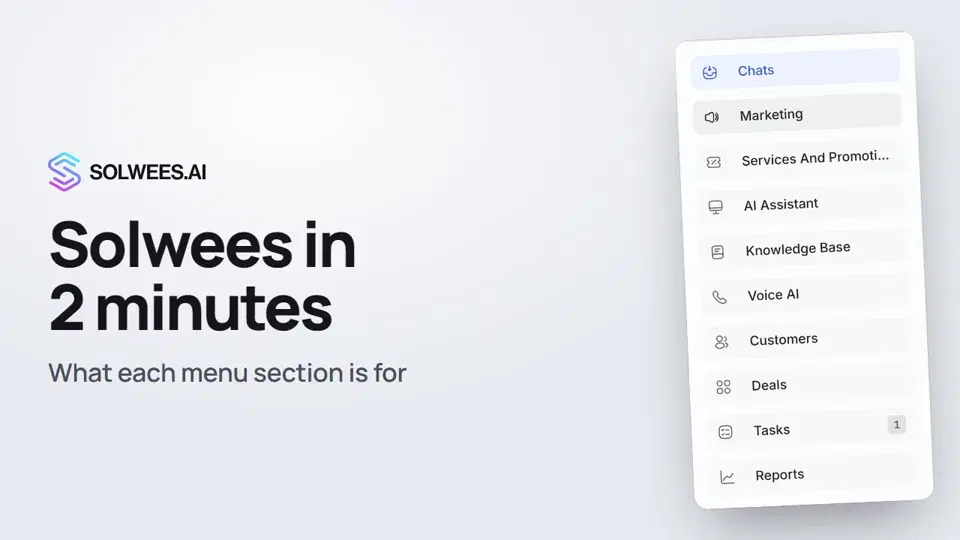 2:10Solwees in 2 minutes: a tour of the menu
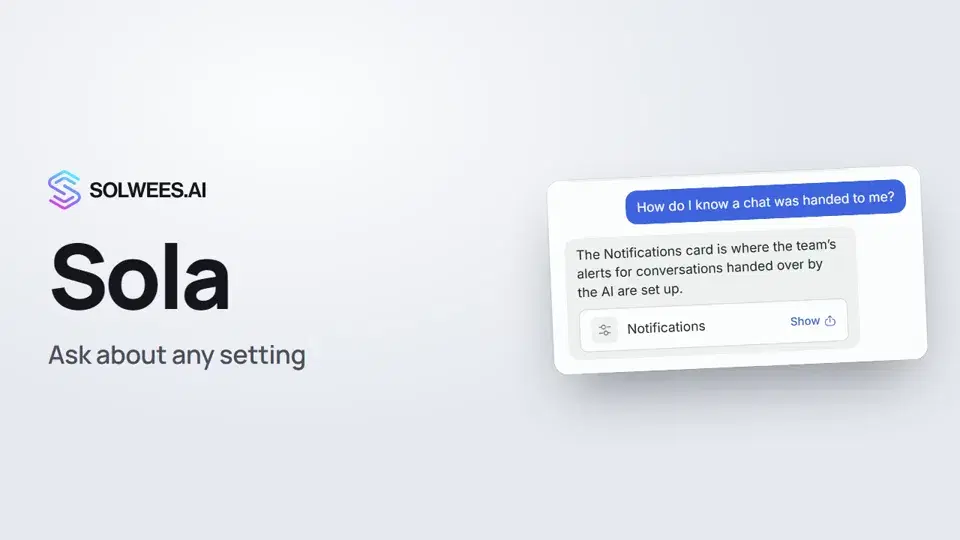 1:03Sola: the setup assistant in Solwees
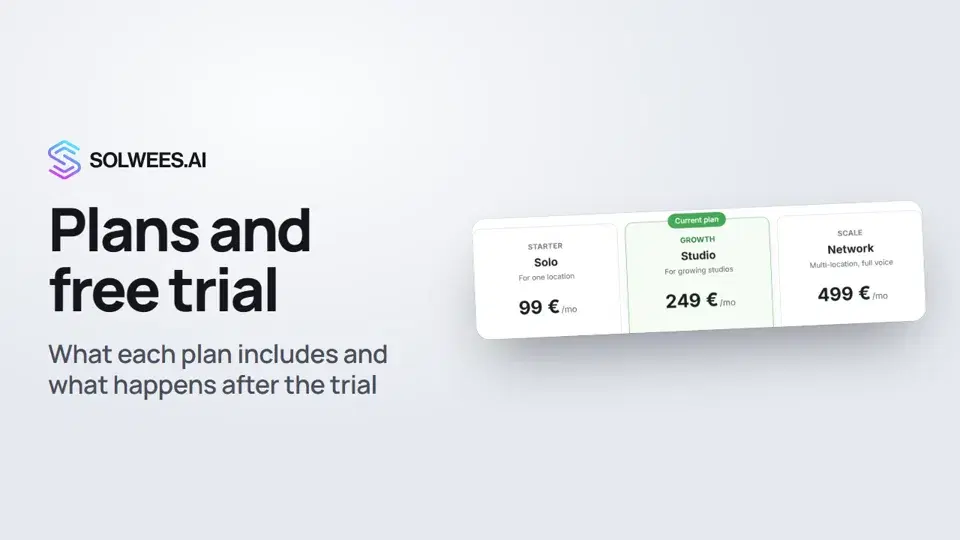 1:19Plans and free trial: what's included and how to choose
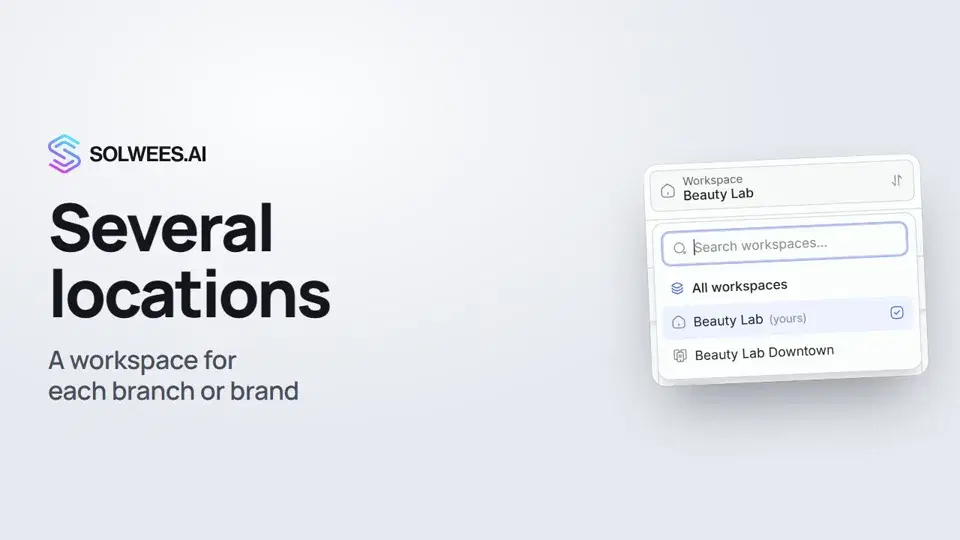 1:01Several locations or brands: workspaces
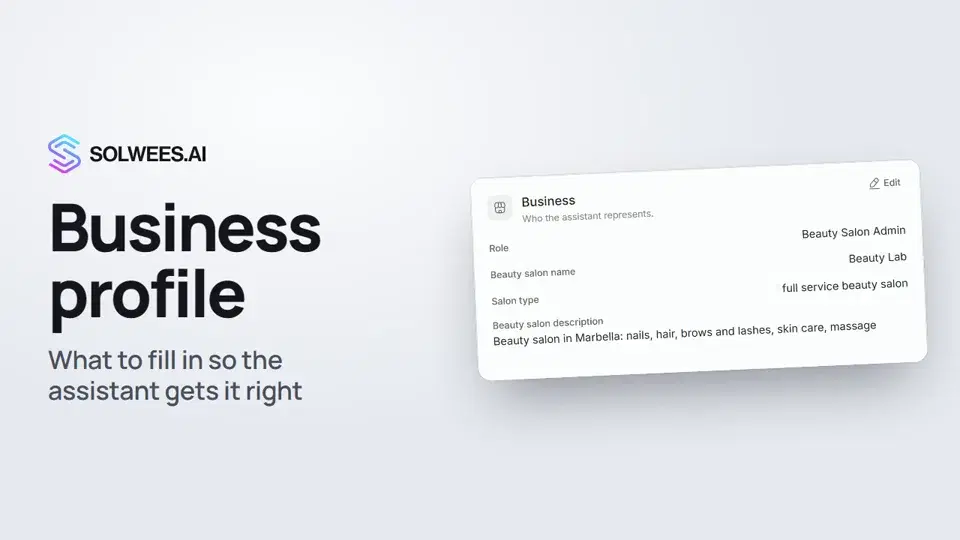 1:35Business profile: what the assistant knows about your company
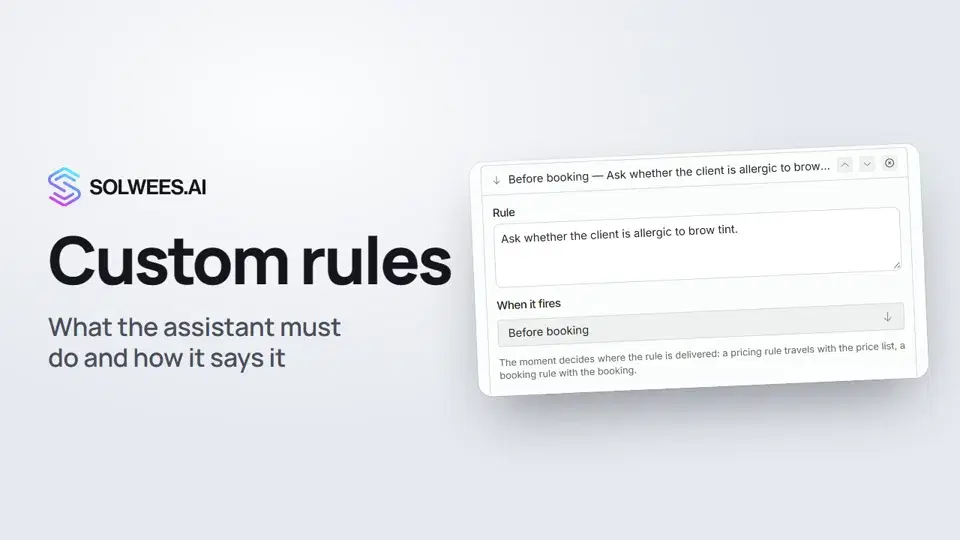 1:14Custom rules and wording
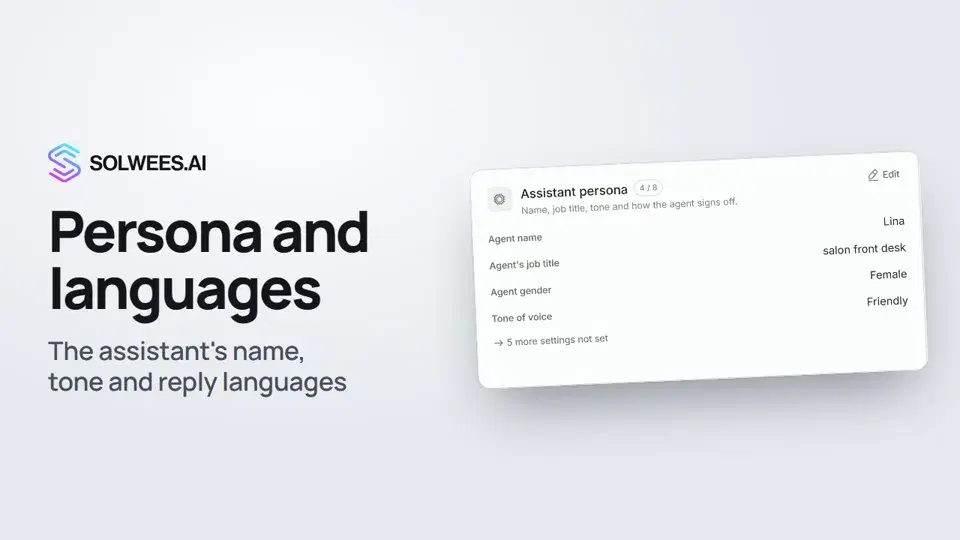 1:22Persona and languages: how the assistant introduces itself and which languages it speaks
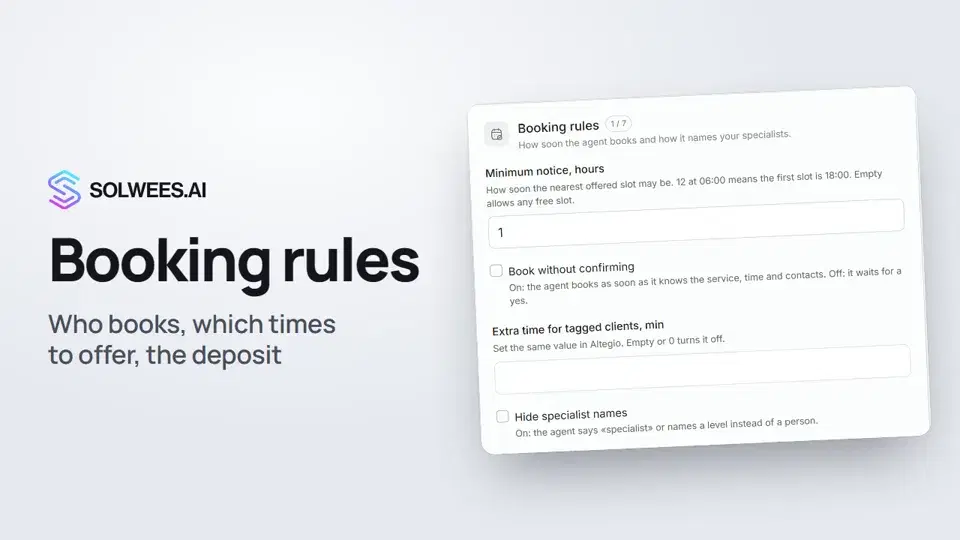 1:38Booking rules: how the assistant books your clients
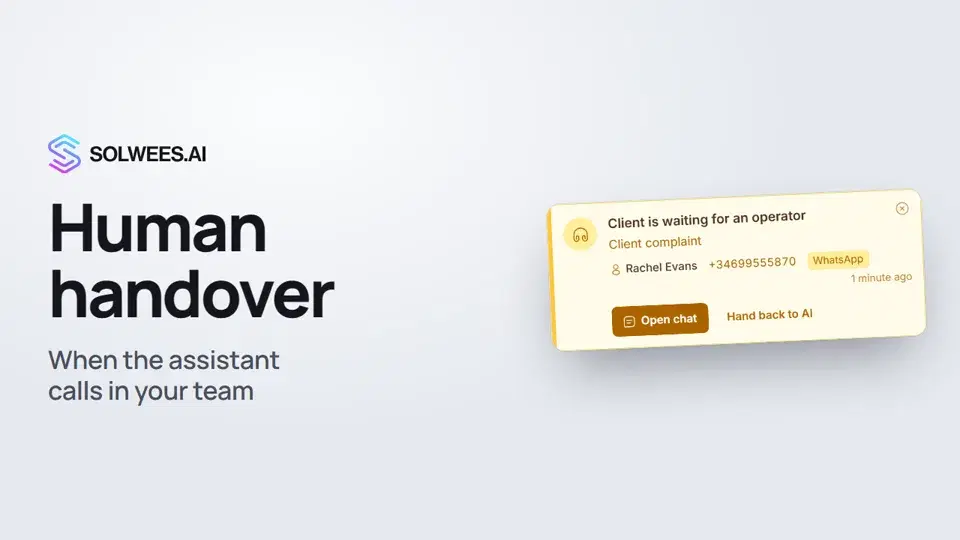 1:16Handing over to a person: when the assistant calls in your team
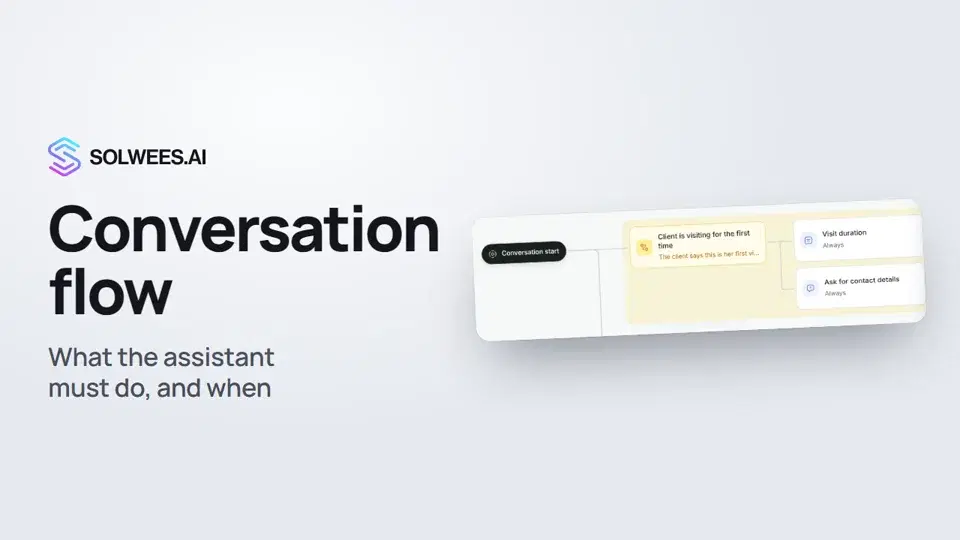 1:36Conversation flow: what the assistant must do, and when
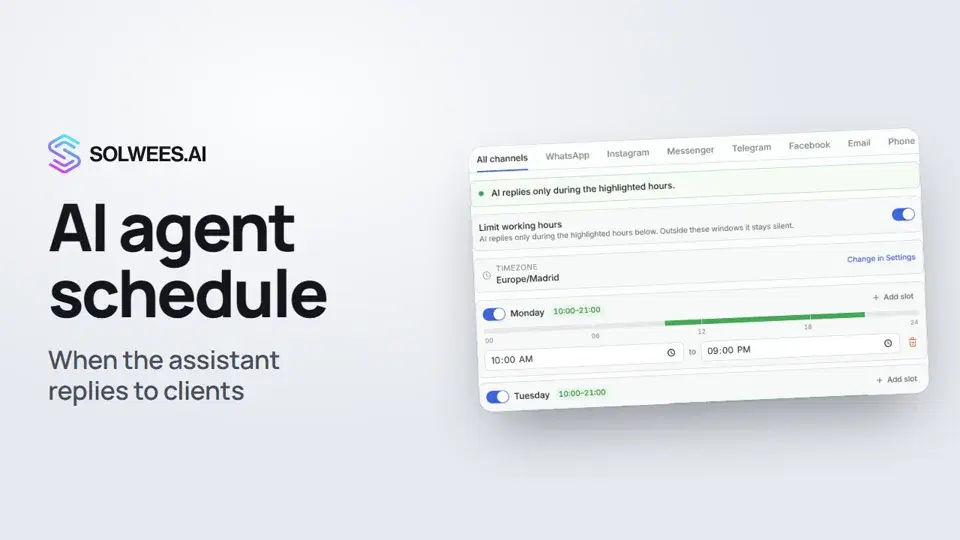 1:31Agents and the AI schedule: when the assistant replies to clients
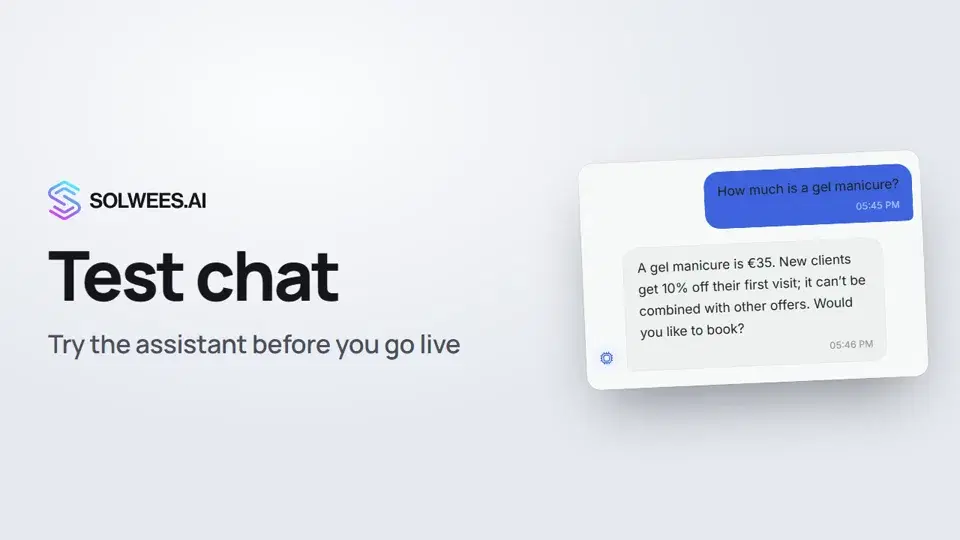 1:09Test chat and call: try the assistant before you go live
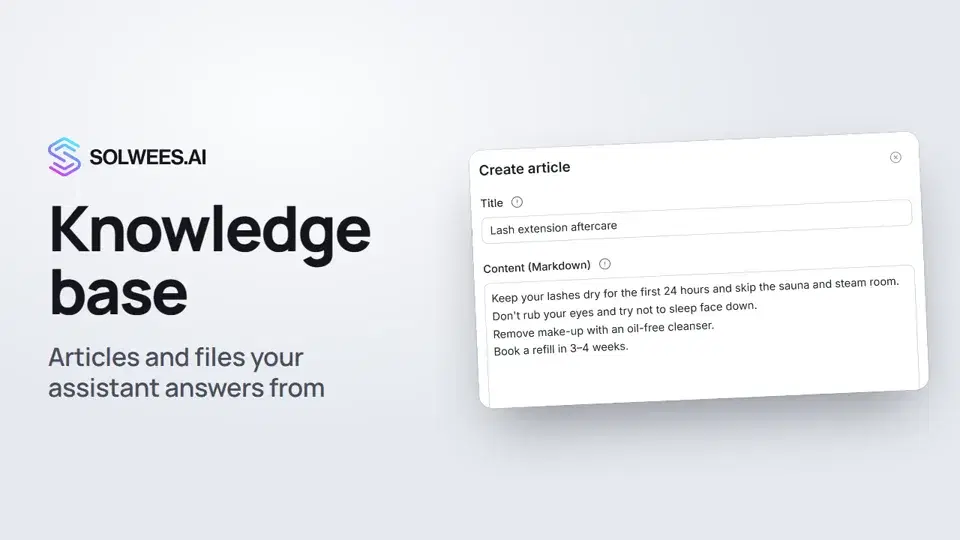 1:16Knowledge base: the articles and files your assistant answers from
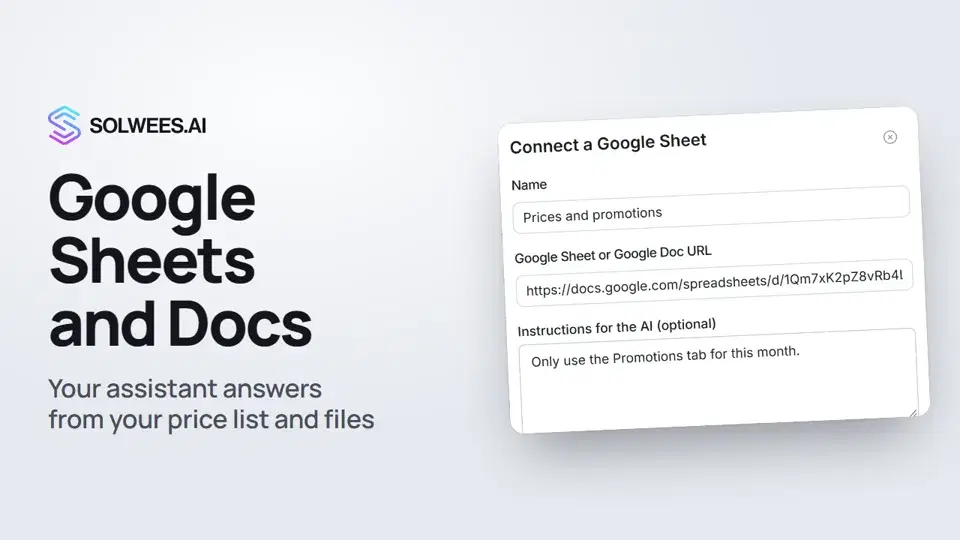 1:10Google Sheets and Docs: the assistant answers from your file
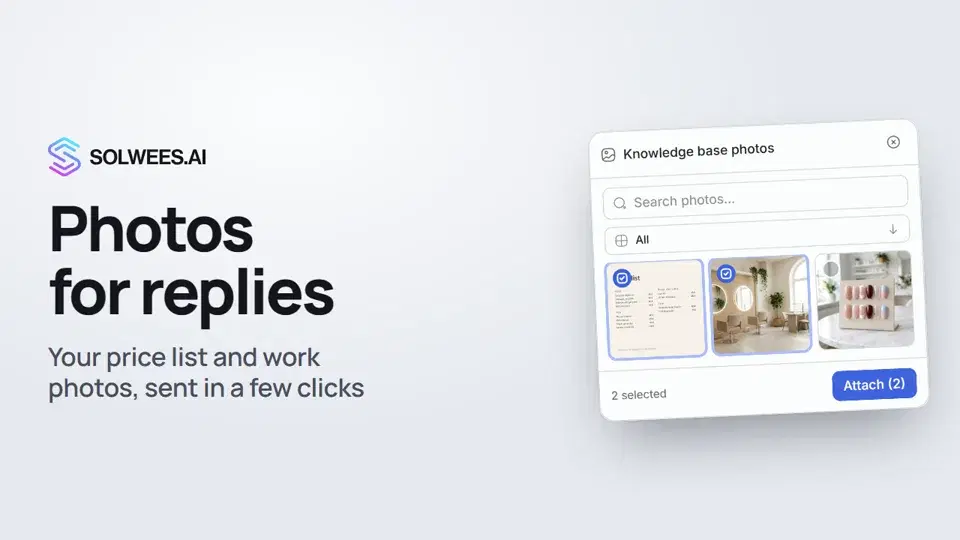 1:01Photos for replies: your price list and work photos in a chat in a few clicks
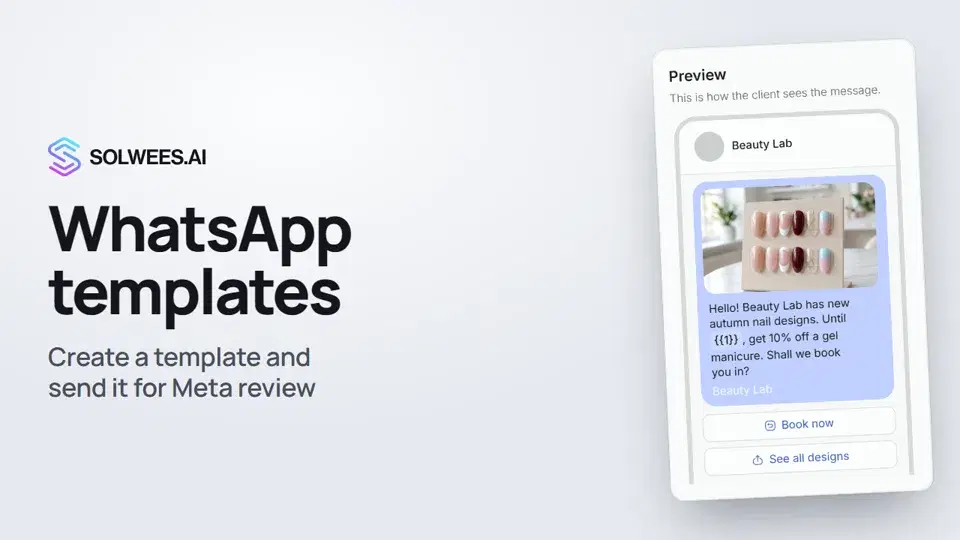 1:30WhatsApp templates: messages approved by Meta
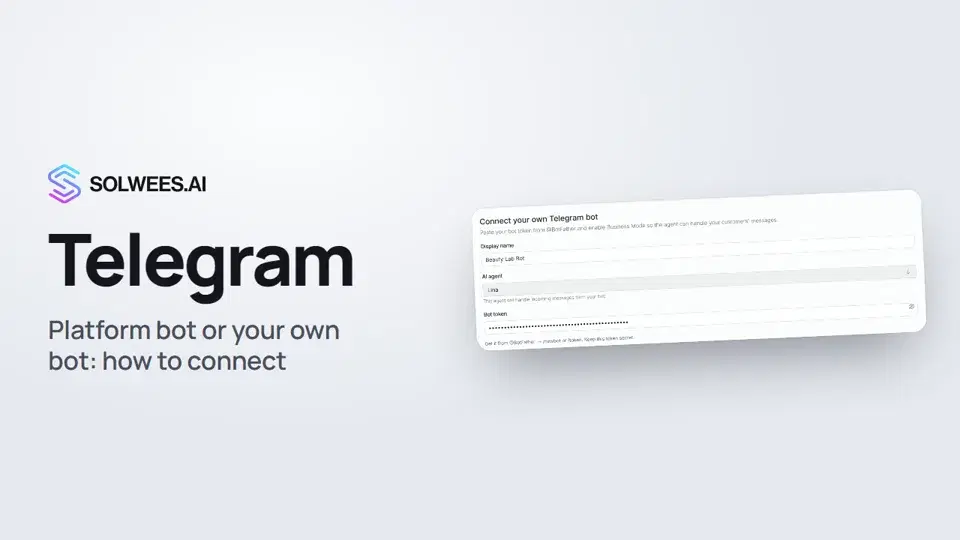 1:31Telegram: how to connect the assistant
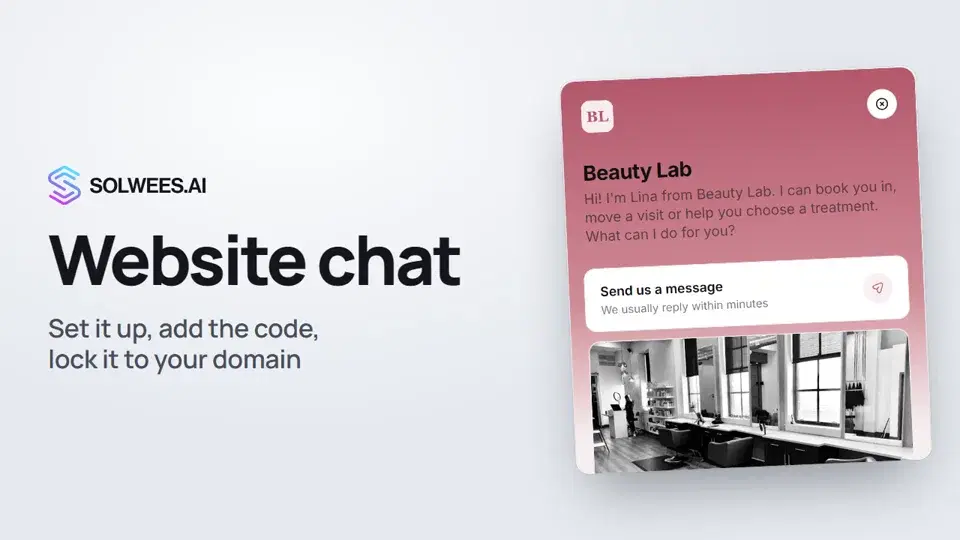 1:52Website chat: how to set it up and install it
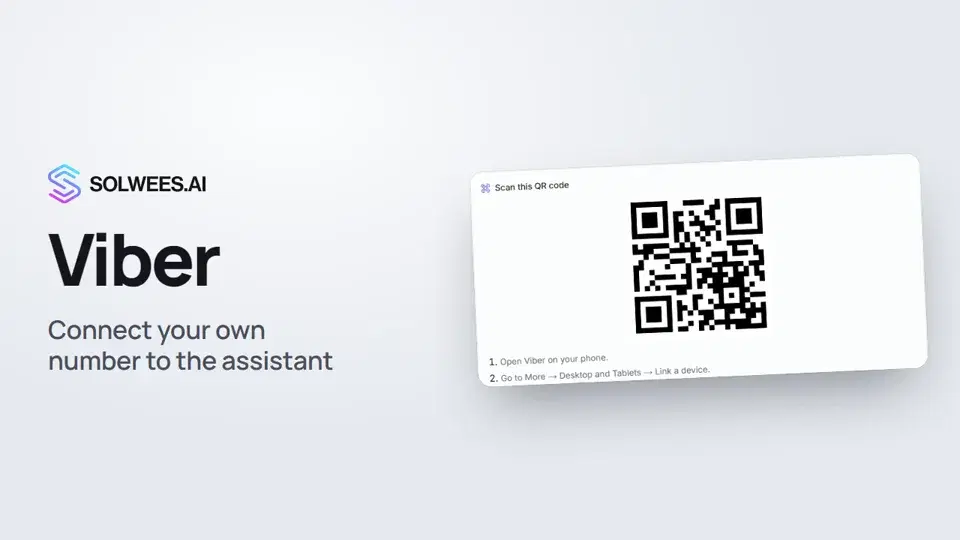 1:11Viber: how to connect your own number to the assistant
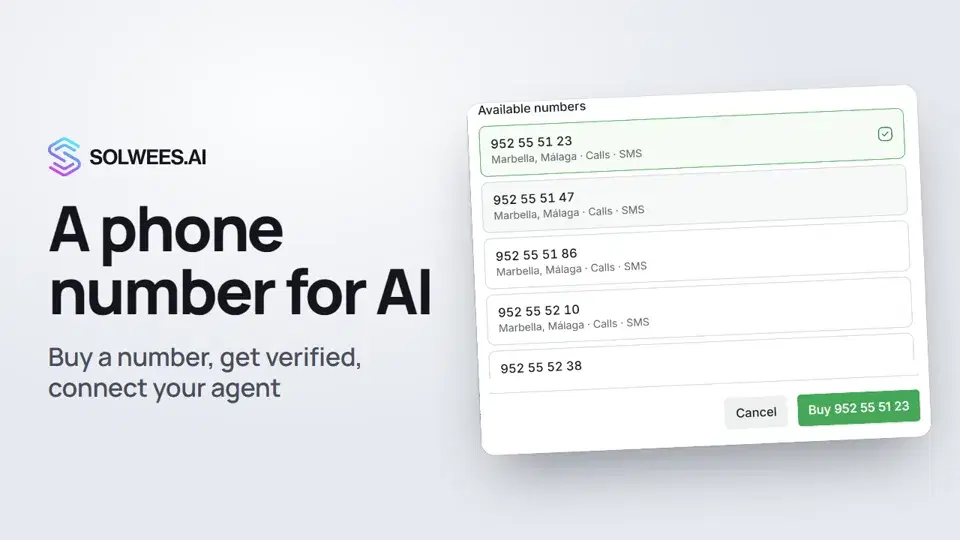 1:56Phone: a number for the assistant
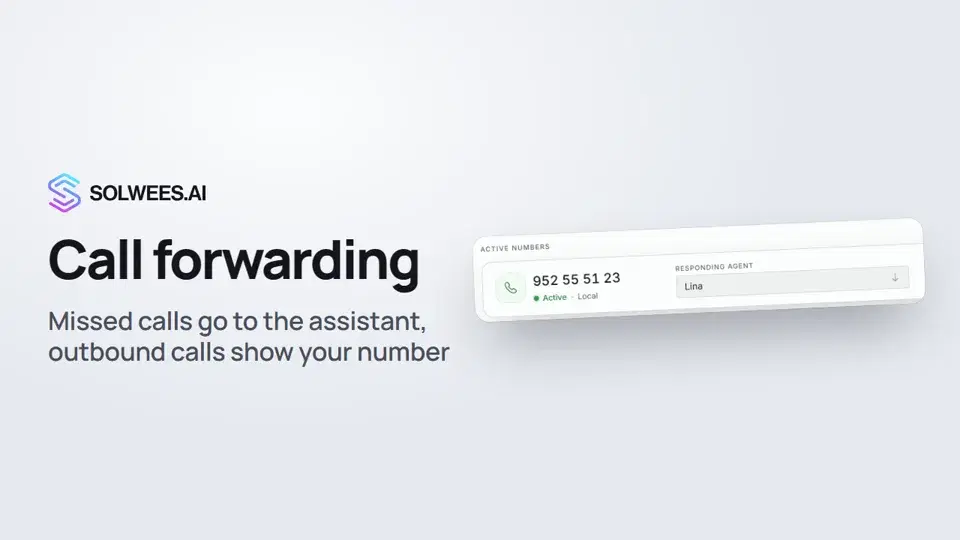 1:45Call forwarding and your own number
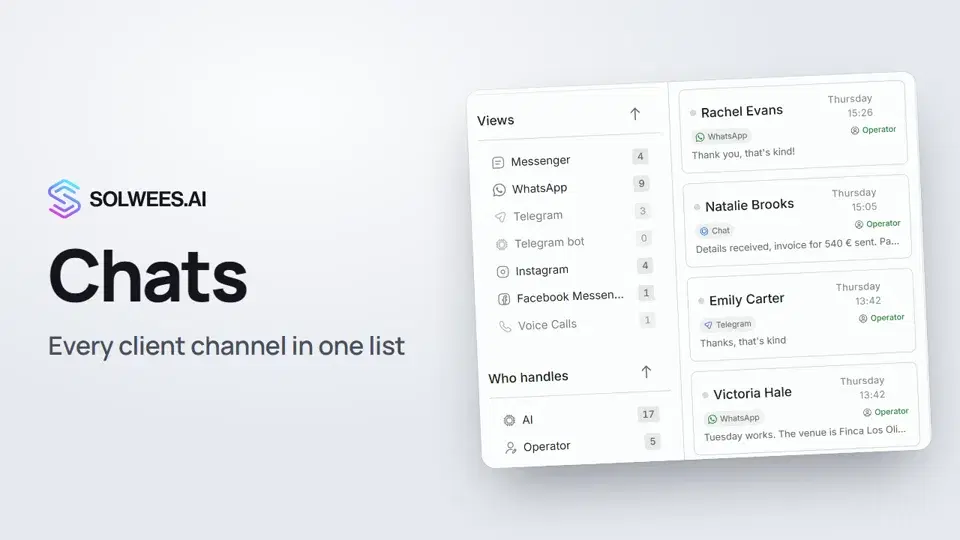 1:35Chats: every channel in one place
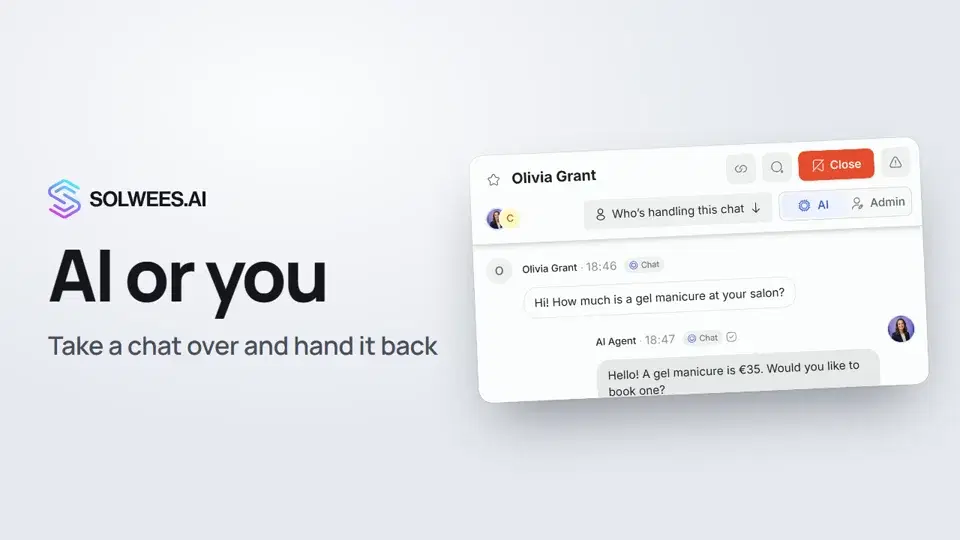 1:13AI or you: taking a chat over from the assistant and handing it back
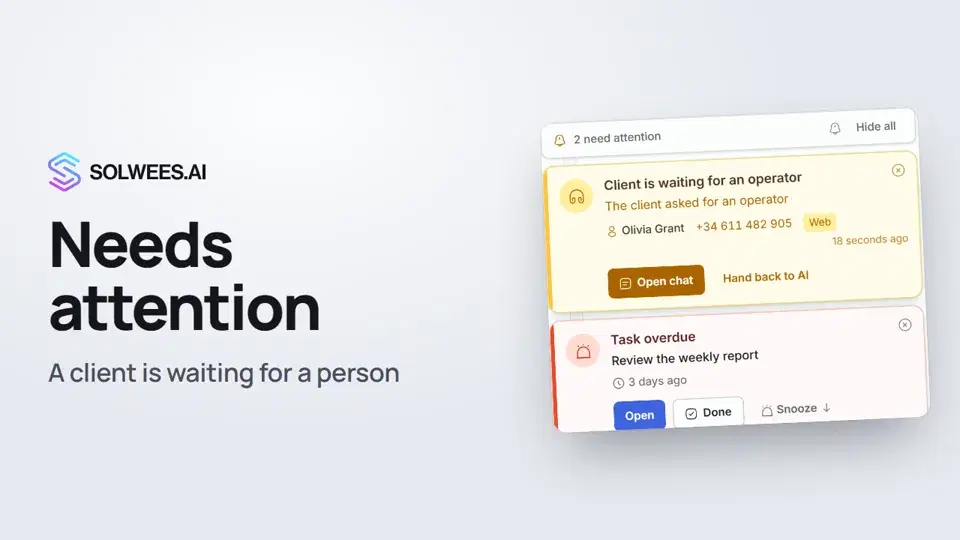 1:14Needs attention: when a client is waiting for a person
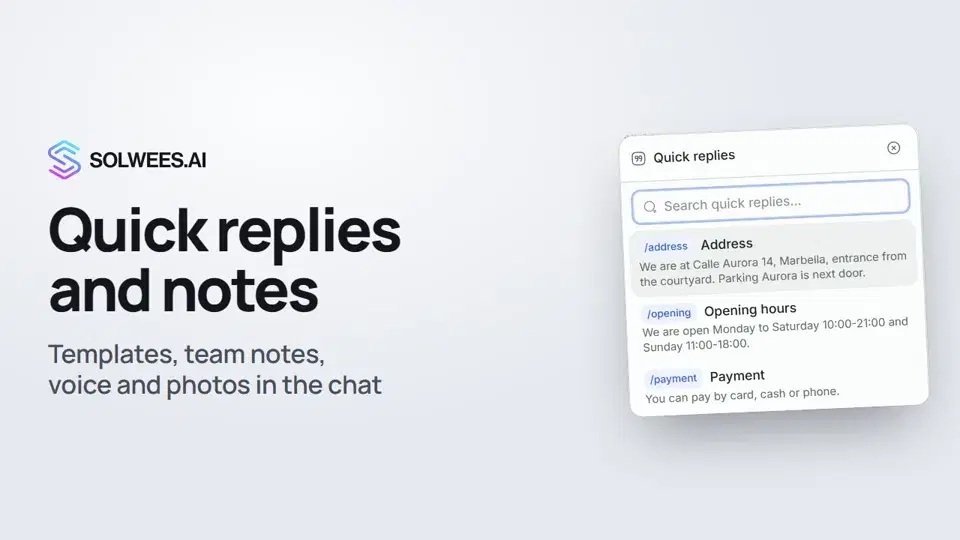 1:23Quick replies and notes: what the chat input can do
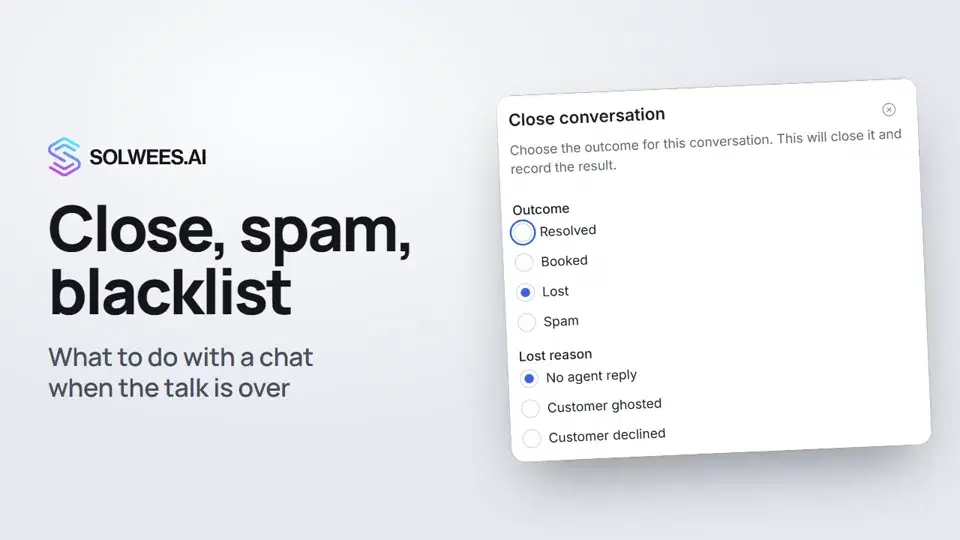 1:25Close a chat, spam and blacklist
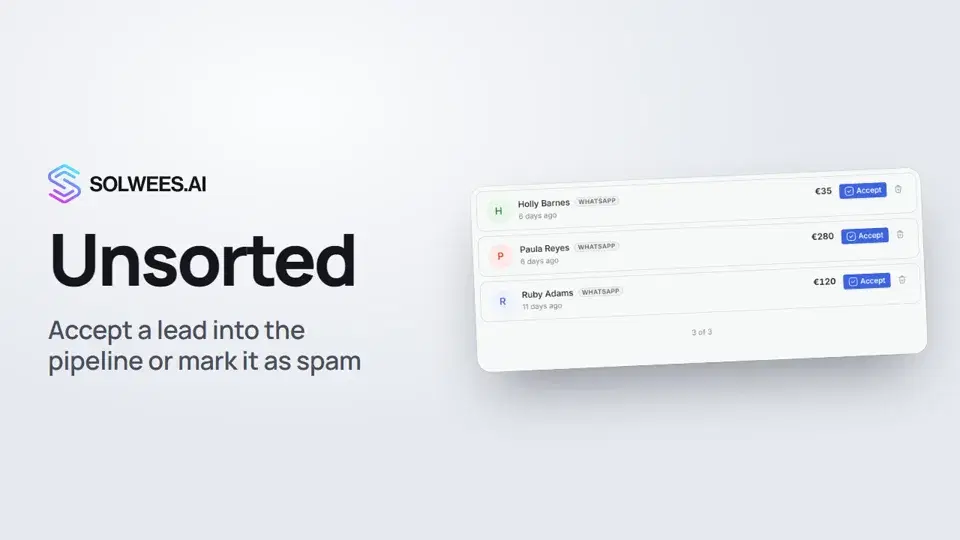 0:57Unsorted: how to triage new leads
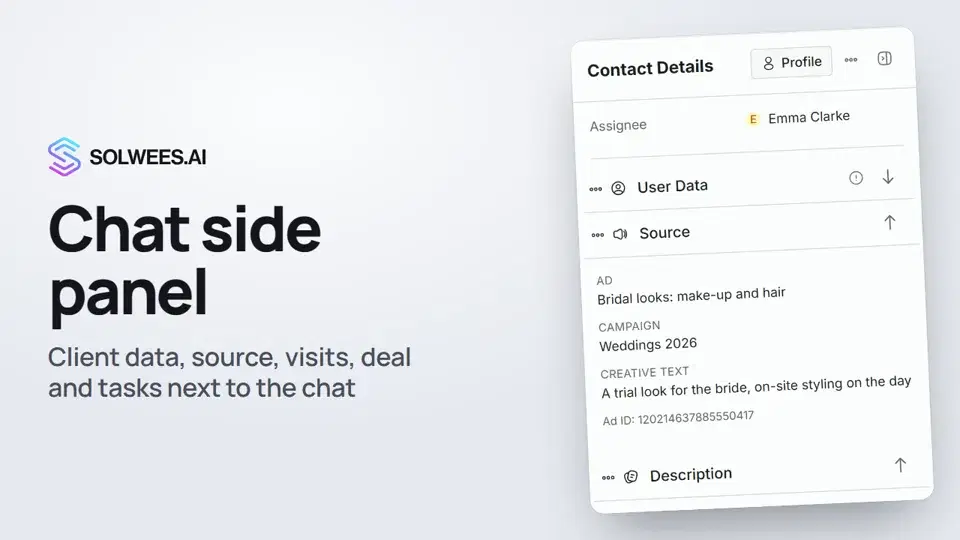 1:17Chat side panel: everything about the client next to the conversation
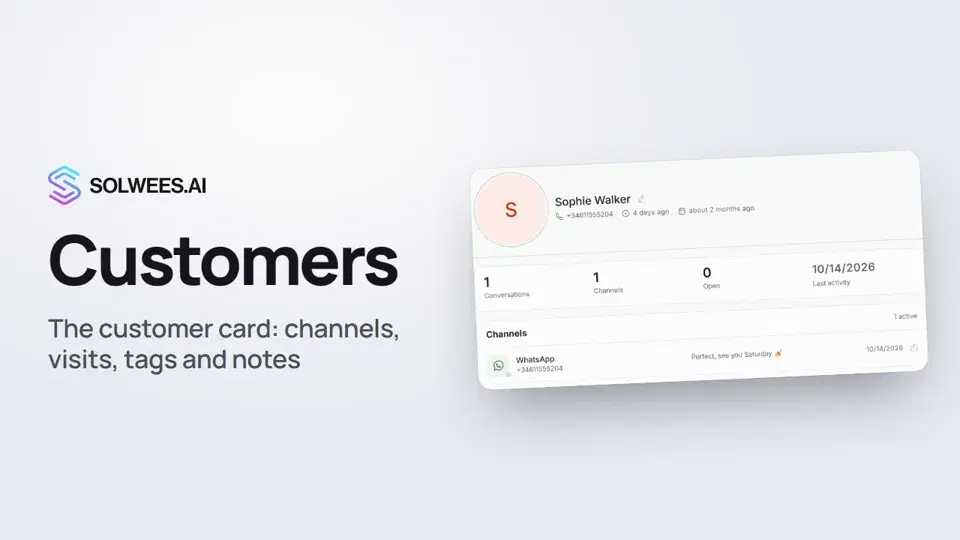 1:19Customers and the customer card
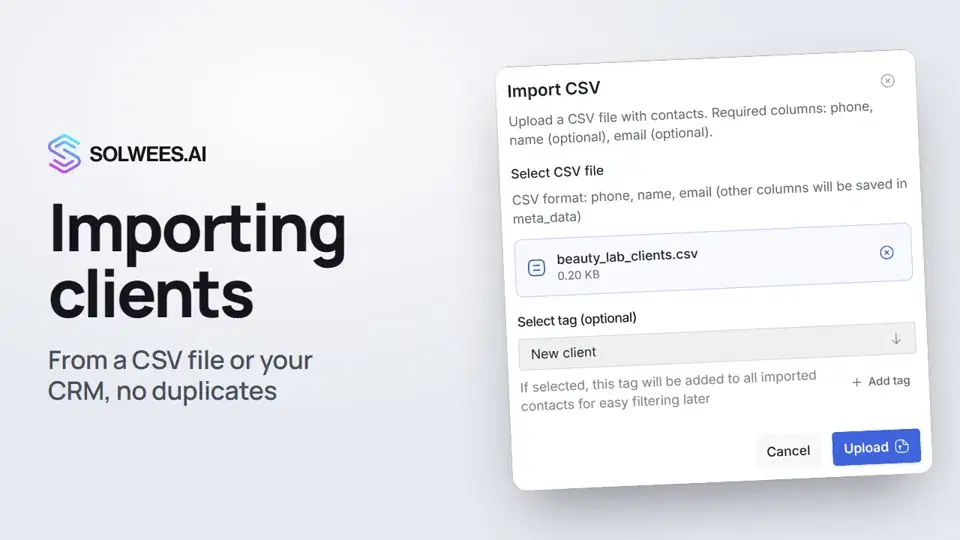 0:57Importing clients: from a CSV file or from your CRM
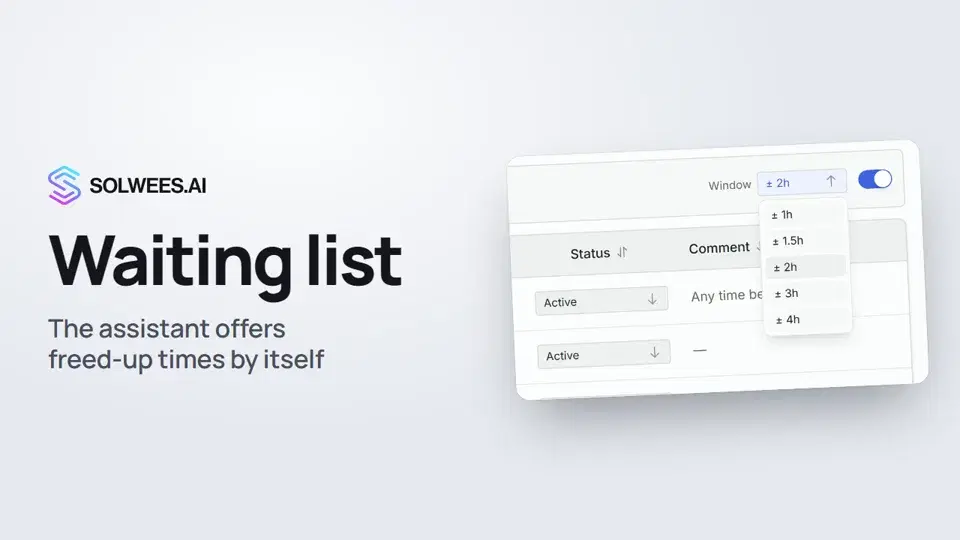 0:54Waiting list: the assistant offers a freed-up time by itself
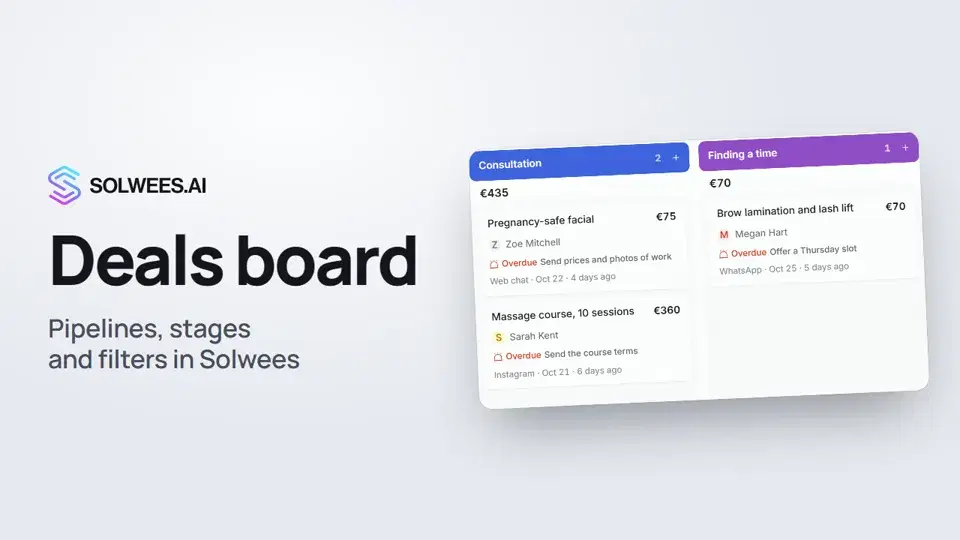 1:28Deals: the board
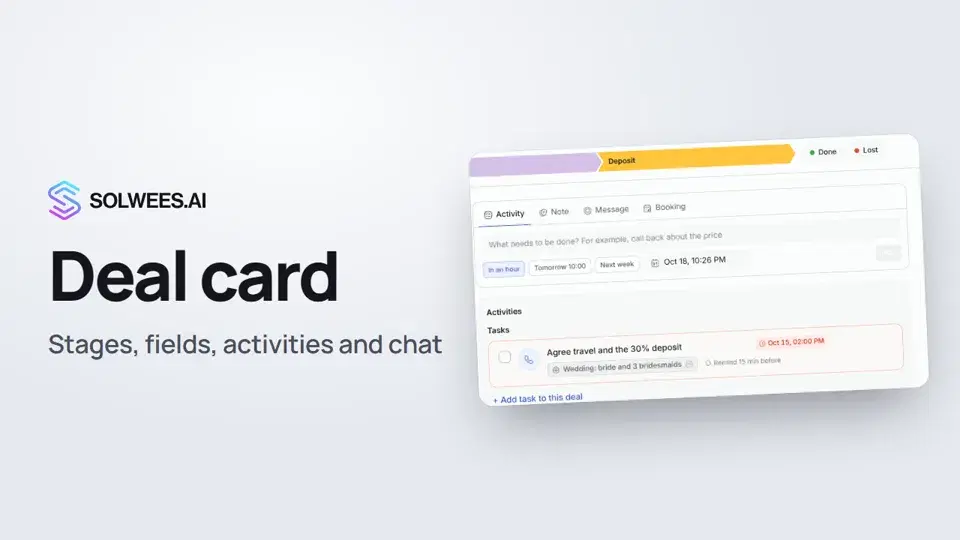 1:15The deal card: stage, fields, activities and chat in one place
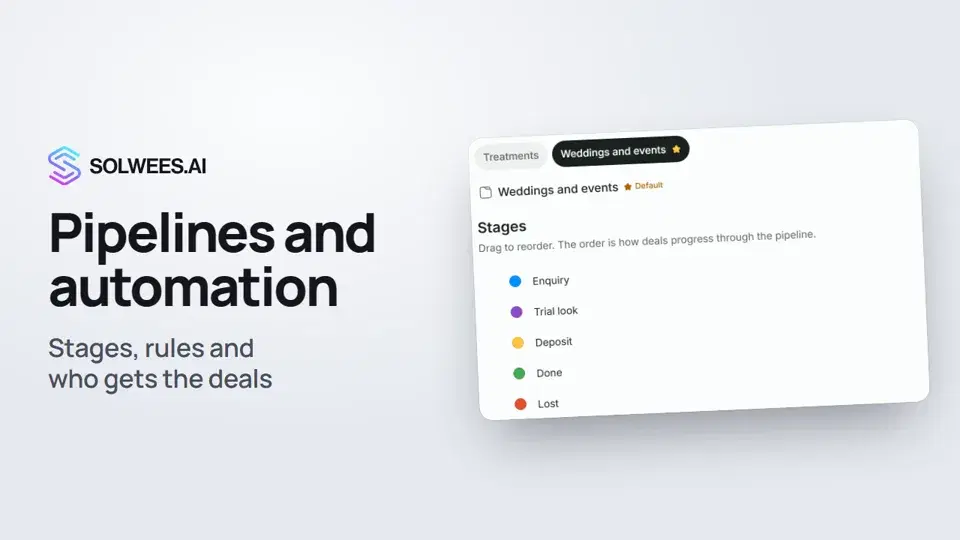 1:27Pipelines and automation: stages, rules and who gets the deals
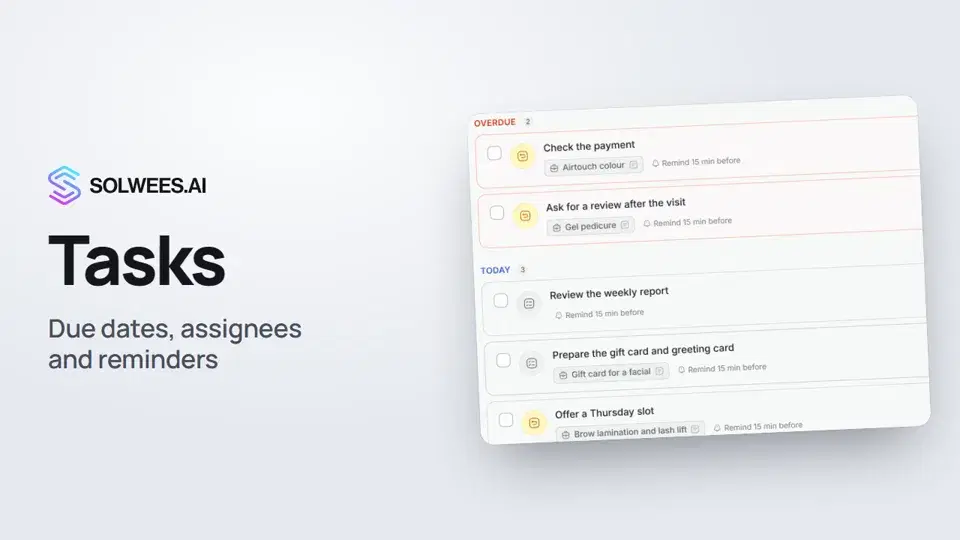 1:11Tasks: due dates, assignees and reminders
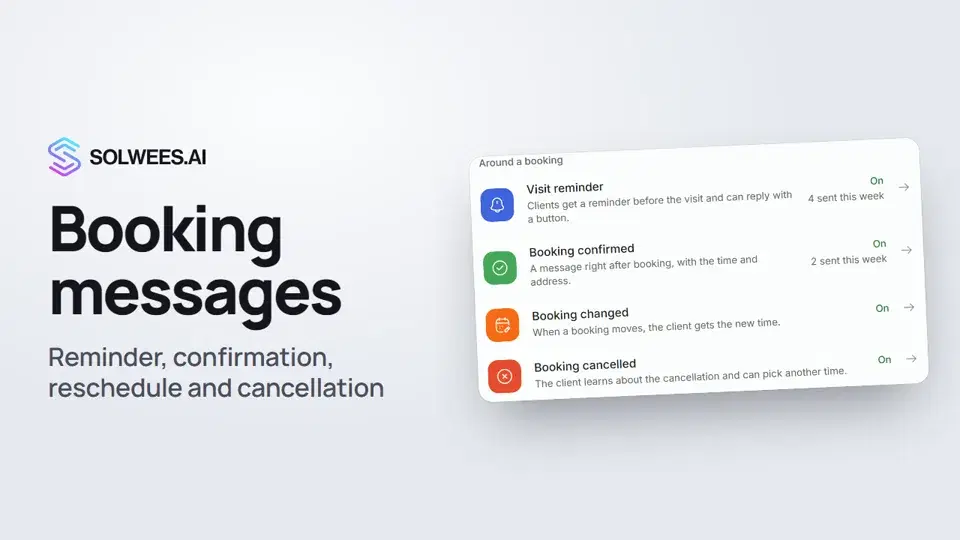 1:27Booking messages: reminder, confirmation, reschedule and cancellation
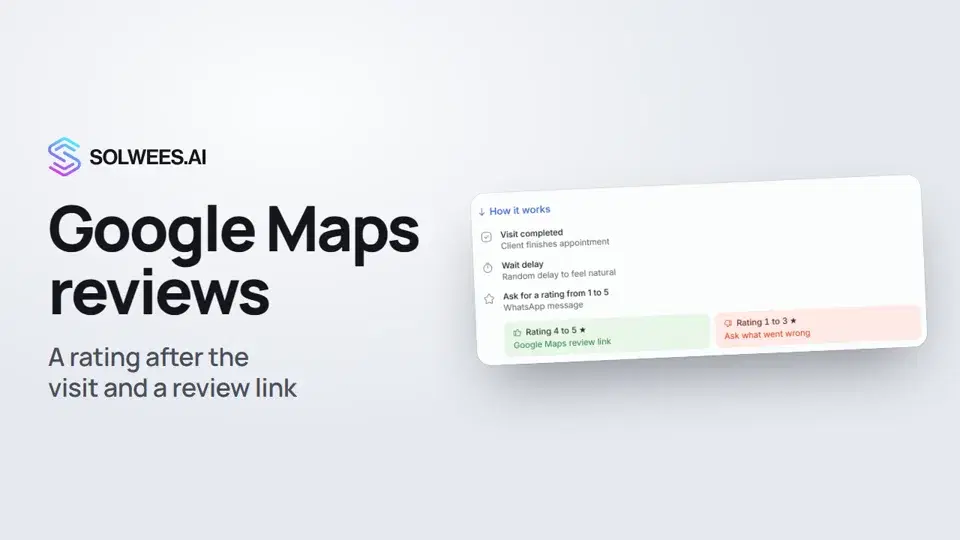 0:54Google Maps reviews: a rating after the visit and a review link
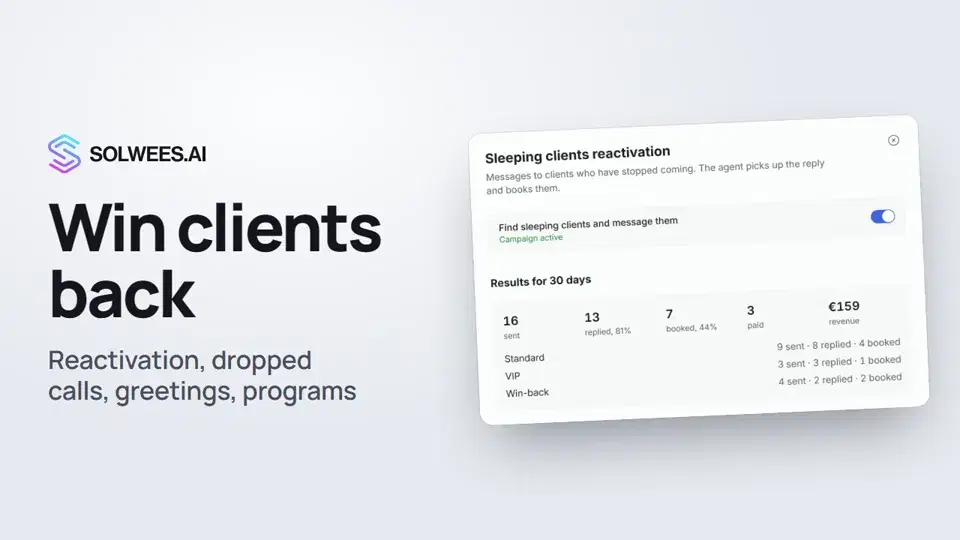 1:36Winning clients back: reactivation, call follow-up, greetings and programs
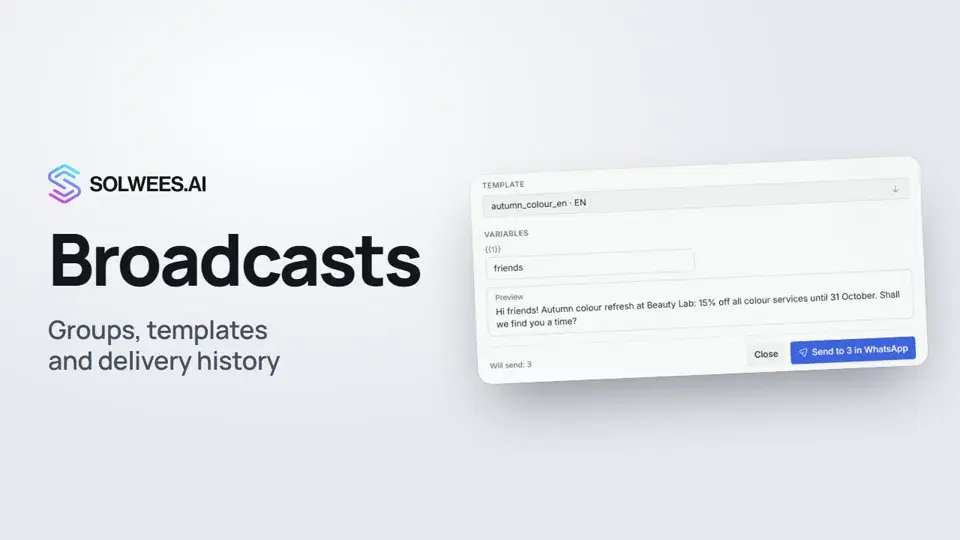 1:26Broadcasts: how to message clients in WhatsApp and Telegram
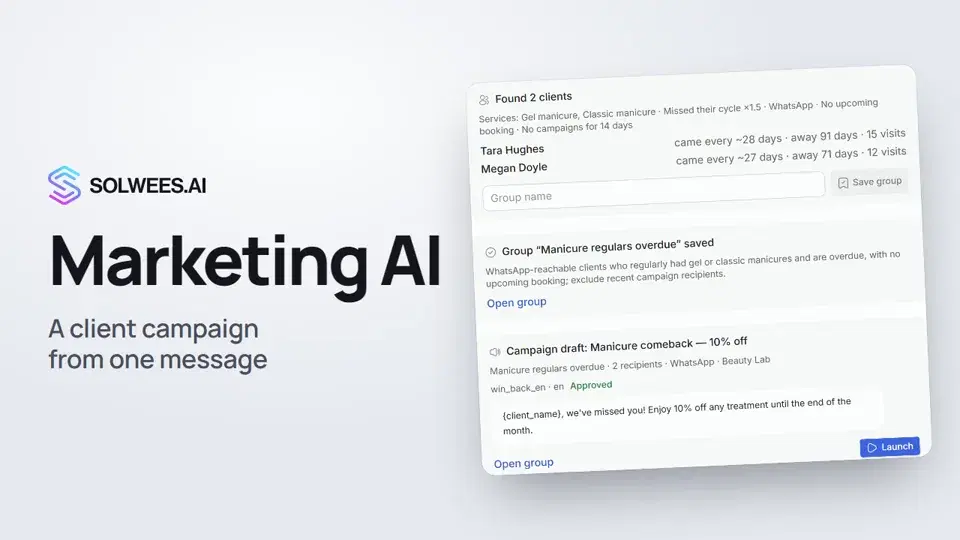 1:14Solwees Marketing AI: the assistant that prepares your campaigns
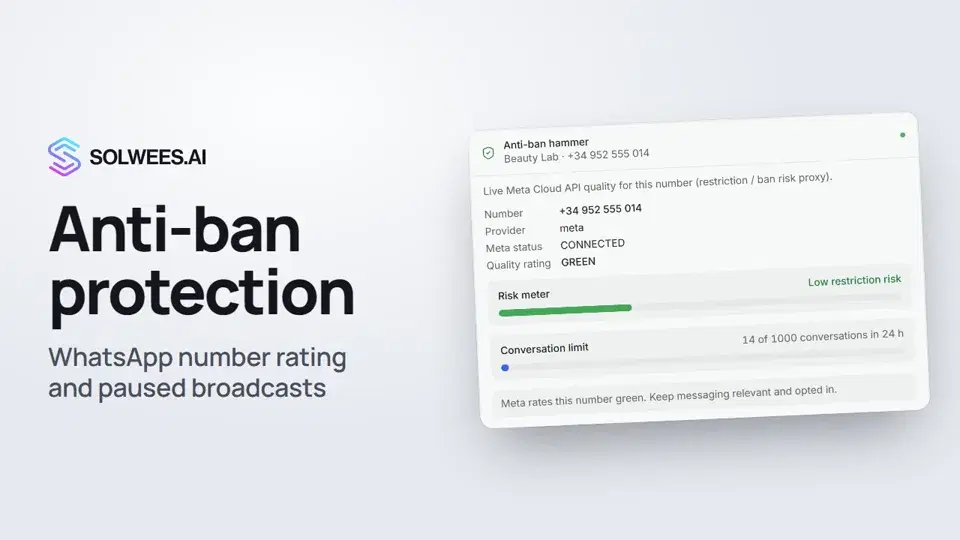 1:01Anti-ban protection: how Solwees keeps your WhatsApp number safe
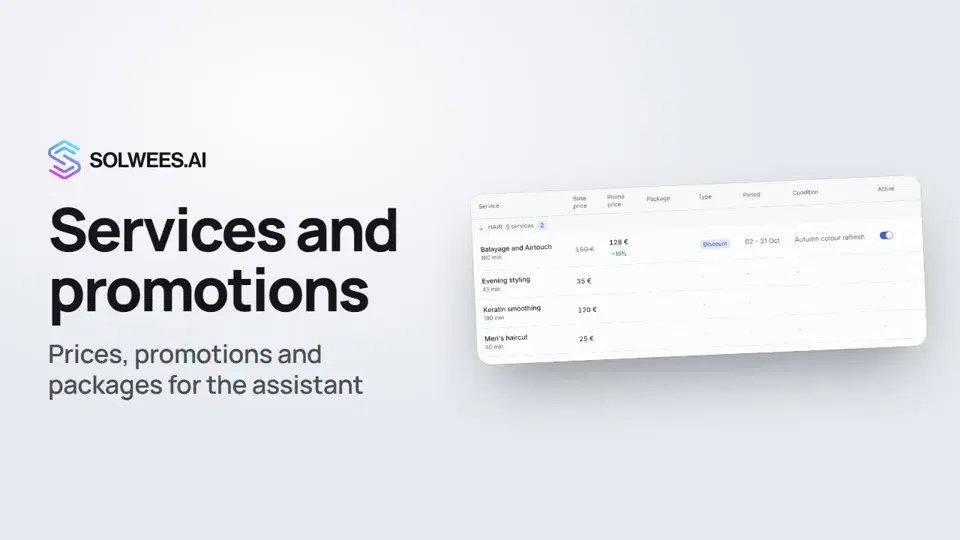 1:29Services and promotions: the prices and offers your assistant quotes
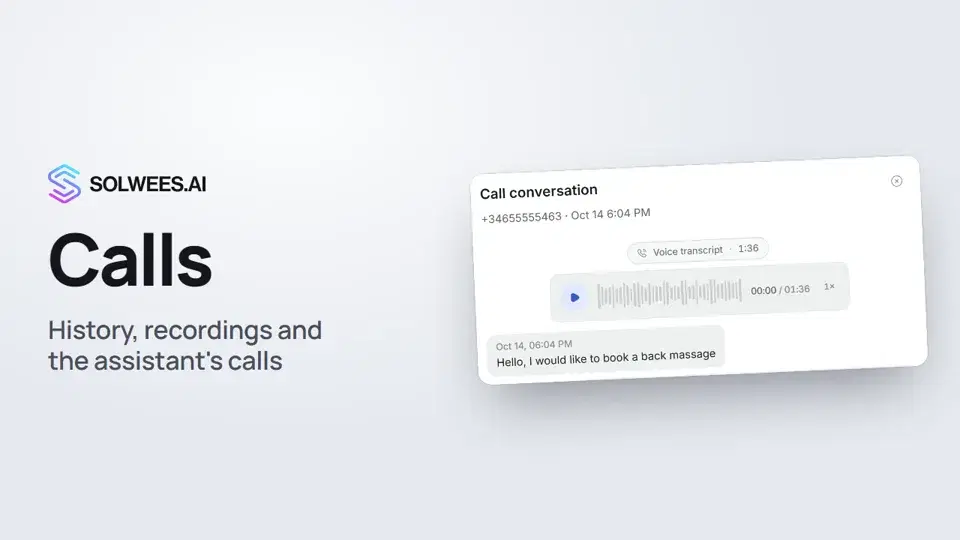 1:11Calls: history, recordings, transcripts and the assistant's calls
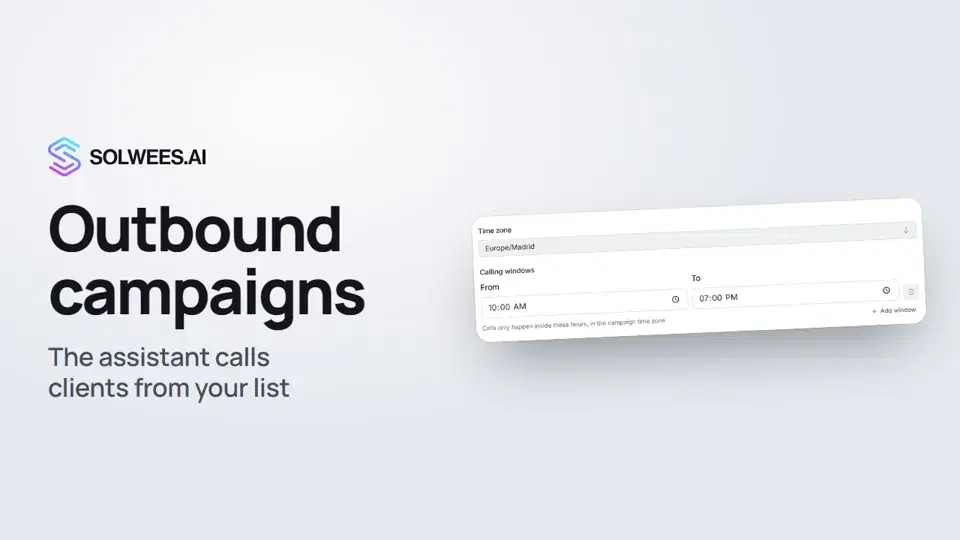 1:43Outbound campaigns: the assistant calls clients from your list
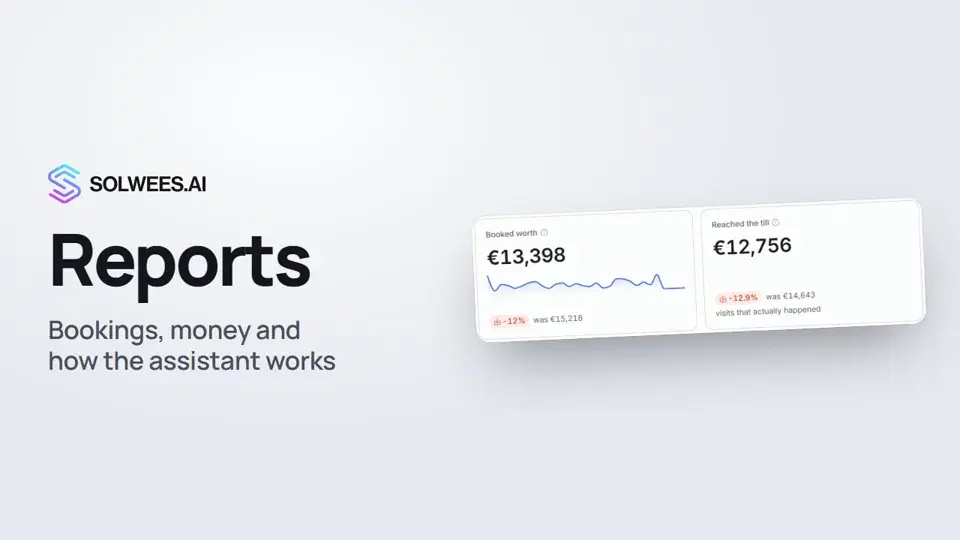 1:38Reports: bookings, money and how the assistant works
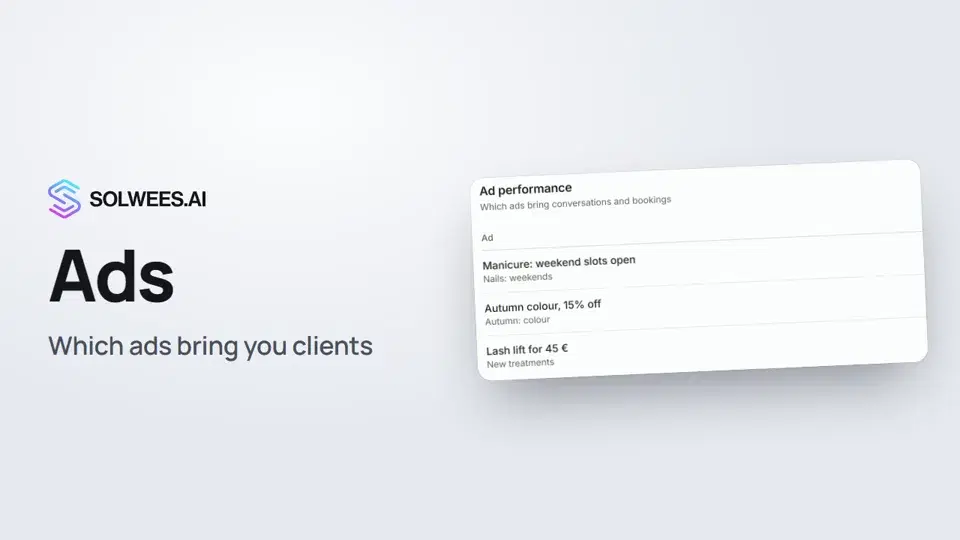 1:14Ads: which ads bring you clients
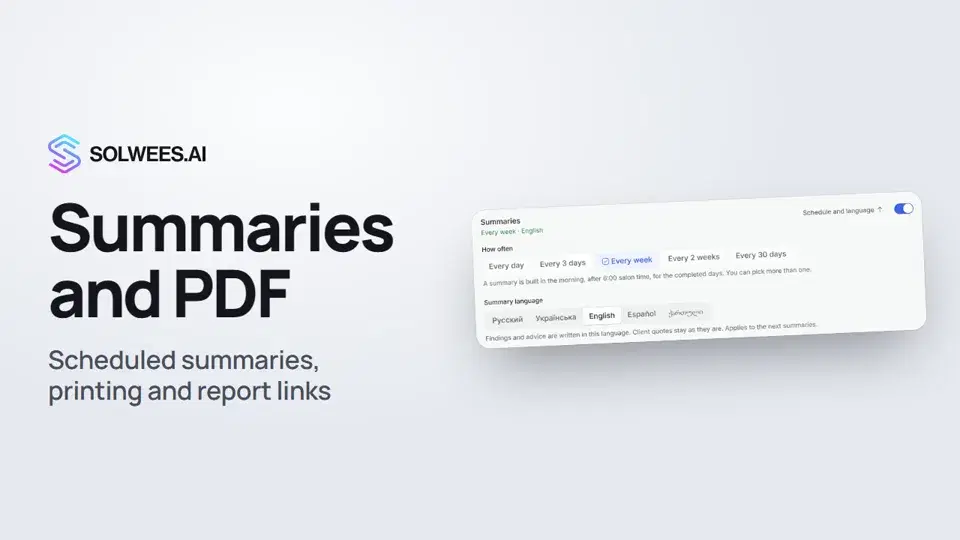 1:08Conversation summaries, printing a report and a link to a report tab
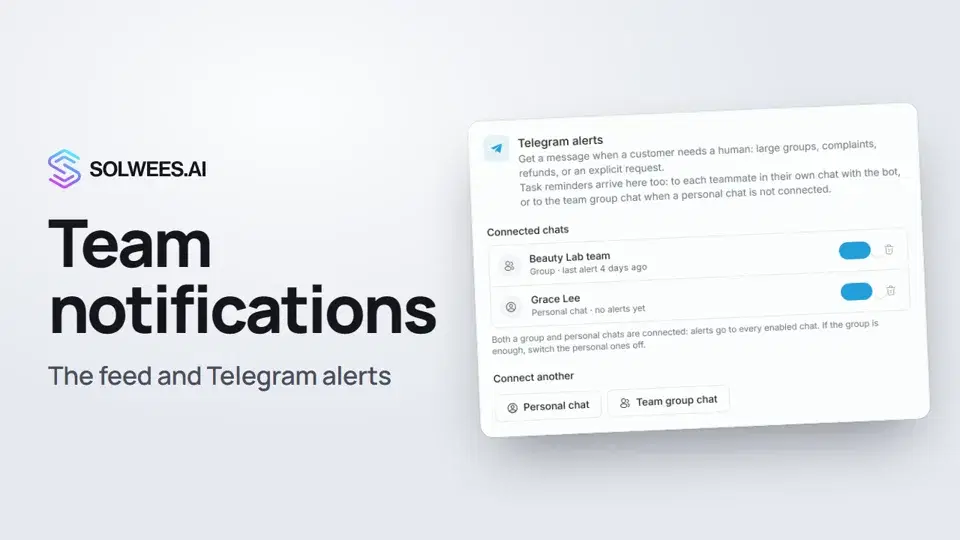 1:12Team notifications: the feed and Telegram alerts
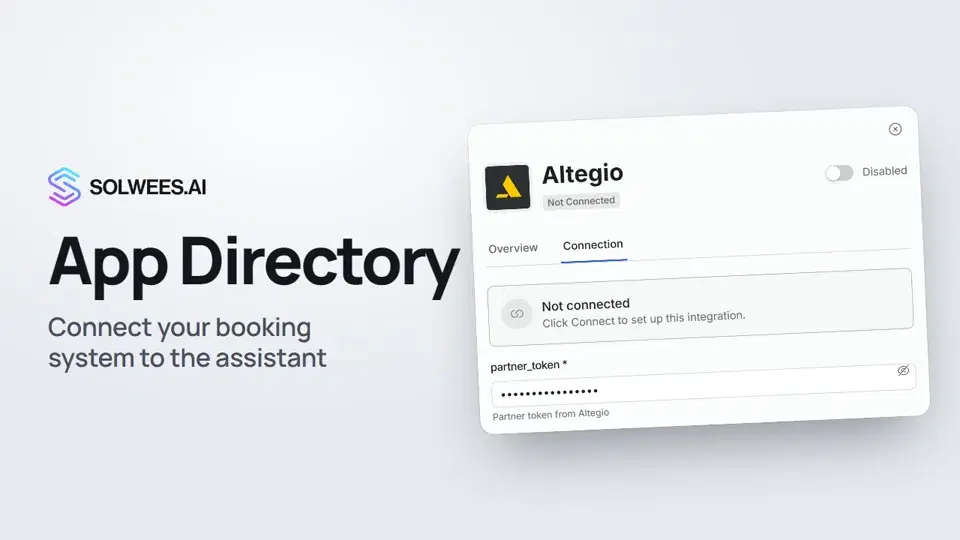 1:06App Directory: connect your booking system, CRM and payments
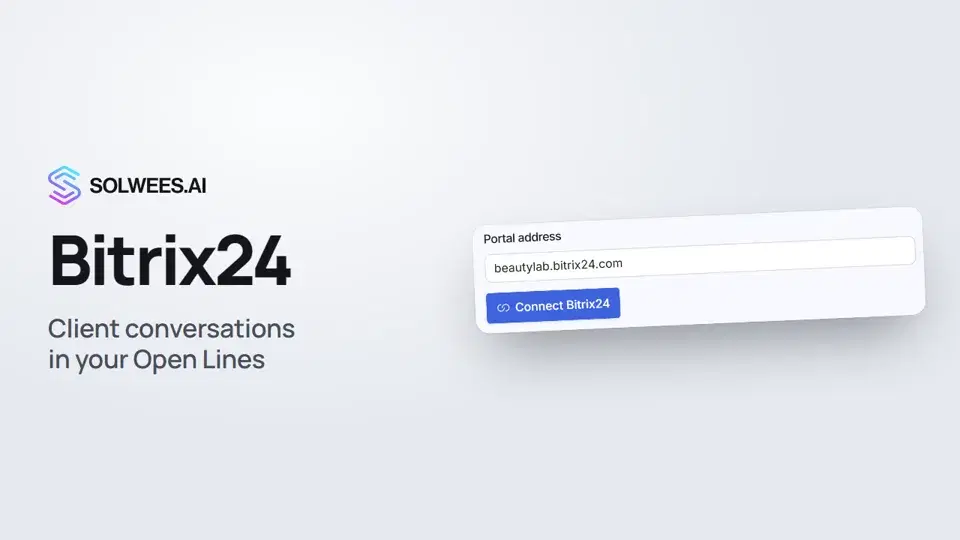 1:03Bitrix24: client conversations in your Open Lines
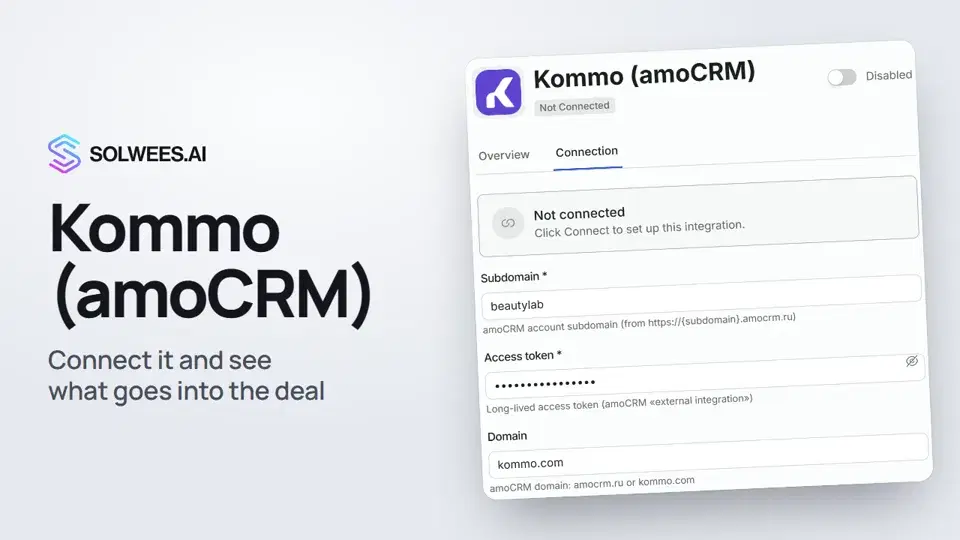 1:19Kommo (amoCRM): how to connect it and what goes into the deal
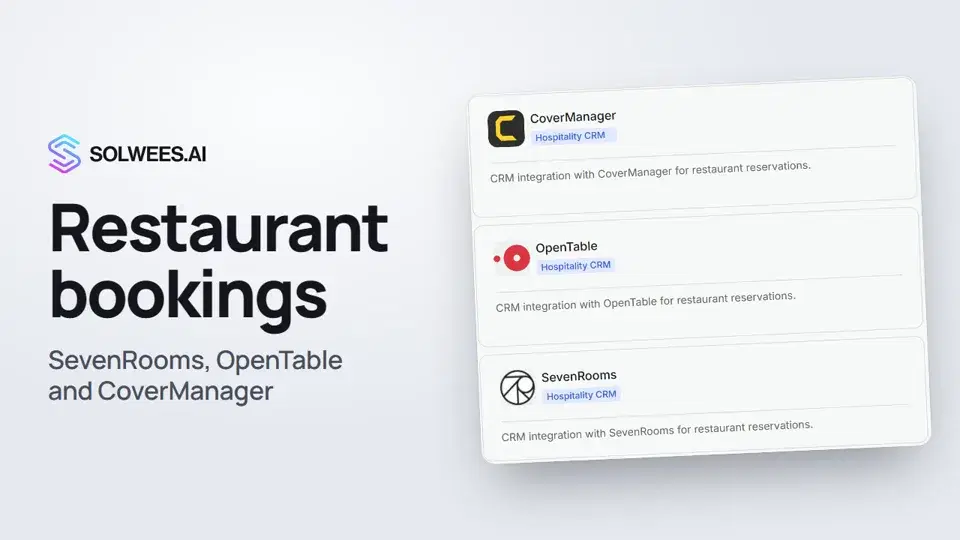 1:21Restaurant bookings: connecting SevenRooms, OpenTable and CoverManager
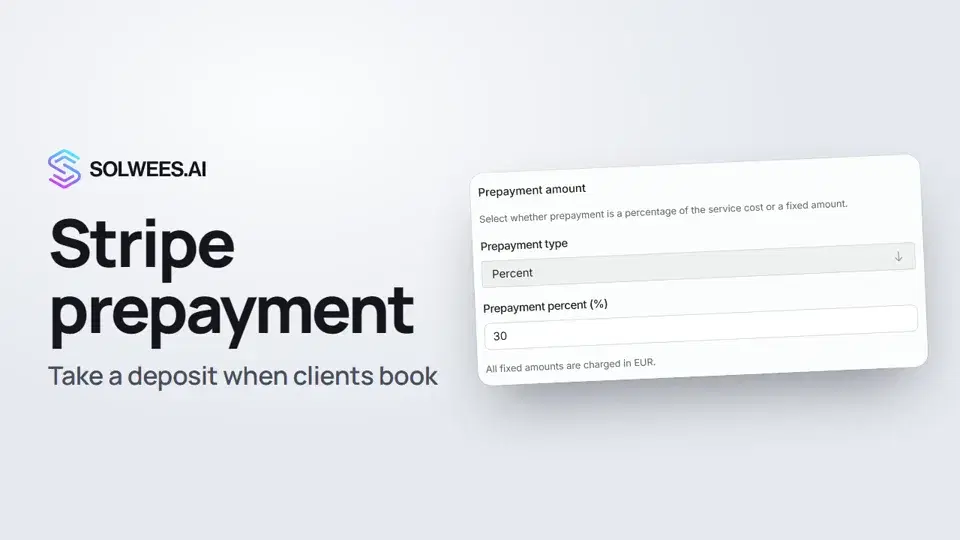 1:28Stripe prepayment: take a deposit when clients book
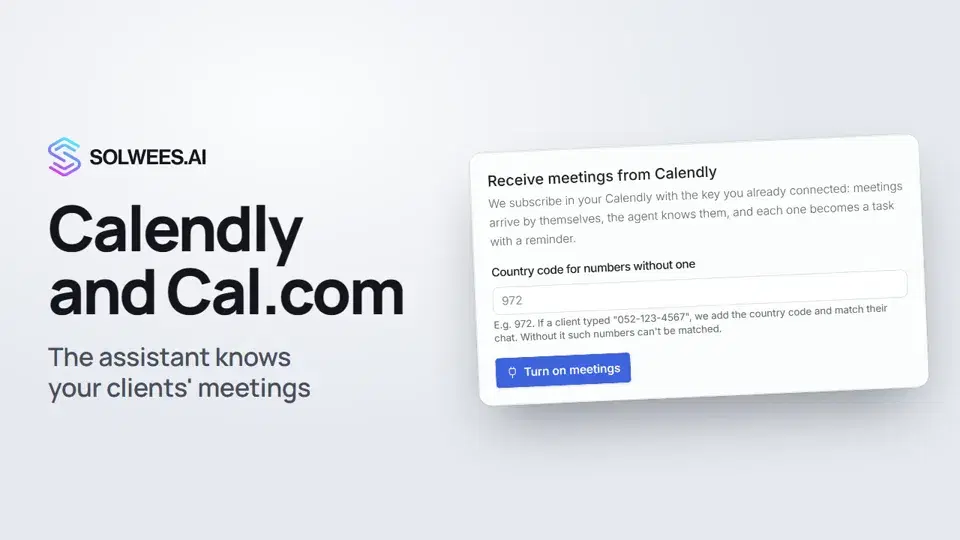 1:04Calendly and Cal.com: the assistant knows your clients' meetings
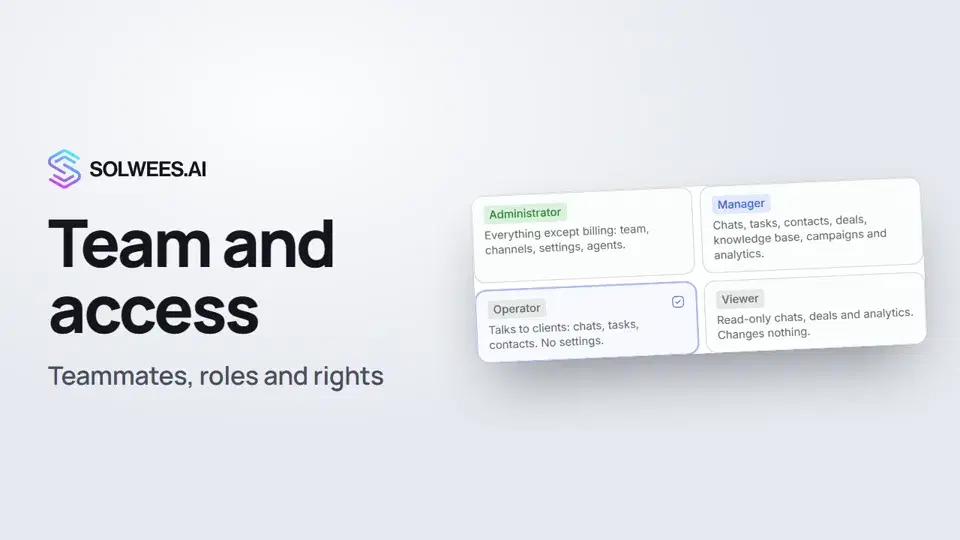 1:19Team and access: add teammates and choose what they can do
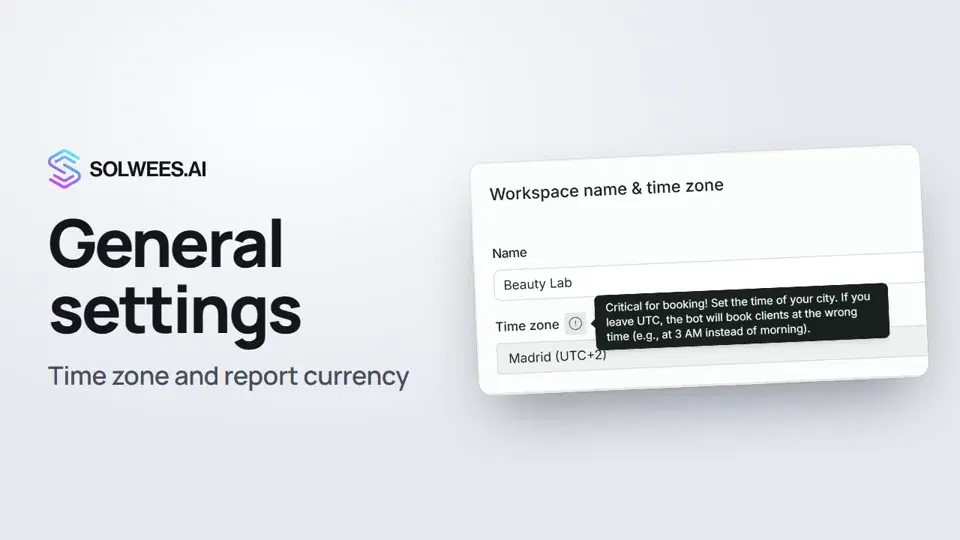 1:02General settings: workspace name, time zone and report currency
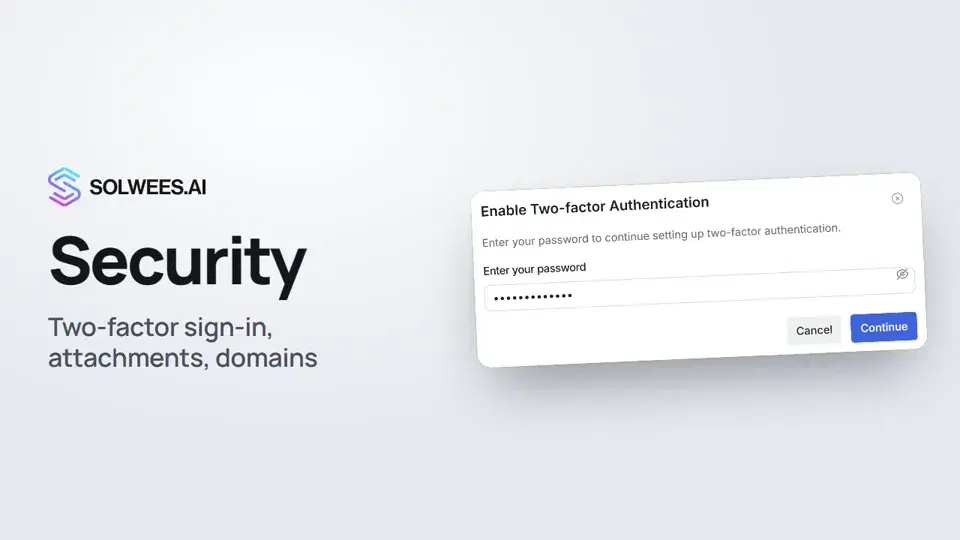 1:03Security: two-factor authentication, attachments and allowed domains
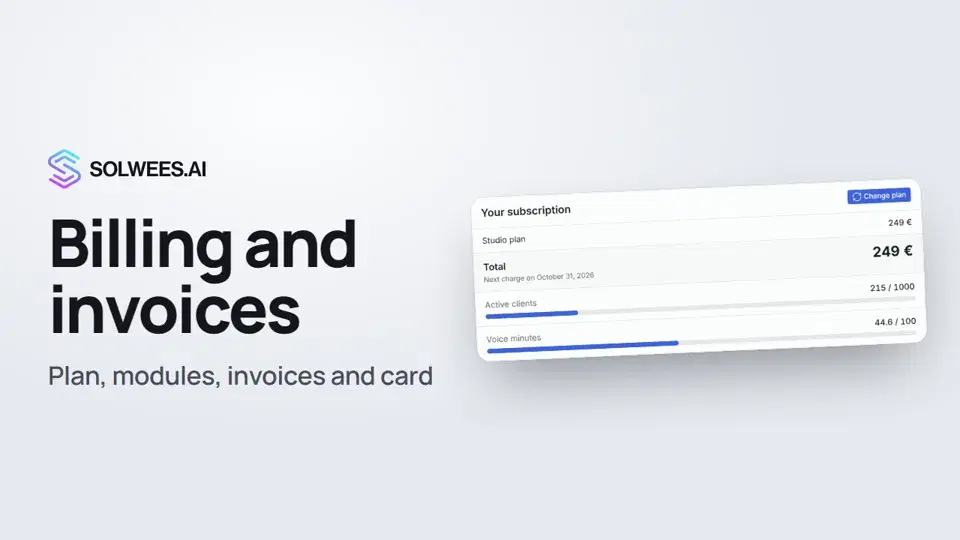 1:28Billing and invoices: your plan, modules, invoices and cancelling
გჭირდებათ დახმარება?
ჰკითხეთ Sola-ს კაბინეტში
ასისტენტის ღილაკი კაბინეტის ნებისმიერი გვერდის კუთხეში ყველა პარამეტრს იცნობს და გაჩვენებთ, სად არის.
კაბინეტის გახსნა