
მოითხოვეთ ინტეგრაცია
ინტეგრაციებიგანახლდა 4 ოქტომბერი, 2026
თქვენი ჯავშნის სისტემა ან CRM აპლიკაციების კატალოგში არ არის? აი, რა უნდა გამოგვიგზავნოთ.
მოგვწერეთ support@solwees.ai-ზე: სისტემის სახელი, თქვენი ქვეყანა და რამდენი ლოკაცია გაქვთ.
ვამოწმებთ, გვაძლევს თუ არა სისტემა საშუალებას, წავიკითხოთ თავისუფალი დრო, შევქმნათ, შევცვალოთ და გავაუქმოთ ჯავშნები და კლიენტი ტელეფონის ნომრით ვიპოვოთ. სწორედ ეს სჭირდება ასისტენტს დასაჯავშნად.
პაროლები ელფოსტით არასდროს გამოგვიგზავნოთ. თუ ინტეგრაციას ავაწყობთ, მას თავად დააკავშირებთ აპლიკაციების კატალოგში, ან თქვენთან ერთად შევთანხმდებით უსაფრთხო გზაზე.
მანამდე ასისტენტს შეუძლია კლიენტებს უპასუხოს და დაჯავშნის მოთხოვნები თქვენს გუნდს გადასცეს.
სტატიამ უპასუხა თქვენს კითხვას?
მეტი ამ თემაზე
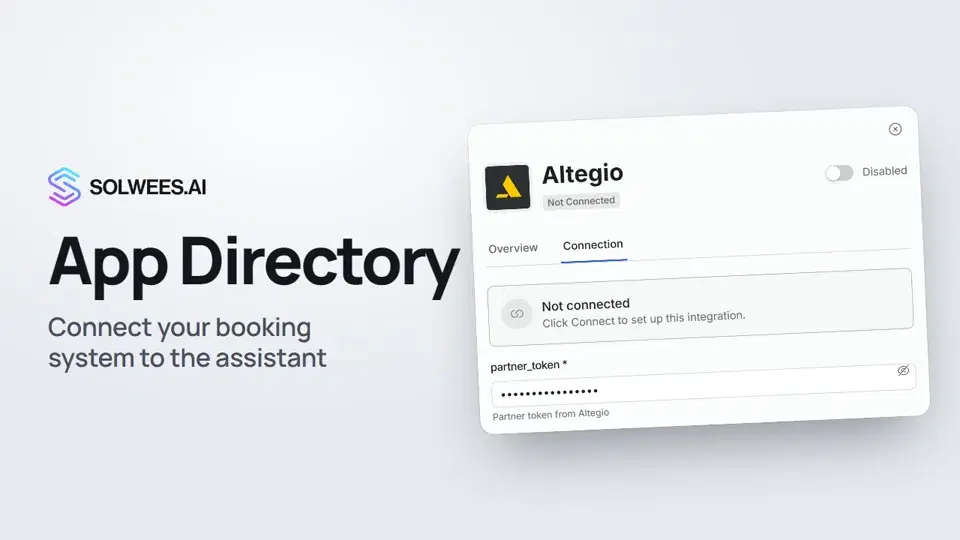 App Directory: connect your booking system, CRM and paymentsWhere to find the App Directory in Solwees and how to connect a booking system, CRM or payments to your AI receptionist: tabs, search, the integration card and the Connect button.1:06
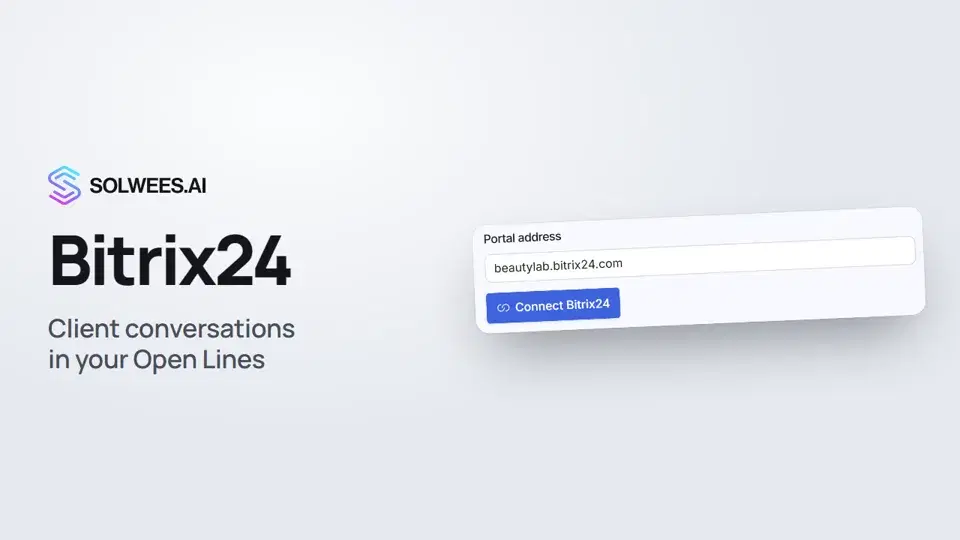 Bitrix24: client conversations in your Open LinesHow to connect your Bitrix24 portal to Solwees so the AI receptionist's conversations with clients go to your Open Lines: the portal address, confirming access on the portal, the agent's line and the No agent tab.1:03
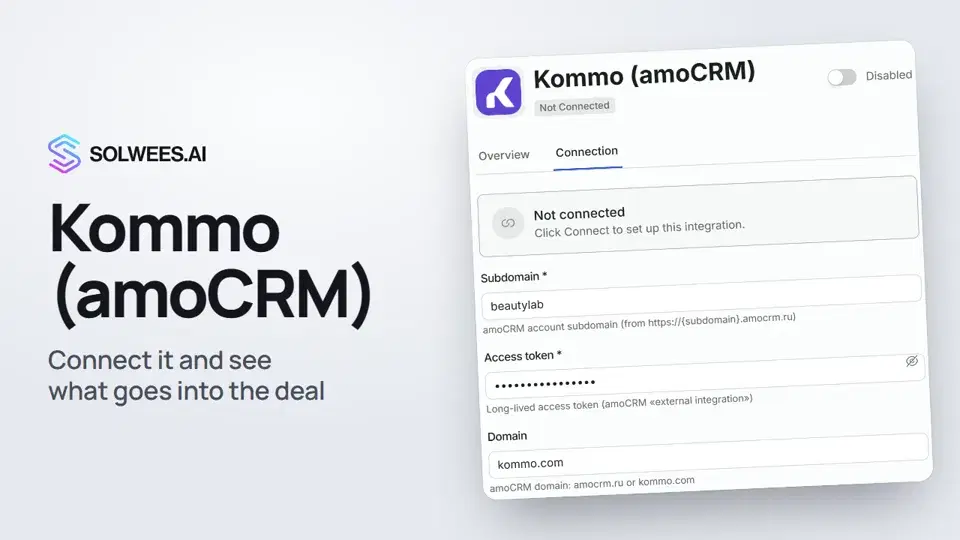 Kommo (amoCRM): how to connect it and what goes into the dealHow to connect Kommo (amoCRM) to your Solwees AI assistant: subdomain, long-lived token and domain, what the assistant sends into the deal and which assistant role it takes.1:19
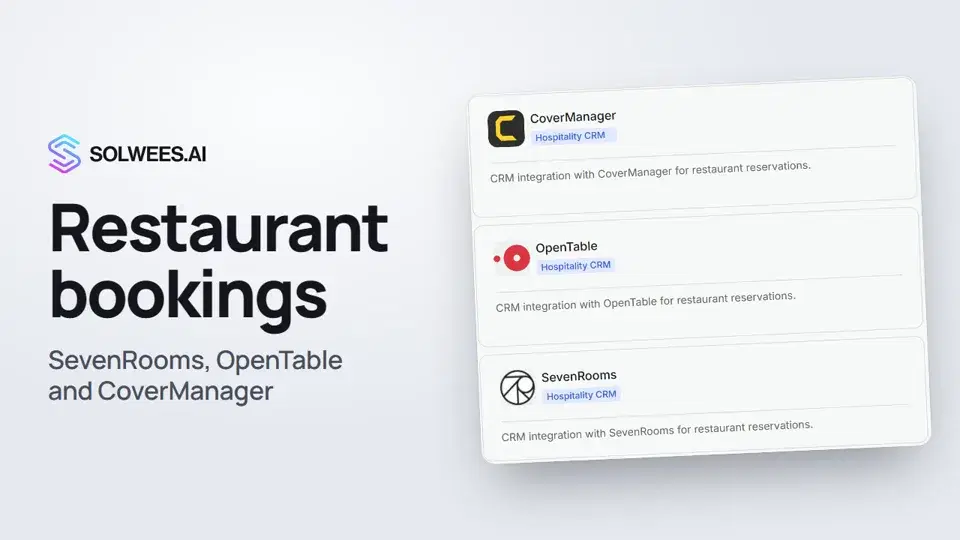 Restaurant bookings: connecting SevenRooms, OpenTable and CoverManagerHow to connect your restaurant booking system to the Solwees AI receptionist: SevenRooms and CoverManager connect in the App Directory, OpenTable is switched on by support. Once connected, the assistant checks for free tables and books right in your system.1:21
გჭირდებათ დახმარება?
ჰკითხეთ Sola-ს კაბინეტში
ასისტენტის ღილაკი კაბინეტის ნებისმიერი გვერდის კუთხეში ყველა პარამეტრს იცნობს და გაჩვენებთ, სად არის.
კაბინეტის გახსნა