
ინტეგრაციები
ჯავშნის სისტემები, CRM, გადახდები და კალენდრები, რომლებსაც Solwees უკავშირდება.
12 სტატია · 6 ვიდეო
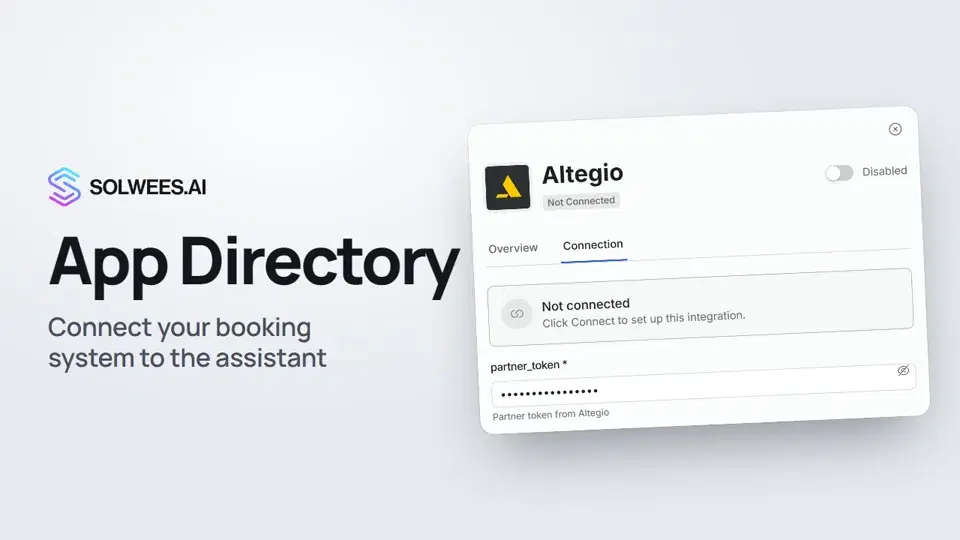 App Directory: connect your booking system, CRM and paymentsWhere to find the App Directory in Solwees and how to connect a booking system, CRM or payments to your AI receptionist: tabs, search, the integration card and the Connect button.1:06
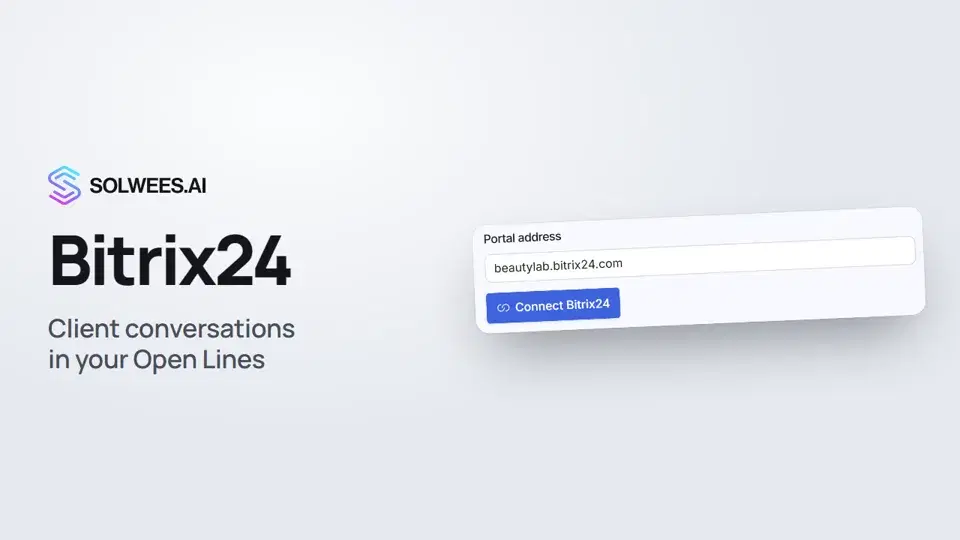 Bitrix24: client conversations in your Open LinesHow to connect your Bitrix24 portal to Solwees so the AI receptionist's conversations with clients go to your Open Lines: the portal address, confirming access on the portal, the agent's line and the No agent tab.1:03
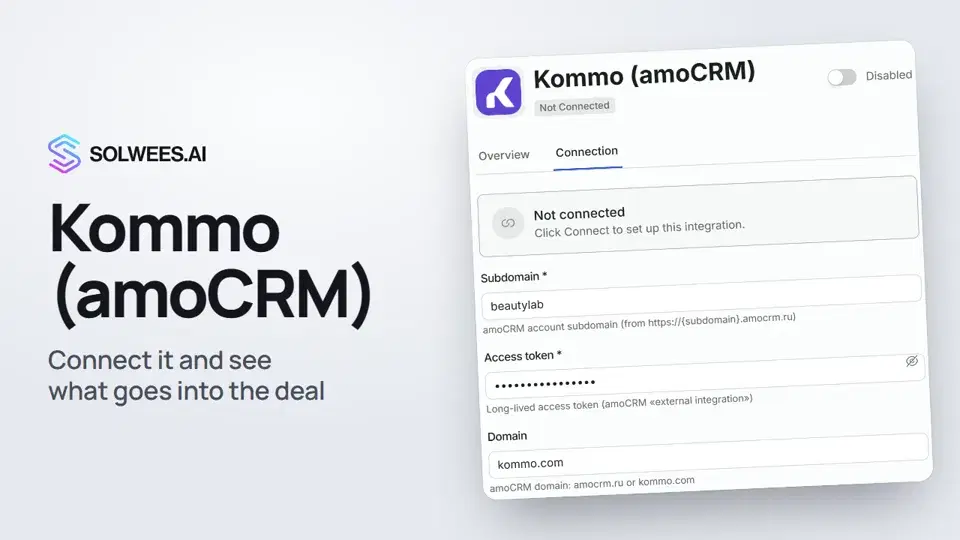 Kommo (amoCRM): how to connect it and what goes into the dealHow to connect Kommo (amoCRM) to your Solwees AI assistant: subdomain, long-lived token and domain, what the assistant sends into the deal and which assistant role it takes.1:19
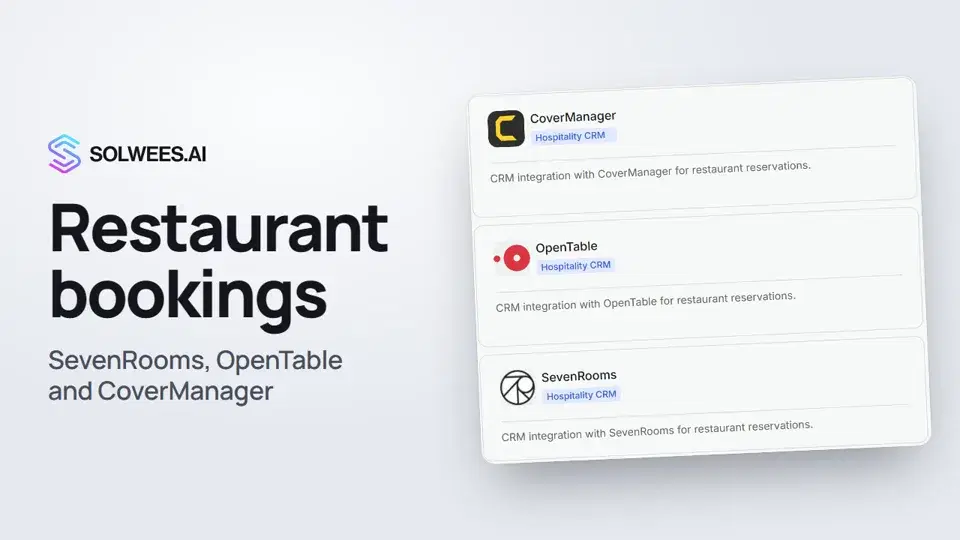 Restaurant bookings: connecting SevenRooms, OpenTable and CoverManagerHow to connect your restaurant booking system to the Solwees AI receptionist: SevenRooms and CoverManager connect in the App Directory, OpenTable is switched on by support. Once connected, the assistant checks for free tables and books right in your system.1:21
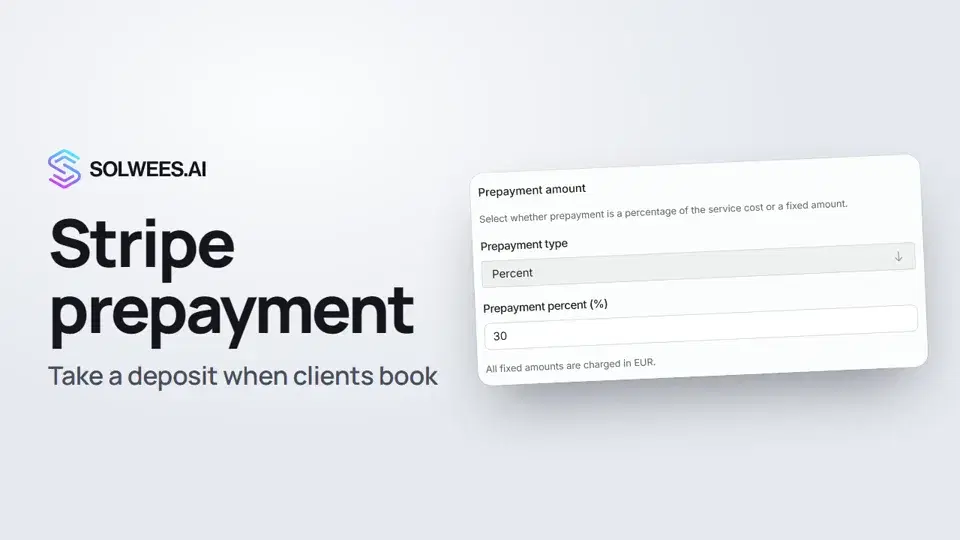 Stripe prepayment: take a deposit when clients bookHow to connect Stripe to Solwees and set up prepayment: the AI receptionist names the deposit before booking and sends the client a payment link, and you get notified once it's paid.1:28
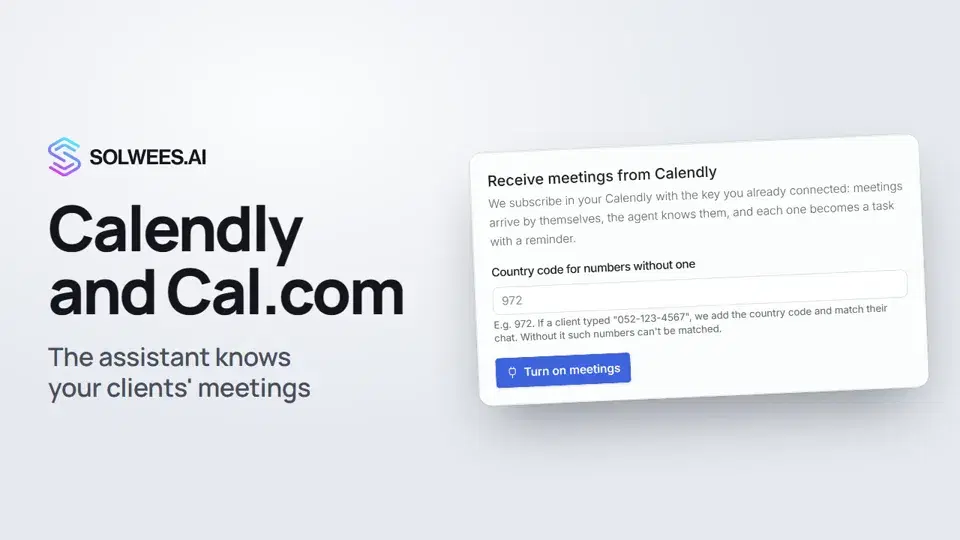 Calendly and Cal.com: the assistant knows your clients' meetingsHow to connect Calendly or Cal.com to Solwees: the assistant learns your clients' meetings and tells them when the meeting is and where the link is, and every meeting becomes a task with a reminder.1:04
- დააკავშირეთ Altegioდააინსტალირეთ Solwees Altegio Marketplace-იდან ან დააკავშირეთ ხელით და დააყენეთ, როგორ გამოიყურება ჯავშნები.ტექსტური ინსტრუქცია
- Booksy-ის ინტეგრაციაBooksy-ს ჩვენი გუნდი აკავშირებს, API გასაღები თქვენგან საჭირო არ არის. აი, რა გვჭირდება და რას აკეთებს იქ ასისტენტი.ტექსტური ინსტრუქცია
- Fresha-ს ინტეგრაციაFresha-ს ჩვენი გუნდი აკავშირებს, API გასაღები თქვენგან საჭირო არ არის. აი, რას აკეთებს იქ ასისტენტი.ტექსტური ინსტრუქცია
- დააკავშირეთ Mozrestჯავშნები პირდაპირ თქვენი რესტორნის ჯავშნების პლატფორმაში, Mozrest-ის გავლით.ტექსტური ინსტრუქცია
- დააკავშირეთ ჯავშნის სისტემაSolwees ჯავშნებს პირდაპირ იმ ჯავშნის სისტემაში წერს, რომელსაც უკვე იყენებთ. აი, როგორ დააკავშიროთ.ტექსტური ინსტრუქცია
- მოითხოვეთ ინტეგრაციათქვენი ჯავშნის სისტემა ან CRM აპლიკაციების კატალოგში არ არის? აი, რა უნდა გამოგვიგზავნოთ.ტექსტური ინსტრუქცია
გჭირდებათ დახმარება?
ჰკითხეთ Sola-ს კაბინეტში
ასისტენტის ღილაკი კაბინეტის ნებისმიერი გვერდის კუთხეში ყველა პარამეტრს იცნობს და გაჩვენებთ, სად არის.
კაბინეტის გახსნა