
Fotos y archivos que envían los clientes
Asistente de IA y base de conocimientoActualizado el 4 de octubre de 2026
Qué hace el asistente con las imágenes y los documentos, y qué puede enviar de vuelta.
Cuando un cliente envía una foto, un sticker o un GIF, el asistente entiende su contenido y responde en contexto: un diseño de uñas, una captura de una reserva, la foto de un producto.
También lee documentos: los archivos PDF, TXT y CSV que envía un cliente.
El asistente puede enviar fotos de Base de Conocimiento > Imágenes, por ejemplo el producto por el que preguntó el cliente o un ejemplo de su trabajo.
Viber solo admite texto, y las imágenes no están disponibles durante las llamadas. El catálogo de imágenes está disponible a partir del plan Solo.
¿Ha respondido a tu pregunta?
Más sobre este tema
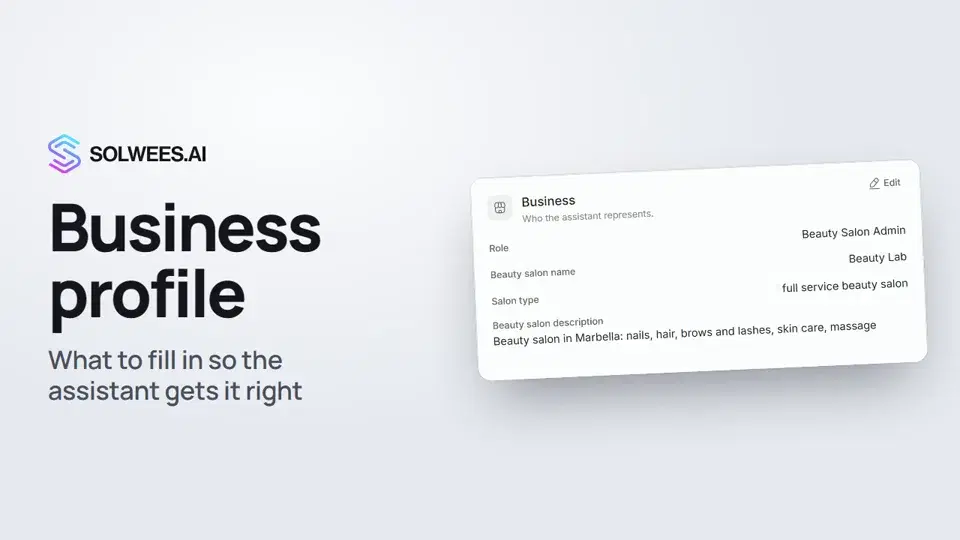 Business profile: what the assistant knows about your companyHow to fill in your business profile in Solwees so the AI receptionist answers clients accurately: name, language, contacts, address, working hours and the assistant's persona.1:35
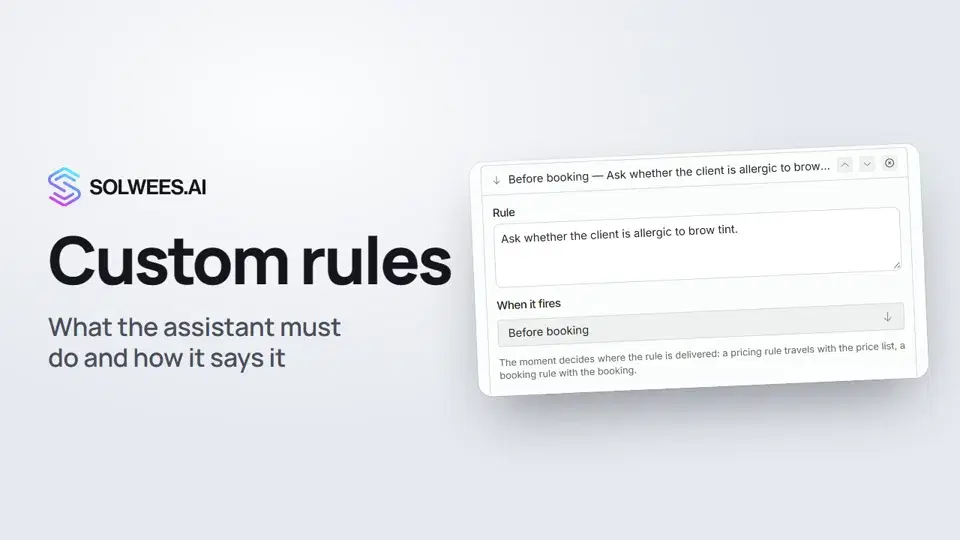 Custom rules and wordingHow to give the Solwees AI receptionist mandatory rules and wording: rules by moment, general rules and ready-made speaking styles for the key moments of a conversation.1:14
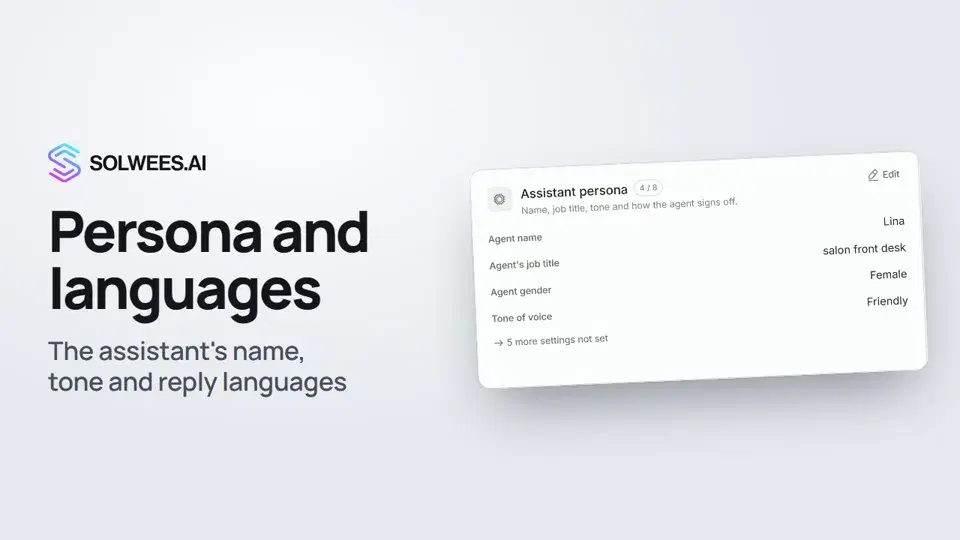 Persona and languages: how the assistant introduces itself and which languages it speaksHow to set the greeting language, allowed languages, name, job title, gender, tone of voice and closing lines of your Solwees AI receptionist in the Language and Assistant persona cards.1:22
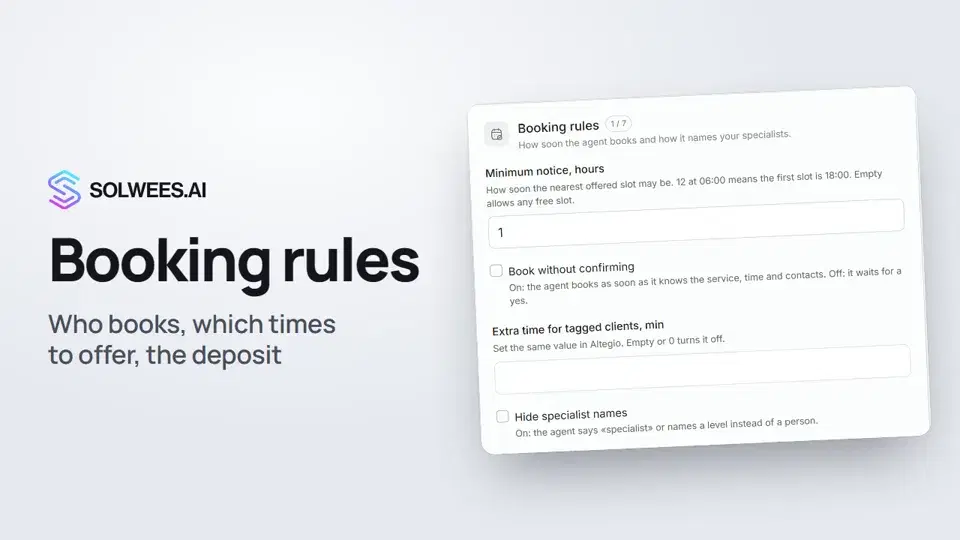 Booking rules: how the assistant books your clientsHow to set up booking rules for the Solwees AI receptionist: who makes the appointment, which windows it offers, what it says about a deposit, 4 and 6 hands services and add-on offers.1:38
¿Necesitas más ayuda?
Pregunta a Sola en tu panel
El botón del asistente en la esquina de cualquier página del panel conoce cada ajuste y te muestra dónde está.
Abrir el panel