
Canales
WhatsApp, Instagram, Telegram, el chat web y un número de teléfono para el asistente.
8 artículos · 6 vídeos
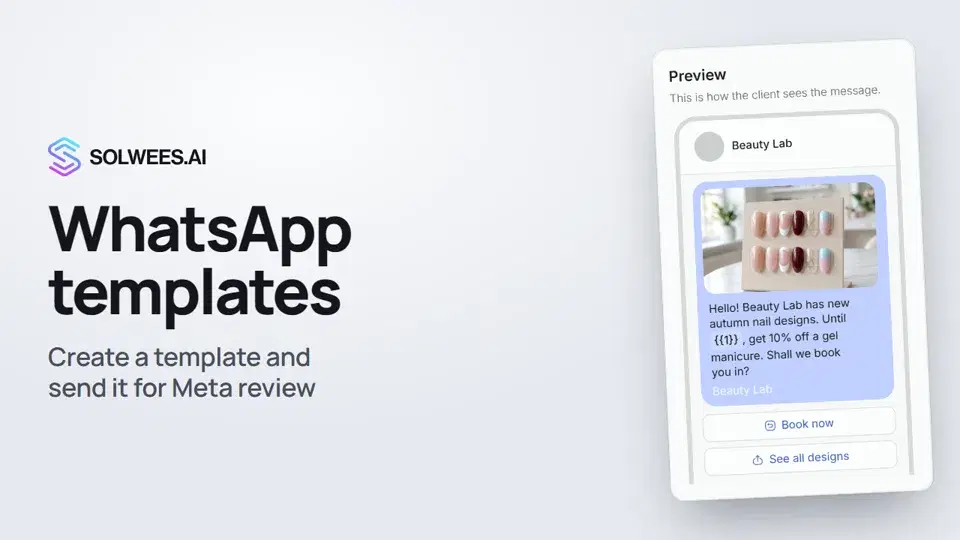 WhatsApp templates: messages approved by MetaHow to create a WhatsApp template in Solwees and send it for Meta review: category, language, image, variables in the text and buttons. You need a template to message a client who hasn't written to you for more than 24 hours.1:30
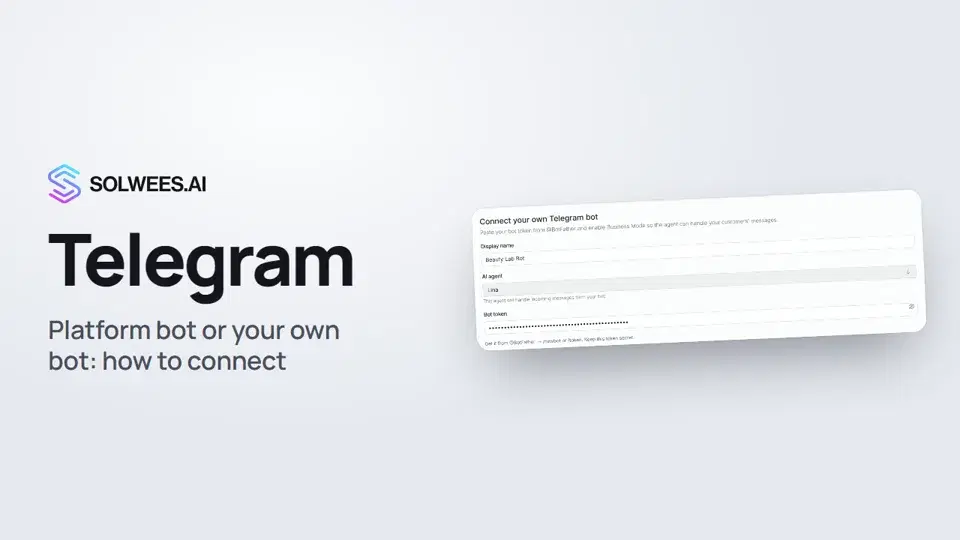 Telegram: how to connect the assistantHow to connect Telegram to Solwees so the AI assistant replies to your clients: through the platform bot and Telegram Business, or through your own bot with a token from BotFather.1:31
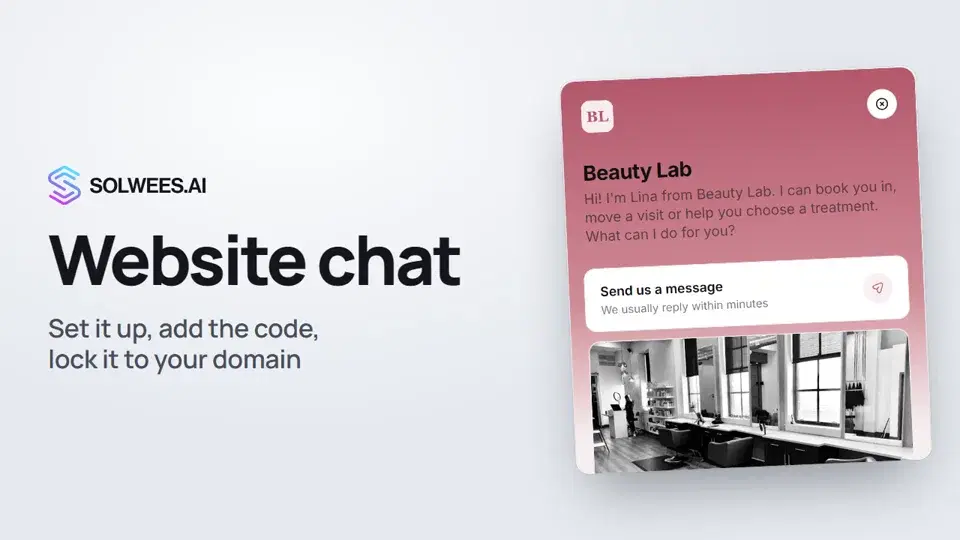 Website chat: how to set it up and install itHow to add the Solwees chat to your website: languages, visitor contact, welcome message, appearance, chat button, the install code and allowed domains. Visitors write in the chat and the AI assistant replies right away.1:52
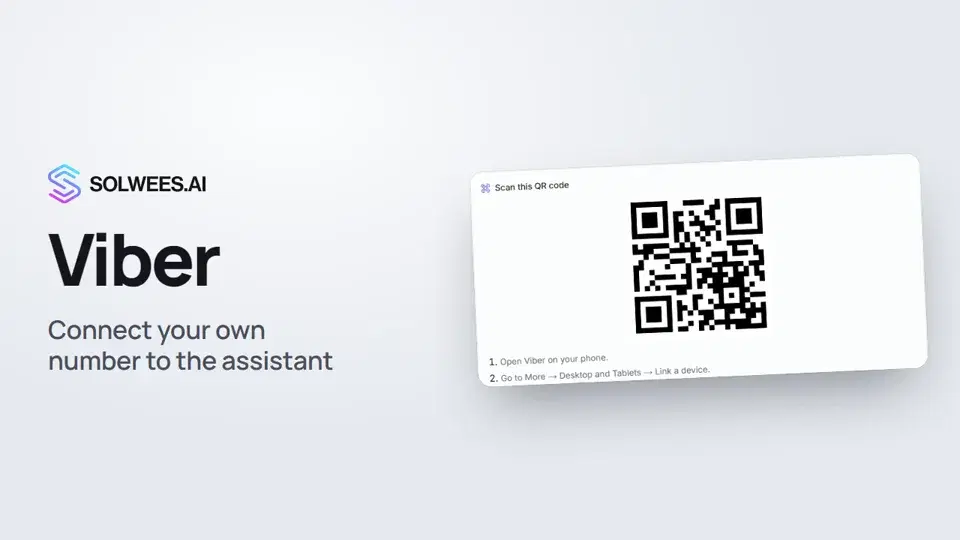 Viber: how to connect your own number to the assistantHow to connect Viber to Solwees so the AI assistant replies to your clients: paying for the channel, display name and AI agent, Connect number and linking with a QR code in Viber.1:11
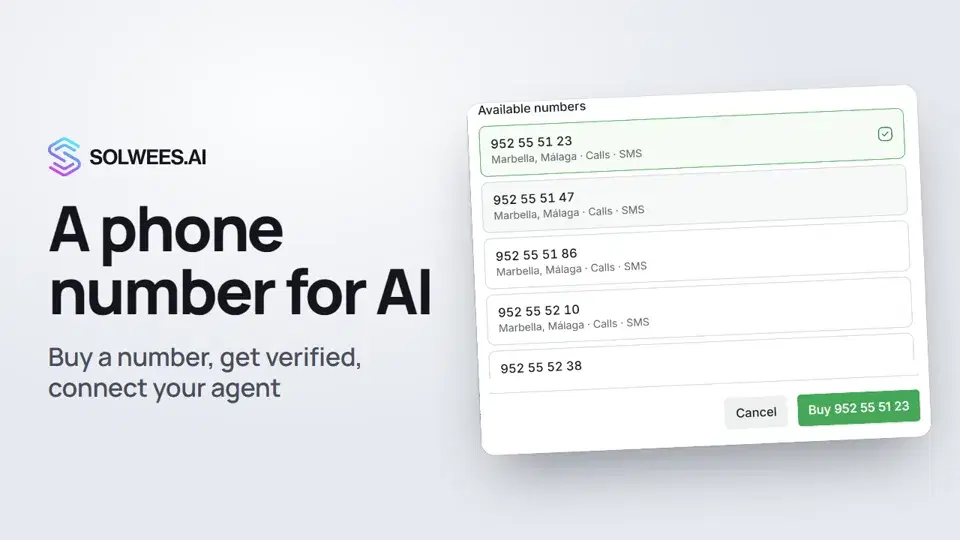 Phone: a number for the assistantHow to buy a phone number for your AI receptionist in Solwees: applicant verification and documents, choosing a number, assigning an agent, call recording and transcription.1:56
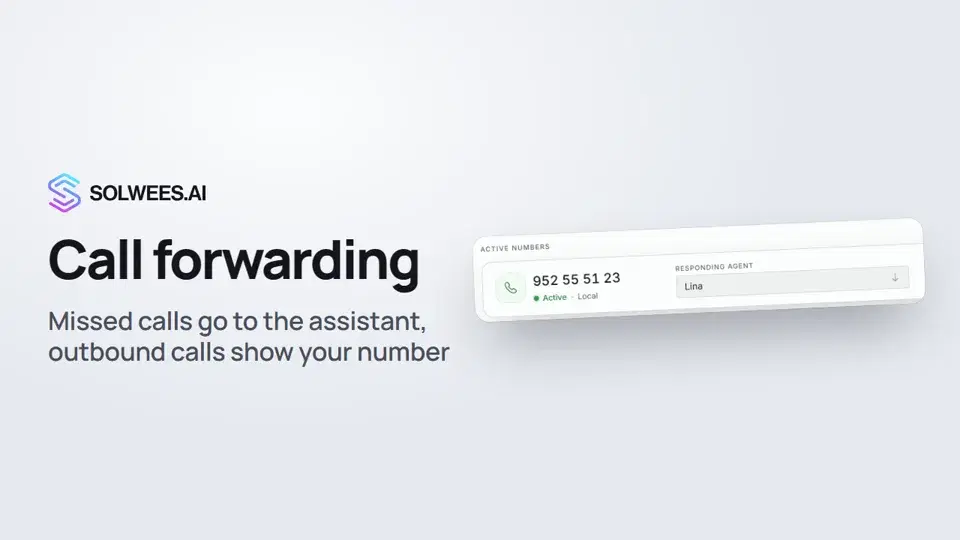 Call forwarding and your own numberHow to forward missed calls to your Solwees number so the AI receptionist answers them, connect a SIP trunk so outbound calls show your own number, and set the manager phone for SMS alerts.1:45
- Conectar WhatsAppDos formas de conectar su número y lo que supone cada una para su equipo.Guía en texto
- Conectar Instagram, Telegram y sus demás canalesDónde se conecta cada canal y qué conviene saber de él.Guía en texto
¿Necesitas más ayuda?
Pregunta a Sola en tu panel
El botón del asistente en la esquina de cualquier página del panel conoce cada ajuste y te muestra dónde está.
Abrir el panel