
Integraciones
Sistemas de reservas, CRM, pagos y calendarios con los que se conecta Solwees.
12 artículos · 6 vídeos
 App Directory: connect your booking system, CRM and paymentsWhere to find the App Directory in Solwees and how to connect a booking system, CRM or payments to your AI receptionist: tabs, search, the integration card and the Connect button.1:06
 Bitrix24: client conversations in your Open LinesHow to connect your Bitrix24 portal to Solwees so the AI receptionist's conversations with clients go to your Open Lines: the portal address, confirming access on the portal, the agent's line and the No agent tab.1:03
 Kommo (amoCRM): how to connect it and what goes into the dealHow to connect Kommo (amoCRM) to your Solwees AI assistant: subdomain, long-lived token and domain, what the assistant sends into the deal and which assistant role it takes.1:19
 Restaurant bookings: connecting SevenRooms, OpenTable and CoverManagerHow to connect your restaurant booking system to the Solwees AI receptionist: SevenRooms and CoverManager connect in the App Directory, OpenTable is switched on by support. Once connected, the assistant checks for free tables and books right in your system.1:21
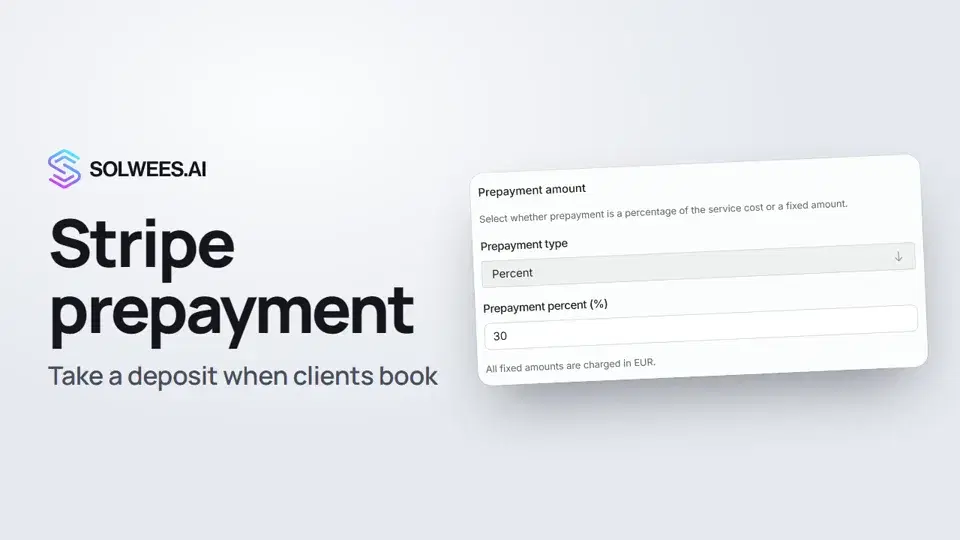 Stripe prepayment: take a deposit when clients bookHow to connect Stripe to Solwees and set up prepayment: the AI receptionist names the deposit before booking and sends the client a payment link, and you get notified once it's paid.1:28
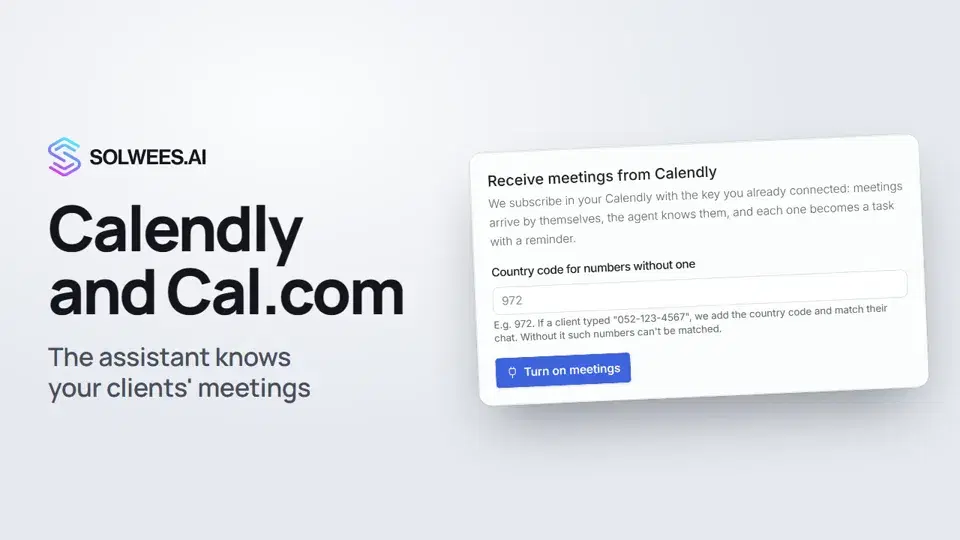 Calendly and Cal.com: the assistant knows your clients' meetingsHow to connect Calendly or Cal.com to Solwees: the assistant learns your clients' meetings and tells them when the meeting is and where the link is, and every meeting becomes a task with a reminder.1:04
- Conectar AltegioInstale Solwees desde el Marketplace de Altegio, o conéctelo a mano, y configure cómo se ven las reservas.Guía en texto
- Integración con BooksyBooksy lo conecta nuestro equipo, sin que usted necesite una clave API. Esto es lo que necesitamos y lo que hace allí el asistente.Guía en texto
- Integración con FreshaFresha lo conecta nuestro equipo, sin que usted necesite una clave API. Esto es lo que hace allí el asistente.Guía en texto
- Conectar MozrestReserve en la plataforma de reservas de su restaurante a través de Mozrest.Guía en texto
- Conectar su sistema de reservasSolwees reserva directamente en el sistema de reservas que usted ya utiliza. Así se conecta.Guía en texto
- Solicitar una integración¿Su sistema de reservas o su CRM no está en el Directorio de aplicaciones? Esto es lo que debe enviarnos.Guía en texto
¿Necesitas más ayuda?
Pregunta a Sola en tu panel
El botón del asistente en la esquina de cualquier página del panel conoce cada ajuste y te muestra dónde está.
Abrir el panel