
Anslut Mozrest
IntegrationerUppdaterad 4 oktober 2026
Boka i din restaurangs bokningsplattform via Mozrest.
Mozrest kopplar bokningskanaler till bokningsplattformar för restauranger. I AI Assistant > App Directory > Mozrest > ”Connection” klistrar du in din API-token från Mozrest. Restaurangens ID (venue ID) är valfritt: har du bara en restaurang hittas det automatiskt.
Assistenten kontrollerar tillgängligheten per område och antal gäster, bokar i två steg (bordet hålls och bekräftas sedan) och skickar med gästens språk, så att plattformens e-postmeddelanden går ut på det språket.
En ändring kräver både den nya tiden och antalet gäster. Väntelistan stöds inte av Mozrests API, och bord väljs inte via det.
Depositioner går via Stripe.
Fick du svar på din fråga?
Mer om ämnet
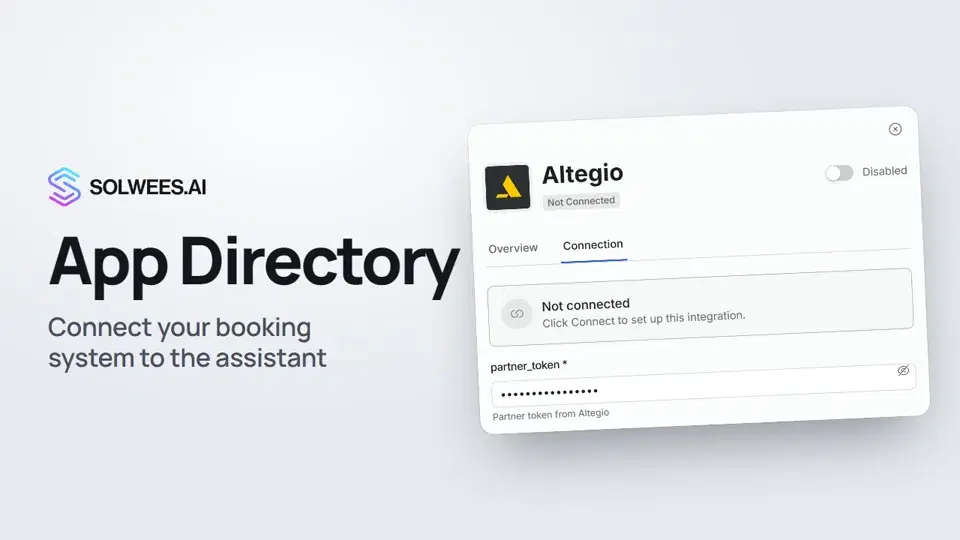 App Directory: connect your booking system, CRM and paymentsWhere to find the App Directory in Solwees and how to connect a booking system, CRM or payments to your AI receptionist: tabs, search, the integration card and the Connect button.1:06
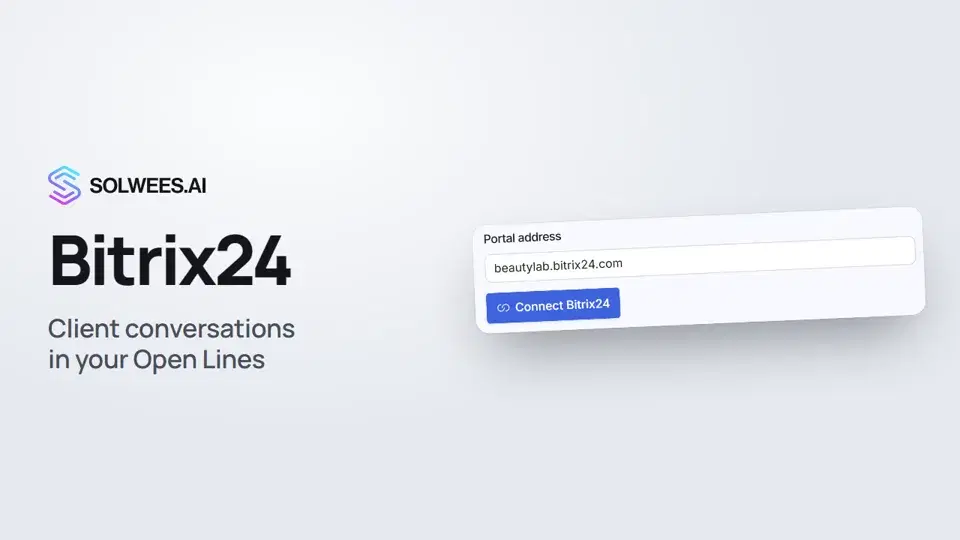 Bitrix24: client conversations in your Open LinesHow to connect your Bitrix24 portal to Solwees so the AI receptionist's conversations with clients go to your Open Lines: the portal address, confirming access on the portal, the agent's line and the No agent tab.1:03
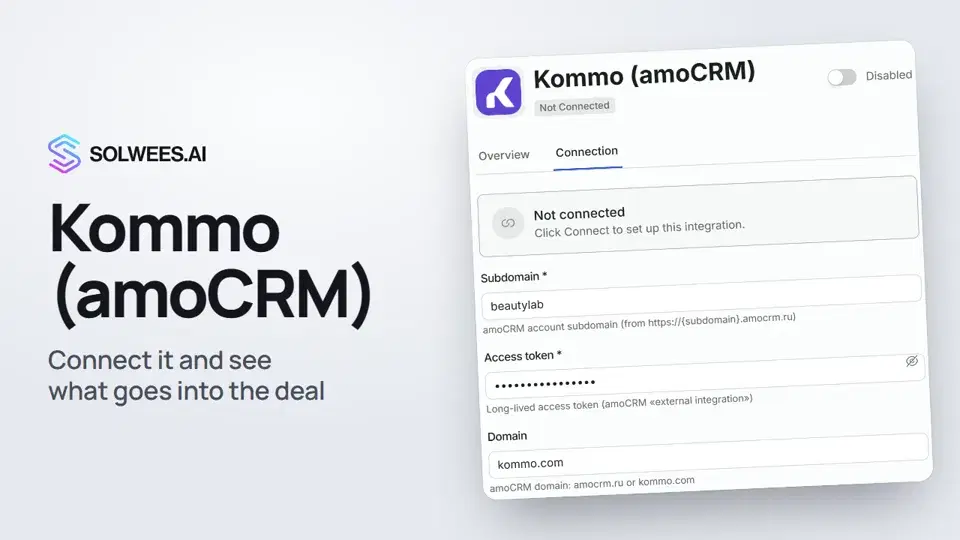 Kommo (amoCRM): how to connect it and what goes into the dealHow to connect Kommo (amoCRM) to your Solwees AI assistant: subdomain, long-lived token and domain, what the assistant sends into the deal and which assistant role it takes.1:19
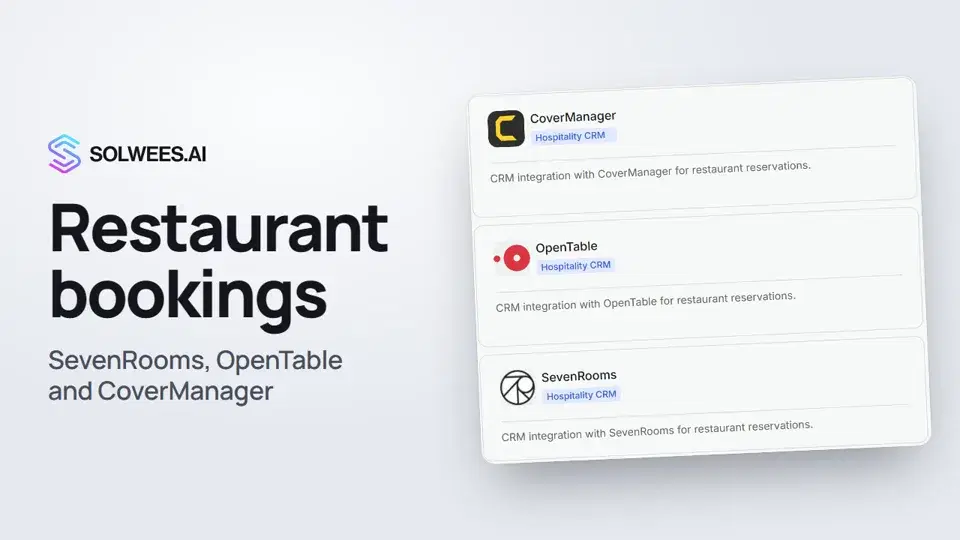 Restaurant bookings: connecting SevenRooms, OpenTable and CoverManagerHow to connect your restaurant booking system to the Solwees AI receptionist: SevenRooms and CoverManager connect in the App Directory, OpenTable is switched on by support. Once connected, the assistant checks for free tables and books right in your system.1:21
Behöver du mer hjälp?
Fråga Sola i din panel
Assistentknappen i hörnet på varje sida i panelen känner till varje inställning och visar var den finns.
Öppna panelen