
Winning clients back: reactivation, call follow-up, greetings and programs
Marketing y promocionesActualizado el 21 de octubre de 2026Vídeo 1:36Con el módulo Campañas
Esta guía está en inglés por ahora.
Win-back campaigns message clients on their own whenever there is a reason: a client hasn’t come in for a while, a call dropped before the booking, it’s the client’s birthday, or it’s time to repeat a service. You set the texts and timing once, and the messages go out without you.
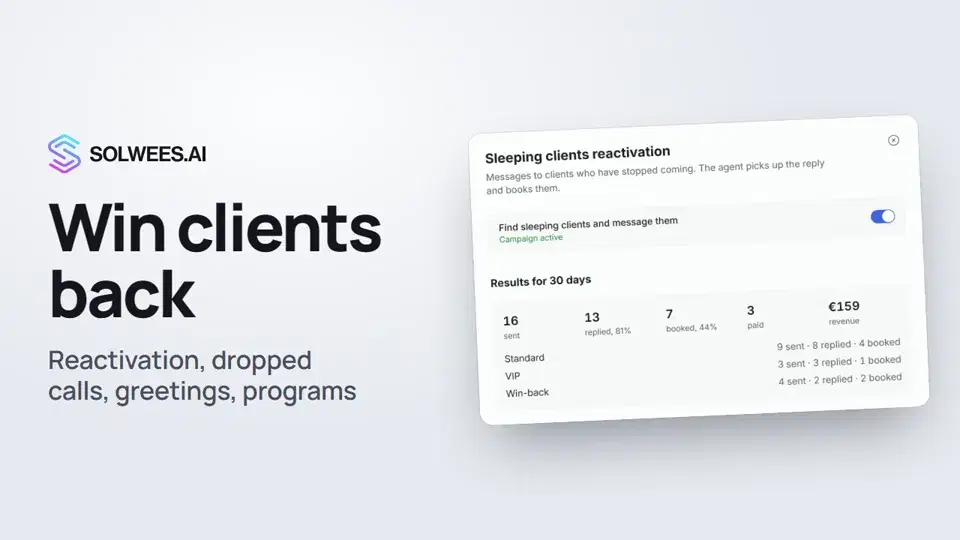
Where to find it
Open Marketing. On the right, under Auto campaigns, you’ll find these groups:
- Winning clients back: “Sleeping clients reactivation” and “Call dropped follow-up”;
- Greetings: “Birthdays and holidays”;
- Programs: “Retention programs”.
Each campaign shows whether it’s on. The campaigns are part of the Broadcasts module.
Who gets the messages and when
| Campaign | Who it messages | When |
|---|---|---|
| Sleeping clients reactivation | Clients with at least one visit who haven’t come in for longer than the set period | When the client goes “to sleep”; one client no more often than the set interval |
| Call dropped follow-up | A client whose call broke off before the booking | After the call, on WhatsApp |
| Birthday | Clients with a birth date in their card | On the birthday, during the day |
| Holidays | All clients or a chosen group | On the set day and time |
| Retention programs | Clients after a visit for the chosen services | The set number of days after the visit |
All of these messages go out only between 9 a.m. and 9 p.m. in the salon’s time zone from General settings. If the moment falls at night, the message waits until the morning. Clients on the stop list are never messaged.
Sleeping clients reactivation
- Click Sleeping clients reactivation. The switch at the top turns the campaign on.
- At the top, Results for 30 days shows how many messages went out, how many clients replied, booked and paid, the revenue, and the same for each segment.
- Under Who and when, set the timing: - A client is sleeping after: after how many days without a visit the regular message goes out (60 by default); - Win back after: after how long the win-back message goes out (120 by default, must be longer than the first period); - VIP clients: the number of visits and the average ticket that make a client a VIP; VIPs get their own message; - Message one client at most once every N days and Messages per lapse: after this many messages without a visit we stop, and a new visit resets the count.
- Skip clients who already booked: clients with an upcoming booking with you or in the CRM don’t get the invitation. The booking is checked again right before sending.
- Use each client’s own rhythm: message a client when they miss their usual interval. Needs at least 3 visits.
- Call VIP clients: instead of a message, the agent calls VIP clients by voice from the number you choose. If the call fails, the client gets a message.
- Under Messages by segment, write the Standard, Win-back and VIP texts in the languages you need. The preview is below.
- Click Save settings.
The message goes to the channel where the client last talked to you, or to WhatsApp if there was no conversation. For WhatsApp via Meta, the text is sent to Meta for review as a template on the first send, and messages go out once it’s approved. When the client replies, the assistant knows it’s a reply to the invitation and offers to book them in.
Call dropped follow-up
If a call broke off, or the client left the call without booking, the client gets a WhatsApp message to finish booking in the chat. If the booking was made during the call, there is no follow-up. There is none either if the client has been chatting with you in the last half hour.
The text is set per language. This message has no fallback language: a client whose language has no text gets nothing. You can insert the client’s name, the call topic and the address.
Birthdays and holidays
Birthday. Turn on Send birthday greetings and check the text. Birth dates come from client cards and the CRM import. If no client has a birth date, the window tells you.
Holidays. Click + Christmas, + New Year or + Your holiday. In the holiday row, choose the month, day, time, client group (or All clients), channel and connection. WhatsApp via Meta needs an approved template; WhatsApp Web and Telegram use text. A holiday goes out as a group broadcast, and you’ll see it under Campaigns in Client groups.
Remember to click Save settings.
Retention programs
A program is a chain of messages after a visit for a service. For example, after colouring: a care tip the next day and an invitation to refresh the colour after 28 days.
- Click Retention programs, then New program.
- Name it and choose the services that start the program. Service names match by part: “colouring” covers every kind of colouring.
- Under Channel and time, choose WhatsApp or Telegram, the connection and the sending time.
- Under Steps, set how many days after the visit to write, and what. For WhatsApp via Meta, each step uses an approved template. A program can have up to ten steps.
- Save draft keeps the program switched off. Who joins? saves a draft and shows how many clients will join. Switch on starts it (pick a connection first).
The chain stops when the client books the same service or unsubscribes. A new visit for the service starts the chain again. Past steps are never sent late, and if the client got a marketing message in the last 24 hours, the step moves by a day.
Tips
- Reactivation only messages clients with at least one visit, and only between 9 a.m. and 9 p.m. salon time. Check the time zone in General settings: without it, time is counted in UTC. To reach clients without visits, send a regular broadcast.
- Start and end texts with a word, not a variable, for example “Hi {client_name}!”: otherwise the window won’t let you save.
- For birthday greetings, load birth dates: Clients → Import from CRM.
- Check a holiday’s template in advance: the holiday counts as sent for the year even if sending failed, and it won’t be retried. The error shows in the window.
- If a client replies with a short “stop” or “unsubscribe”, they go on the stop list and the campaigns stop messaging them. “Cancel” does not unsubscribe.
FAQ
A client already booked for next week. Will they get a come-back invitation?
No, if “Skip clients who already booked” is on. The booking is checked again before sending.
How many times will reactivation message one client?
No more than set in “Messages per lapse”, and no more often than once every set number of days. A new visit resets the count.
How is a retention program different from reactivation?
Reactivation reacts to a client being away for long. A program follows a plan from a specific visit for a service: N days later, whether or not the client has gone quiet.
Where do I see the results?
Reactivation’s 30-day results are in its window. If reactivation or the call follow-up sent anything this week, the number shows right in the Auto campaigns list. The Campaign analytics button opens the report on auto campaigns.
Transcripción del vídeo
Todo lo que dice el narrador. Un tiempo reproduce el vídeo desde ese momento.
What win-back is and where to find it
Win-back campaigns message clients on their own: those who haven't come in for a while, whose call dropped, or who have a birthday. Open Marketing. You'll find them under Auto campaigns, in the Winning clients back, Greetings and Programs groups.
Sleeping clients reactivation
Sleeping clients reactivation messages clients who stopped coming, and the assistant picks up the reply and books them in. Set after how many days a client is sleeping, when they get the win-back message, and who your VIPs are. Each gets its own text. We only message clients with at least one visit, and only between 9 a.m. and 9 p.m., salon time.
Call dropped follow-up
Call dropped follow-up: if a call breaks off before the booking, the client gets a WhatsApp message to finish booking in the chat.
Birthdays and holidays
In Greetings, turn on birthday greetings. Birth dates come from client cards and the CRM import. Add a holiday with a button, for example New Year, then pick the date, time, client group and connection.
Retention programs
Retention programs send a chain of messages after a visit for a service. Click New program, name it and choose the services. In the steps, set how many days later to write, and what. The chain stops when the client books that service again. Done. To message many clients at once, use a broadcast: that's the next video.
¿Ha respondido a tu pregunta?
Más sobre este tema
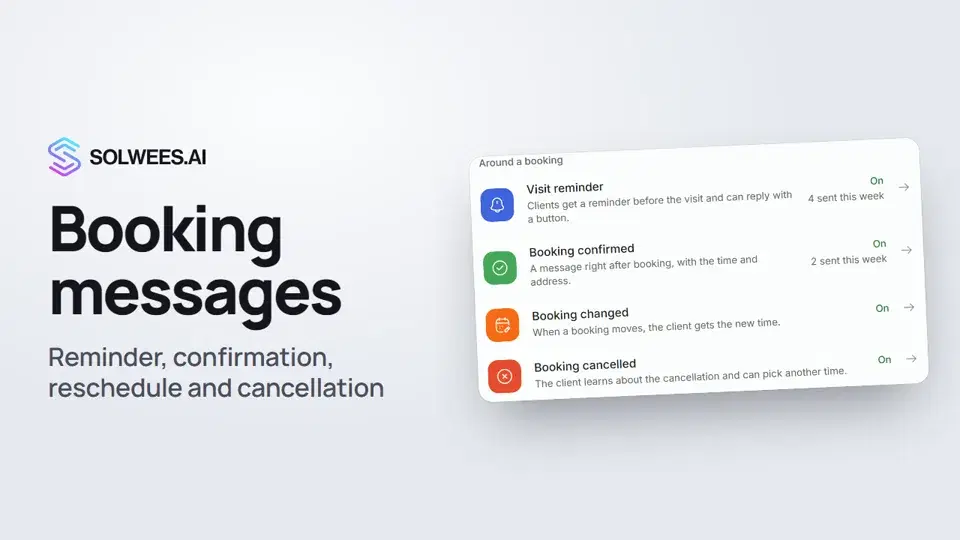 Booking messages: reminder, confirmation, reschedule and cancellationHow to turn on automatic booking messages in Solwees: the visit reminder, booking confirmed, changed and cancelled, and where they are sent.1:27
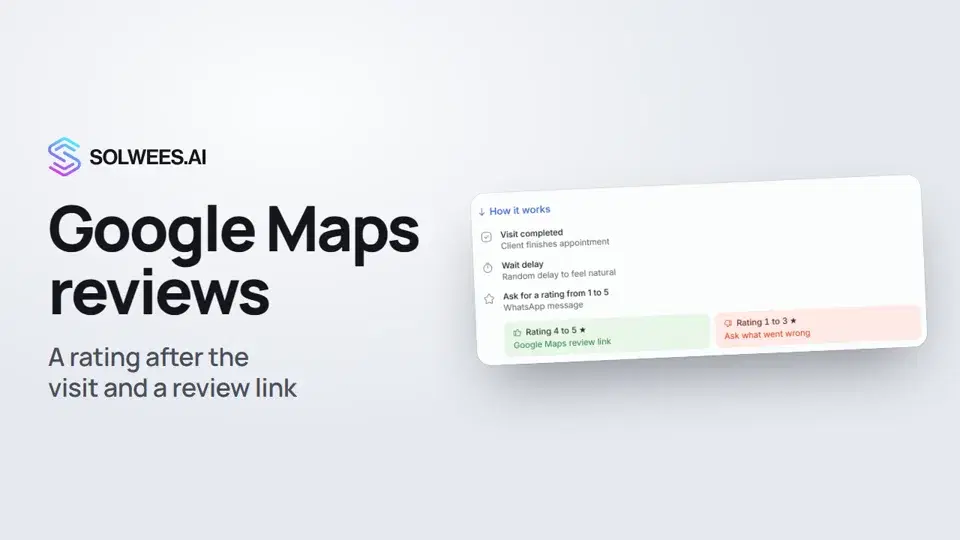 Google Maps reviews: a rating after the visit and a review linkHow to set up the after-visit rating request in Solwees: happy clients get a link to review you on Google Maps, unhappy ones are asked what went wrong.0:54
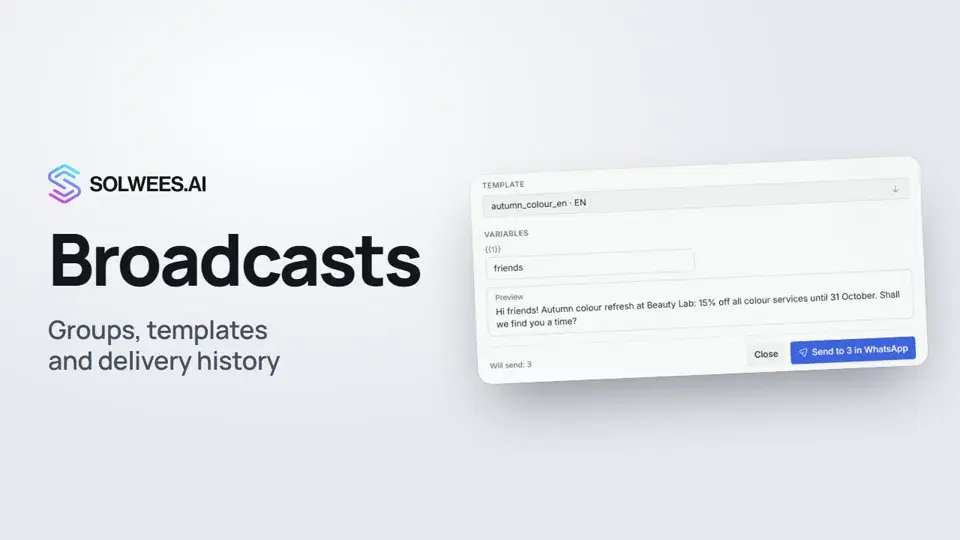 Broadcasts: how to message clients in WhatsApp and TelegramHow to send a broadcast to clients in Solwees: build a client group, pick a WhatsApp template or write in Telegram, check who got the message and see the analytics.1:26
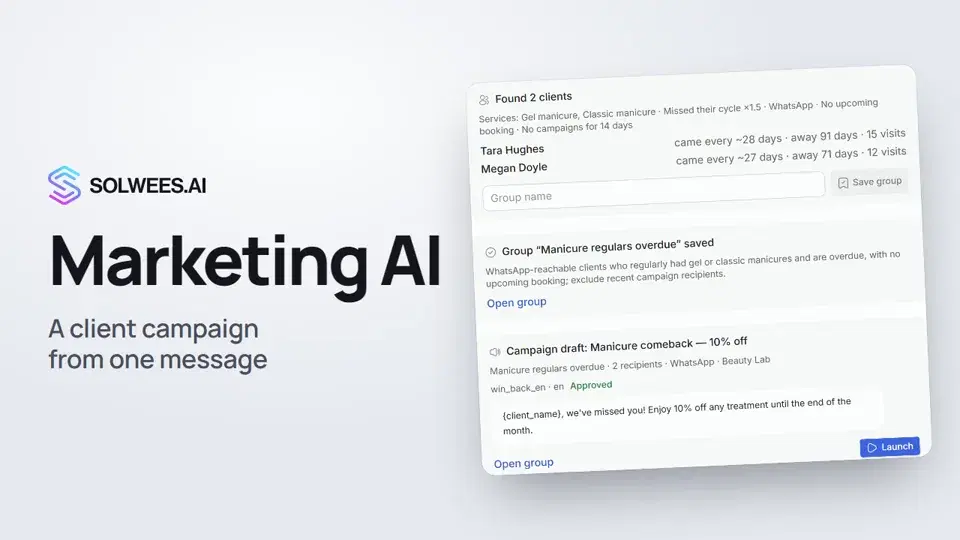 Solwees Marketing AI: the assistant that prepares your campaignsHow to ask Solwees Marketing AI to prepare a campaign: the assistant finds clients in your base, saves a group and prepares a draft, and you launch it.1:14
¿Necesitas más ayuda?
Pregunta a Sola en tu panel
El botón del asistente en la esquina de cualquier página del panel conoce cada ajuste y te muestra dónde está.
Abrir el panel