
Phone: a number for the assistant
KanályAktualizováno 19. října 2026Video 1:56V tarifech Studio, Network a Enterprise
Tento návod je zatím v angličtině.
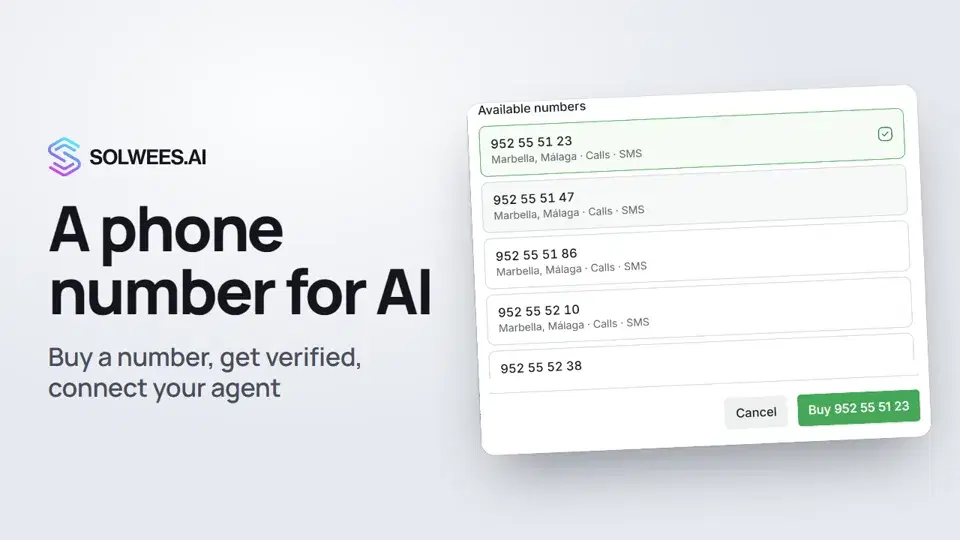
Phone gives your assistant its own number. A client calls, and the assistant answers by voice, handles their questions and books their visit. You buy the number right in Solwees, once the applicant’s details are verified.
Where to find it
Open Settings, the Channels section, Phone. The Verification card is at the top of the page, with Active Numbers and the Purchase new number button below.
Buying a number is available during the free trial and on the Studio, Network and Enterprise plans. The Voice AI section with all calls is on the Studio, Network and Enterprise plans.
How to buy a number
| Step | What to do |
|---|---|
| 1. Verification | Click Start verification. Local rules only allow a number once the applicant is verified |
| 2. Country and number type | Choose the country, the number type (for example, local or mobile) and the applicant: a company or an individual. Below, you see what the regulator asks for |
| 3. Applicant details | Enter everything exactly as printed in your documents: the regulator compares them character by character. Use the address from your documents, a P.O. box won’t do |
| 4. Documents | Attach the files: PDF, JPG or PNG up to 20 MB, one file per slot. One document can cover several requirements at once |
| 5. Check and submit | Review the details, optionally say how the number will be used, and click Submit for review |
| 6. Choose a number | Once approved, click Choose a number. Search by area code or digits, pick one and click Buy |
If the chosen country and number type need no documents, the wizard says so on the first step, and you can buy the number right after you confirm.
While the application is under review, the card shows Application under review. If the regulator sends it back, the reasons appear on the card, and Fix and resubmit opens the wizard with your details already filled in.
Nothing suitable on sale? In the number picker, click Order through us and describe what you need. The order appears under Requested Numbers, and the number is usually connected within 2 to 5 business days.
Agent, recording and transcription
Your new number appears under Active Numbers. On the number’s card:
| Control | What it does |
|---|---|
| Responding agent | Which agent answers this number’s calls. Only active agents are listed |
| Microphone icon | Turns call recording on this number on or off |
| Document icon | Turns transcription on or off. It is only available while recording is on: turn recording off, and transcription goes off with it |
Where to see calls
Open the Voice AI section in the menu. It shows call stats and the list of all calls. Click a call to open the Call conversation with the whole conversation as text. If the call was recorded, you can play it in the Recording column.
How to test the assistant’s voice
Open the AI Agent section, then Agent Settings. In the test chat on the right, choose Voice and click Start voice session. More in the article “Test chat and call”.
Tips
- Most decisions arrive within 1 to 3 business days. File the application before you need the number.
- Enter the company name and address exactly as in your documents: the regulator compares them character by character.
- Transcription can only be on while recording is on.
- After buying, check that the right agent is selected on the number’s card.
FAQ
Do I have to change my salon’s main number?
No. The assistant’s number is a separate one. How to forward calls from your number to it is covered in “Call forwarding and your own number”.
How long does the document check take?
Usually 1 to 3 business days. Some countries need no check, and you can buy a number straight away.
What if my application is rejected?
The reasons are shown on the Verification card. Click Fix and resubmit: your details are kept, so you only correct what the regulator pointed out.
Why is the transcription icon greyed out?
Transcription works together with recording. Turn recording on first (the microphone icon).
Přepis videa
Vše, co říká mluvčí. Časová značka přehraje video od toho místa.
A number for the assistant and where to buy it
Your assistant can have its own phone number. Clients call, and the assistant answers by voice and books their visit. You buy the number in Settings, under Channels, Phone. Verification is at the top, your numbers are below. Buying a number is available during the free trial and on the Studio, Network and Enterprise plans.
Applicant verification and documents
Local rules only allow a number once the applicant is verified. Click Start verification. Choose the country, the number type and the applicant: a company or an individual. Below, you see what the regulator asks for. Next, enter your details exactly as in your documents and attach the files: PDF, JPG or PNG up to 20 MB. On the last step, click Submit for review. Most decisions arrive within 1 to 3 business days.
Choosing and buying a number
Once it's approved, click Choose a number. Search by area code or digits and buy the one you like. If nothing suitable is on sale, click Order through us. The number is sourced and connected for you, usually within 2 to 5 business days.
Agent, recording and transcription
Your new number appears under Active Numbers. Choose which agent answers its calls. The icons on the right turn call recording and transcription on. Transcription can only be on while recording is on.
Calls and a voice test
All calls are in the Voice AI section. Click a call to read the whole conversation. You can hear the assistant before your clients do: in the agent's test chat, choose Voice mode. Done. Next, we'll set up call forwarding and connect your own number.
Odpověděl článek na vaši otázku?
Další k tématu
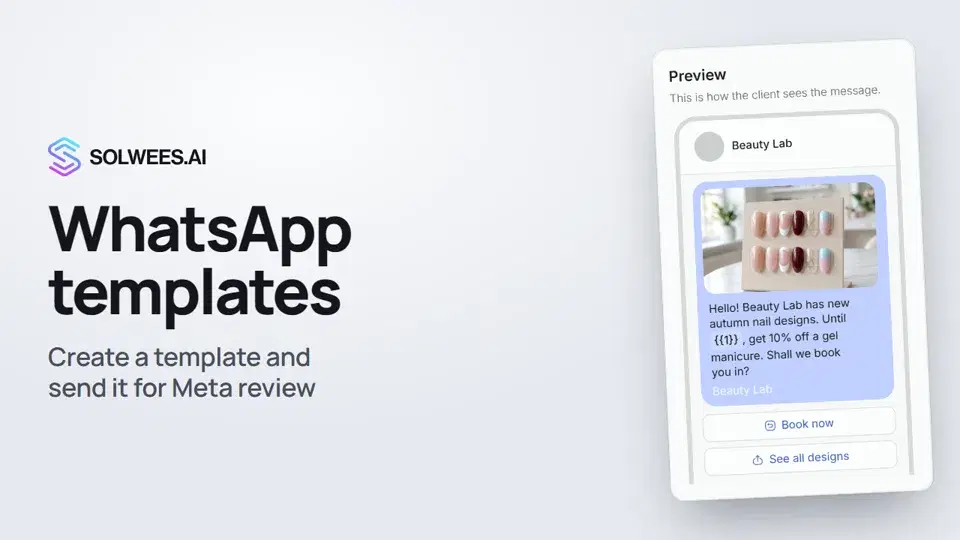 WhatsApp templates: messages approved by MetaHow to create a WhatsApp template in Solwees and send it for Meta review: category, language, image, variables in the text and buttons. You need a template to message a client who hasn't written to you for more than 24 hours.1:30
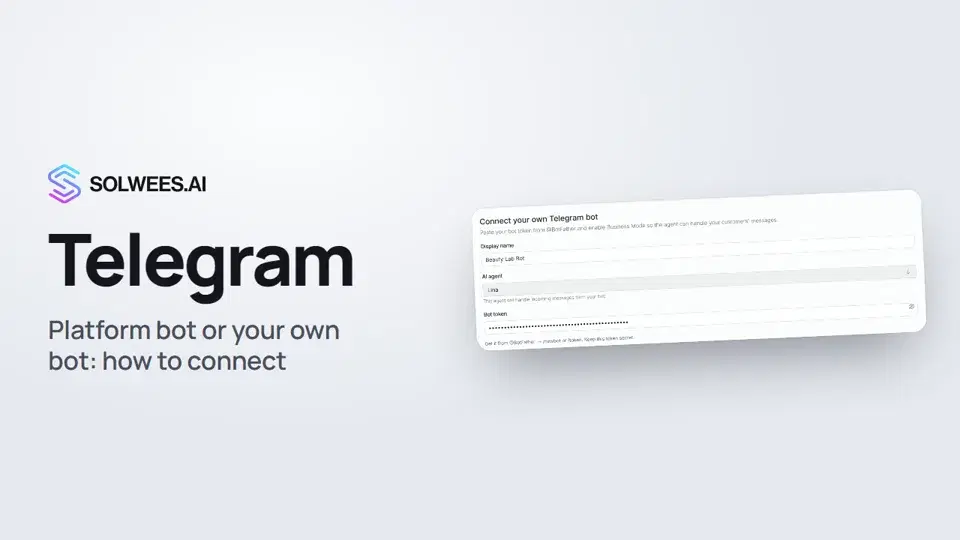 Telegram: how to connect the assistantHow to connect Telegram to Solwees so the AI assistant replies to your clients: through the platform bot and Telegram Business, or through your own bot with a token from BotFather.1:31
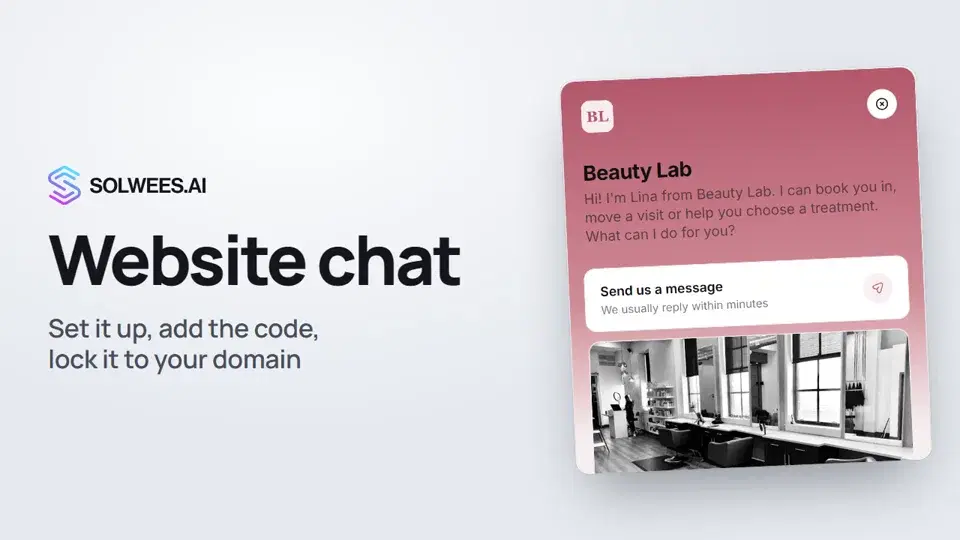 Website chat: how to set it up and install itHow to add the Solwees chat to your website: languages, visitor contact, welcome message, appearance, chat button, the install code and allowed domains. Visitors write in the chat and the AI assistant replies right away.1:52
 Viber: how to connect your own number to the assistantHow to connect Viber to Solwees so the AI assistant replies to your clients: paying for the channel, display name and AI agent, Connect number and linking with a QR code in Viber.1:11
Potřebujete pomoc?
Zeptejte se Soly v rozhraní
Tlačítko asistenta v rohu každé stránky rozhraní zná každé nastavení a ukáže, kde je.
Otevřít rozhraní