
Připojení WhatsAppu
KanályAktualizováno 4. října 2026
Dva způsoby, jak připojit vaše číslo, a co každý z nich znamená pro váš tým.
Otevřete Settings > Channels > WhatsApp a stiskněte „Connect WhatsApp“. Jsou dva způsoby, na dvou záložkách.
„OAuth Connection“ převede vaše číslo na WhatsApp Business Platform. Číslo pak funguje přes Solwees a v aplikaci WhatsApp Business už ne.
„Coexistence“ ponechá číslo ve vaší aplikaci WhatsApp Business. Asistent odpovídá, ustoupí, když vaši pracovníci odpoví z aplikace, a importovat lze až 180 dní historie.
Zprávy, které firma posílá sama po 24 hodinách ticha, například připomínky a rozesílky, potřebují šablony schválené společností Meta. Solwees je vytvoří ve vašem účtu WhatsApp Business z vašich textů v sekci Marketing.
Odpověděl článek na vaši otázku?
Další k tématu
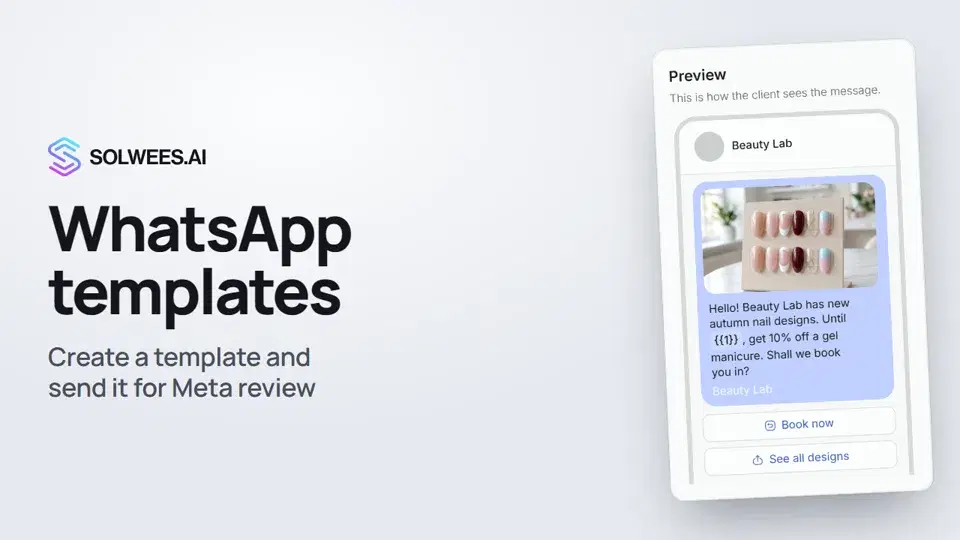 WhatsApp templates: messages approved by MetaHow to create a WhatsApp template in Solwees and send it for Meta review: category, language, image, variables in the text and buttons. You need a template to message a client who hasn't written to you for more than 24 hours.1:30
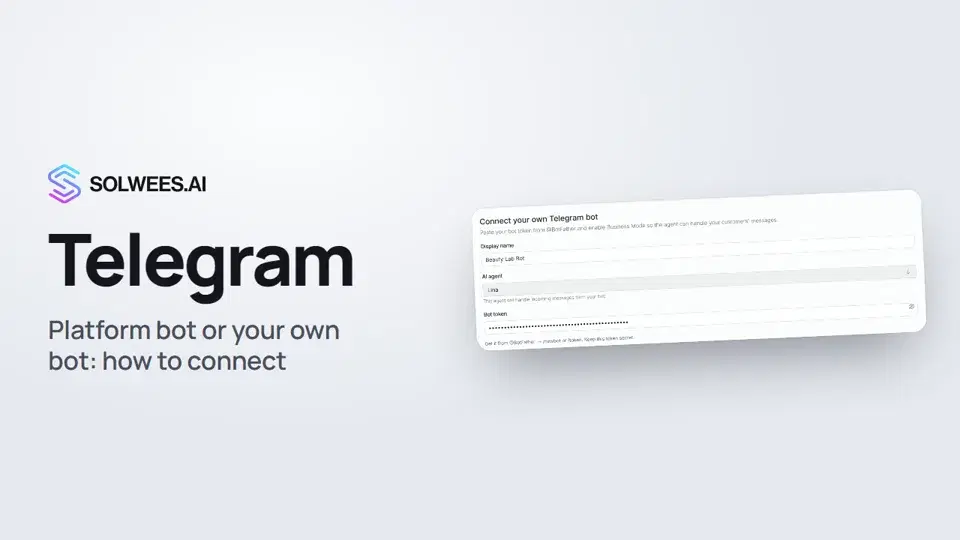 Telegram: how to connect the assistantHow to connect Telegram to Solwees so the AI assistant replies to your clients: through the platform bot and Telegram Business, or through your own bot with a token from BotFather.1:31
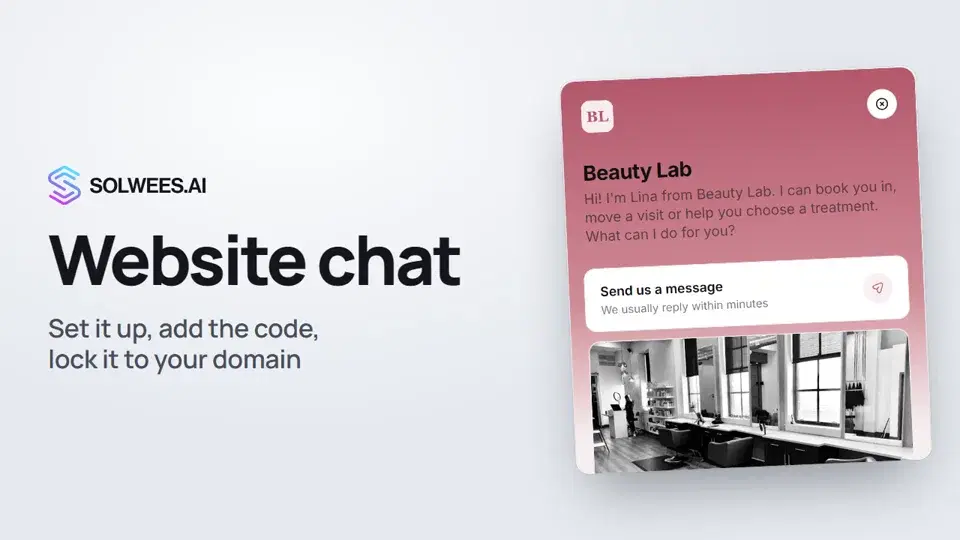 Website chat: how to set it up and install itHow to add the Solwees chat to your website: languages, visitor contact, welcome message, appearance, chat button, the install code and allowed domains. Visitors write in the chat and the AI assistant replies right away.1:52
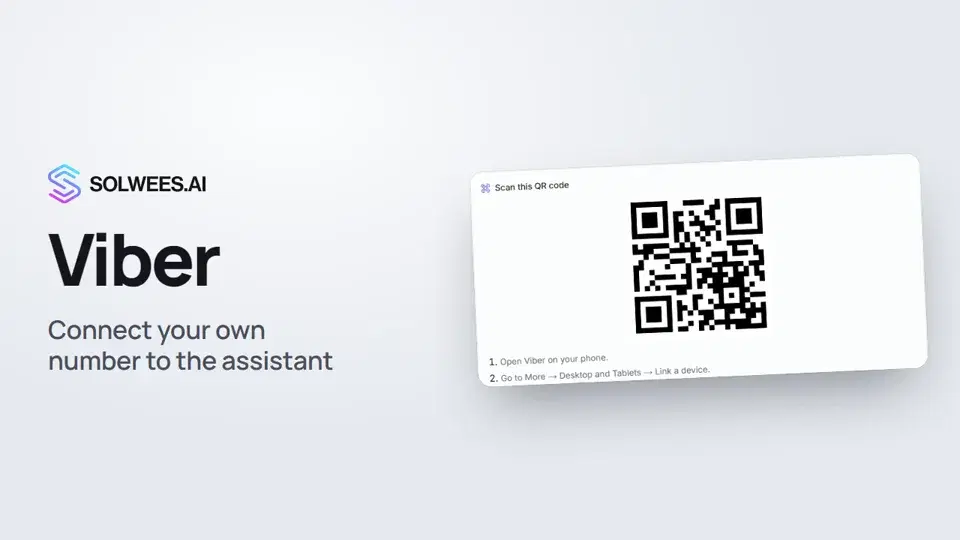 Viber: how to connect your own number to the assistantHow to connect Viber to Solwees so the AI assistant replies to your clients: paying for the channel, display name and AI agent, Connect number and linking with a QR code in Viber.1:11
Potřebujete pomoc?
Zeptejte se Soly v rozhraní
Tlačítko asistenta v rohu každé stránky rozhraní zná každé nastavení a ukáže, kde je.
Otevřít rozhraní