
Integrace Booksy
IntegraceAktualizováno 4. října 2026
Booksy připojuje náš tým, bez API klíče z vaší strany. Co potřebujeme a co tam asistent dělá.
Otevřete AI Assistant > App Directory > Booksy a napište na support@solwees.ai, nebo nám to řekněte při úvodním hovoru k nastavení. Na kartě je „Need this integration?“, protože Booksy si sami připojit nemůžete.
Potřebujeme zaměstnanecký přístup k vašemu salonu v Booksy, ne API klíč. Nastavíme také vaši zemi.
Po připojení asistent čte pracovníky, služby se všemi variantami ceny a délky a volné termíny a objedná jednu nebo více služeb jako jednu návštěvu. Klienta najde podle telefonu a vidí jeho minulé i nadcházející rezervace a jeho slevu.
Booksy klienta o přesunu informuje samo a při zrušení mu pošle SMS. Rezervace vytvořené přímo v Booksy se do Solwees nedostanou, takže k nim nechodí připomínky od Solwees. Zálohy jdou přes Stripe a odkaz na platbu se zapíše k rezervaci.
Odpověděl článek na vaši otázku?
Další k tématu
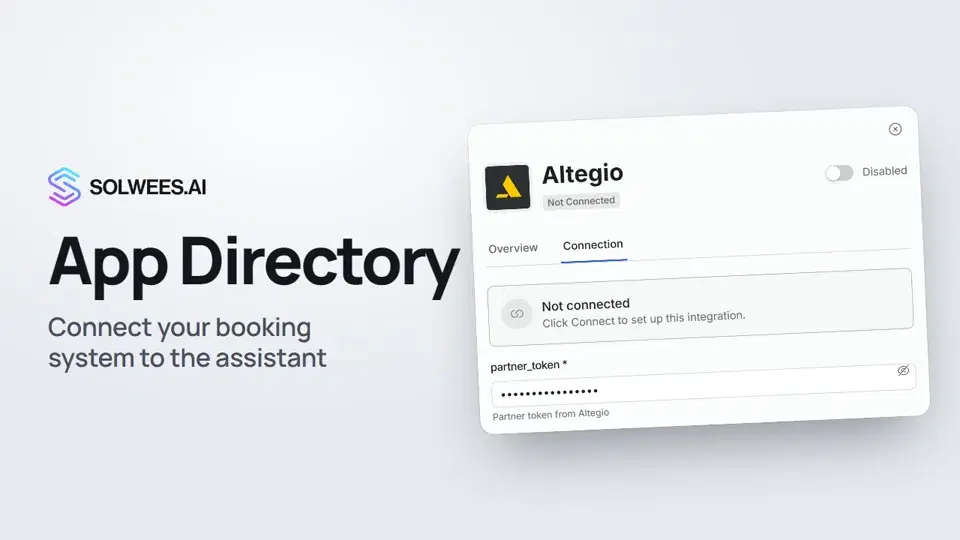 App Directory: connect your booking system, CRM and paymentsWhere to find the App Directory in Solwees and how to connect a booking system, CRM or payments to your AI receptionist: tabs, search, the integration card and the Connect button.1:06
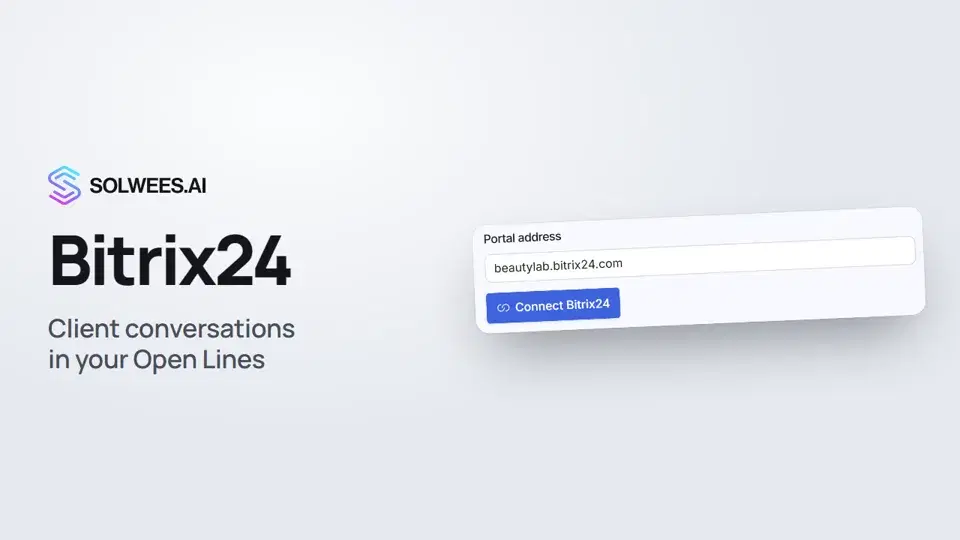 Bitrix24: client conversations in your Open LinesHow to connect your Bitrix24 portal to Solwees so the AI receptionist's conversations with clients go to your Open Lines: the portal address, confirming access on the portal, the agent's line and the No agent tab.1:03
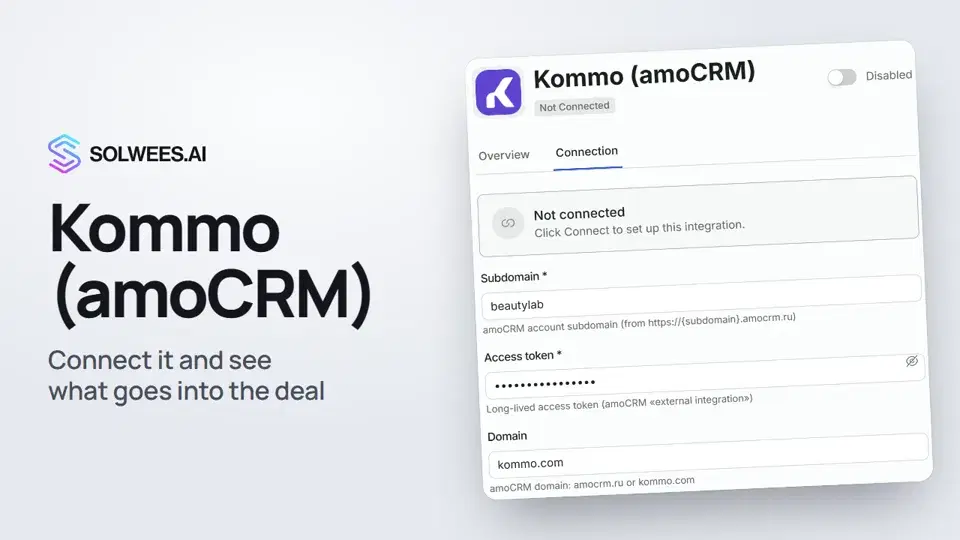 Kommo (amoCRM): how to connect it and what goes into the dealHow to connect Kommo (amoCRM) to your Solwees AI assistant: subdomain, long-lived token and domain, what the assistant sends into the deal and which assistant role it takes.1:19
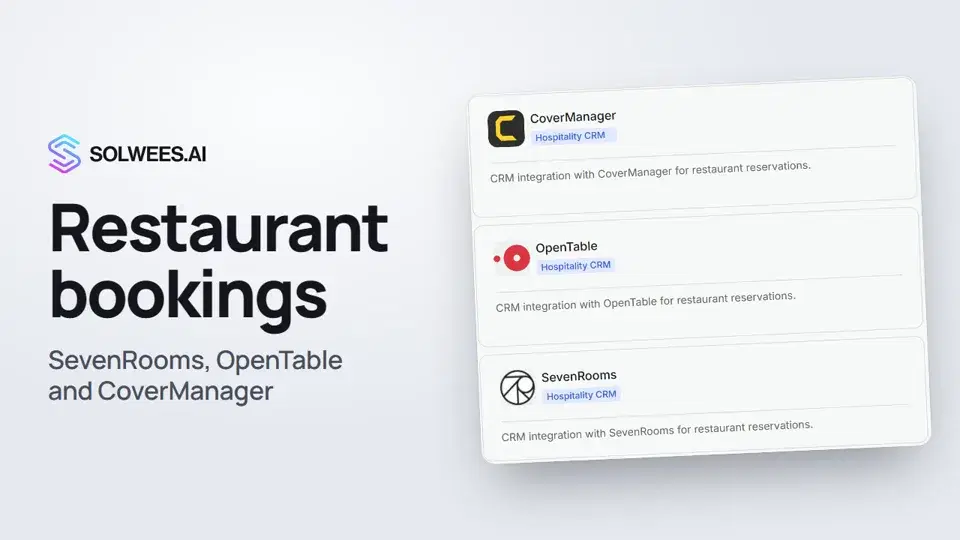 Restaurant bookings: connecting SevenRooms, OpenTable and CoverManagerHow to connect your restaurant booking system to the Solwees AI receptionist: SevenRooms and CoverManager connect in the App Directory, OpenTable is switched on by support. Once connected, the assistant checks for free tables and books right in your system.1:21
Potřebujete pomoc?
Zeptejte se Soly v rozhraní
Tlačítko asistenta v rohu každé stránky rozhraní zná každé nastavení a ukáže, kde je.
Otevřít rozhraní