
Připojení rezervačního systému
IntegraceAktualizováno 4. října 2026
Solwees zapisuje rezervace přímo do rezervačního systému, který už používáte. Takto ho připojíte.
Solwees nemá vlastní kalendář. Asistent čte volné termíny z vašeho rezervačního systému a zapisuje do něj rezervaci, zatímco je klient ještě v chatu nebo na telefonu.
Otevřete AI Assistant > App Directory a vyberte svůj systém. Většina se připojuje na kartě v záložce „Connection“ pomocí klíče, tokenu nebo vašich přihlašovacích údajů: mimo jiné Altegio (také z Altegio Marketplace), Treatwell, Bokadirekt, Bookio, Wix Bookings, Doctra, TOOKI, SevenRooms, CoverManager, Mozrest a Restoo.
Booksy, Fresha a OpenTable připojuje náš tým. Na jejich kartě je „Need this integration?“: napište na support@solwees.ai a nastavíme to za vás.
Pokud nepotřebujete rezervace, ale schůzky, připojte Calendly nebo Cal.com: schůzky se v Solwees objeví jako úkoly s připomínkami. U integrace vidíte stav „Connected“, „Pending“ nebo „Not Connected“. Pokud rezervace přestanou procházet, otevřete na kartě záložku „Connection“ a zadejte přístup znovu.
Odpověděl článek na vaši otázku?
Další k tématu
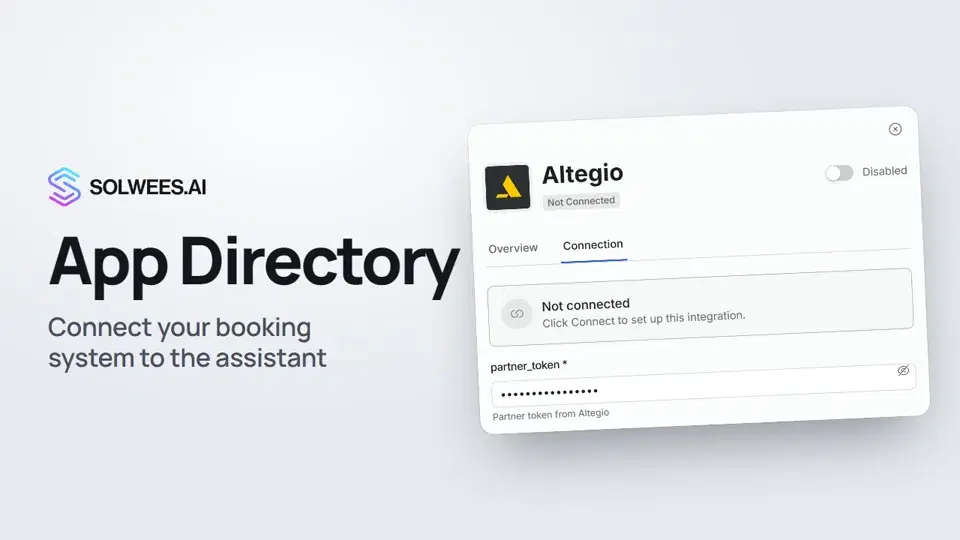 App Directory: connect your booking system, CRM and paymentsWhere to find the App Directory in Solwees and how to connect a booking system, CRM or payments to your AI receptionist: tabs, search, the integration card and the Connect button.1:06
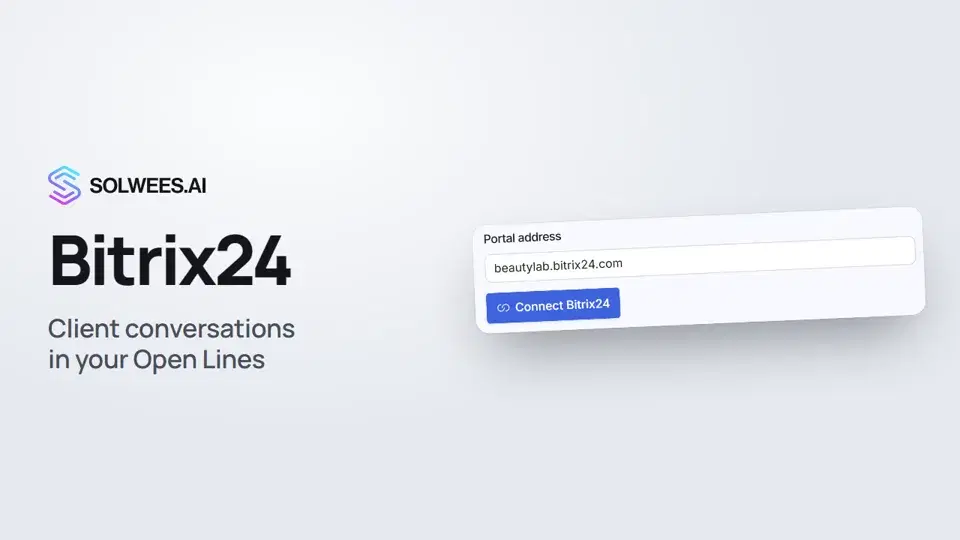 Bitrix24: client conversations in your Open LinesHow to connect your Bitrix24 portal to Solwees so the AI receptionist's conversations with clients go to your Open Lines: the portal address, confirming access on the portal, the agent's line and the No agent tab.1:03
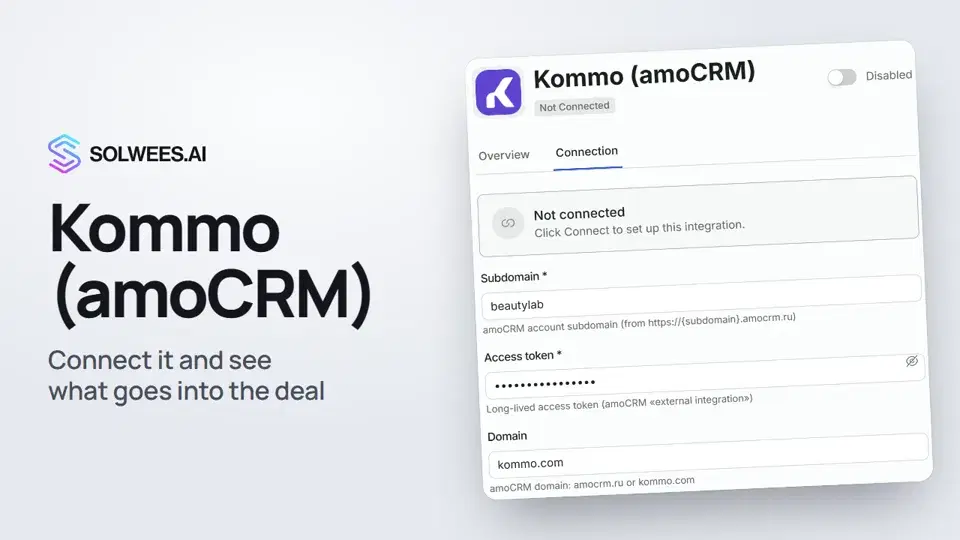 Kommo (amoCRM): how to connect it and what goes into the dealHow to connect Kommo (amoCRM) to your Solwees AI assistant: subdomain, long-lived token and domain, what the assistant sends into the deal and which assistant role it takes.1:19
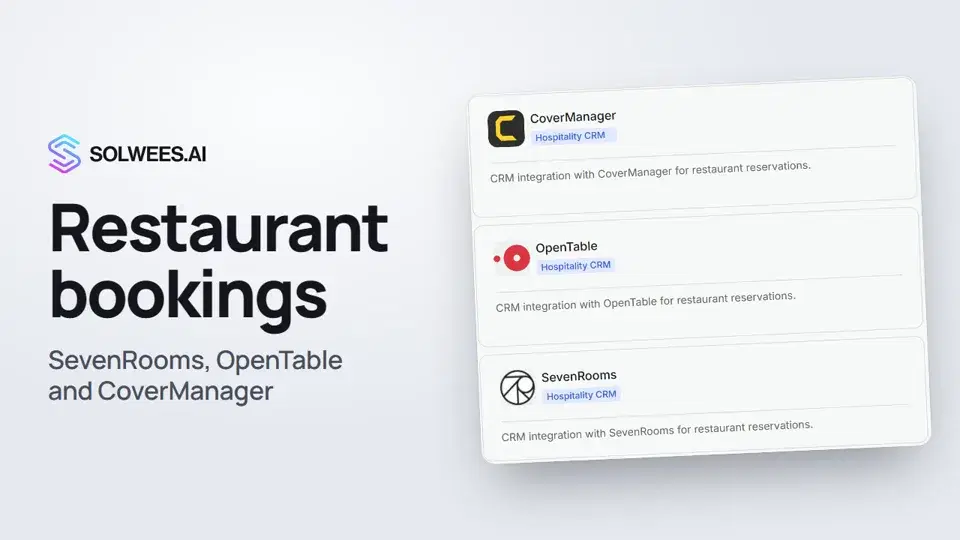 Restaurant bookings: connecting SevenRooms, OpenTable and CoverManagerHow to connect your restaurant booking system to the Solwees AI receptionist: SevenRooms and CoverManager connect in the App Directory, OpenTable is switched on by support. Once connected, the assistant checks for free tables and books right in your system.1:21
Potřebujete pomoc?
Zeptejte se Soly v rozhraní
Tlačítko asistenta v rohu každé stránky rozhraní zná každé nastavení a ukáže, kde je.
Otevřít rozhraní