
Připojení Mozrest
IntegraceAktualizováno 4. října 2026
Rezervujte do své rezervační platformy pro restaurace přes Mozrest.
Mozrest propojuje rezervační kanály s rezervačními platformami restaurací. V AI Assistant > App Directory > Mozrest > „Connection“ vložte svůj Mozrest API token. ID podniku (venue ID) je nepovinné: pokud máte jeden podnik, najde se samo.
Asistent ověří dostupnost podle prostoru a počtu osob, rezervuje ve dvou krocích (stůl se nejprve podrží, pak potvrdí) a předá jazyk hosta, takže e-maily z vaší platformy odejdou v jeho jazyce.
Změna vyžaduje nový čas i počet osob. Čekací listinu Mozrest API nepodporuje a stoly se přes něj nevybírají.
Zálohy jdou přes Stripe.
Odpověděl článek na vaši otázku?
Další k tématu
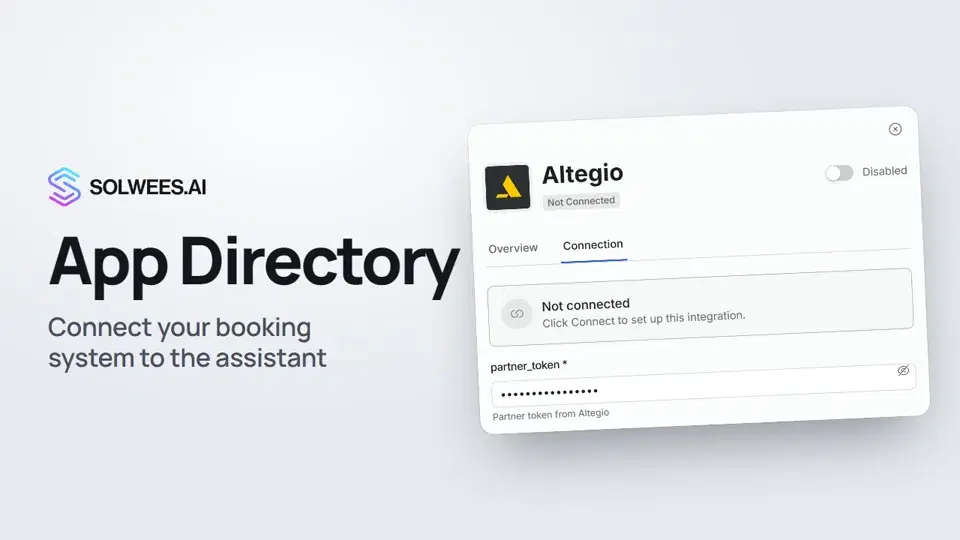 App Directory: connect your booking system, CRM and paymentsWhere to find the App Directory in Solwees and how to connect a booking system, CRM or payments to your AI receptionist: tabs, search, the integration card and the Connect button.1:06
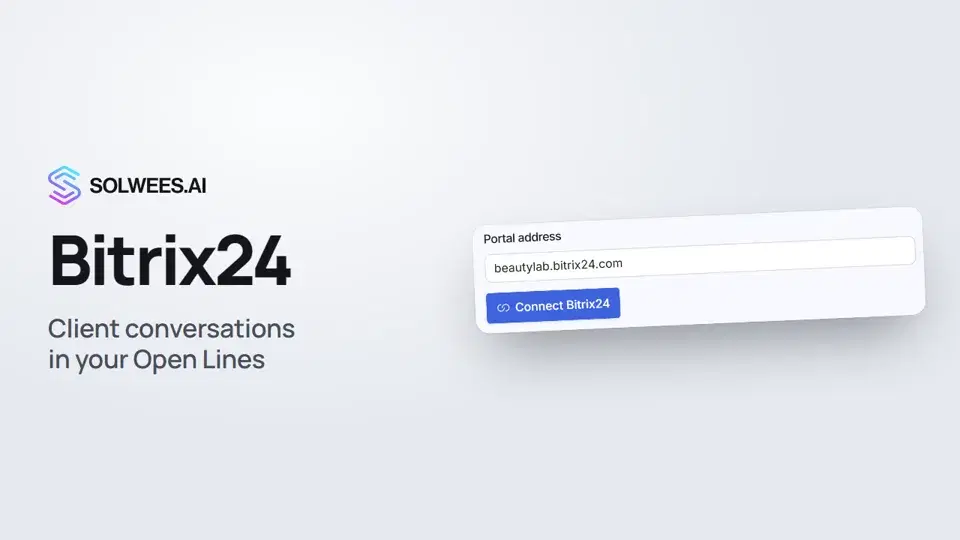 Bitrix24: client conversations in your Open LinesHow to connect your Bitrix24 portal to Solwees so the AI receptionist's conversations with clients go to your Open Lines: the portal address, confirming access on the portal, the agent's line and the No agent tab.1:03
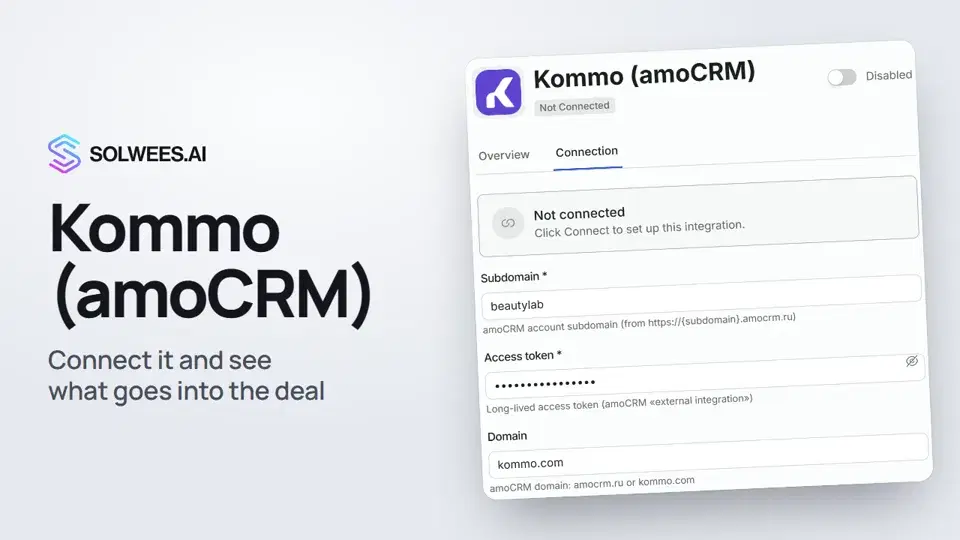 Kommo (amoCRM): how to connect it and what goes into the dealHow to connect Kommo (amoCRM) to your Solwees AI assistant: subdomain, long-lived token and domain, what the assistant sends into the deal and which assistant role it takes.1:19
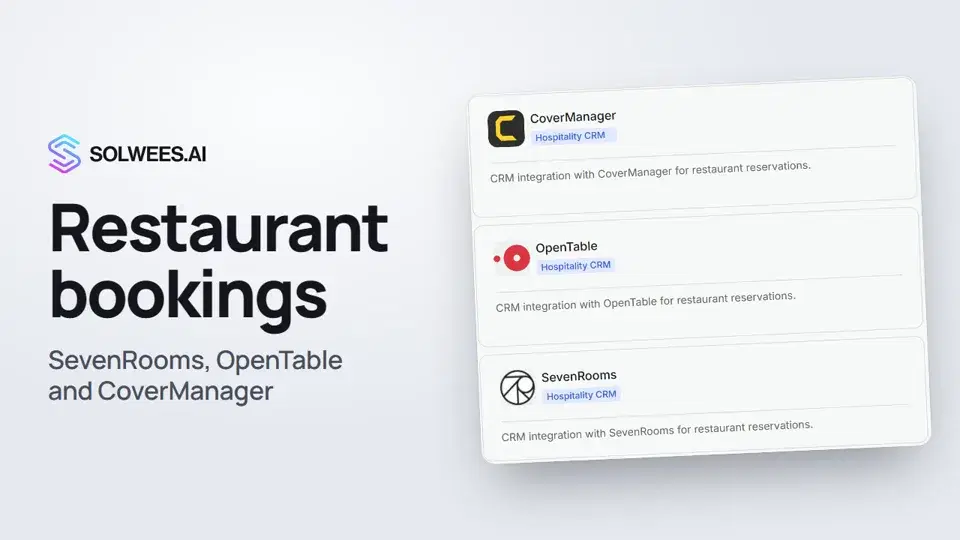 Restaurant bookings: connecting SevenRooms, OpenTable and CoverManagerHow to connect your restaurant booking system to the Solwees AI receptionist: SevenRooms and CoverManager connect in the App Directory, OpenTable is switched on by support. Once connected, the assistant checks for free tables and books right in your system.1:21
Potřebujete pomoc?
Zeptejte se Soly v rozhraní
Tlačítko asistenta v rohu každé stránky rozhraní zná každé nastavení a ukáže, kde je.
Otevřít rozhraní