
Jazyky, kterými asistent mluví
AI asistent a znalostní bázeAktualizováno 4. října 2026
38 jazyků a jak vybrat ty, které váš asistent používá.
Asistent pracuje v 38 jazycích: angličtina, španělština, portugalština, ruština, ukrajinština, turečtina, němčina, francouzština, italština, polština, nizozemština, arabština, hebrejština, čínština, japonština, korejština, hindština, thajština, řečtina, rumunština, litevština, lotyština, estonština, kyrgyzština, uzbečtina, tádžičtina, kazaština, ázerbájdžánština, urdština, čeština, slovenština, švédština, maďarština, gruzínština, chorvatština, srbština, bosenština a katalánština.
V AI Assistant > Business Profile zvolte „Greeting language“ a „Allowed languages“, nejvýše pět. Když je zapnuté „Reply only in the allowed languages“, asistent do žádného jiného jazyka nepřejde.
Vracejícího se klienta asistent pozdraví v jazyce jeho poslední konverzace. U nového volajícího může jazyk napovědět telefonní číslo, pokud jde o jeden z povolených jazyků.
Asistent, jehož hlavním jazykem je ukrajinština, nikdy neodpovídá rusky.
Odpověděl článek na vaši otázku?
Další k tématu
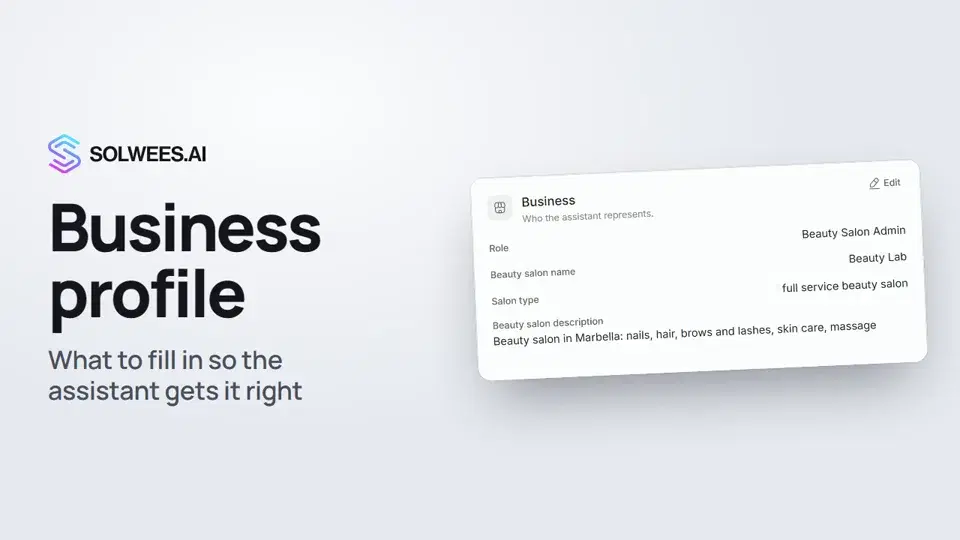 Business profile: what the assistant knows about your companyHow to fill in your business profile in Solwees so the AI receptionist answers clients accurately: name, language, contacts, address, working hours and the assistant's persona.1:35
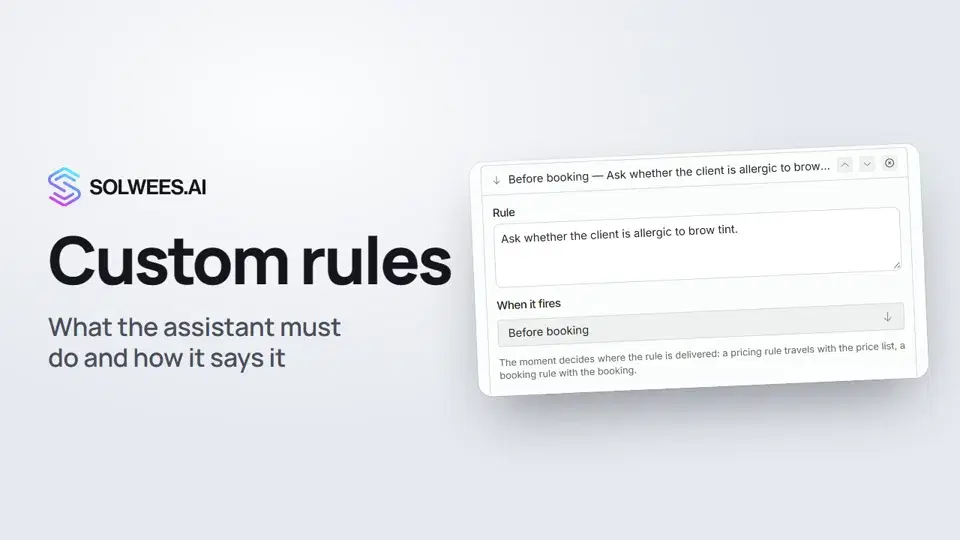 Custom rules and wordingHow to give the Solwees AI receptionist mandatory rules and wording: rules by moment, general rules and ready-made speaking styles for the key moments of a conversation.1:14
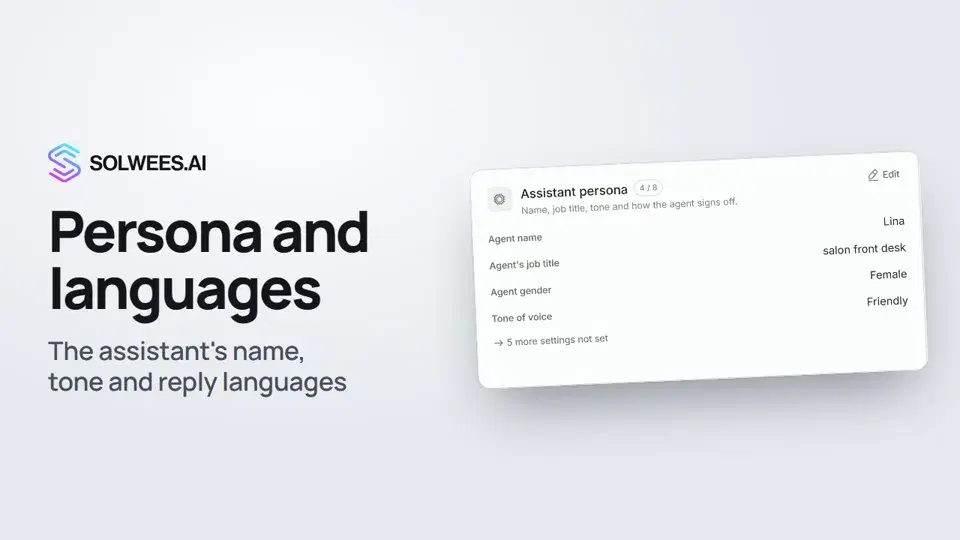 Persona and languages: how the assistant introduces itself and which languages it speaksHow to set the greeting language, allowed languages, name, job title, gender, tone of voice and closing lines of your Solwees AI receptionist in the Language and Assistant persona cards.1:22
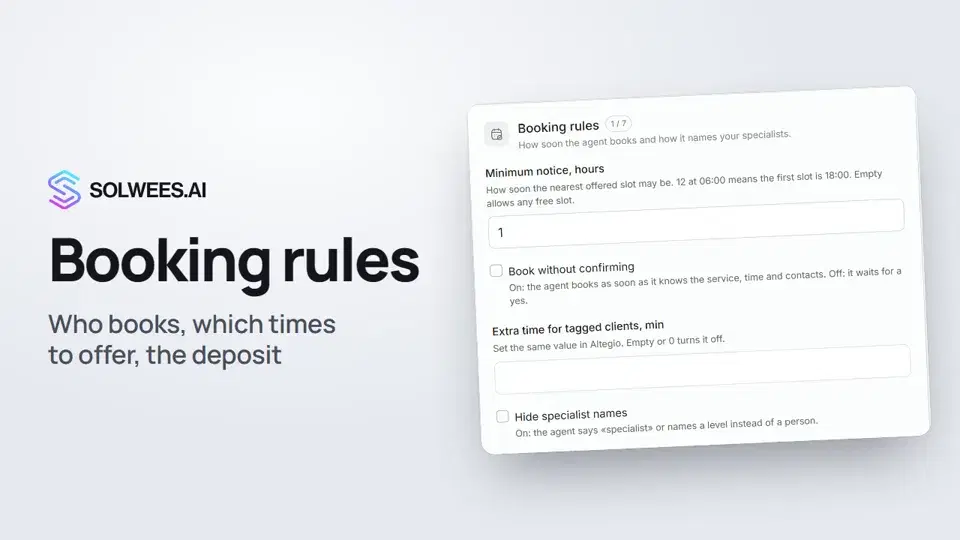 Booking rules: how the assistant books your clientsHow to set up booking rules for the Solwees AI receptionist: who makes the appointment, which windows it offers, what it says about a deposit, 4 and 6 hands services and add-on offers.1:38
Potřebujete pomoc?
Zeptejte se Soly v rozhraní
Tlačítko asistenta v rohu každé stránky rozhraní zná každé nastavení a ukáže, kde je.
Otevřít rozhraní