
المحادثات
صندوق واحد لكل القنوات: متى يرد المساعد ومتى ترد أنت، والردود السريعة والملاحظات.
7 مقالات · 7 فيديوهات
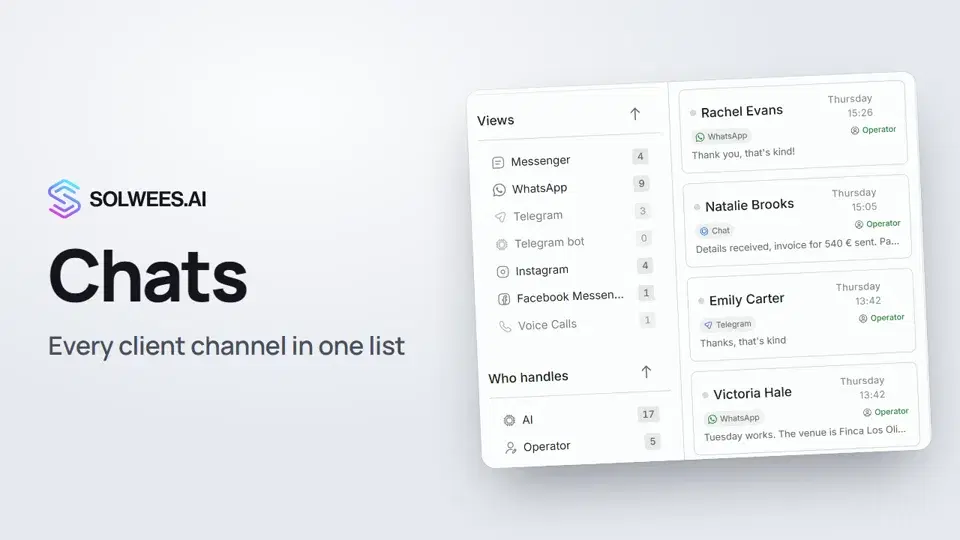 Chats: every channel in one placeHow to work with Chats in Solwees: folders, the channel and Who handles filters, search, status, sorting and opening a conversation with the client card.1:35
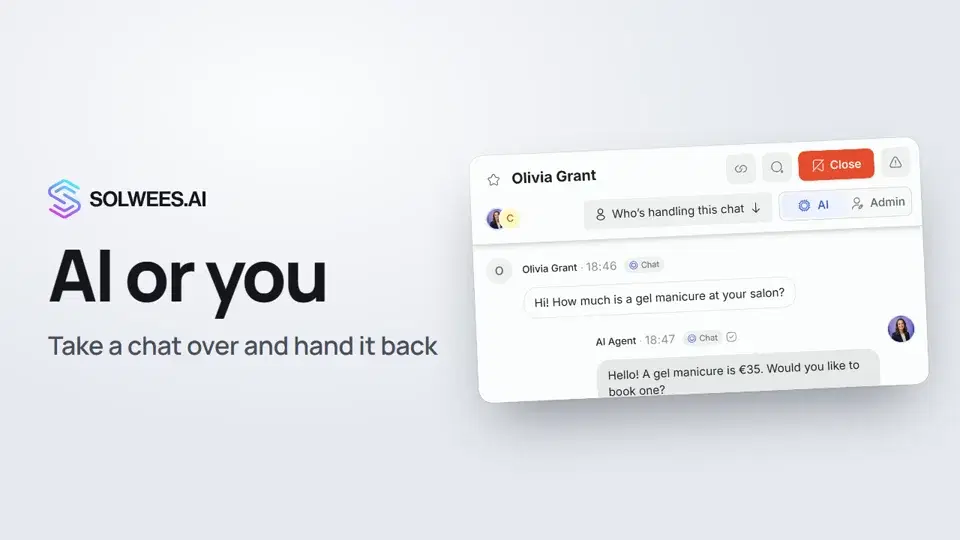 AI or you: taking a chat over from the assistant and handing it backHow to answer a client yourself instead of the Solwees AI receptionist and hand the chat back: the AI and Admin switch in the chat header, assigning a teammate and internal notes.1:13
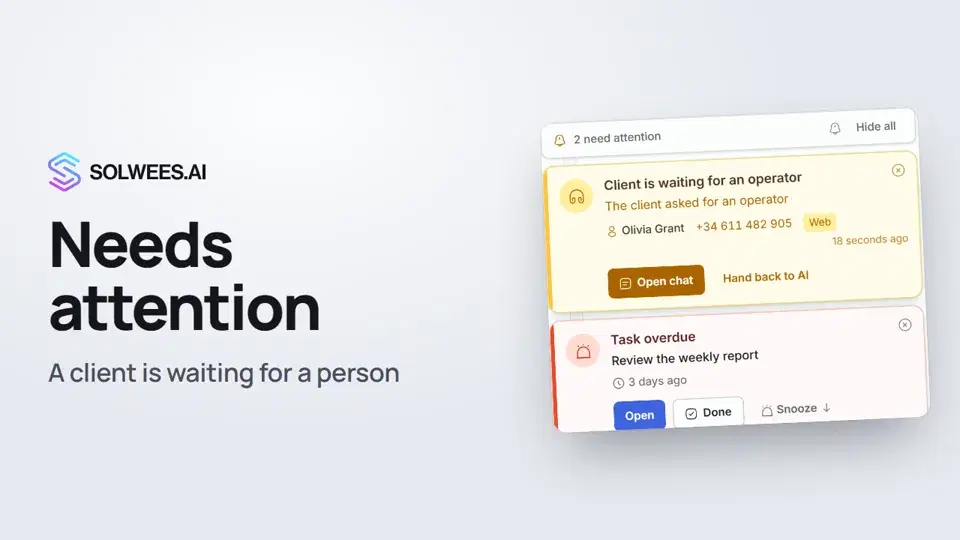 Needs attention: when a client is waiting for a personWhat to do when the Solwees AI receptionist calls for a person: the Needs attention panel, the Client is waiting for an operator card, replying, handing back to AI and task reminders.1:14
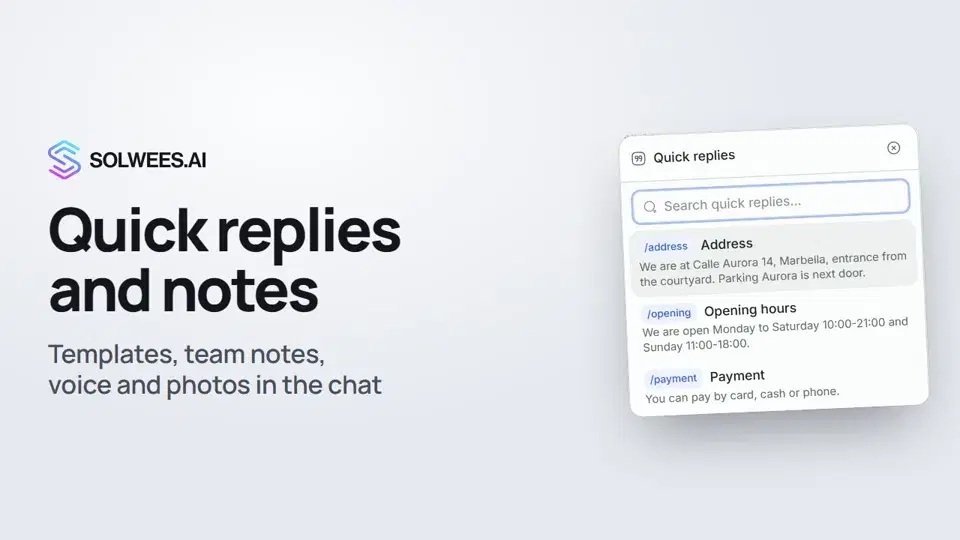 Quick replies and notes: what the chat input can doHow to answer clients faster in Solwees chats: quick replies with a slash, internal notes for your team, mentioning a teammate, voice messages and photos from your knowledge base.1:23
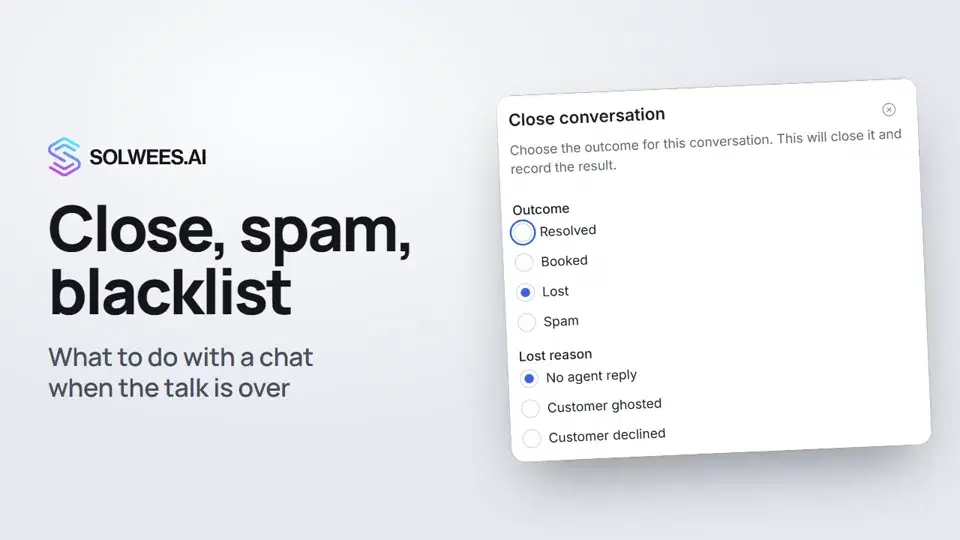 Close a chat, spam and blacklistHow to close a chat in Solwees and record the outcome, send a spammer to the Spam folder, block a client with the blacklist and merge two contacts of the same person.1:25
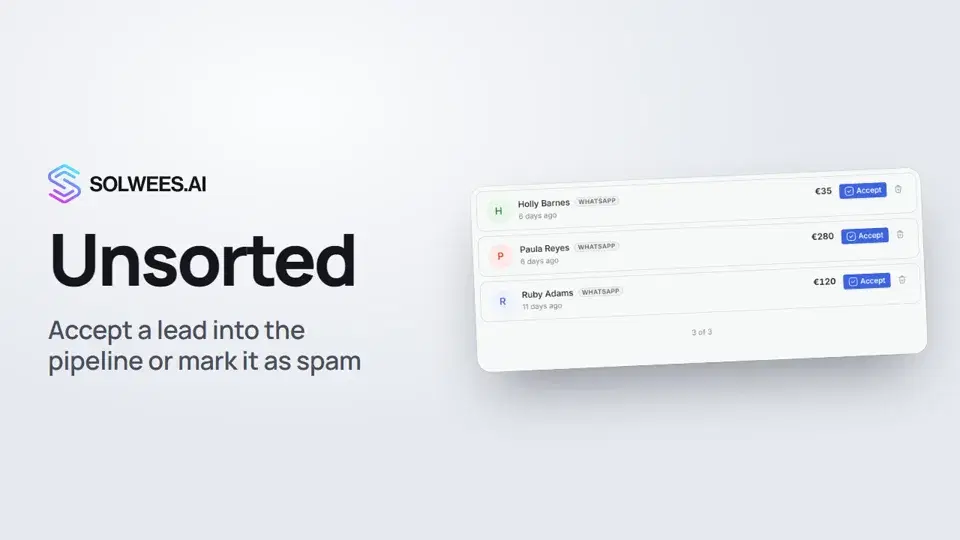 Unsorted: how to triage new leadsHow to triage new leads in the Unsorted folder in Solwees: Accept moves the deal to the first working stage of your main pipeline, Mark as spam deletes the lead while the contact and the chat stay.0:57
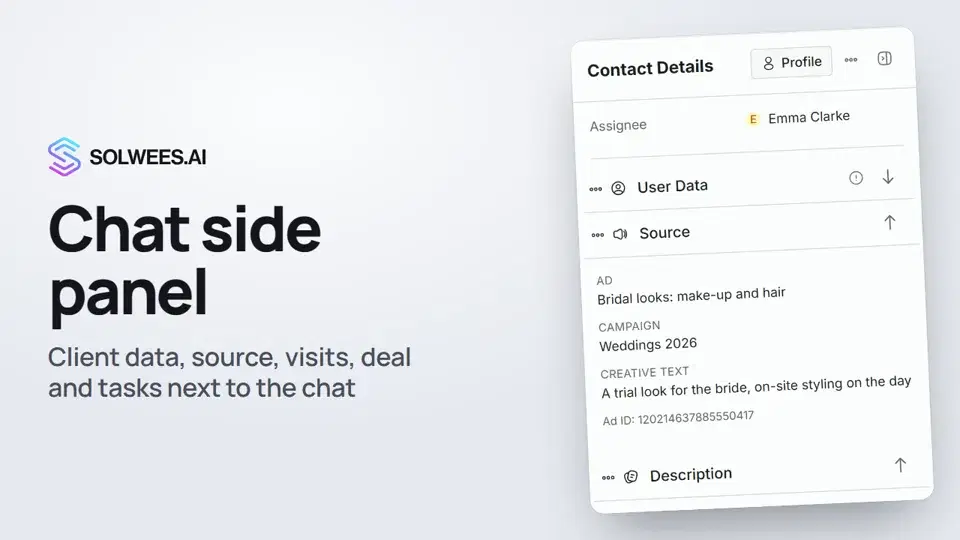 Chat side panel: everything about the client next to the conversationWhat the right-hand panel of an open chat in Solwees shows: client data, the source (an ad or a direct inquiry), notes, visit history, the deal and tasks. And how to put the panel's blocks in your own order.1:17
تحتاج إلى مساعدة؟
اسأل Sola في لوحة التحكم
زر المساعد في زاوية أي صفحة من لوحة التحكم يعرف كل إعداد ويريك مكانه.
افتح لوحة التحكم