
Google Maps reviews: a rating after the visit and a review link
التسويق والعروضتاريخ التحديث 21 أكتوبر 2026الفيديو 0:54مع وحدة الحملات
هذا الدليل بالإنجليزية حاليًا.
The Google Maps rating campaign messages clients on its own after a visit: it asks them to rate the visit, sends happy clients a link to review you on Google Maps, and asks unhappy ones what went wrong. Public reviews come from the people who liked it, and you hear about problems first.
Where to find it
Open Marketing. In the Auto campaigns column, in the After a visit group, click Google Maps rating. The campaign is part of the Campaigns module.
How it works
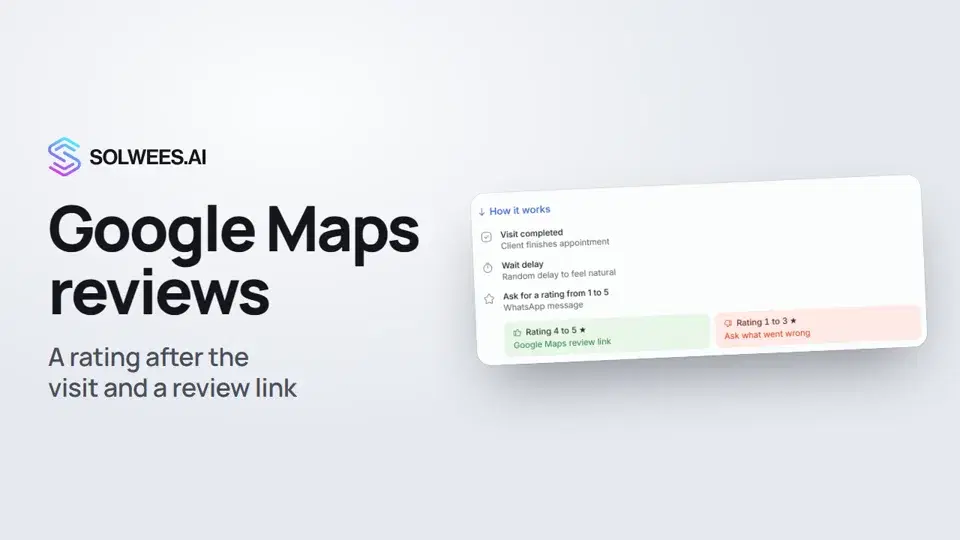
The window shows the path itself: click How it works under the rating scale.
- Visit completed. If your bookings live in a connected CRM, a visit counts as completed once the CRM marks that the client came. Bookings without a CRM count as completed by time: the start, the duration and the extra wait after the visit (the Visits without a CRM section).
- A pause. The message goes out at a random moment within the When to send range, for example 60 to 180 minutes. The count starts when the system sees the visit as completed, so in practice the request can arrive a little later. A random time feels more natural.
- Rating request. The client gets a question such as “How would you rate your visit from 1 to 5?”. It goes to WhatsApp or to the channel where the client has already written to you.
- Reply to the rating. A good rating gets a thank-you and the review link. A low one gets a question about what went wrong, and the manager is alerted.
What is in the window
| Section | What you set | Good to know |
|---|---|---|
| Send a review request after each visit | The campaign switch | While the campaign is active, the collection method, scale, good ratings and texts are locked: pause it first |
| How to collect reviews | Rating, then a reply; Straight to a review; or Open question | With Open question the client answers in words and the tone is recognised automatically |
| Rating scale and good ratings | A 1 to 5 or 1 to 10 scale and the rating where good ones start | By default good means 4 and 5 out of five, or 8 to 10 out of ten |
| If feedback is negative | Notify the manager, hand the chat to the manager, or do nothing | When the chat is handed over, the assistant stays silent in it until the manager hands it back |
| Link and timing | Your Google Maps review link and the range in minutes after the visit | Without the link, happy clients have nowhere to leave a review |
| Message templates | The question and reply texts in each language | On WhatsApp the first message needs Meta approval, usually within 1 to 24 hours |
| Visits without a CRM | Automatic attended mark, default duration and extra wait after the visit | If the automatic mark is off, bookings without a CRM get no review request |
How to change the settings
- Open Google Maps rating.
- To change the collection method, the scale or the texts, turn the switch at the top off.
- Make your changes and click Save settings.
- Turn the switch back on and click Save settings again. If WhatsApp is connected through the official Meta channel, the first message goes to review, and the campaign starts once it is approved.
The link, the timing and the negative feedback action can be changed while the campaign is active.
Tips
- The request only goes out between 9 a.m. and 9 p.m. in the time zone from General settings. If the time falls in the evening, the client gets the message the next morning.
- Bookings in a CRM? Mark there that the client came: the request goes out only after that mark. No-shows and cancelled bookings never get it.
- Bookings without a CRM? Keep Mark visits as attended automatically on, or those bookings get no request.
- Start the text with a word, not a variable: WhatsApp rejects a template that starts or ends with a variable, and the window won’t let you save it.
- Each booking gets one rating request.
FAQ
Why didn’t a client get the request?
Check in this order: is the campaign on; is the visit marked as attended in the CRM (or is the automatic mark on for bookings without a CRM); did the time fall at night, in which case the message arrives in the morning; is the first message template approved by Meta, its status is shown next to the language in Message templates.
What if the client replies without a number?
With Rating, then a reply, the client is asked for a rating once more. If there is still no rating, the assistant carries on the conversation as usual.
Can I change the collection method while it runs?
Only while the campaign is paused, so clients who were already asked get replies under the rules they were asked with.
Where do I see the results?
The campaign card shows how many requests went out this week and, once ratings come in, the average rating. For details, the Campaign analytics button opens Reports.
نص الفيديو
كل ما يقوله الراوي. التوقيت يشغّل الفيديو من تلك اللحظة.
Where to find the Google Maps rating
After a visit, the client is asked for a rating, and happy clients get a link to leave a review on Google Maps. Open Marketing, and in the After a visit group, choose Google Maps rating.
How to collect reviews and how it works
The switch at the top turns the campaign on. Below, choose how to collect reviews and which ratings count as good. How it works shows the path: the visit, a pause, a rating request, then a review link or a question about what went wrong.
Link, timing and a tip
Below, paste your Google Maps review link and set how many minutes after the visit to send it. The request only goes out between 9 am and 9 pm, so after a late visit, the client gets it the next morning. Done. Next: winning clients back.
هل أجابت المقالة عن سؤالك؟
المزيد في هذا الموضوع
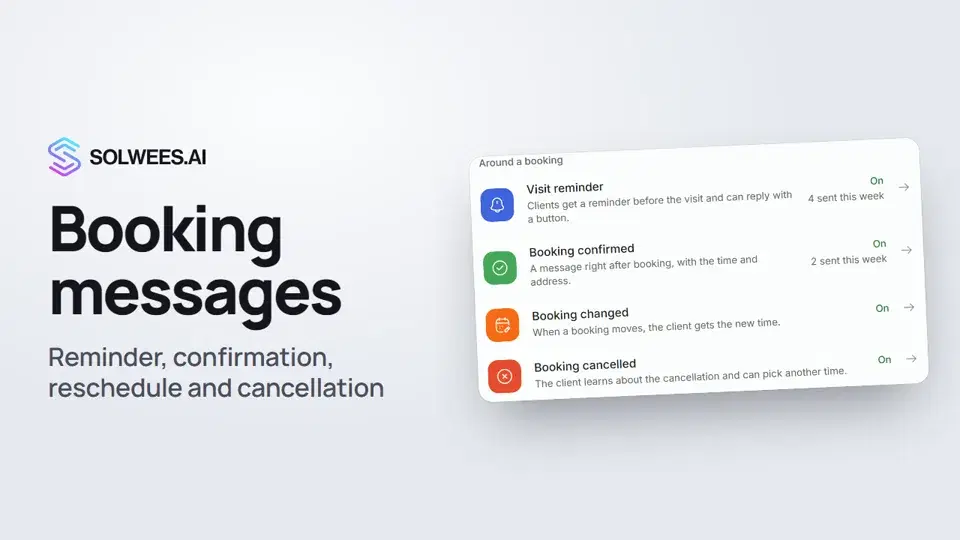 Booking messages: reminder, confirmation, reschedule and cancellationHow to turn on automatic booking messages in Solwees: the visit reminder, booking confirmed, changed and cancelled, and where they are sent.1:27
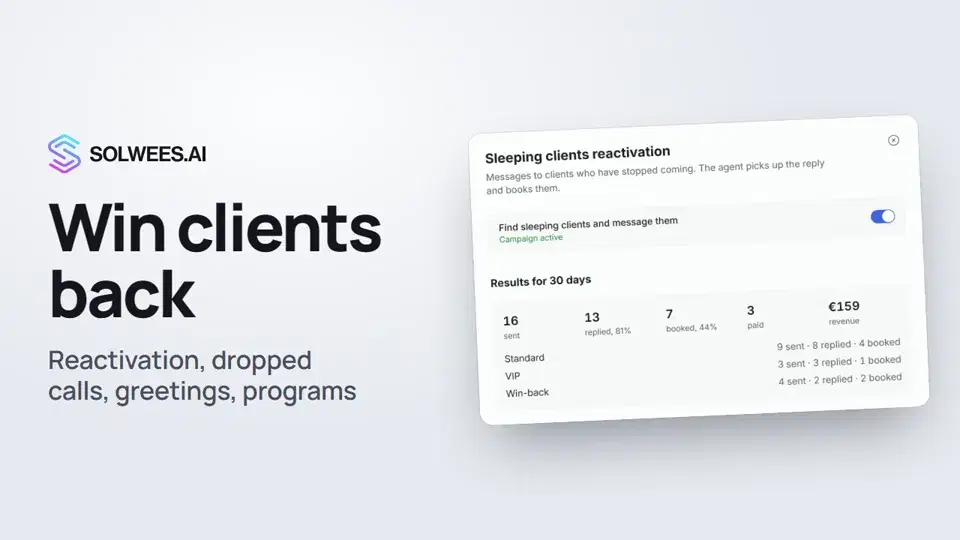 Winning clients back: reactivation, call follow-up, greetings and programsHow to win clients back with Solwees: sleeping clients reactivation, a follow-up after a dropped call, birthday and holiday greetings, and retention programs after a visit.1:36
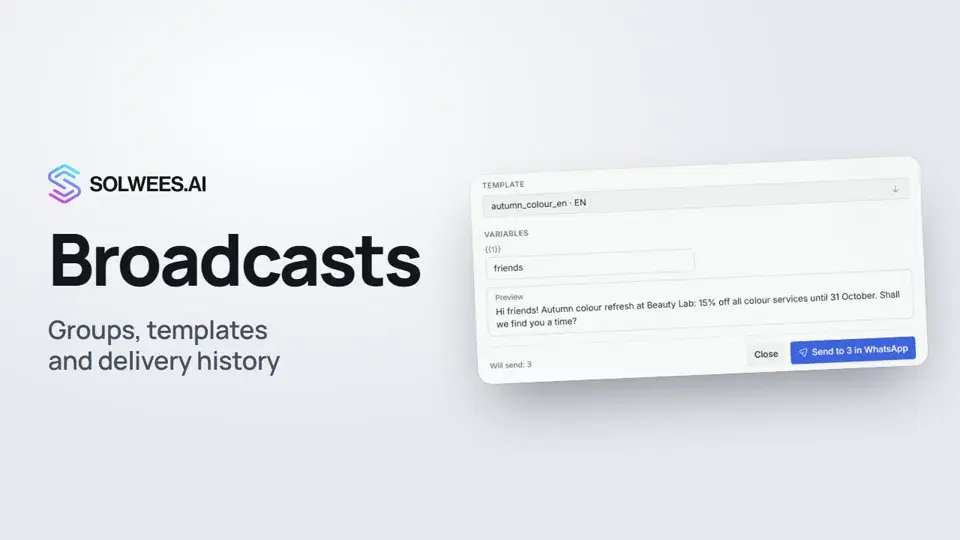 Broadcasts: how to message clients in WhatsApp and TelegramHow to send a broadcast to clients in Solwees: build a client group, pick a WhatsApp template or write in Telegram, check who got the message and see the analytics.1:26
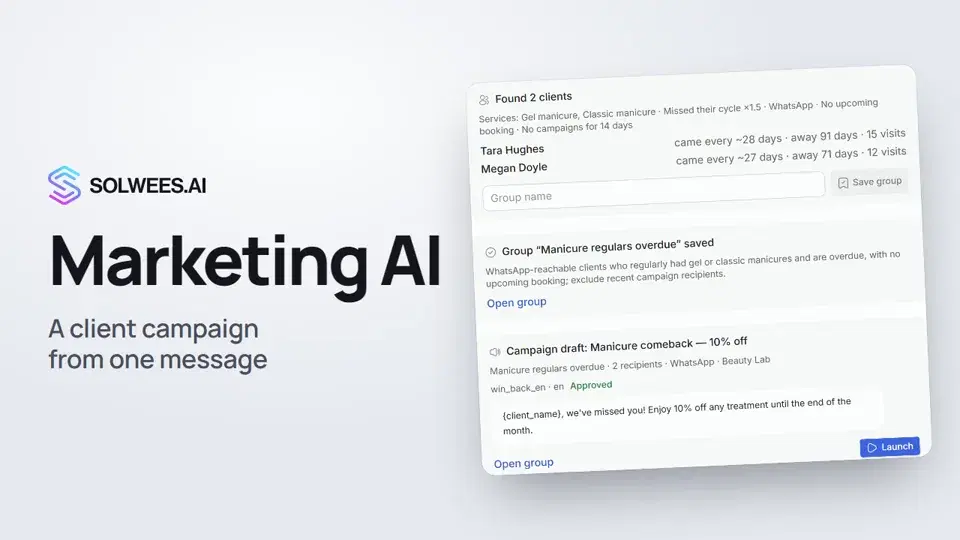 Solwees Marketing AI: the assistant that prepares your campaignsHow to ask Solwees Marketing AI to prepare a campaign: the assistant finds clients in your base, saves a group and prepares a draft, and you launch it.1:14
تحتاج إلى مساعدة؟
اسأل Sola في لوحة التحكم
زر المساعد في زاوية أي صفحة من لوحة التحكم يعرف كل إعداد ويريك مكانه.
افتح لوحة التحكم