
Klienci, transakcje i zadania
Karta klienta, import, lista oczekujących, tablica transakcji, lejki i zadania.
7 artykułów · 7 filmów
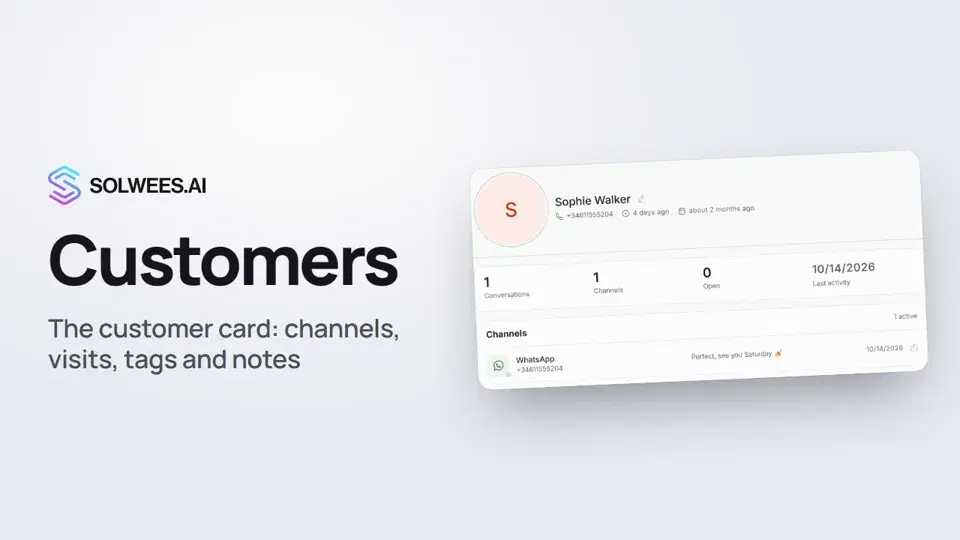 Customers and the customer cardHow to work with Customers in Solwees: finding a client, the card with channels and Start chat, details, the visit history from your CRM with the average per visit, tags and team notes.1:19
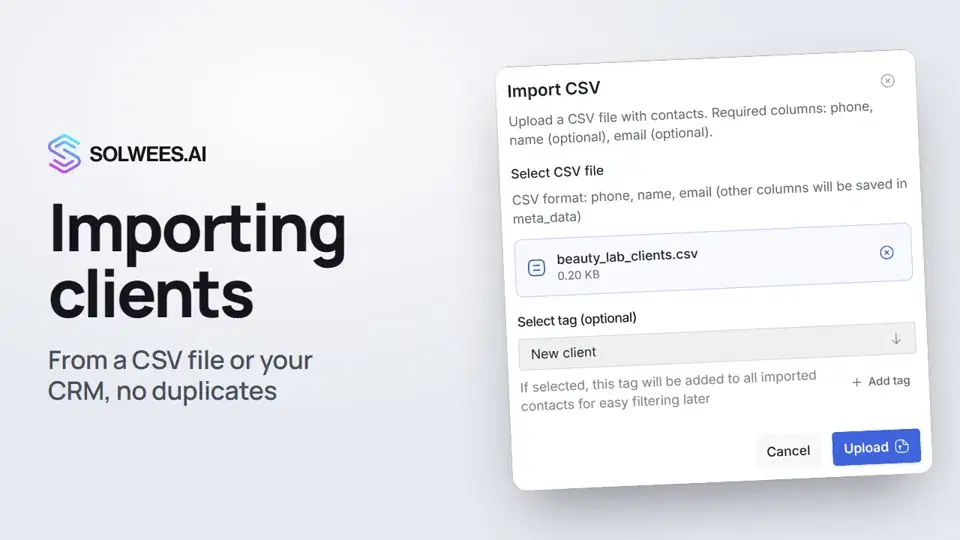 Importing clients: from a CSV file or from your CRMHow to bring your client base into Solwees: upload a CSV file with names, phones and emails, or pull clients with their visit history from a connected Altegio. Clients with the same phone are updated, never duplicated.0:57
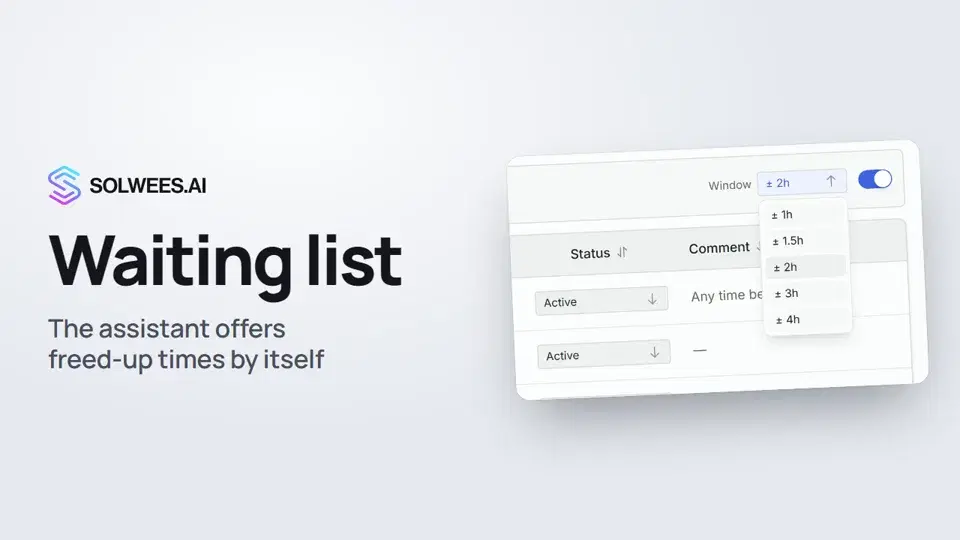 Waiting list: the assistant offers a freed-up time by itselfHow the waiting list works in Solwees: the assistant adds clients when the time they want is taken, and with AI auto-rebooking on it offers them a freed-up time by itself.0:54
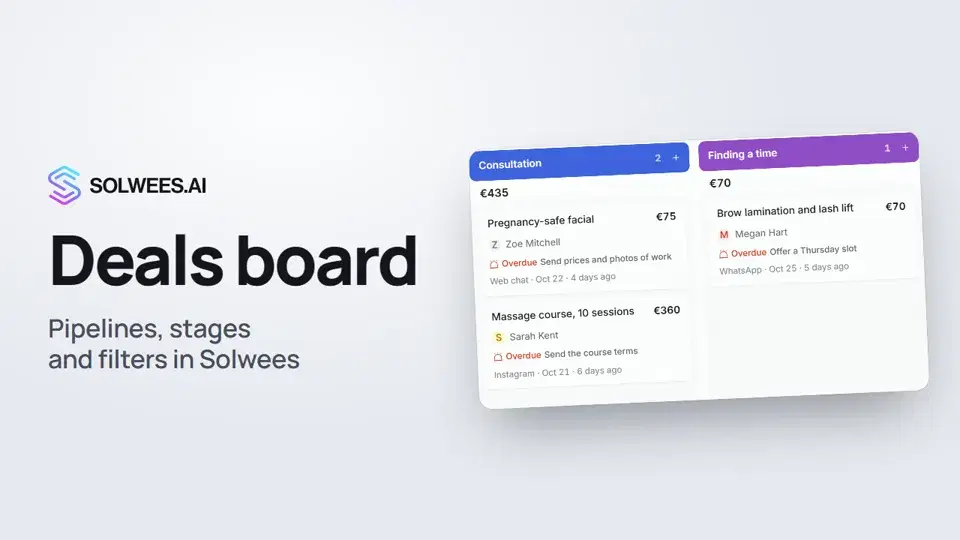 Deals: the boardHow to work with the deals board in Solwees: switch pipelines, add a quick deal, drag cards between stages, find overdue deals and view them as a list.1:28
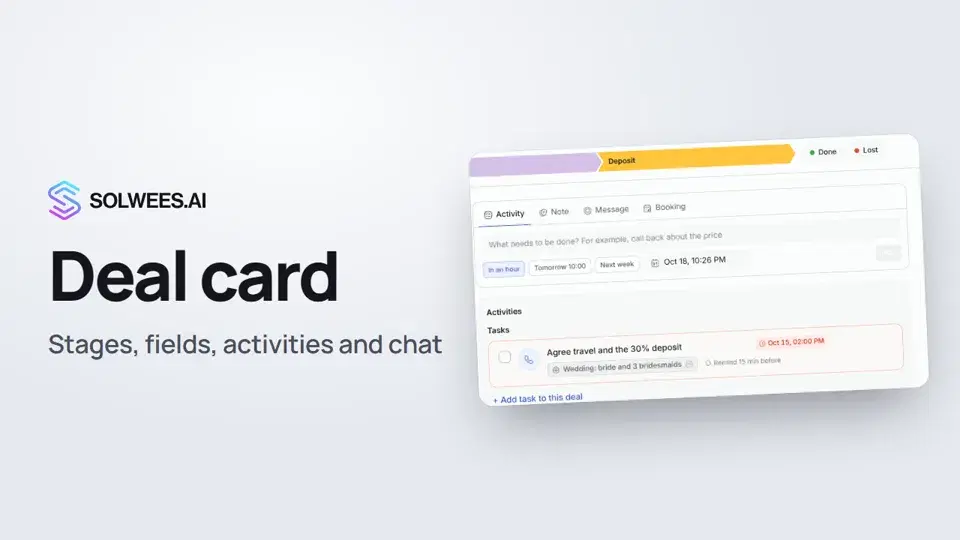 The deal card: stage, fields, activities and chat in one placeHow to work with a deal card in the Solwees CRM: move the deal to another stage, change the amount and your own fields, plan an activity, leave a note, message the client, open the chat and close the deal as won or lost.1:15
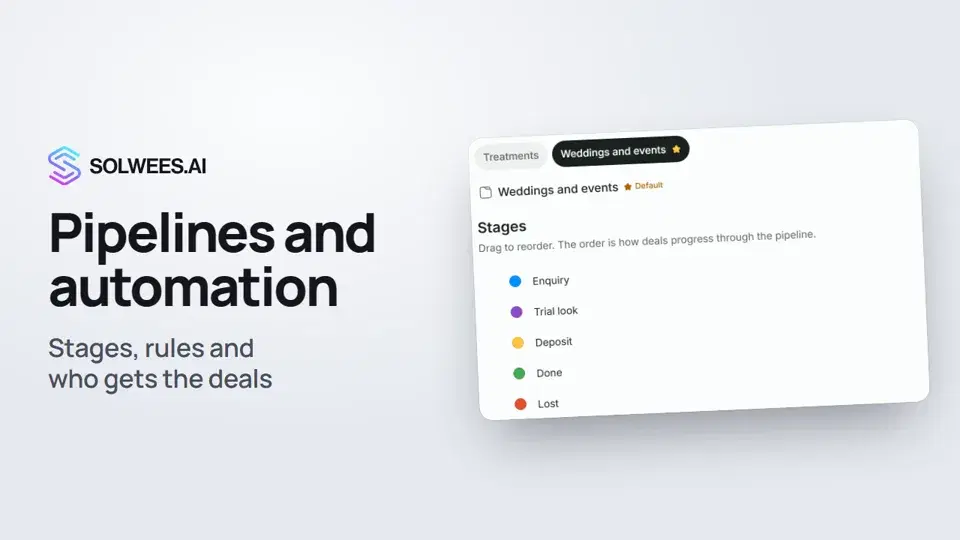 Pipelines and automation: stages, rules and who gets the dealsHow to set up pipelines in Solwees: deal stages, the main pipeline, the rules that move a deal to the right stage on their own, and who gets new deals.1:27
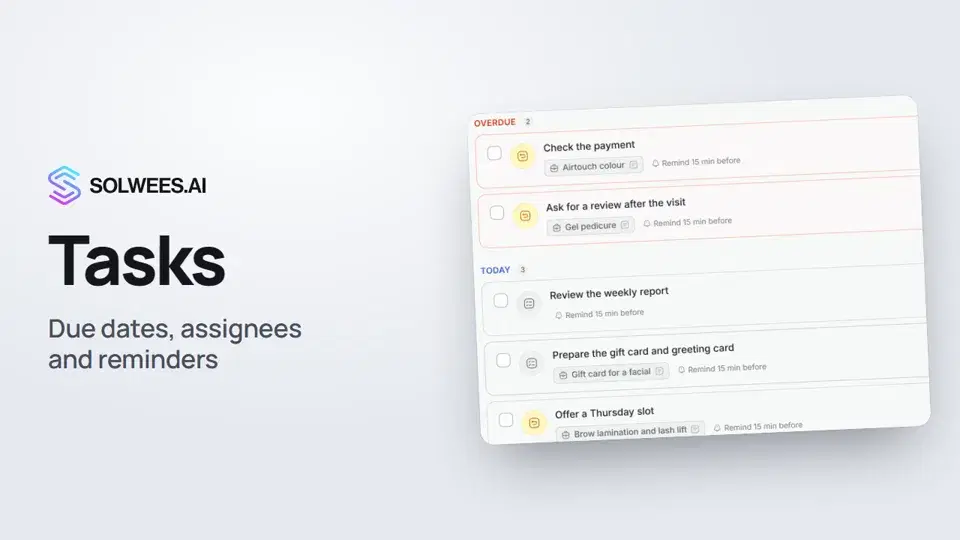 Tasks: due dates, assignees and remindersHow to set tasks for your team in Solwees: add a task in one line, pick the due time and the assignee, get a reminder in the dashboard and in Telegram, snooze or complete a task.1:11
Potrzebujesz pomocy?
Zapytaj Solę w panelu
Przycisk asystenta w rogu każdej strony panelu zna każde ustawienie i pokazuje, gdzie jest.
Otwórz panel