
اللغات التي يتحدث بها المساعد
المساعد الذكي وقاعدة المعرفةتاريخ التحديث 4 أكتوبر 2026
اللغات الـ 38، وكيف تختار اللغات التي يستخدمها مساعدك.
يعمل المساعد بـ 38 لغة: الإنجليزية، والإسبانية، والبرتغالية، والروسية، والأوكرانية، والتركية، والألمانية، والفرنسية، والإيطالية، والبولندية، والهولندية، والعربية، والعبرية، والصينية، واليابانية، والكورية، والهندية، والتايلاندية، واليونانية، والرومانية، والليتوانية، واللاتفية، والإستونية، والقيرغيزية، والأوزبكية، والطاجيكية، والكازاخية، والأذربيجانية، والأردية، والتشيكية، والسلوفاكية، والسويدية، والمجرية، والجورجية، والكرواتية، والصربية، والبوسنية، والكتالونية.
في AI Assistant > Business Profile اختر «Greeting language» و«Allowed languages»، حتى خمس لغات. ومع تفعيل «Reply only in the allowed languages»، لا ينتقل المساعد إلى أي لغة أخرى.
يُرحَّب بالعميل العائد بلغة آخر محادثة له. أما المتصل الجديد، فقد يقترح رقم هاتفه اللغة إن كانت من اللغات المسموح بها.
المساعد الذي لغته الأساسية الأوكرانية لا يرد بالروسية أبداً.
هل أجابت المقالة عن سؤالك؟
المزيد في هذا الموضوع
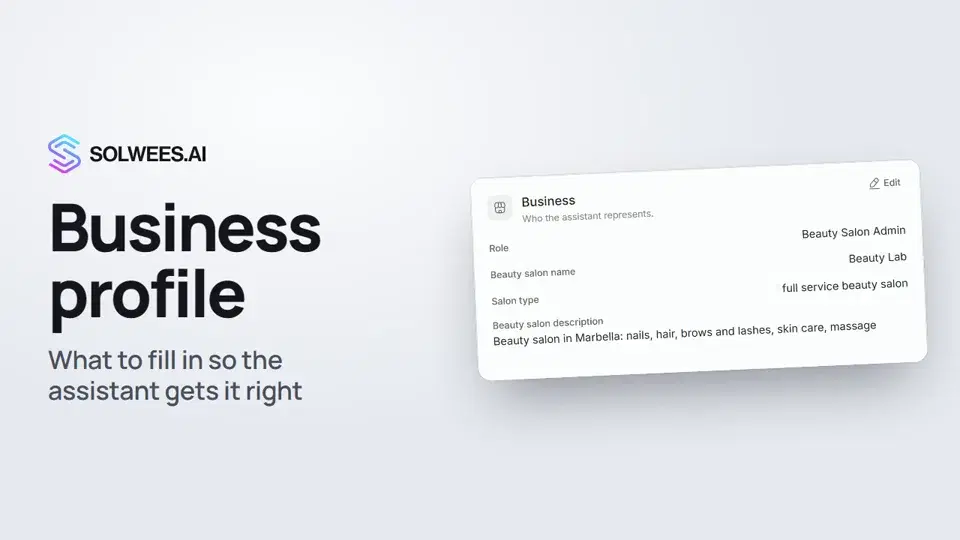 Business profile: what the assistant knows about your companyHow to fill in your business profile in Solwees so the AI receptionist answers clients accurately: name, language, contacts, address, working hours and the assistant's persona.1:35
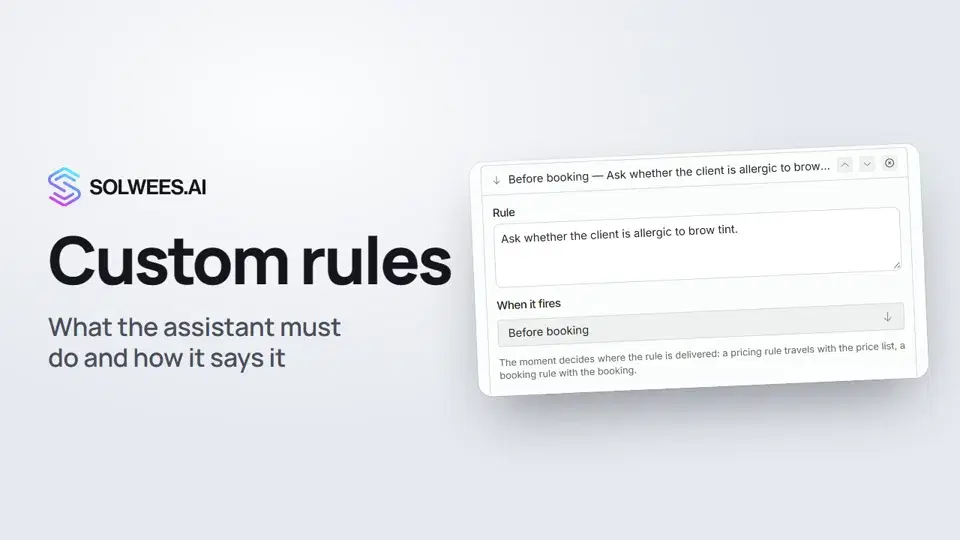 Custom rules and wordingHow to give the Solwees AI receptionist mandatory rules and wording: rules by moment, general rules and ready-made speaking styles for the key moments of a conversation.1:14
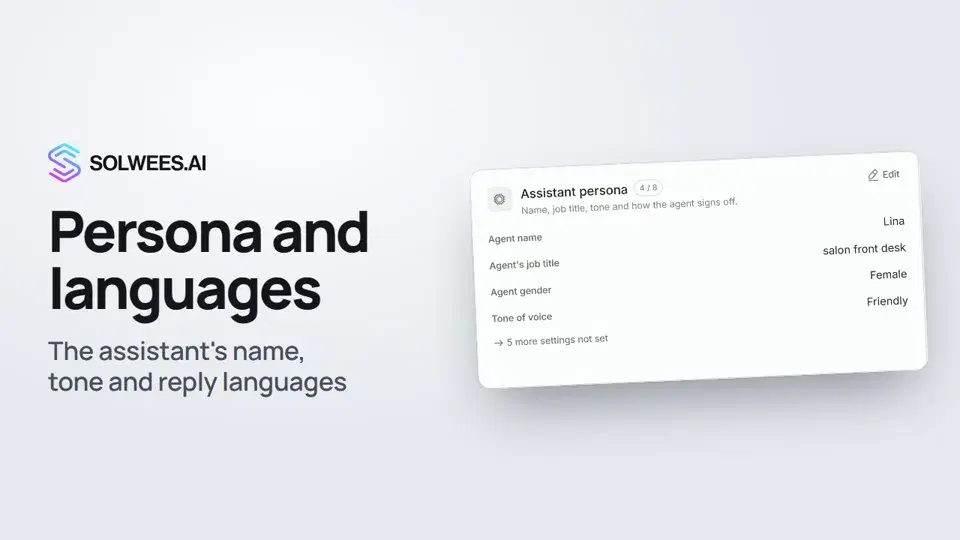 Persona and languages: how the assistant introduces itself and which languages it speaksHow to set the greeting language, allowed languages, name, job title, gender, tone of voice and closing lines of your Solwees AI receptionist in the Language and Assistant persona cards.1:22
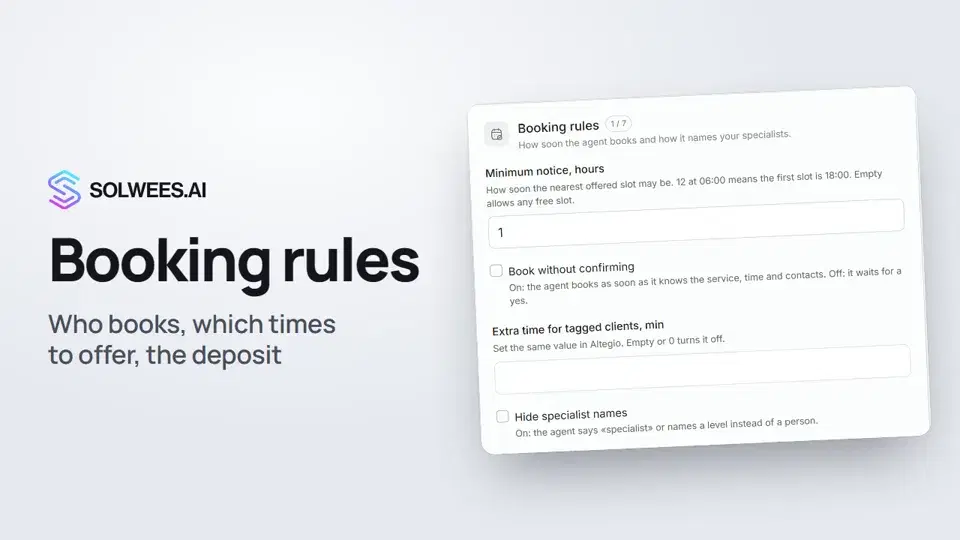 Booking rules: how the assistant books your clientsHow to set up booking rules for the Solwees AI receptionist: who makes the appointment, which windows it offers, what it says about a deposit, 4 and 6 hands services and add-on offers.1:38
تحتاج إلى مساعدة؟
اسأل Sola في لوحة التحكم
زر المساعد في زاوية أي صفحة من لوحة التحكم يعرف كل إعداد ويريك مكانه.
افتح لوحة التحكم