
متى يحوّل المساعد المحادثة إلى موظف
المكالمات والتقارير والإشعاراتتاريخ التحديث 4 أكتوبر 2026
اختر أسباب التحويل، وطريقة إبلاغ فريقك، وما يحدث أثناء المكالمة.
افتح AI Assistant > Business Profile > «Handing over to a person» > «Reasons». واختر من «Choose reasons» أو أضف «Your own reason».
معظم الأسباب مؤجلة: يُبلَّغ فريقك ويواصل المساعد الحديث. وبعضها فوري، مثل طلب العميل التحدث إلى موظف، أو مسألة تتعلق بالسلامة، أو نزاع على دفعة: عندها يصمت المساعد وينتظر فريقك. وخارج ساعات العمل تصبح الأسباب الفورية مؤجلة. أما مساعدو المبيعات فيواصلون الحديث ويكتفون بإبلاغ فريقك.
يُبلَّغ فريقك بإشعار فوري في تطبيق الجوال، وبتنبيهات Telegram (Settings > Notifications)، وبرسالة نصية إلى «SMS alert phone».
أثناء المكالمة يسمع العميل موسيقى انتظار بينما ينضم مديرك من التطبيق، أو عبر «Answer» في «Needs attention». وإن لم يرد أحد خلال 30 ثانية، يستعيد المساعد المكالمة، وتُرسل رسالة نصية، ويصل إشعار «Manager call missed».
هل أجابت المقالة عن سؤالك؟
المزيد في هذا الموضوع
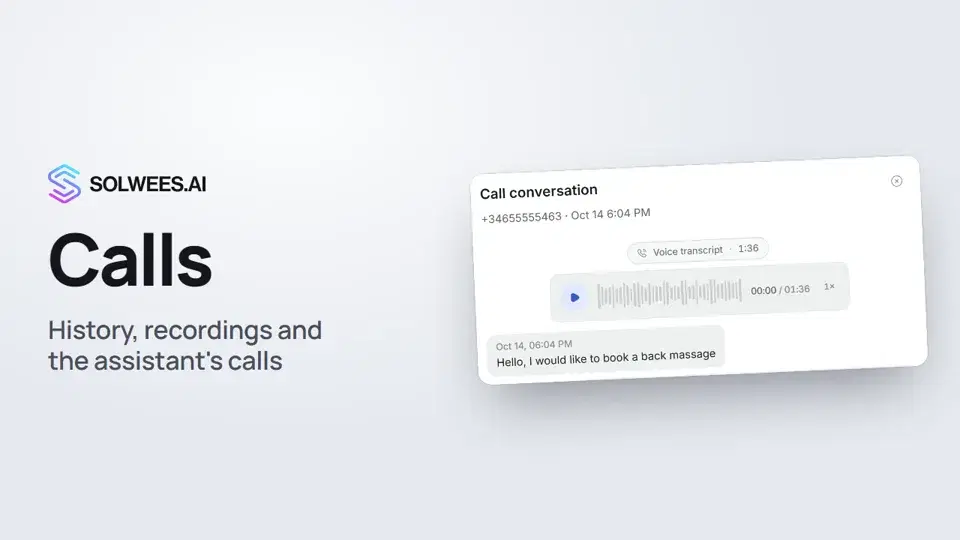 Calls: history, recordings, transcripts and the assistant's callsWhere to find every phone conversation of your AI receptionist in Solwees: call history, recordings, transcripts and scheduled calls with Call now and Cancel.1:11
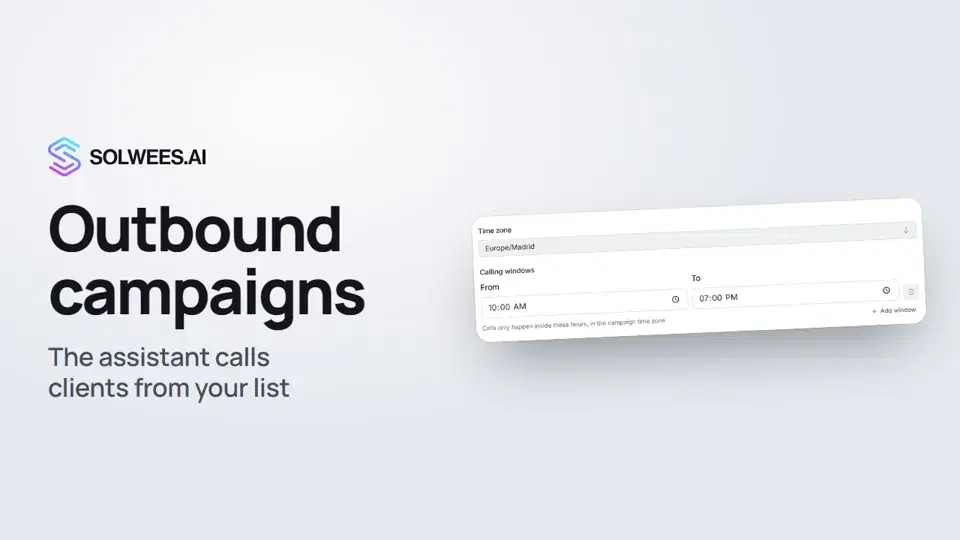 Outbound campaigns: the assistant calls clients from your listHow to run an outbound calling campaign in Solwees: upload a client file, set calling windows, pace and retries, pick a voice agent, then launch and pause it.1:43
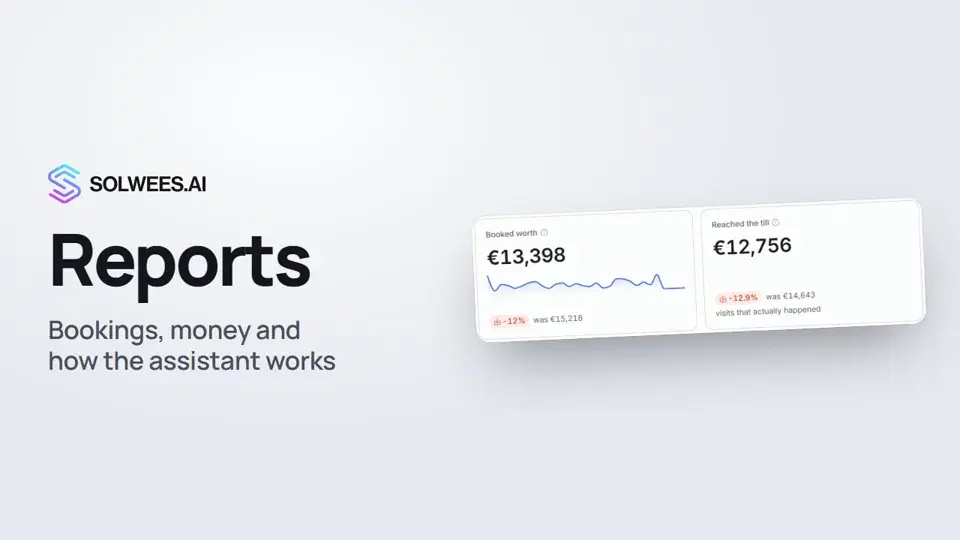 Reports: bookings, money and how the assistant worksHow to read reports in Solwees: bookings and revenue the service brought, the comparison with the previous period, how the figures are calculated, the report tabs, the period and the channel filter.1:38
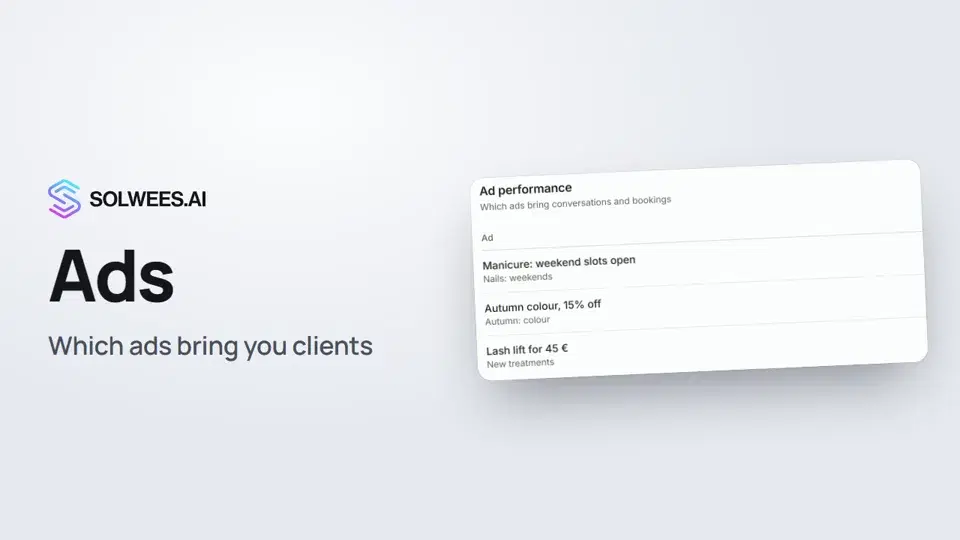 Ads: which ads bring you clientsHow to see in Solwees which Instagram, Facebook and WhatsApp ads bring you clients: the conversations, bookings and revenue from each ad, and where a chat shows which ad the client came from.1:14
تحتاج إلى مساعدة؟
اسأل Sola في لوحة التحكم
زر المساعد في زاوية أي صفحة من لوحة التحكم يعرف كل إعداد ويريك مكانه.
افتح لوحة التحكم