
الإعداد مع Sola
البدايةتاريخ التحديث 4 أكتوبر 2026
كيف تبني Sola، مساعِدة الإعداد، مساعدك انطلاقاً من موقعك وملفاتك.
Sola هي مساعِدة الإعداد التي تُفتح بعد التسجيل. تسألك عن ثلاثة أشياء: اسم شركتك، ونوع نشاطك، ومنطقتك الزمنية.
ثم تقرأ موقعك، وسترى عبارة «Reading your website: services, prices, hours and contacts». وما تجده يُحفظ في Business Profile وKnowledge Base، وهناك يمكنك مراجعته وتصحيحه.
إن كانت أسعارك أو إجاباتك في جدول Google Sheets أو مستند Google Docs، فأضفه من Knowledge Base > Sources. أما الملفات الأخرى، مثل قائمة أسعار بصيغة PDF، فتُضاف عبر «Add file».
بعد ذلك ترشدك Sola إلى اختيار الخطة (لا حاجة إلى بطاقة في التجربة المجانية)، ثم ربط نظام الحجز وقنواتك. ويمكنك المغادرة والعودة لاحقاً: يكمل «Continue setup» من حيث توقفت، ويجيب «Ask Sola» عن أسئلتك في أي خطوة.
هل أجابت المقالة عن سؤالك؟
المزيد في هذا الموضوع
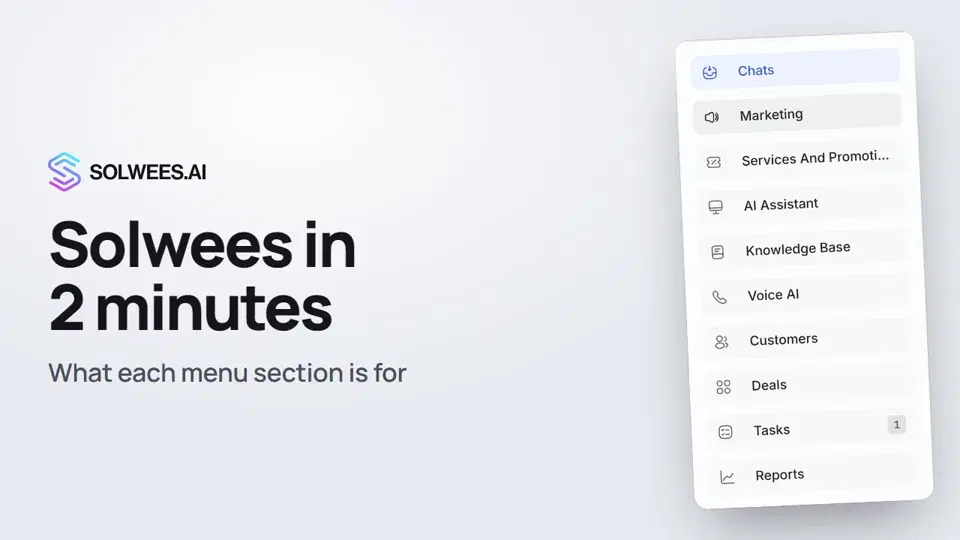 Solwees in 2 minutes: a tour of the menuA short tour of Solwees: what each menu section is for, where Settings and your profile are, and how not to miss what matters.2:10
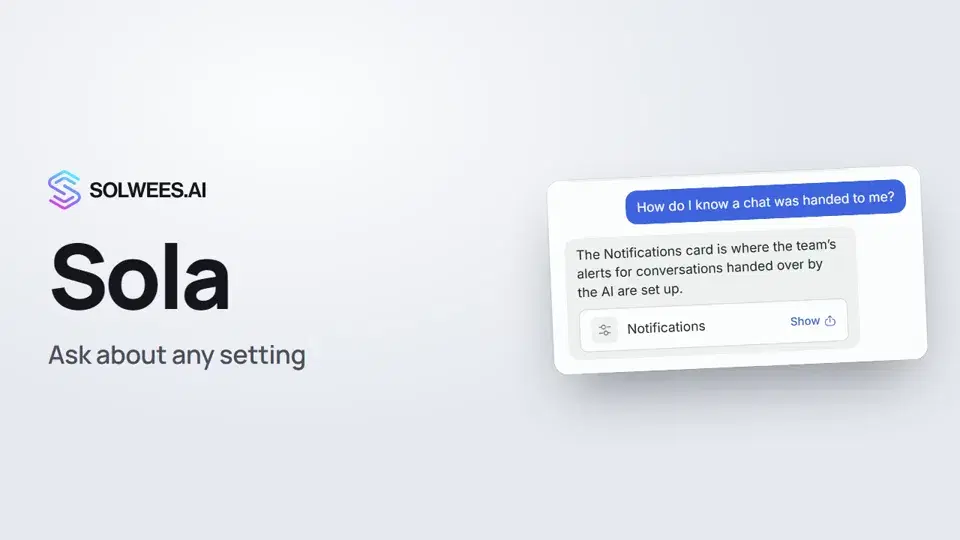 Sola: the setup assistant in SolweesHow to use Sola, the setup assistant in Solwees: ask in your own words, jump to the right place with the Show button, ask her to make a change, or start the interface tour.1:03
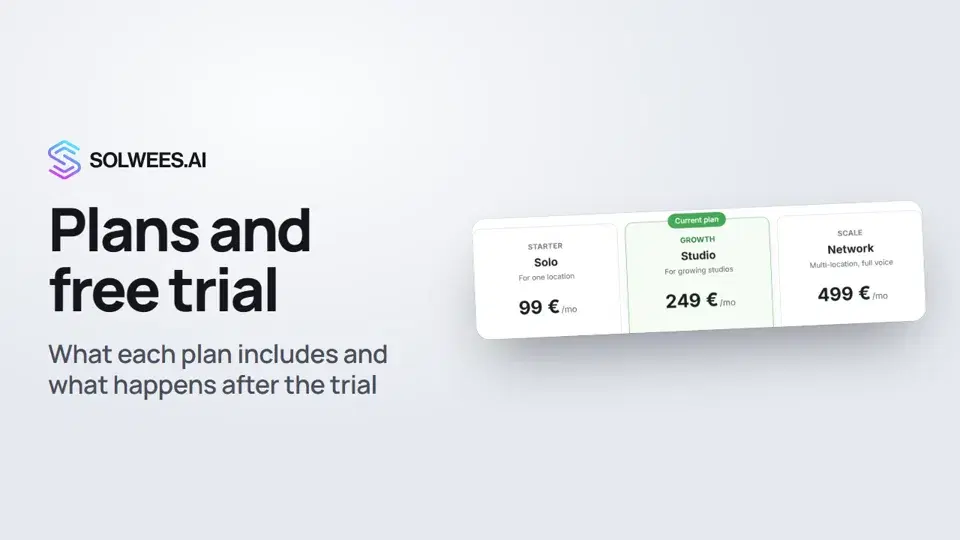 Plans and free trial: what's included and how to chooseWhich plans Solwees offers, how they differ, what your plan includes and how the free trial works.1:19
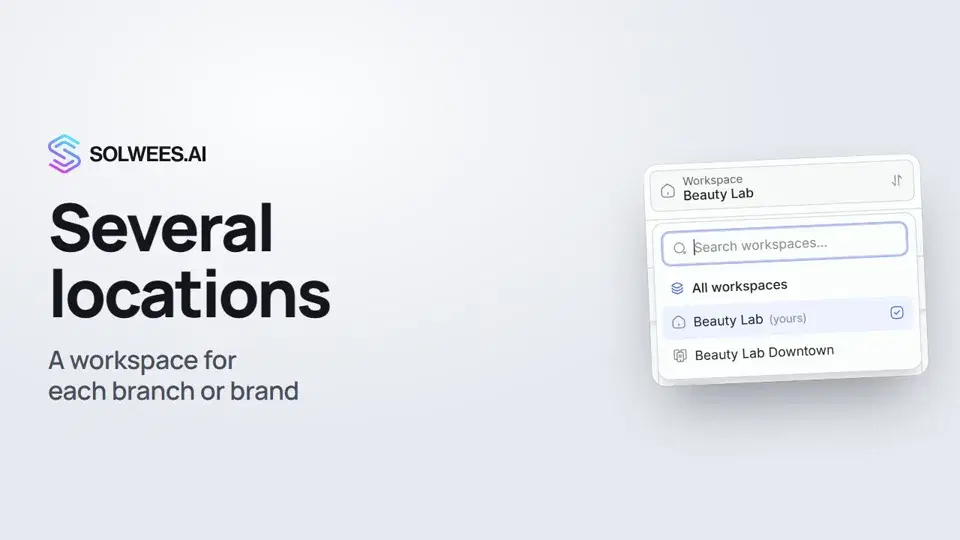 Several locations or brands: workspacesHow to run several locations or brands in Solwees: create a workspace, switch between workspaces and see every location's chats in one list.1:01
تحتاج إلى مساعدة؟
اسأل Sola في لوحة التحكم
زر المساعد في زاوية أي صفحة من لوحة التحكم يعرف كل إعداد ويريك مكانه.
افتح لوحة التحكم