
اربط Mozrest
التكاملاتتاريخ التحديث 4 أكتوبر 2026
احجز في منصة حجوزات مطعمك عبر Mozrest.
يربط Mozrest قنوات الحجز بمنصات حجوزات المطاعم. في AI Assistant > App Directory > Mozrest > «Connection»، الصق رمز Mozrest API الخاص بك. ومعرّف المنشأة اختياري: إن كانت لديك منشأة واحدة، يُعثر عليه تلقائياً.
يتحقق المساعد من التوافر حسب المنطقة وعدد الأشخاص، ويحجز على خطوتين (تُحجز الطاولة مؤقتاً، ثم يُؤكَّد الحجز)، ويمرّر لغة الضيف، فتصله رسائل منصتك البريدية بلغته.
يتطلب التعديل الوقت الجديد وعدد الأشخاص معاً. وقائمة الانتظار غير مدعومة في Mozrest API، ولا يمكن اختيار الطاولات عبرها.
يمر العربون عبر Stripe.
هل أجابت المقالة عن سؤالك؟
المزيد في هذا الموضوع
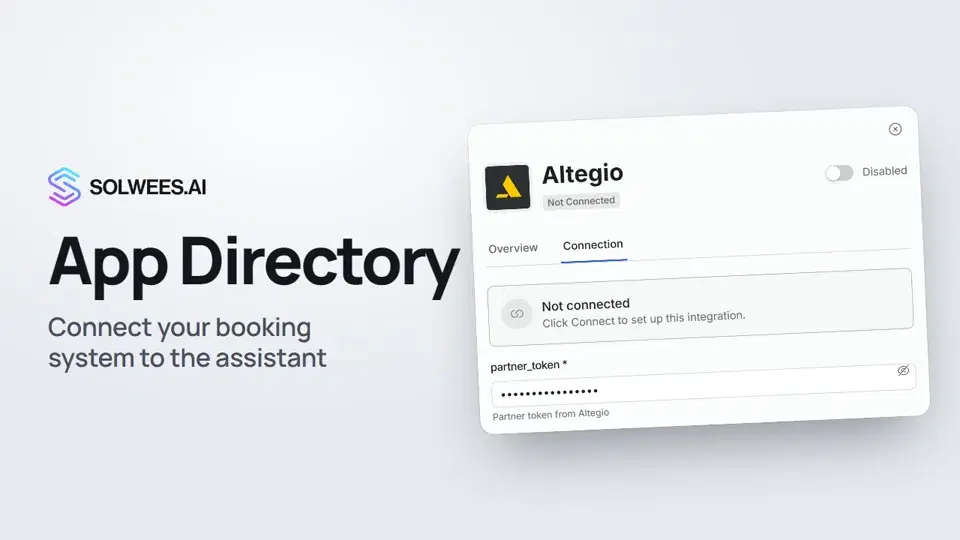 App Directory: connect your booking system, CRM and paymentsWhere to find the App Directory in Solwees and how to connect a booking system, CRM or payments to your AI receptionist: tabs, search, the integration card and the Connect button.1:06
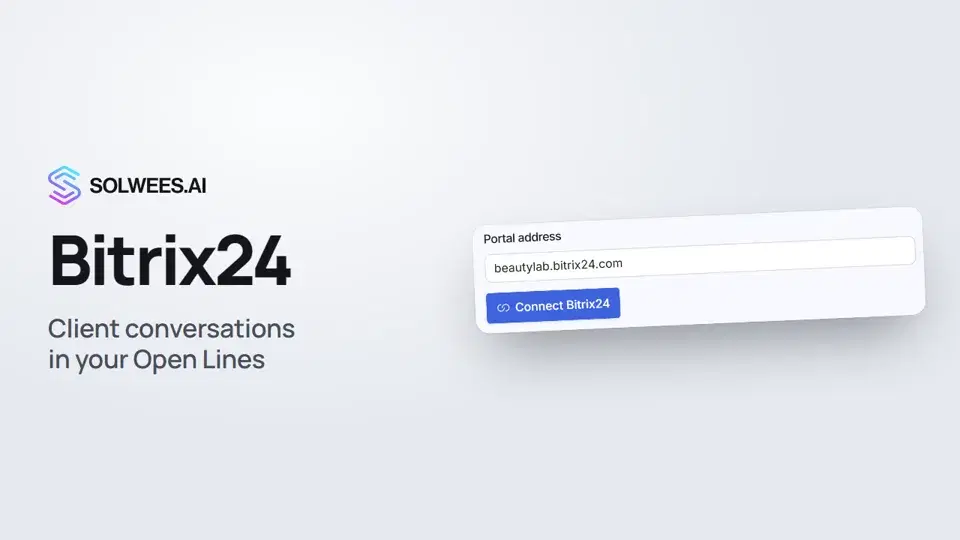 Bitrix24: client conversations in your Open LinesHow to connect your Bitrix24 portal to Solwees so the AI receptionist's conversations with clients go to your Open Lines: the portal address, confirming access on the portal, the agent's line and the No agent tab.1:03
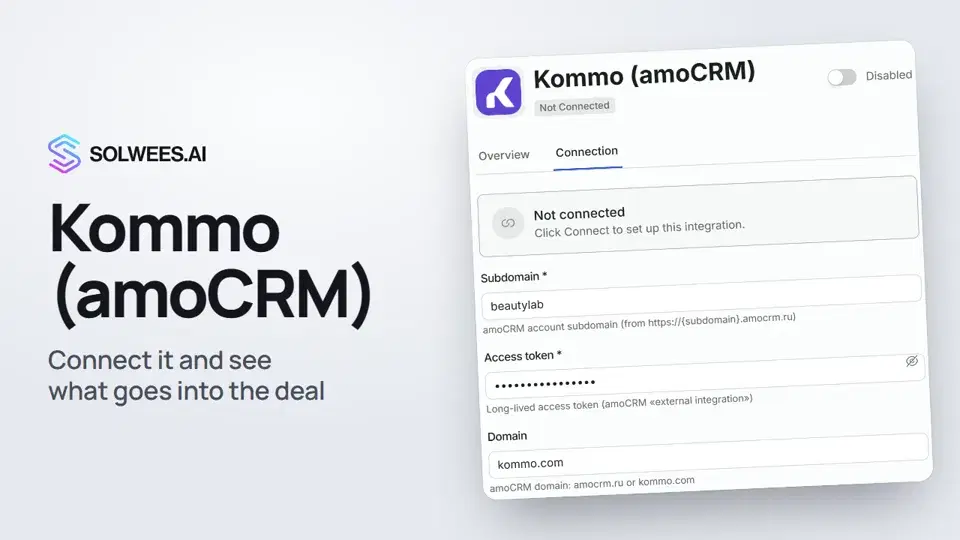 Kommo (amoCRM): how to connect it and what goes into the dealHow to connect Kommo (amoCRM) to your Solwees AI assistant: subdomain, long-lived token and domain, what the assistant sends into the deal and which assistant role it takes.1:19
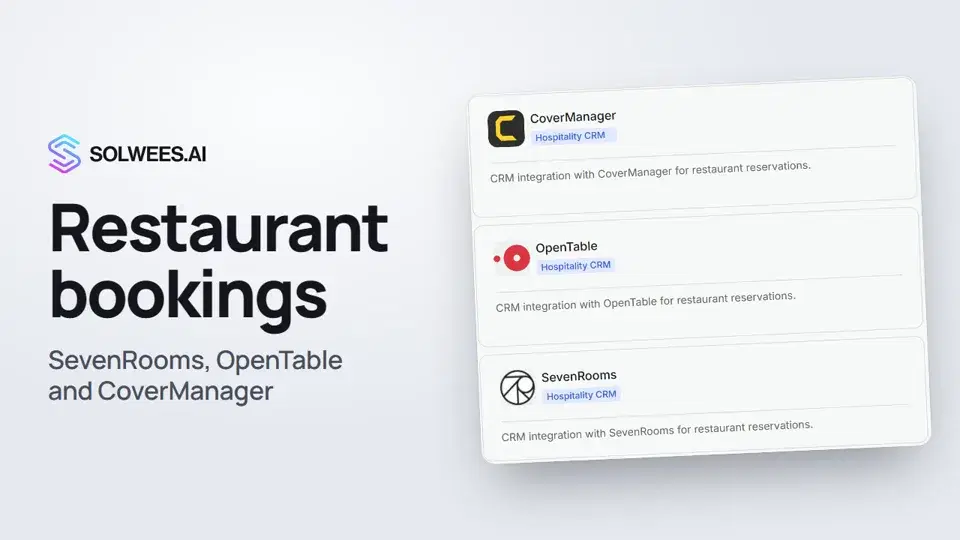 Restaurant bookings: connecting SevenRooms, OpenTable and CoverManagerHow to connect your restaurant booking system to the Solwees AI receptionist: SevenRooms and CoverManager connect in the App Directory, OpenTable is switched on by support. Once connected, the assistant checks for free tables and books right in your system.1:21
تحتاج إلى مساعدة؟
اسأل Sola في لوحة التحكم
زر المساعد في زاوية أي صفحة من لوحة التحكم يعرف كل إعداد ويريك مكانه.
افتح لوحة التحكم