
Podłączenie Instagrama, Telegrama i innych kanałów
KanałyZaktualizowano 4 października 2026
Gdzie podłącza się każdy kanał i co warto o nim wiedzieć.
Instagram: Settings > Channels > Instagram. Można połączyć „Instagram directly” lub „Via Facebook” i wybrać, czy asystent odpowiada na odpowiedzi do relacji i na komentarze. Instagram pozwala asystentowi odpowiedzieć w ciągu 24 godzin od ostatniej wiadomości klienta, a Państwa zespołowi w ciągu 7 dni.
Telegram: Settings > Channels > Telegram. „Platform bot” łączy Państwa własne konto Telegram przez Telegram Business. „Your own bot” korzysta z bota utworzonego w @BotFather: wystarczy wkleić jego token; on także działa przez Telegram Business. Oba sposoby wymagają Telegram Premium.
Facebook Messenger: proszę zalogować się przez Meta i wybrać swoją stronę na Facebooku.
Czat na stronie: Settings > Channels > Messenger. Proszę ustawić logo, kolor i nazwę, a potem wkleić kod instalacyjny na swojej stronie internetowej.
Telefon (w Solo z pakietem minut połączeń, w cenie od Studio): Settings > Channels > Phone. Proszę kupić numer (w niektórych krajach potrzebne są dokumenty), przekierować połączenia z obecnego numeru i wykonać połączenie testowe.
Viber łączy Państwa własny numer przez kod QR: w Viberze należy otworzyć More > Desktop and Tablets > Link a device. Tylko wiadomości tekstowe. Viber kosztuje 25 € miesięcznie.
Czy to odpowiedziało na Twoje pytanie?
Więcej w tym temacie
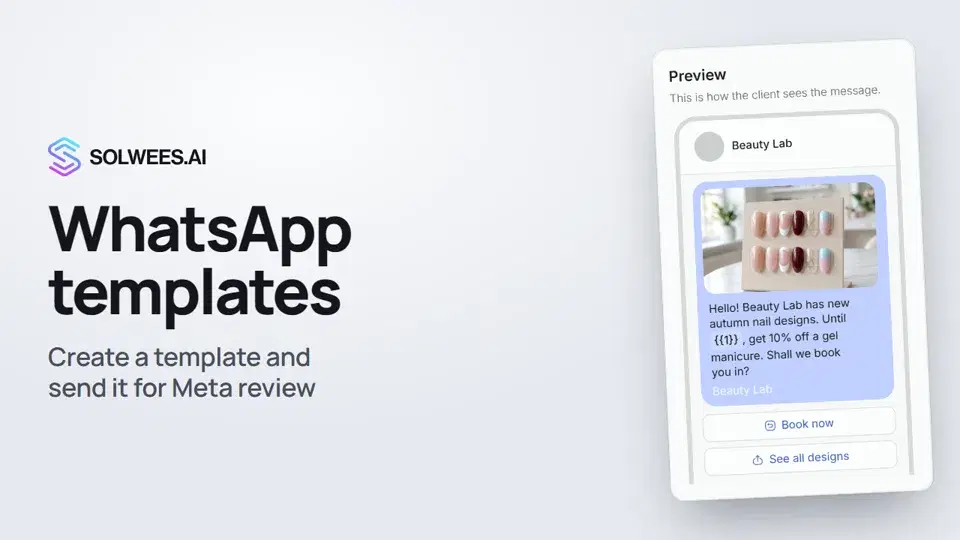 WhatsApp templates: messages approved by MetaHow to create a WhatsApp template in Solwees and send it for Meta review: category, language, image, variables in the text and buttons. You need a template to message a client who hasn't written to you for more than 24 hours.1:30
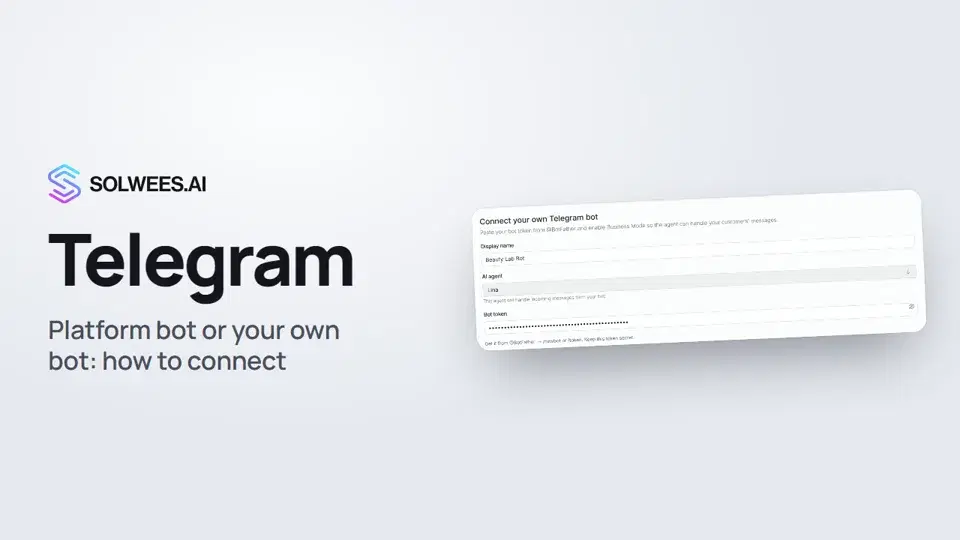 Telegram: how to connect the assistantHow to connect Telegram to Solwees so the AI assistant replies to your clients: through the platform bot and Telegram Business, or through your own bot with a token from BotFather.1:31
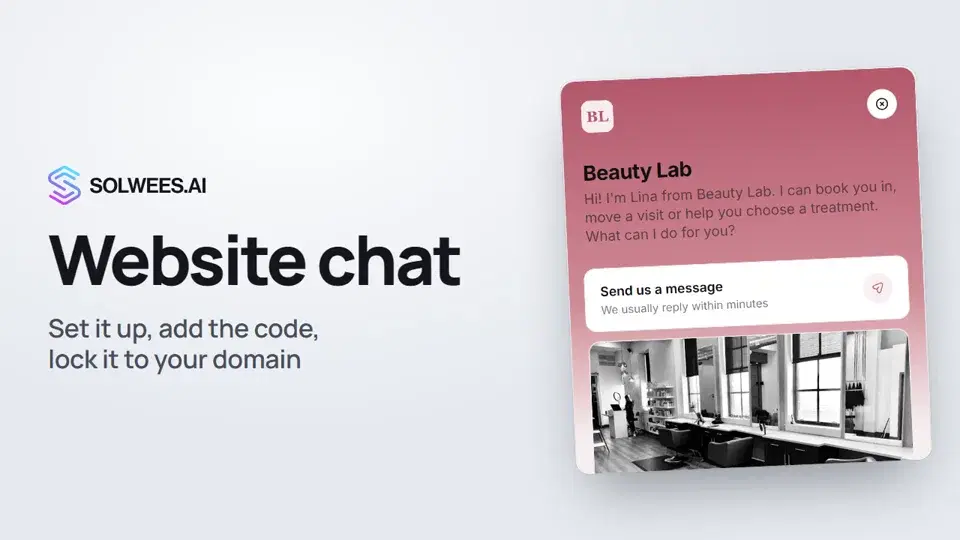 Website chat: how to set it up and install itHow to add the Solwees chat to your website: languages, visitor contact, welcome message, appearance, chat button, the install code and allowed domains. Visitors write in the chat and the AI assistant replies right away.1:52
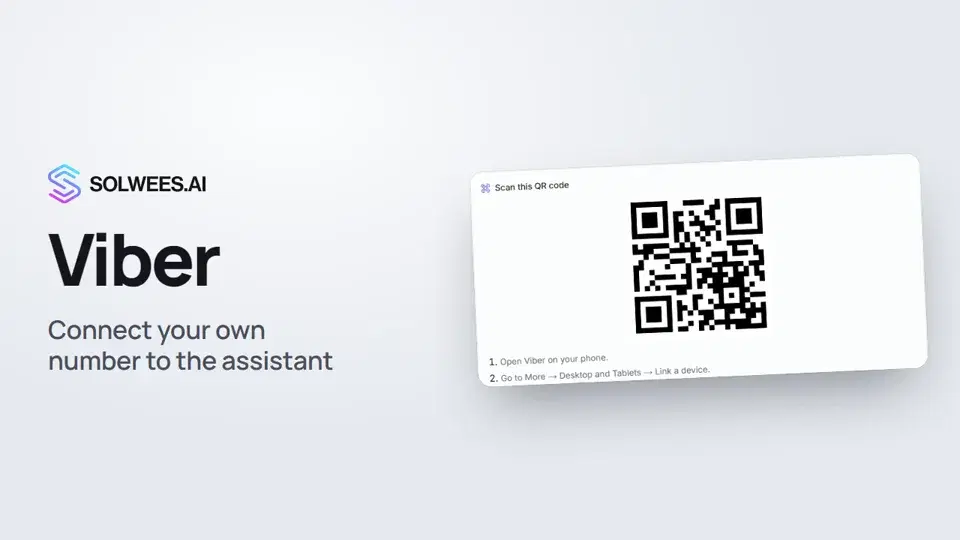 Viber: how to connect your own number to the assistantHow to connect Viber to Solwees so the AI assistant replies to your clients: paying for the channel, display name and AI agent, Connect number and linking with a QR code in Viber.1:11
Potrzebujesz pomocy?
Zapytaj Solę w panelu
Przycisk asystenta w rogu każdej strony panelu zna każde ustawienie i pokazuje, gdzie jest.
Otwórz panel