
Podłączenie Altegio
IntegracjeZaktualizowano 4 października 2026
Instalacja Solwees z Altegio Marketplace lub podłączenie ręczne oraz ustawienia wyglądu rezerwacji.
Najprościej: w Altegio proszę otworzyć Marketplace, znaleźć Solwees i go zainstalować. Altegio przekieruje Państwa do Solwees: należy wybrać „Use email from Altegio” lub „Use a different email” i nacisnąć „Continue”. Dla każdego salonu powstaje przestrzeń robocza, a zdarzenia rezerwacji zostają włączone.
Można też podłączyć się ręcznie w AI Assistant > App Directory > Altegio > „Connection”, podając token partnera i ID salonu. Przy takim podłączeniu zdarzenia rezerwacji z Altegio nie trafiają do Solwees, więc wiadomości o rezerwacjach zrobionych przez Państwa pracowników nie są wysyłane.
Po podłączeniu pojawia się zakładka „Settings” („CRM Settings”): kolory rezerwacji dla nowych klientów, rezerwacji na ten sam dzień i kategorii usług, sposób obsługi anulowań (usunięcie lub pozostawienie w kolorze), usługi i specjaliści przekazywani menedżerowi, dodatkowy czas dla klientów „+++” oraz włączanie i wyłączanie przedpłat Altegio.
Proszę sprawdzić, czy Altegio jest połączone z Państwa asystentem: to przez asystenta odbywa się rezerwacja. Usług zamkniętych w Altegio dla rezerwacji online asystent nie rezerwuje, ale nadal może o nich odpowiadać.
Czy to odpowiedziało na Twoje pytanie?
Więcej w tym temacie
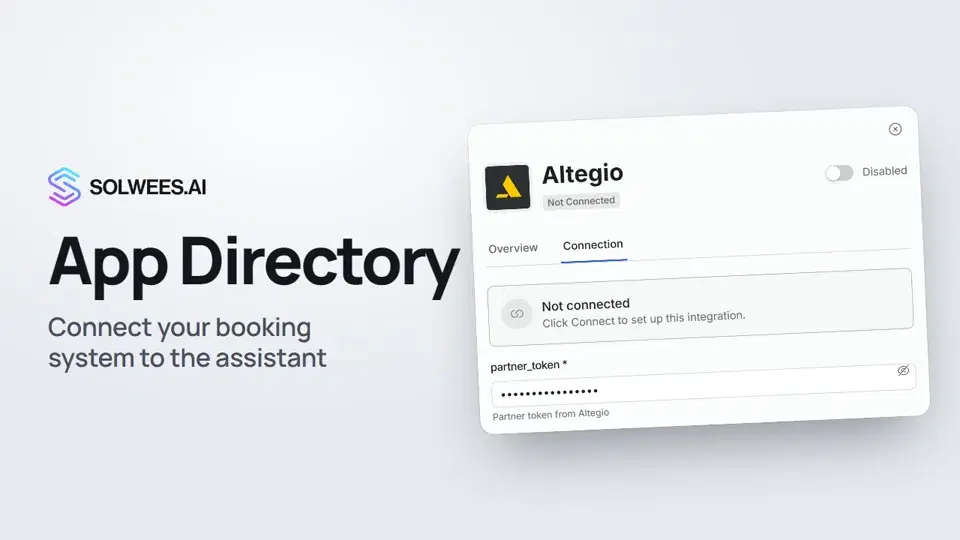 App Directory: connect your booking system, CRM and paymentsWhere to find the App Directory in Solwees and how to connect a booking system, CRM or payments to your AI receptionist: tabs, search, the integration card and the Connect button.1:06
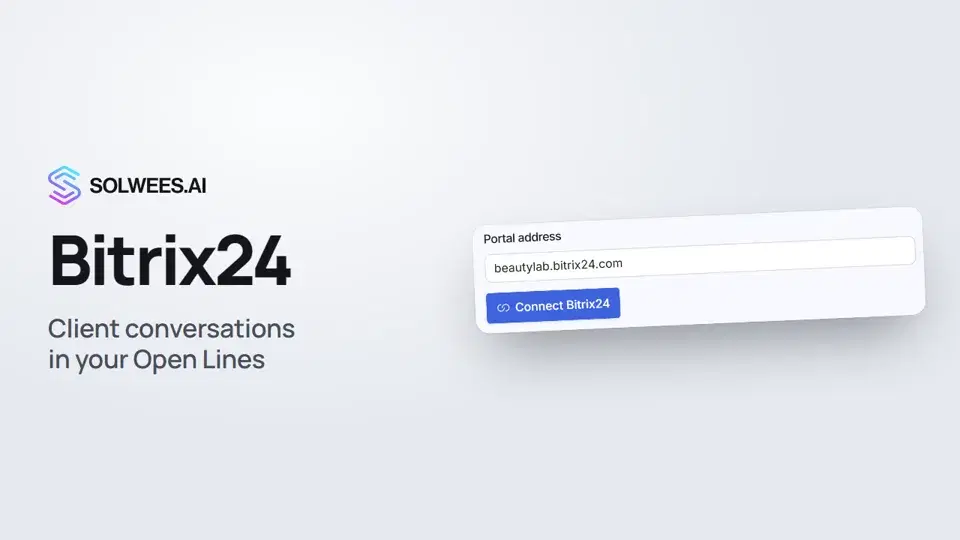 Bitrix24: client conversations in your Open LinesHow to connect your Bitrix24 portal to Solwees so the AI receptionist's conversations with clients go to your Open Lines: the portal address, confirming access on the portal, the agent's line and the No agent tab.1:03
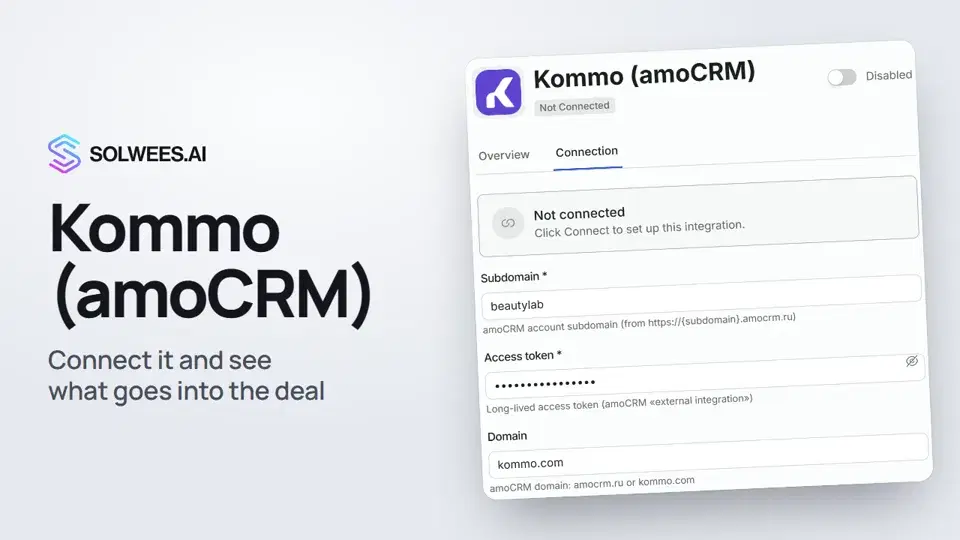 Kommo (amoCRM): how to connect it and what goes into the dealHow to connect Kommo (amoCRM) to your Solwees AI assistant: subdomain, long-lived token and domain, what the assistant sends into the deal and which assistant role it takes.1:19
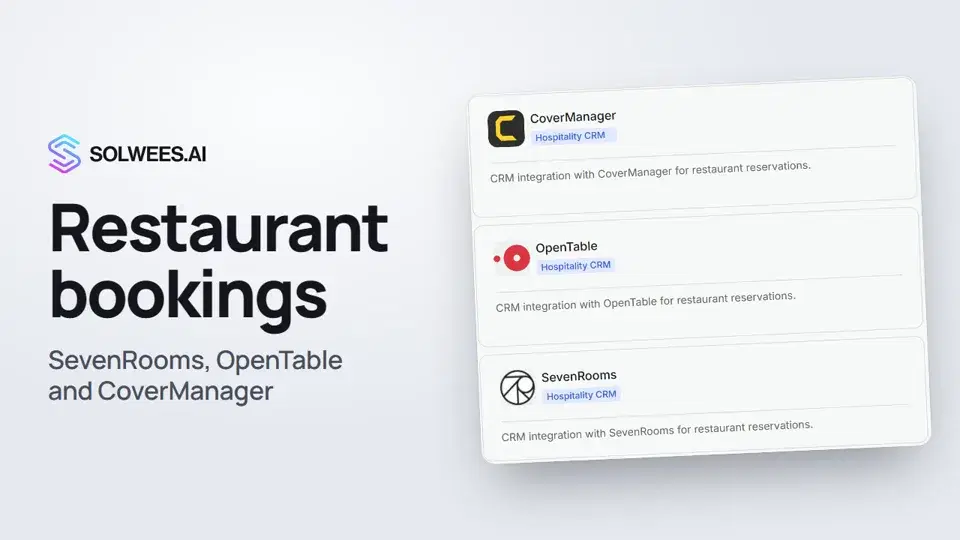 Restaurant bookings: connecting SevenRooms, OpenTable and CoverManagerHow to connect your restaurant booking system to the Solwees AI receptionist: SevenRooms and CoverManager connect in the App Directory, OpenTable is switched on by support. Once connected, the assistant checks for free tables and books right in your system.1:21
Potrzebujesz pomocy?
Zapytaj Solę w panelu
Przycisk asystenta w rogu każdej strony panelu zna każde ustawienie i pokazuje, gdzie jest.
Otwórz panel