
Prośba o nową integrację
IntegracjeZaktualizowano 4 października 2026
Państwa systemu rezerwacji lub CRM nie ma w Katalogu aplikacji? Oto co warto nam przesłać.
Proszę napisać na support@solwees.ai, podając nazwę systemu, kraj i liczbę lokalizacji.
Sprawdzamy, czy system pozwala odczytywać wolne terminy, tworzyć, zmieniać i anulować rezerwacje oraz znajdować klienta po numerze telefonu. Tego asystent potrzebuje, aby rezerwować.
Prosimy nigdy nie wysyłać haseł e-mailem. Jeśli zbudujemy integrację, podłączą ją Państwo sami w Katalogu aplikacji (App Directory) albo uzgodnimy z Państwem bezpieczny sposób.
Do tego czasu asystent może odpowiadać klientom i przekazywać prośby o rezerwację Państwa zespołowi.
Czy to odpowiedziało na Twoje pytanie?
Więcej w tym temacie
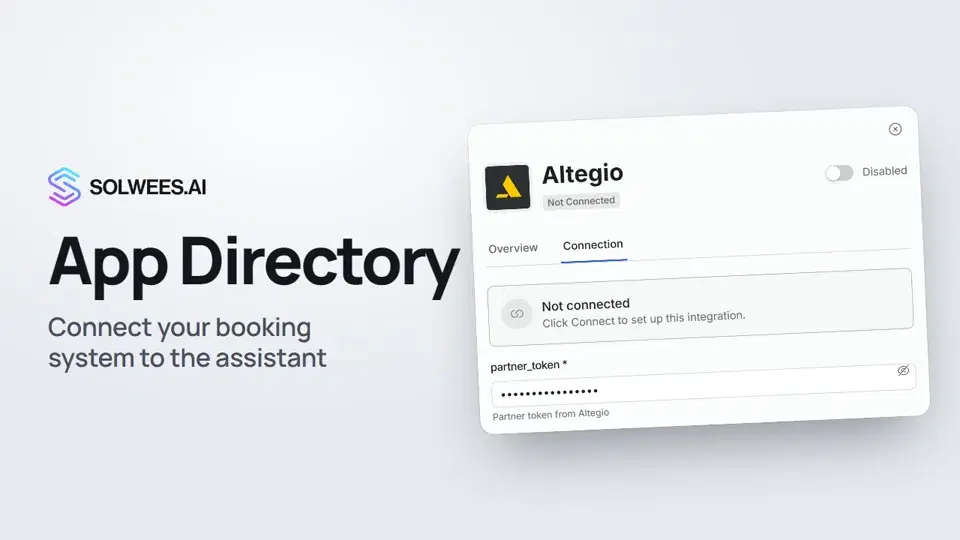 App Directory: connect your booking system, CRM and paymentsWhere to find the App Directory in Solwees and how to connect a booking system, CRM or payments to your AI receptionist: tabs, search, the integration card and the Connect button.1:06
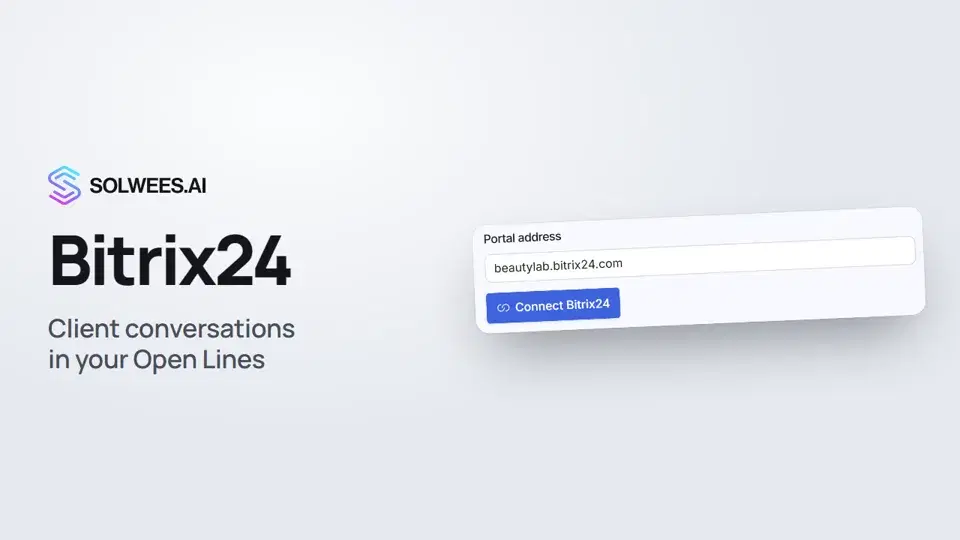 Bitrix24: client conversations in your Open LinesHow to connect your Bitrix24 portal to Solwees so the AI receptionist's conversations with clients go to your Open Lines: the portal address, confirming access on the portal, the agent's line and the No agent tab.1:03
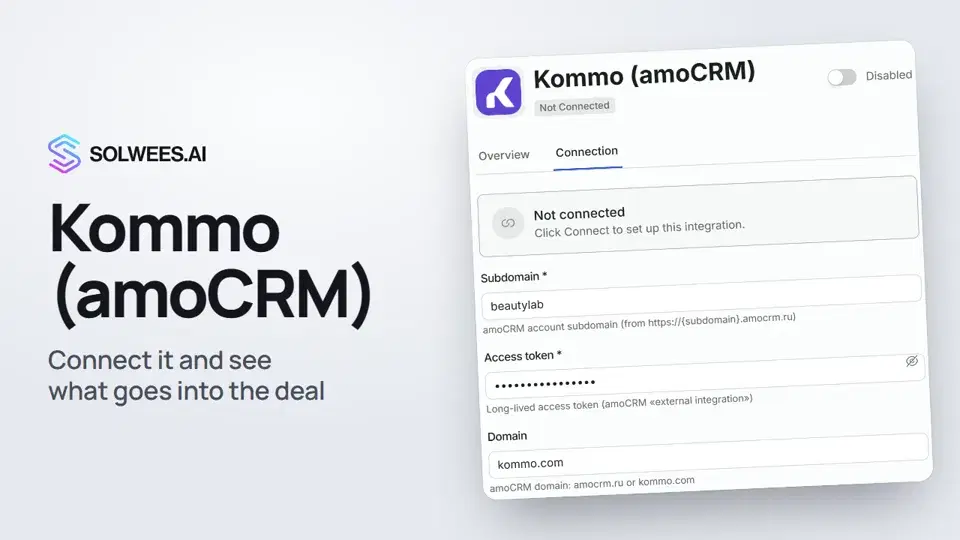 Kommo (amoCRM): how to connect it and what goes into the dealHow to connect Kommo (amoCRM) to your Solwees AI assistant: subdomain, long-lived token and domain, what the assistant sends into the deal and which assistant role it takes.1:19
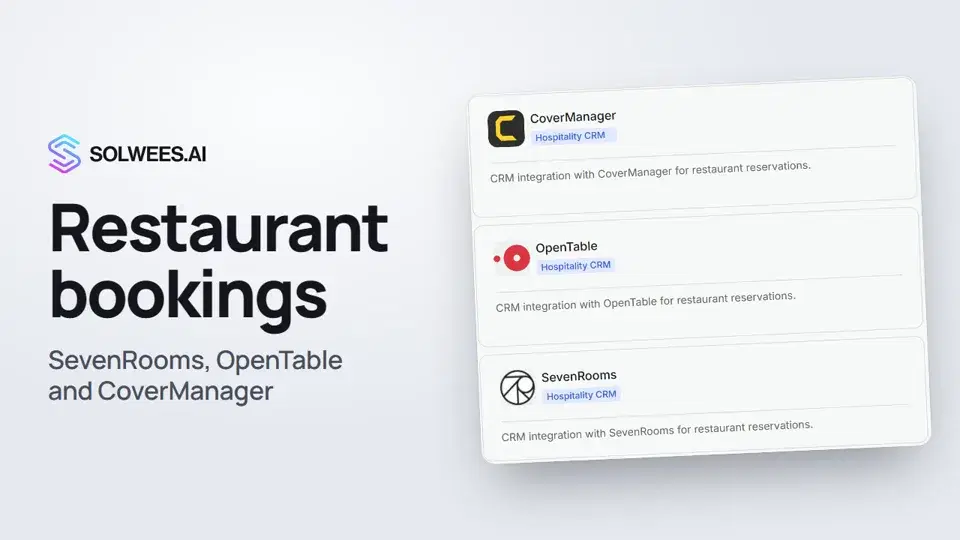 Restaurant bookings: connecting SevenRooms, OpenTable and CoverManagerHow to connect your restaurant booking system to the Solwees AI receptionist: SevenRooms and CoverManager connect in the App Directory, OpenTable is switched on by support. Once connected, the assistant checks for free tables and books right in your system.1:21
Potrzebujesz pomocy?
Zapytaj Solę w panelu
Przycisk asystenta w rogu każdej strony panelu zna każde ustawienie i pokazuje, gdzie jest.
Otwórz panel