
Podłączenie systemu rezerwacji
IntegracjeZaktualizowano 4 października 2026
Solwees zapisuje wizyty bezpośrednio w systemie rezerwacji, z którego Państwo już korzystają. Oto jak go podłączyć.
Solwees nie prowadzi własnego kalendarza. Asystent odczytuje wolne terminy z Państwa systemu rezerwacji i zapisuje w nim rezerwację, gdy klient jest jeszcze na czacie lub przy telefonie.
Proszę otworzyć AI Assistant > App Directory i wybrać swój system. Większość systemów podłącza się na karcie, w zakładce „Connection”, kluczem, tokenem lub danymi logowania: między innymi Altegio (także z Altegio Marketplace), Treatwell, Bokadirekt, Bookio, Wix Bookings, Doctra, TOOKI, SevenRooms, CoverManager, Mozrest i Restoo.
Booksy, Fresha i OpenTable podłącza nasz zespół. Ich karta pokazuje „Need this integration?”: wystarczy napisać na support@solwees.ai, a my wszystko skonfigurujemy.
Jeśli zamiast wizyt umawiają Państwo spotkania, proszę podłączyć Calendly lub Cal.com: spotkania trafiają do Solwees jako zadania z przypomnieniami. Integracja ma status „Connected”, „Pending” lub „Not Connected”. Jeśli rezerwacje przestają przechodzić, proszę otworzyć zakładkę „Connection” na karcie i ponownie wpisać dane dostępu.
Czy to odpowiedziało na Twoje pytanie?
Więcej w tym temacie
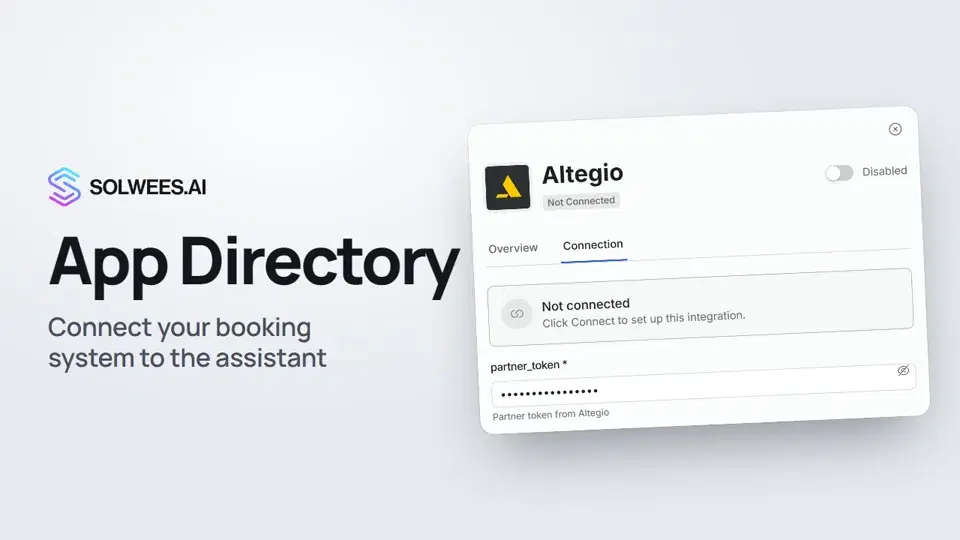 App Directory: connect your booking system, CRM and paymentsWhere to find the App Directory in Solwees and how to connect a booking system, CRM or payments to your AI receptionist: tabs, search, the integration card and the Connect button.1:06
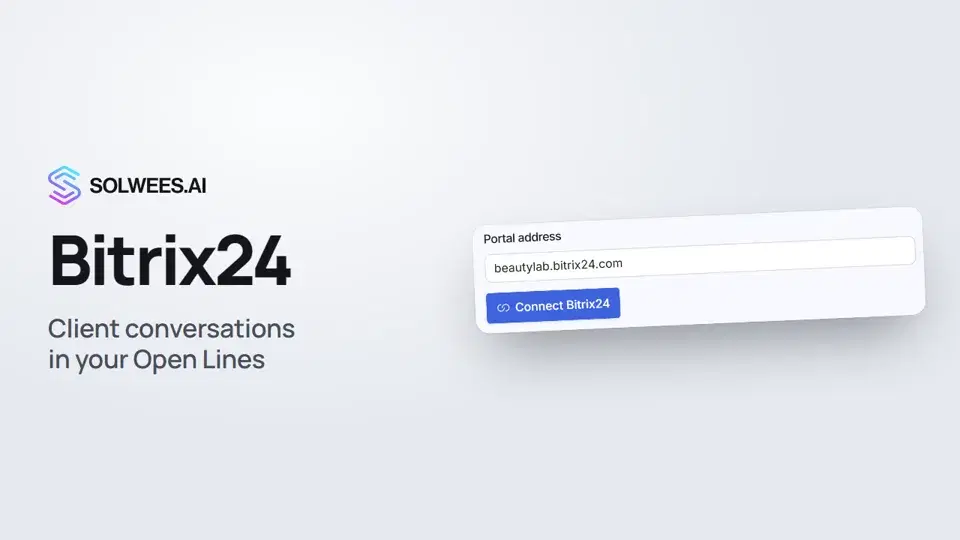 Bitrix24: client conversations in your Open LinesHow to connect your Bitrix24 portal to Solwees so the AI receptionist's conversations with clients go to your Open Lines: the portal address, confirming access on the portal, the agent's line and the No agent tab.1:03
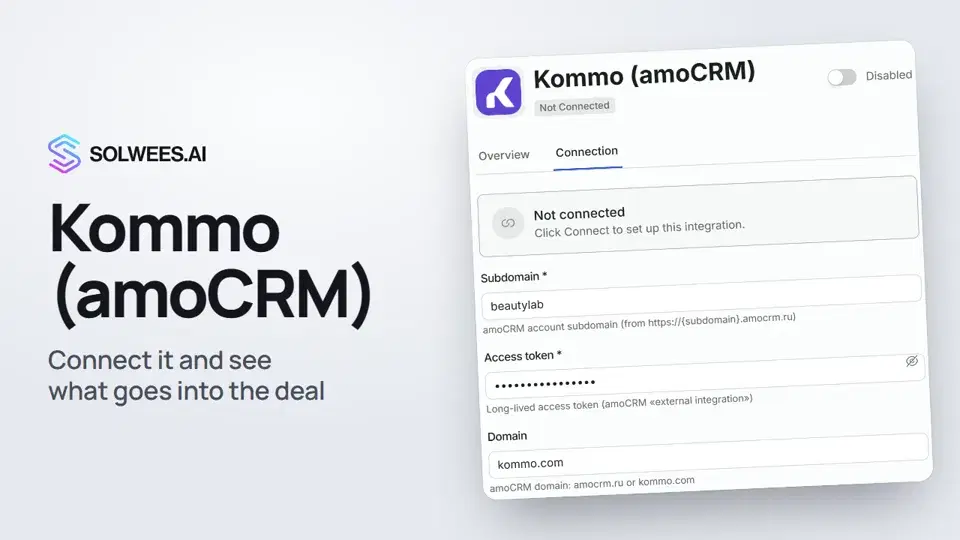 Kommo (amoCRM): how to connect it and what goes into the dealHow to connect Kommo (amoCRM) to your Solwees AI assistant: subdomain, long-lived token and domain, what the assistant sends into the deal and which assistant role it takes.1:19
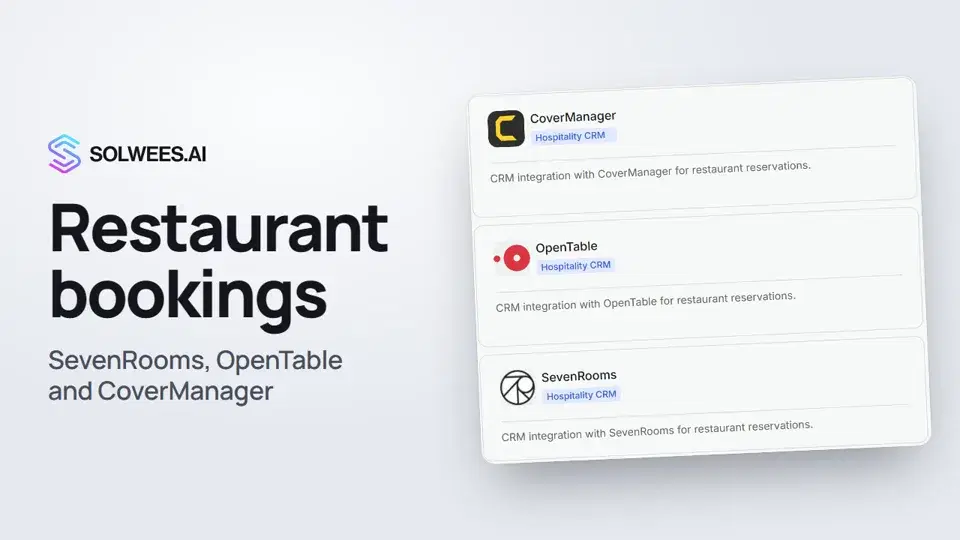 Restaurant bookings: connecting SevenRooms, OpenTable and CoverManagerHow to connect your restaurant booking system to the Solwees AI receptionist: SevenRooms and CoverManager connect in the App Directory, OpenTable is switched on by support. Once connected, the assistant checks for free tables and books right in your system.1:21
Potrzebujesz pomocy?
Zapytaj Solę w panelu
Przycisk asystenta w rogu każdej strony panelu zna każde ustawienie i pokazuje, gdzie jest.
Otwórz panel