
Pedir uma integração
IntegraçõesAtualizado a 4 de outubro de 2026
O seu sistema de marcações ou CRM não está no App Directory? Veja o que nos deve enviar.
Escreva para support@solwees.ai com o nome do sistema, o seu país e o número de estabelecimentos que tem.
Verificamos se o sistema nos permite ler os horários livres, criar, alterar e cancelar marcações e encontrar um cliente pelo telefone. É disso que o assistente precisa para marcar.
Nunca envie palavras-passe por email. Se criarmos a integração, liga-a por si no App Directory, ou combinamos consigo uma forma segura.
Até lá, o assistente pode responder aos clientes e passar os pedidos de marcação à sua equipa.
Respondeu à sua pergunta?
Mais sobre este tema
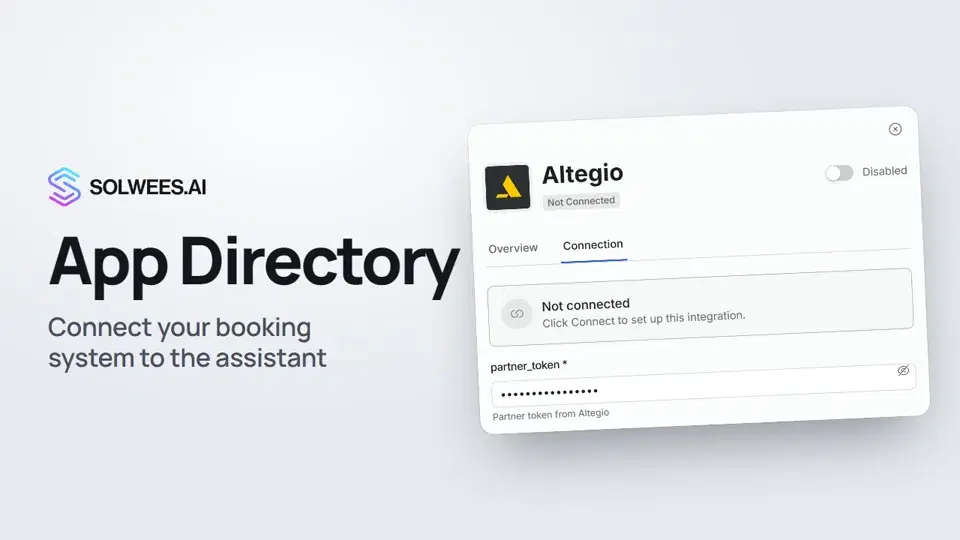 App Directory: connect your booking system, CRM and paymentsWhere to find the App Directory in Solwees and how to connect a booking system, CRM or payments to your AI receptionist: tabs, search, the integration card and the Connect button.1:06
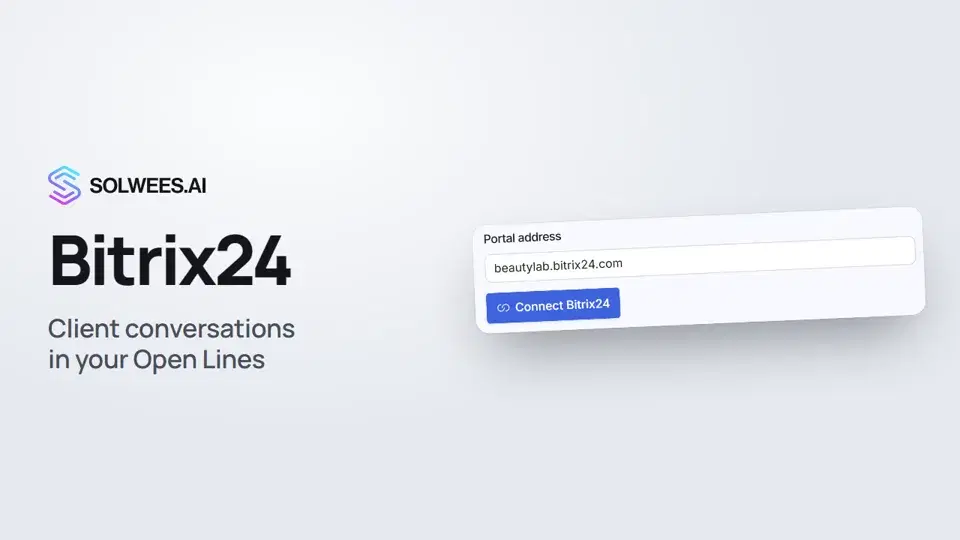 Bitrix24: client conversations in your Open LinesHow to connect your Bitrix24 portal to Solwees so the AI receptionist's conversations with clients go to your Open Lines: the portal address, confirming access on the portal, the agent's line and the No agent tab.1:03
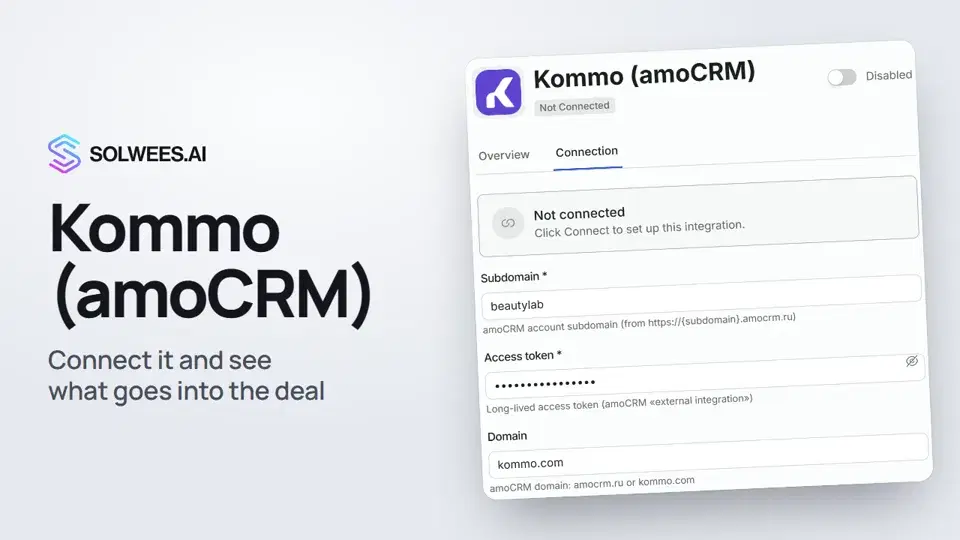 Kommo (amoCRM): how to connect it and what goes into the dealHow to connect Kommo (amoCRM) to your Solwees AI assistant: subdomain, long-lived token and domain, what the assistant sends into the deal and which assistant role it takes.1:19
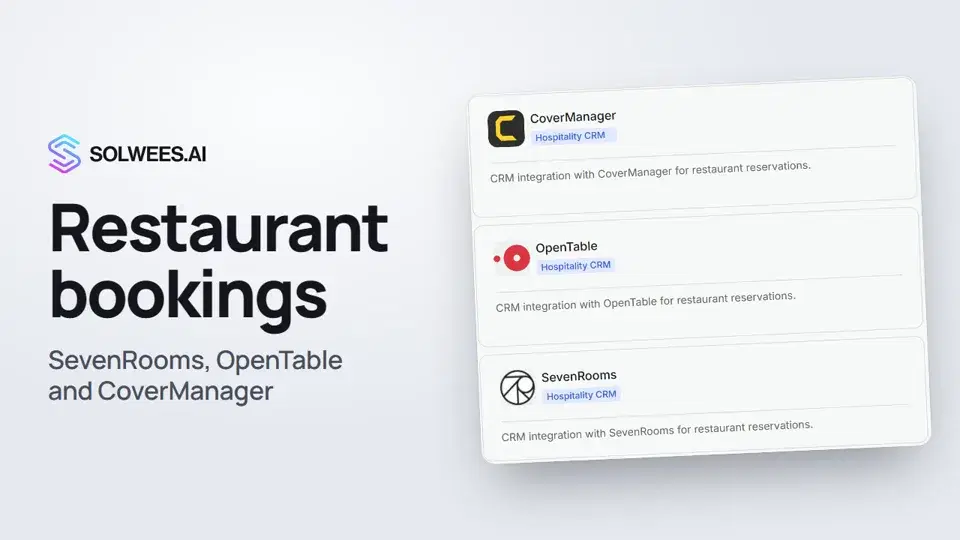 Restaurant bookings: connecting SevenRooms, OpenTable and CoverManagerHow to connect your restaurant booking system to the Solwees AI receptionist: SevenRooms and CoverManager connect in the App Directory, OpenTable is switched on by support. Once connected, the assistant checks for free tables and books right in your system.1:21
Precisa de mais ajuda?
Pergunte à Sola no painel
O botão do assistente no canto de qualquer página do painel conhece cada definição e mostra onde está.
Abrir o painel