
Запит на інтеграцію
ІнтеграціїОновлено 4 жовтня 2026 р.
Вашої системи запису чи CRM немає в Каталозі застосунків? Ось що нам надіслати.
Напишіть на support@solwees.ai, указавши назву системи, вашу країну та кількість ваших локацій.
Ми перевіримо, чи дозволяє система бачити вільний час, створювати, змінювати й скасовувати записи та знаходити клієнта за номером телефону. Саме це потрібно асистентові, щоб записувати клієнтів.
Ніколи не надсилайте паролі електронною поштою. Якщо ми створимо інтеграцію, ви підключите її самі в Каталозі застосунків, або ми домовимося з вами про безпечний спосіб.
А поки що асистент може відповідати клієнтам і передавати запити на запис вашій команді.
Стаття відповіла на ваше запитання?
Ще з цієї теми
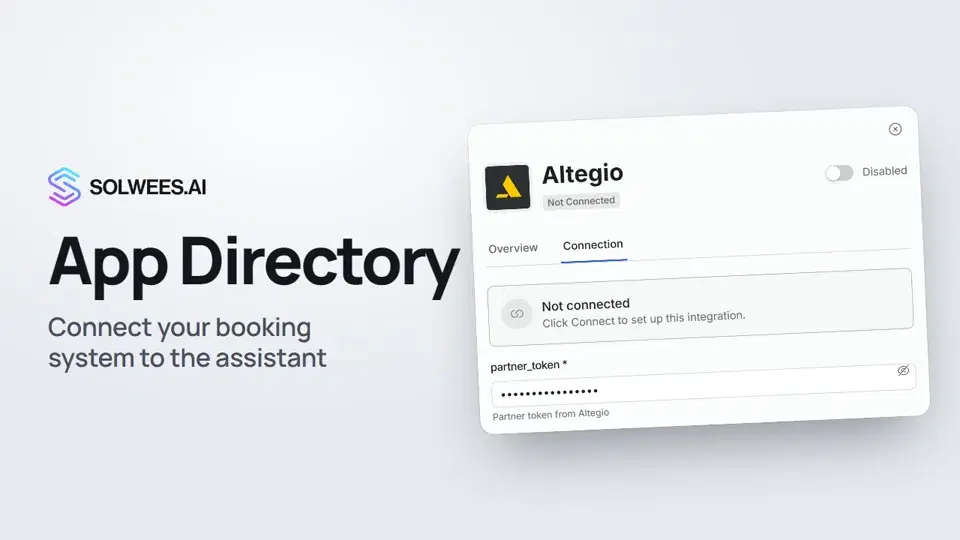 App Directory: connect your booking system, CRM and paymentsWhere to find the App Directory in Solwees and how to connect a booking system, CRM or payments to your AI receptionist: tabs, search, the integration card and the Connect button.1:06
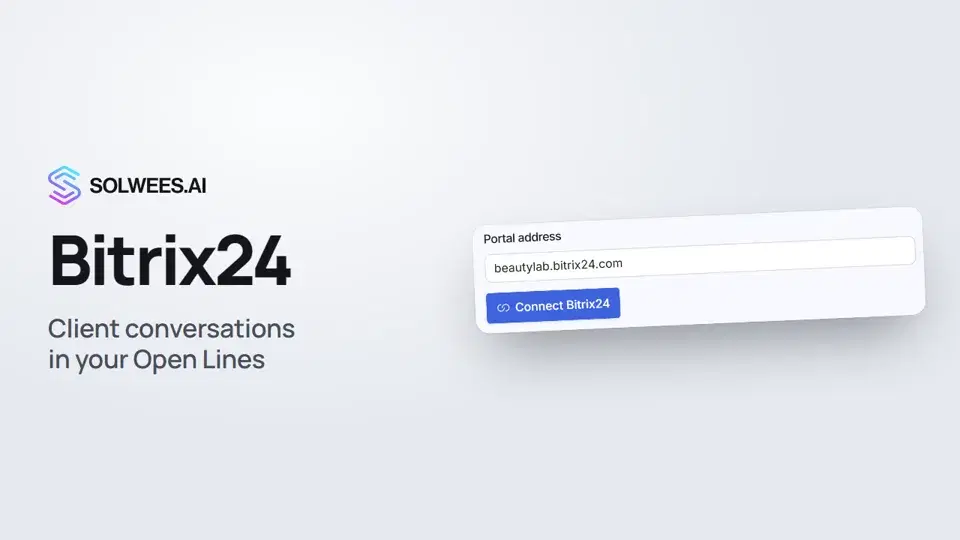 Bitrix24: client conversations in your Open LinesHow to connect your Bitrix24 portal to Solwees so the AI receptionist's conversations with clients go to your Open Lines: the portal address, confirming access on the portal, the agent's line and the No agent tab.1:03
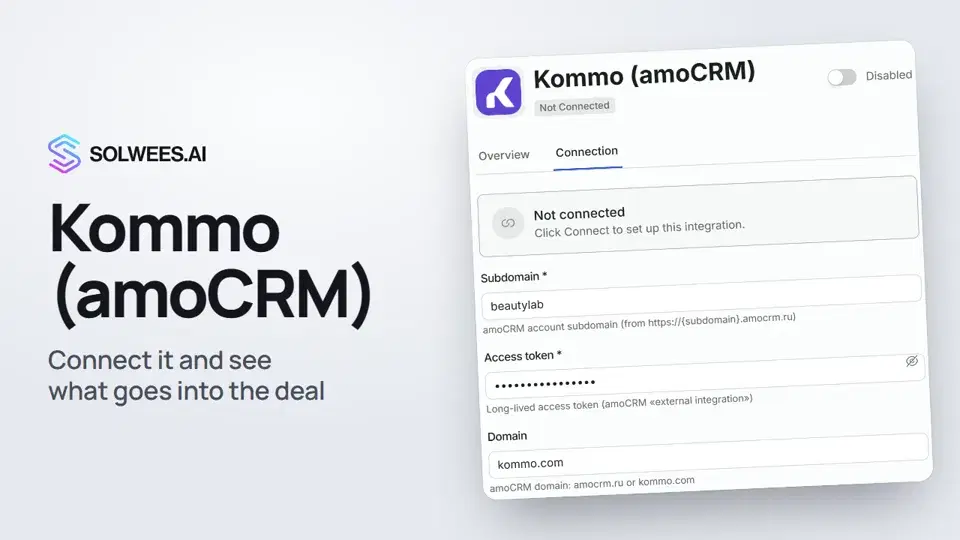 Kommo (amoCRM): how to connect it and what goes into the dealHow to connect Kommo (amoCRM) to your Solwees AI assistant: subdomain, long-lived token and domain, what the assistant sends into the deal and which assistant role it takes.1:19
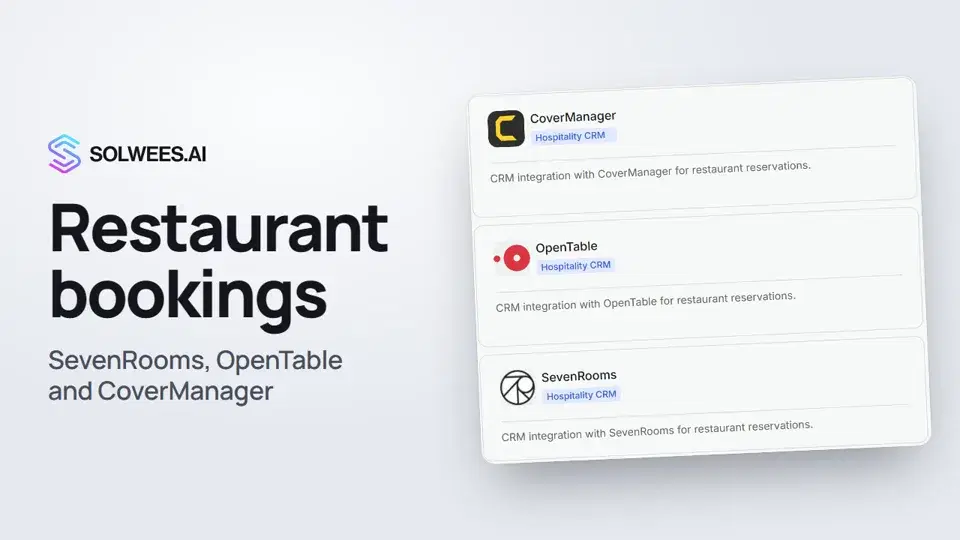 Restaurant bookings: connecting SevenRooms, OpenTable and CoverManagerHow to connect your restaurant booking system to the Solwees AI receptionist: SevenRooms and CoverManager connect in the App Directory, OpenTable is switched on by support. Once connected, the assistant checks for free tables and books right in your system.1:21
Потрібна допомога?
Запитайте Sola в кабінеті
Кнопка помічника в куті будь-якої сторінки кабінету знає кожне налаштування й показує, де воно.
Відкрити кабінет