
Call forwarding and your own number
القنواتتاريخ التحديث 19 أكتوبر 2026الفيديو 1:45في باقات Studio وNetwork وEnterprise
هذا الدليل بالإنجليزية حاليًا.
Your clients know your number, and you don’t need to change it. Call forwarding sends the calls you don’t answer to your Solwees number, and the assistant takes them. A SIP trunk works the other way round: the assistant’s outbound calls go through your own telephony, and clients see your local number. And the Manager phone gets an SMS whenever the assistant hands a client over to a person.
Where to find it
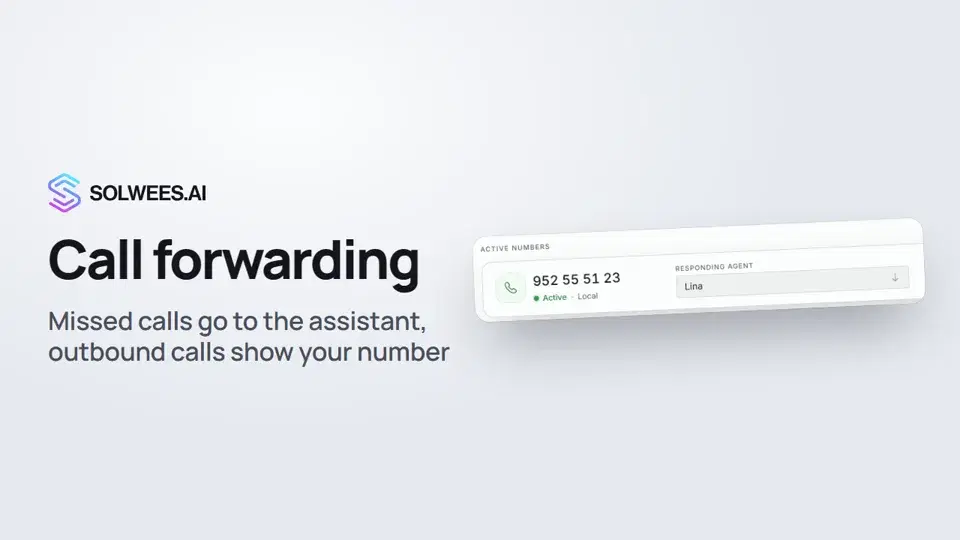
Open Settings, the Channels section, Phone. The Numbers tab shows your Solwees number under Active Numbers and the SMS alert phone card. The Outbound calls tab holds the SIP trunk settings.
Phone is available during the free trial and on the Studio, Network and Enterprise plans. You need a Solwees number first: see the article “Phone: a number for the assistant”.
Forwarding from a mobile phone
Forwarding is set on your phone, not in Solwees. Dial the code with your Solwees number and press call.
The number card shows the number without the country code (for example, 952 55 51 23). In the code, dial it in international format: a plus sign, the country code and the number, for example +34952555123.
| Condition | Code |
|---|---|
| No Answer (10 seconds) | **61*+34952555123*11*10# |
| If busy | **67*+34952555123# |
| If unreachable (off, no signal) | **62*+34952555123# |
Replace +34952555123 with your Solwees number. The 10 in the first code is how many seconds the call rings you before it goes to the assistant.
These codes work with most GSM carriers. CDMA carriers may use different codes: check with your carrier.
Forwarding from SIP telephony or an office PBX
- Log in to your provider’s or PBX admin panel.
- Find the call forwarding or call handling settings.
- Choose conditional forwarding, “on no answer”.
- Set “Forward to” to your Solwees number.
- Set the timeout to 10 seconds (or as you prefer).
Ask your provider to pass the caller’s original number (in the Diversion or History-Info header), so the assistant knows who is calling.
Outbound calls from your number: the SIP trunk
Open the Outbound calls tab. Your telephony provider gives you the SIP trunk details.
| Field | What to enter |
|---|---|
| SIP host | Your PBX server address |
| Login | The SIP trunk login |
| Password | The SIP trunk password. Once saved, you can leave it empty: the current password is kept |
| Caller ID number | Your line’s local or mobile number: clients see it |
| Number format for the PBX | “international with a plus” or “digits only”. If the PBX dials a wrong number (for example, adds its country code twice), switch the format |
Click Save. The assistant’s outbound calls then go through the trunk: follow-up calls after an offer, missed-call callbacks and call campaigns from Voice AI → Campaigns. While the trunk is on, it takes priority over your Solwees number, so clients see your local number.
After saving, a SIP trunk enabled switch appears at the top. Turn it off, and outbound calls use your Solwees number again; the trunk details are kept.
Manager phone
On the Numbers tab, under Manager escalation, enter the Manager phone in international format, without spaces or brackets, for example +34611555027, and click Save.
When the assistant hands a client over to a person, this number gets an SMS with the channel (call, WhatsApp, Telegram and others), the client’s number and the reason. There is one number per workspace.
Tips
- No-answer forwarding works best: the call rings you first, and if you don’t pick up within 10 seconds, the assistant takes it.
- After setting it up, call your number from another phone and don’t answer: the assistant should pick up after 10 seconds.
- Check the Responding agent on your Solwees number: that agent answers the forwarded calls.
- All calls, forwarded ones included, are listed in the Voice AI section (Studio, Network and Enterprise plans).
FAQ
Do I have to change my salon’s number?
No. Clients call the number they know, and missed calls go to the assistant through forwarding.
How do I turn forwarding off?
On your phone or with your carrier. Most GSM carriers use ##61#, ##67# and ##62# for each condition.
Is the SIP trunk required?
No. Without it, the assistant’s outbound calls come from your Solwees number. You need the trunk only if you want clients to see your local number.
نص الفيديو
كل ما يقوله الراوي. التوقيت يشغّل الفيديو من تلك اللحظة.
Call forwarding and where to find it
Your assistant can take the calls you miss and call clients from your own number. That's what call forwarding and a SIP trunk are for. Open Settings, then Channels, Phone. It's available during the free trial and on the Studio, Network and Enterprise plans. Your Solwees number is under Active Numbers. That's the number you forward your calls to.
Forwarding codes on your phone
On your own phone, dial a code like this with the number in international format, then press call. This is no-answer forwarding. The call rings you first, and if you don't pick up within 10 seconds, the assistant takes it. There are codes for other cases too: when your line is busy, and when your phone is off or out of coverage. If you use SIP telephony or an office PBX, turn on no-answer forwarding to the same number in your provider's settings.
SIP trunk for outbound calls
To let the assistant call clients from your number, open the Outbound calls tab. Enter the SIP trunk details from your provider: host, login, password, and the number clients will see. Then click Save. Follow-up calls and call campaigns then go through your trunk, and clients see your local number. The switch at the top turns the trunk off.
Manager phone
At the bottom of the Numbers tab, there's Manager phone. When the assistant hands a client over to a person, this number gets an SMS with the client's number and the reason. Done. Next, we'll set up SMS notifications for your clients.
هل أجابت المقالة عن سؤالك؟
المزيد في هذا الموضوع
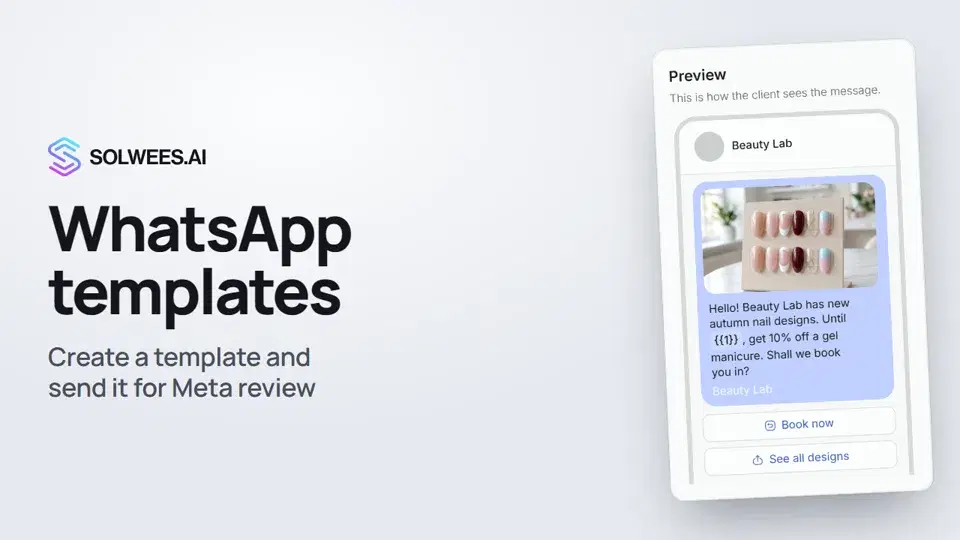 WhatsApp templates: messages approved by MetaHow to create a WhatsApp template in Solwees and send it for Meta review: category, language, image, variables in the text and buttons. You need a template to message a client who hasn't written to you for more than 24 hours.1:30
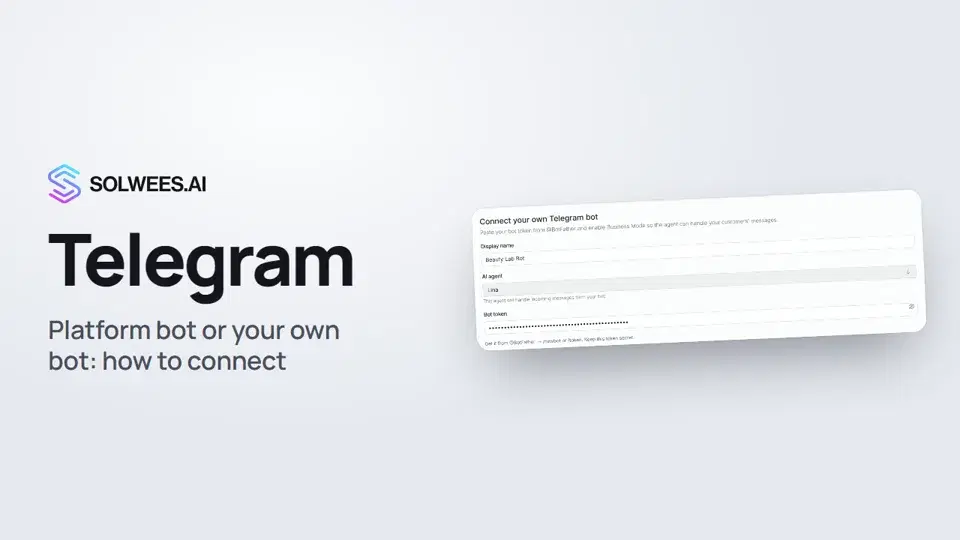 Telegram: how to connect the assistantHow to connect Telegram to Solwees so the AI assistant replies to your clients: through the platform bot and Telegram Business, or through your own bot with a token from BotFather.1:31
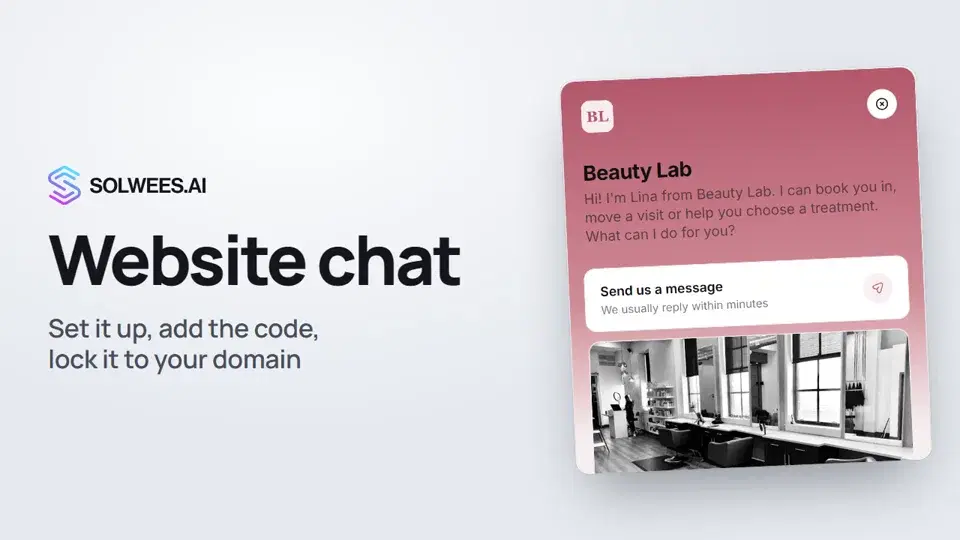 Website chat: how to set it up and install itHow to add the Solwees chat to your website: languages, visitor contact, welcome message, appearance, chat button, the install code and allowed domains. Visitors write in the chat and the AI assistant replies right away.1:52
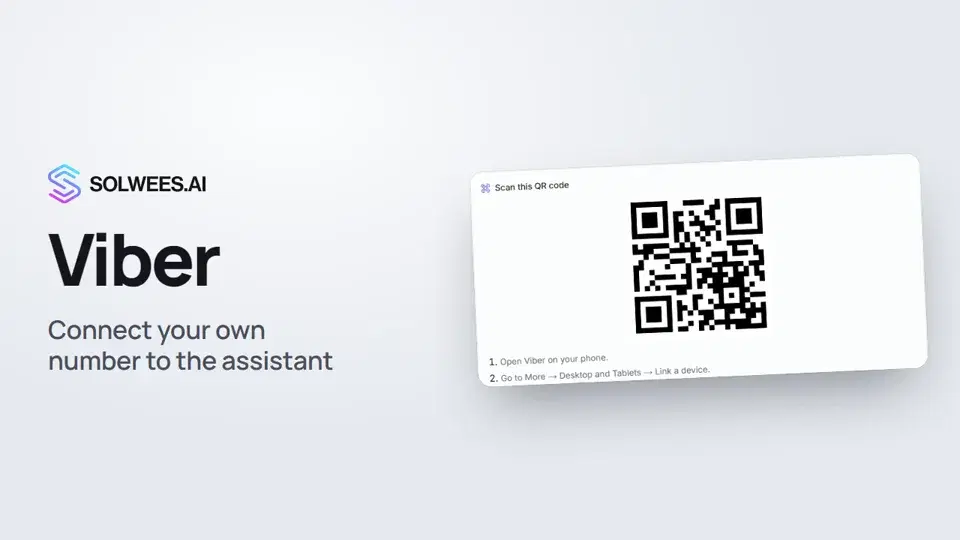 Viber: how to connect your own number to the assistantHow to connect Viber to Solwees so the AI assistant replies to your clients: paying for the channel, display name and AI agent, Connect number and linking with a QR code in Viber.1:11
تحتاج إلى مساعدة؟
اسأل Sola في لوحة التحكم
زر المساعد في زاوية أي صفحة من لوحة التحكم يعرف كل إعداد ويريك مكانه.
افتح لوحة التحكم