
اربط WhatsApp
القنواتتاريخ التحديث 4 أكتوبر 2026
طريقتان لربط رقمك، وما تعنيه كل منهما لفريقك.
افتح Settings > Channels > WhatsApp واضغط «Connect WhatsApp». هناك طريقتان، في تبويبين.
تنقل «OAuth Connection» رقمك إلى WhatsApp Business Platform. بعدها يعمل الرقم عبر Solwees، ولا يعود يعمل في تطبيق WhatsApp Business.
أما «Coexistence» فتُبقي الرقم في تطبيق WhatsApp Business لديك. يرد المساعد، ويتنحى حين يرد موظفوك من التطبيق، ويمكن استيراد سجل المحادثات لمدة تصل إلى 180 يوماً.
الرسائل التي يبدأها النشاط التجاري بعد 24 ساعة من الصمت، مثل التذكيرات والرسائل الجماعية، تحتاج إلى قوالب توافق عليها Meta. وينشئها Solwees في حساب WhatsApp Business لديك من النصوص التي تكتبها في قسم Marketing.
هل أجابت المقالة عن سؤالك؟
المزيد في هذا الموضوع
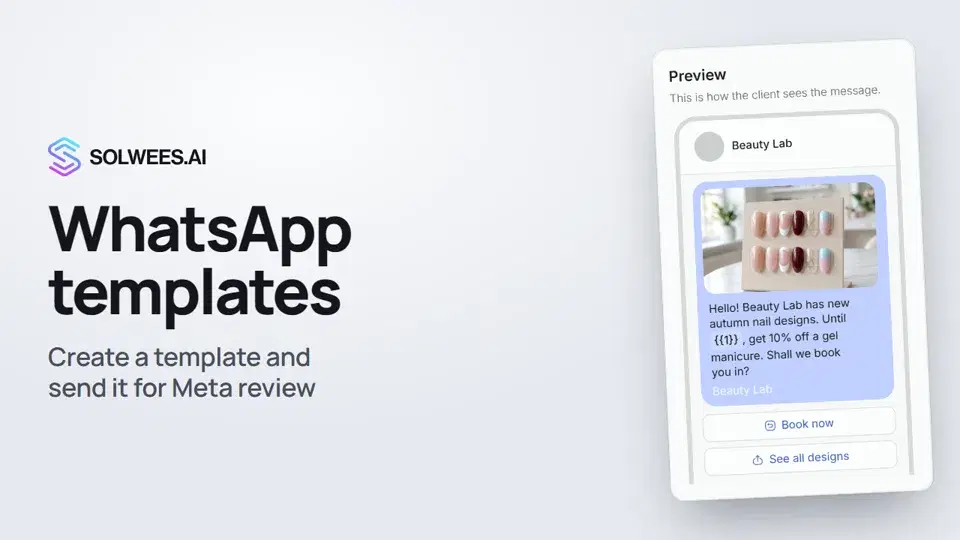 WhatsApp templates: messages approved by MetaHow to create a WhatsApp template in Solwees and send it for Meta review: category, language, image, variables in the text and buttons. You need a template to message a client who hasn't written to you for more than 24 hours.1:30
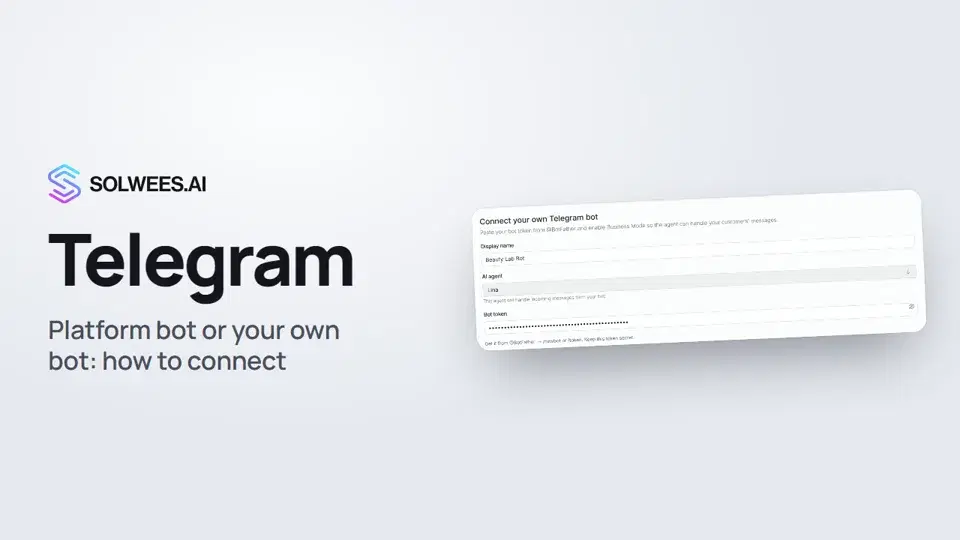 Telegram: how to connect the assistantHow to connect Telegram to Solwees so the AI assistant replies to your clients: through the platform bot and Telegram Business, or through your own bot with a token from BotFather.1:31
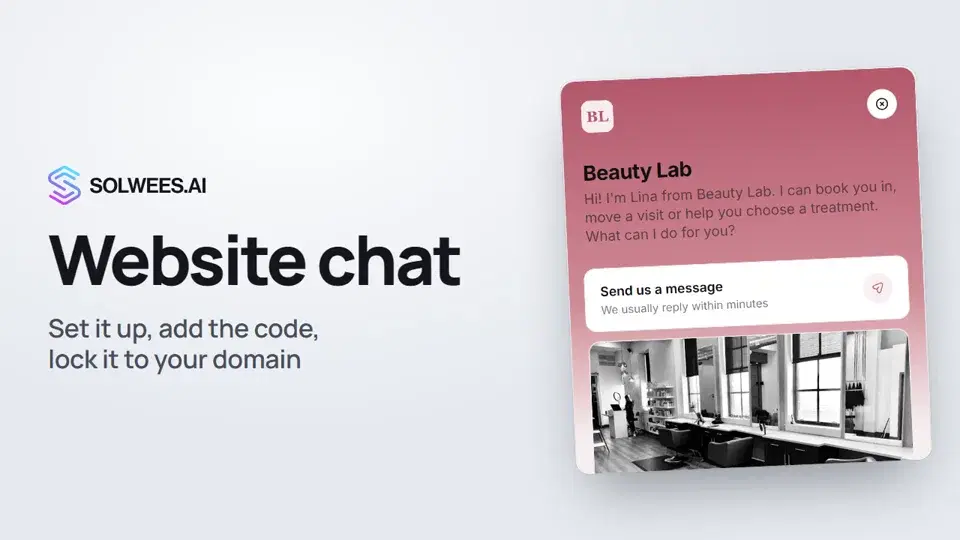 Website chat: how to set it up and install itHow to add the Solwees chat to your website: languages, visitor contact, welcome message, appearance, chat button, the install code and allowed domains. Visitors write in the chat and the AI assistant replies right away.1:52
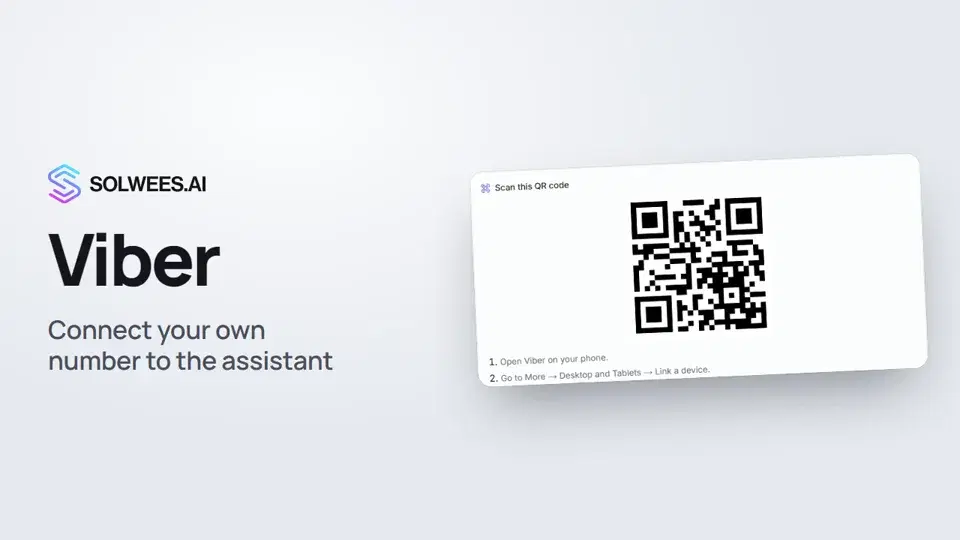 Viber: how to connect your own number to the assistantHow to connect Viber to Solwees so the AI assistant replies to your clients: paying for the channel, display name and AI agent, Connect number and linking with a QR code in Viber.1:11
تحتاج إلى مساعدة؟
اسأل Sola في لوحة التحكم
زر المساعد في زاوية أي صفحة من لوحة التحكم يعرف كل إعداد ويريك مكانه.
افتح لوحة التحكم