
Ads: which ads bring you clients
Дзвінки, звіти та сповіщенняОновлено 21 жовтня 2026 р.Відео 1:14
Ця стаття поки що англійською.
The Ads tab in Reports shows which Instagram, Facebook and WhatsApp ads bring you clients: how many conversations, bookings and how much revenue each one brought. The Source block in a chat shows which ad a particular client came from.
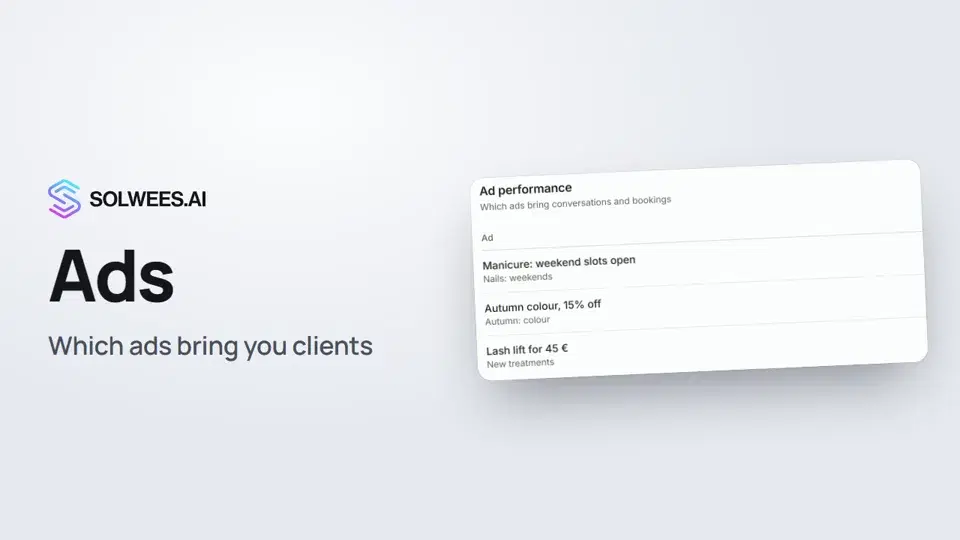
Where to find it
Open Reports in the left menu and switch to the Ads tab. The period in the top right (7, 30 or 90 days) and the channel filter apply to this tab too.
What’s in the table
| Column | What it means |
|---|---|
| Ad | The ad’s name with its campaign below. If there is no name: “Untitled ad” and the ad’s number |
| Conversations | How many conversations from this ad had a client message in the period |
| Bookings | How many bookings made in the period came from these conversations. Bookings cancelled within an hour of being made are not counted |
| Conversion | The share of conversations from the ad that ended in a booking |
| Revenue | The total of bookings that weren’t cancelled, in your workspace’s main currency |
The ads that earned the most are at the top. When revenue is equal, the ad with more conversations comes first.
Which conversations are counted
Only conversations from ads: a client tapped your ad on Instagram, Facebook or WhatsApp and messaged you. This information arrives with the client’s message, so there is nothing extra to set up: just connect the channel to Solwees.
Regular messages are left out: a client who wrote on their own, came from your website or called. If nobody wrote from an ad in the period, the tab says “No conversations from ads yet”.
Ad names
Rows are grouped by the ad’s number, not its name. If you rename an ad in your ad account, its figures don’t split into two rows.
- Facebook ads: Solwees looks up the ad and campaign names by the ad’s number. For that, your Facebook Page must be connected with Facebook login by a person who has access to the ad account.
- WhatsApp ads: the name is taken from the ad’s headline.
- Instagram ads: the name comes with the client’s first message, but not always.
If there is no name, the row shows “Untitled ad” and the ad’s number. Conversations, bookings and revenue for that row are counted the same way.
The Source block in a chat
Open a chat in Chats. On the right, in the contact details, there is a Source block:
- the client came from an ad: the ad, campaign, ad set, the ad’s headline and text, the referral tag, link and ad ID (whatever the ad passed on);
- the client wrote on their own: “Direct inquiry via …” with the channel name and a note that it wasn’t from an ad.
If the client later writes from a different ad, the block shows the latest one.
The assistant knows the ad
When a client writes from an ad, the assistant gets the ad’s name, campaign and text. It answers about that exact offer even if the client doesn’t mention it, then moves on to booking: service, staff member, time. It doesn’t promise discounts, prices or conditions that aren’t in the ad’s text and checks your price list instead.
Tips
- Give your ads clear names: that makes the row easy to find in the report.
- Put the offer’s terms (price, discount, dates) in the ad’s text: the assistant relies on it.
- Compare ads by bookings and revenue, not only by conversations: more conversations don’t always mean more bookings.
- Check the currency in General settings: revenue is counted in the main currency, bookings in another currency are not added up.
FAQ
Why is the tab empty?
Nobody wrote from an ad in the selected period. Try the 90-day period. Your ads must lead to Instagram, Facebook or WhatsApp messages connected to Solwees.
Why is there a number instead of the ad’s name?
The name didn’t come with the message and couldn’t be looked up by the ad’s number. For Facebook ads, connect your Page with Facebook login by a person with access to the ad account. The row’s figures are still correct.
Are cancelled bookings counted?
Revenue only counts bookings that weren’t cancelled. The Bookings column leaves out bookings cancelled within an hour of being made.
Where else can I see where clients come from?
On the Channels tab in the same Reports: which channel brings conversations and bookings, including regular messages.
Текст відео
Усе, що каже диктор. Таймкод вмикає відео з цього місця.
Where to find the Ads tab
The Ads tab in Reports shows which ads bring you clients: how many conversations, bookings and how much money each one brought. Open Reports in the left menu and switch to the Ads tab.
Conversations, bookings, conversion, revenue
Each row shows the ad and its campaign, with conversations and bookings. The ads that earned the most are at the top. Conversion is the share of conversations from the ad that ended in a booking. Revenue counts bookings that weren't cancelled.
Which conversations are counted
Only conversations from ads on Instagram, Facebook and WhatsApp are counted here. Regular messages are left out. If an ad's name didn't come through, the row shows its number. The figures are counted the same way. The assistant also sees which ad the client came from, and answers about that exact offer.
The Source block in a chat
In a chat, the Source block on the right shows which ad the client came from. If it wasn't an ad, it says Direct inquiry. Done. Next: conversation summaries and printing to PDF.
Стаття відповіла на ваше запитання?
Ще з цієї теми
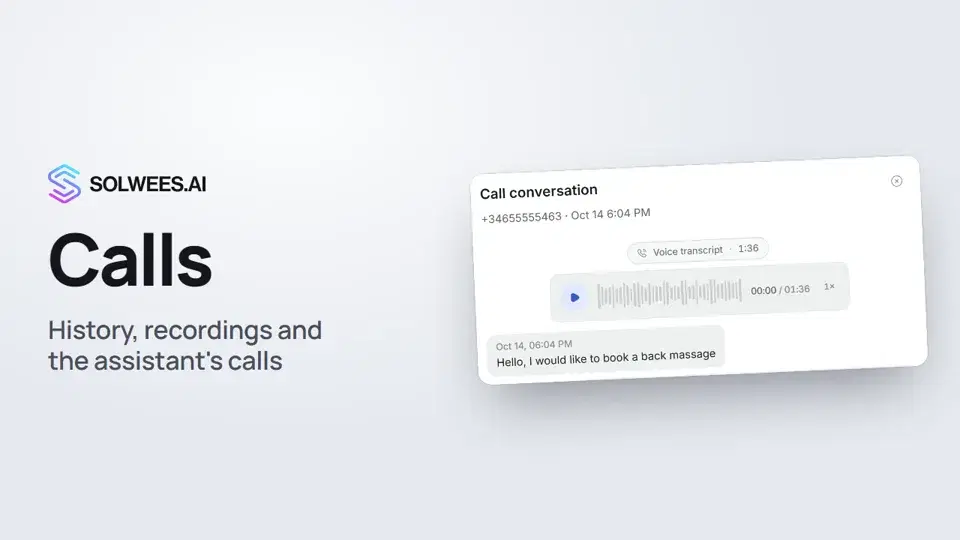 Calls: history, recordings, transcripts and the assistant's callsWhere to find every phone conversation of your AI receptionist in Solwees: call history, recordings, transcripts and scheduled calls with Call now and Cancel.1:11
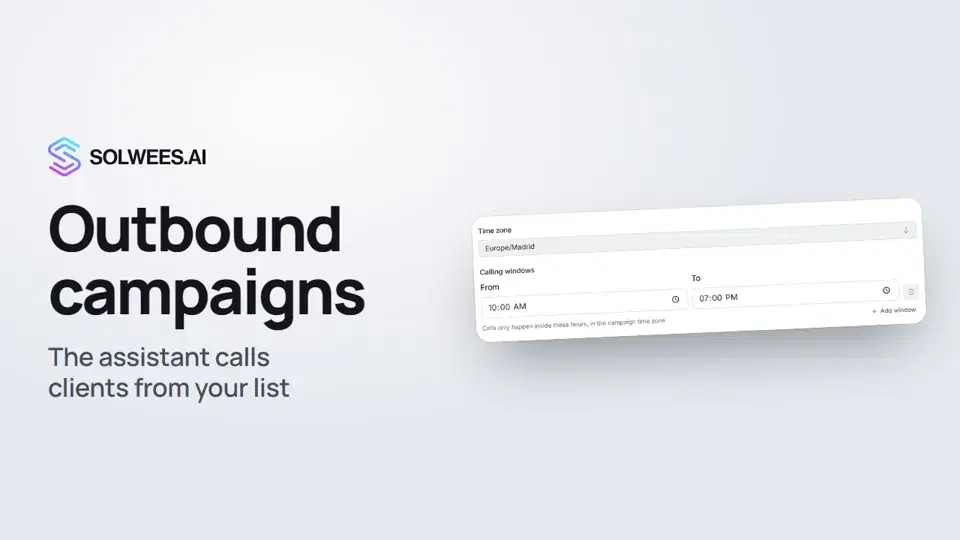 Outbound campaigns: the assistant calls clients from your listHow to run an outbound calling campaign in Solwees: upload a client file, set calling windows, pace and retries, pick a voice agent, then launch and pause it.1:43
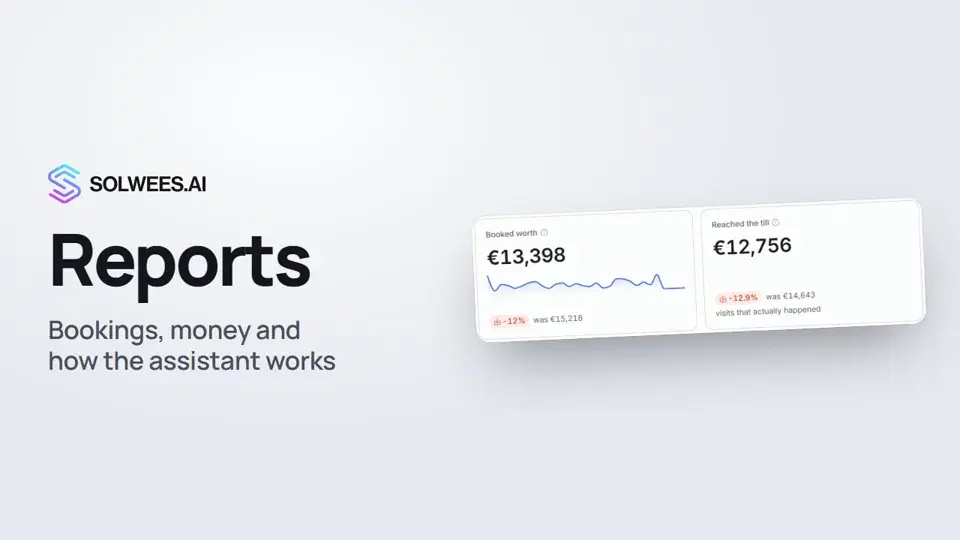 Reports: bookings, money and how the assistant worksHow to read reports in Solwees: bookings and revenue the service brought, the comparison with the previous period, how the figures are calculated, the report tabs, the period and the channel filter.1:38
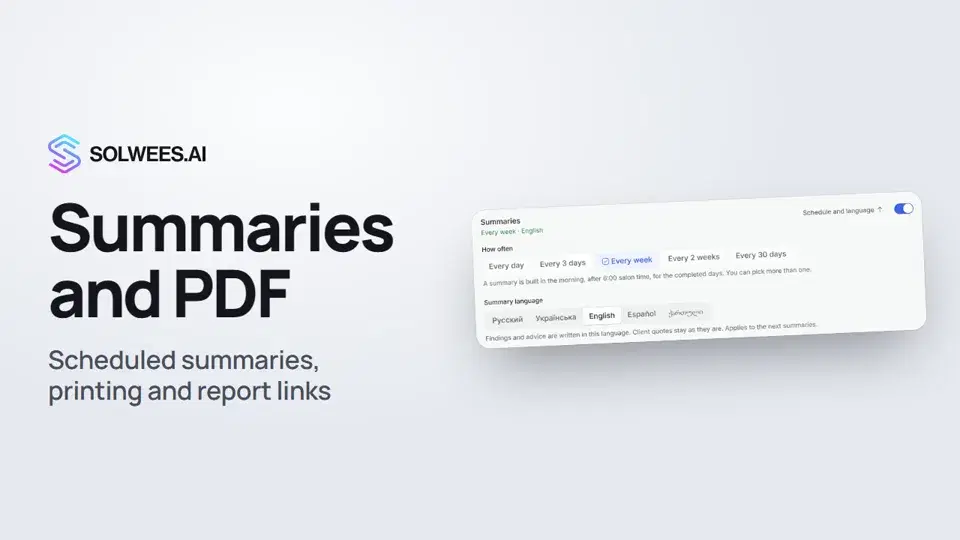 Conversation summaries, printing a report and a link to a report tabHow to get conversation summaries on a schedule in Solwees, pick their language, print a report or save it as a PDF, and send a colleague a link to the right report tab.1:08
Потрібна допомога?
Запитайте Sola в кабінеті
Кнопка помічника в куті будь-якої сторінки кабінету знає кожне налаштування й показує, де воно.
Відкрити кабінет