
Підключіть WhatsApp
КаналиОновлено 4 жовтня 2026 р.
Два способи підключити номер і що кожен із них означає для вашої команди.
Відкрийте Налаштування > Канали > WhatsApp і натисніть «Підключити WhatsApp». Є два способи, на двох вкладках.
«Підключення через OAuth» переносить ваш номер на WhatsApp Business Platform. Після цього номер працює через Solwees і більше не працює в застосунку WhatsApp Business.
«Спряження» залишає номер у вашому застосунку WhatsApp Business. Асистент відповідає, відступає, коли ваші співробітники відповідають із застосунку, а історію листування можна імпортувати за період до 180 днів.
Повідомлення, які бізнес надсилає першим після 24 годин тиші, як-от нагадування й розсилки, потребують шаблонів, схвалених Meta. Solwees створює їх у вашому акаунті WhatsApp Business з ваших текстів у розділі Маркетинг.
Стаття відповіла на ваше запитання?
Ще з цієї теми
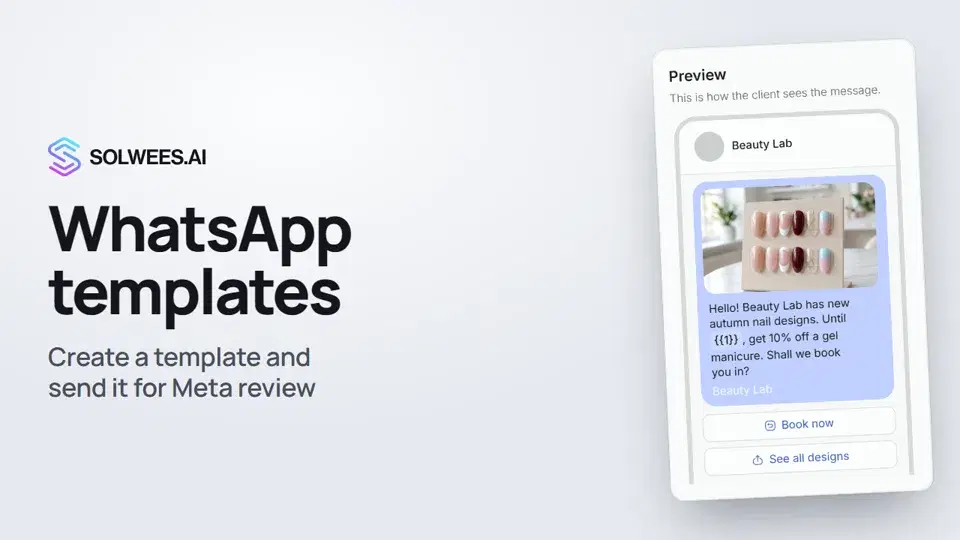 WhatsApp templates: messages approved by MetaHow to create a WhatsApp template in Solwees and send it for Meta review: category, language, image, variables in the text and buttons. You need a template to message a client who hasn't written to you for more than 24 hours.1:30
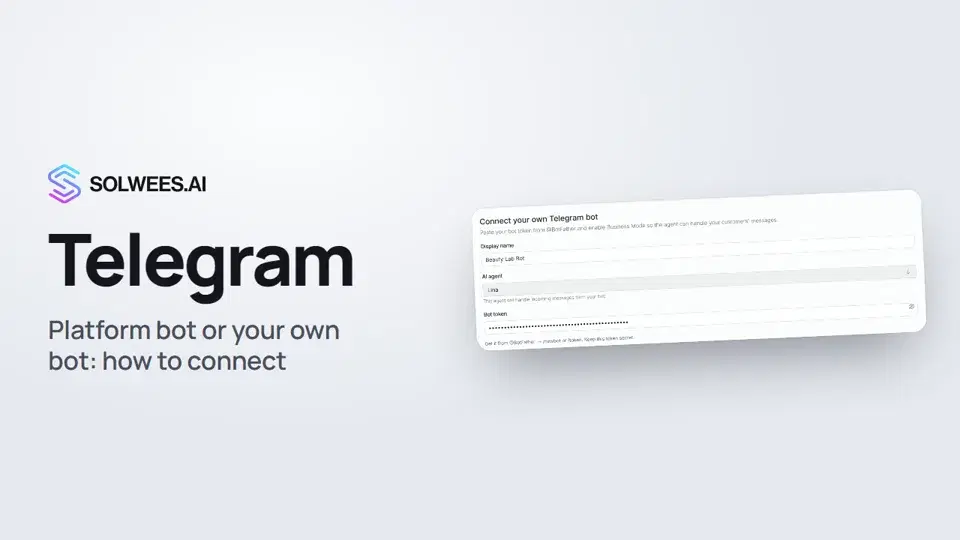 Telegram: how to connect the assistantHow to connect Telegram to Solwees so the AI assistant replies to your clients: through the platform bot and Telegram Business, or through your own bot with a token from BotFather.1:31
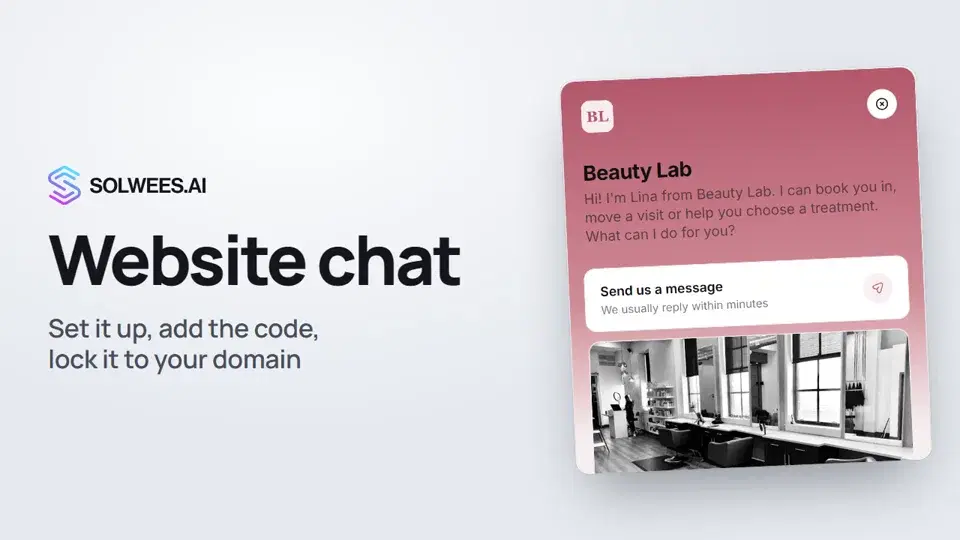 Website chat: how to set it up and install itHow to add the Solwees chat to your website: languages, visitor contact, welcome message, appearance, chat button, the install code and allowed domains. Visitors write in the chat and the AI assistant replies right away.1:52
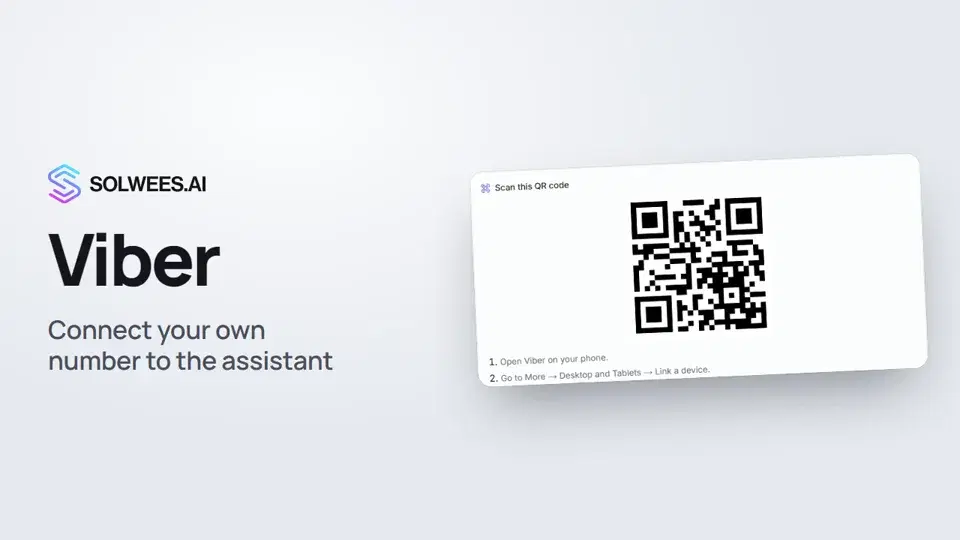 Viber: how to connect your own number to the assistantHow to connect Viber to Solwees so the AI assistant replies to your clients: paying for the channel, display name and AI agent, Connect number and linking with a QR code in Viber.1:11
Потрібна допомога?
Запитайте Sola в кабінеті
Кнопка помічника в куті будь-якої сторінки кабінету знає кожне налаштування й показує, де воно.
Відкрити кабінет