
Booking rules: how the assistant books your clients
Assistente de IA e base de conhecimentoAtualizado a 18 de outubro de 2026Vídeo 1:38Em todos os planos exceto Hub
Este guia está em inglês por agora.
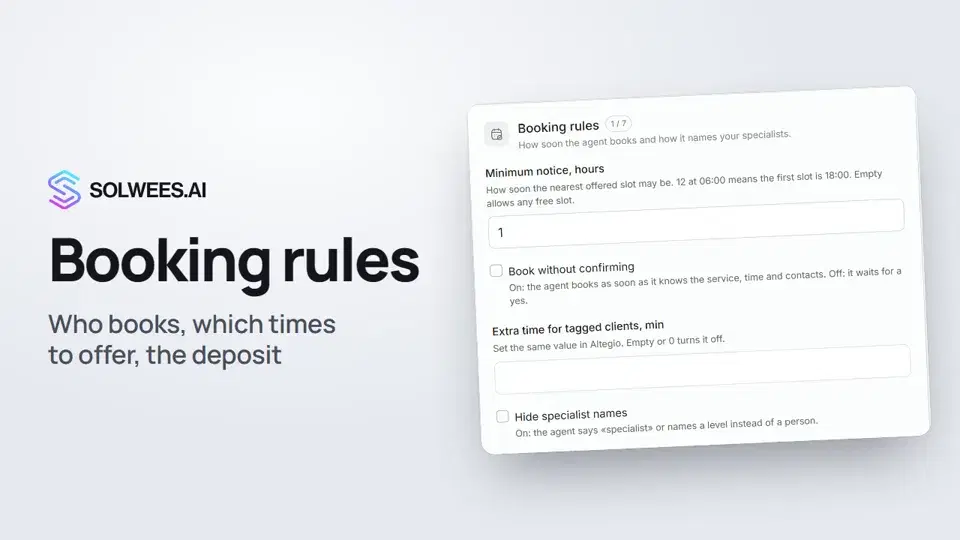
Booking rules decide how the assistant takes a client to a visit: who makes the appointment, which times to offer, what to say about a deposit, which services specialists do at the same time and what to suggest on top. All of these settings are optional: leave a field empty and the assistant works as usual.
Available on every plan except Hub: Hub has no AI assistant.
Where to find it
Open the AI Agent section, choose Business Profile and expand Advanced settings (optional) at the bottom of the page. The set of cards depends on your business type. The cards below are the beauty salon ones.
What you can set
| Card | What to set | How it changes the assistant |
|---|---|---|
| Who makes the appointment | «The agent finds the time and books» or «The manager books, the agent collects the request» | In the first mode the assistant finds free time and books the client in your CRM itself. In the second it doesn’t book, move or cancel visits: it collects the service, the preferred day and time, the name and phone, and passes the request to the manager |
| Booking rules | Minimum notice before a visit, book without confirming, hide specialist names and more | The assistant never offers a time sooner than the notice. While «Book without confirming» is off, it repeats the service, date and time and waits for the client’s yes. With names hidden it says «specialist» instead of a name |
| Deposit | Your deposit rules in your own words and the free reschedule window in hours | The assistant follows them when a client cancels or reschedules. Rescheduled before the window: the deposit moves to the new booking. Later: the assistant frees the time and says the front desk will be in touch about the deposit |
| Which windows to offer | How many windows, how they are chosen, how the day is split, how far apart, alternatives, when to name free time | The assistant always sees every free time; these settings decide how many times it names in one reply and which ones |
| 4 and 6 hands | The «We can serve one client with two staff at once» checkbox, «6 hands» categories | With the checkbox on, the assistant offers a paired service at the same time, for example a pedicure with a manicure. The categories decide when three specialists at once can be offered |
| Add-on offers | How to answer «what promotions do you have?», your own promotion list, what to suggest with a service and more | The assistant names the promotions from your CRM or quotes your lines word for word. It suggests an add-on before picking a time, and the add-on’s duration is added to the booking |
How to change a card
- Click Edit on the card.
- Pick an option from the list or fill in the field.
- Click Update. To leave without changes, click Cancel.
Tips
- If your front desk confirms times with clients, choose «The manager books, the agent collects the request». The assistant never tells the client the visit is booked: it takes the request and passes it to the manager.
- Change only what matters to your salon. With nothing set, the assistant names two windows in different parts of the day, never offers a time sooner than an hour away and waits for the client’s yes before booking.
- Write the deposit rules the way you would tell a client: what happens when they reschedule in advance and what happens at the last minute. Leave both fields empty and the assistant never mentions a deposit.
- Set add-on offers for services that really go together and say when to offer them: the assistant suggests an add-on when the client’s request matches that condition.
- After making changes, try the assistant in the test chat: for example, ask whether there is a free time tomorrow.
FAQ
Can the assistant name free times when the manager books?
Not by default: it notes the time the client would like and does not look up free times. The «Rarely changed» card has separate settings that let the assistant show free windows. The manager still makes the booking.
What does the assistant do in manager mode when a client wants to move or cancel a visit?
It passes the request to the manager, the same way as a booking request.
Why did the assistant name fewer windows than I chose?
That day did not have that many free windows the chosen distance apart. The assistant is not allowed to invent a missing time.
Does the assistant promise a deposit refund?
No. On a late cancellation or reschedule it frees the time and says the front desk will be in touch about the deposit. The decision about the money stays with you.
Where do I turn on «4 hands» services?
On the «4 and 6 hands» card: click Edit and tick «We can serve one client with two staff at once».
Transcrição do vídeo
Tudo o que o narrador diz. Um tempo reproduz o vídeo a partir desse momento.
Where to find the booking rules
Booking rules decide how the assistant books clients: who makes the appointment, which times to offer and what to say about a deposit. Open the AI Agent section, then Business Profile, and expand Advanced settings at the bottom of the page.
Who makes the appointment
In Who makes the appointment, click Edit and choose who books: the assistant or the manager. If your front desk books clients, choose the manager. The assistant then doesn't book itself: it collects the service, preferred time, name and phone.
Booking rules and deposit
In Booking rules, set the minimum notice before a visit, whether to wait for the client's yes, and whether to hide specialist names. In Deposit, describe your rules and the free reschedule window. The assistant follows them when a client cancels or reschedules.
Which windows to offer
In Which windows to offer, set how many free windows the assistant names at once and how it picks them. Leave a field empty and the assistant works as usual: for example, it names two windows in different parts of the day.
4 and 6 hands and add-on offers
In 4 and 6 hands, mark that your specialists can work at the same time. The assistant then offers, say, a pedicure with a manicure. In Add-on offers, set how the assistant answers questions about promotions and what it suggests adding to a service. Done. Next up: handing over to a person, when the assistant calls in your front desk.
Respondeu à sua pergunta?
Mais sobre este tema
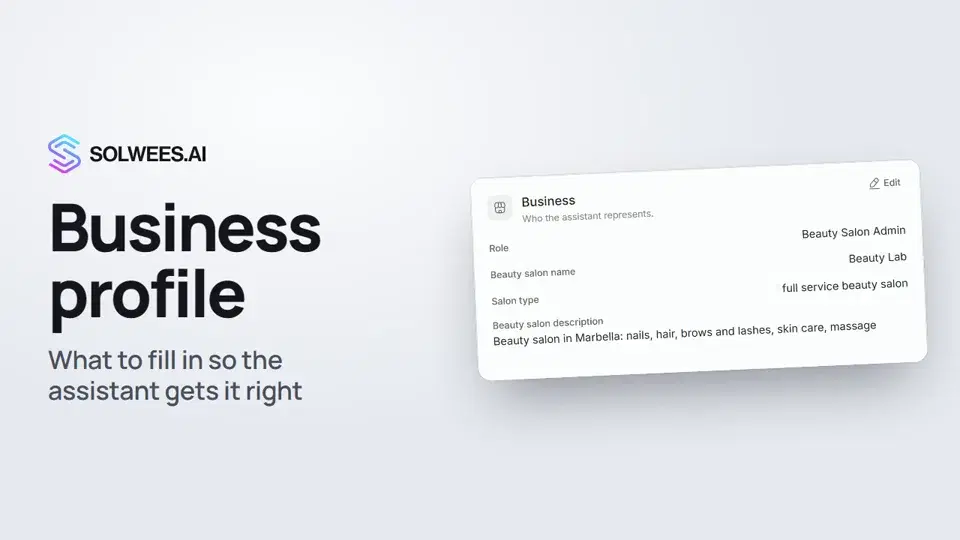 Business profile: what the assistant knows about your companyHow to fill in your business profile in Solwees so the AI receptionist answers clients accurately: name, language, contacts, address, working hours and the assistant's persona.1:35
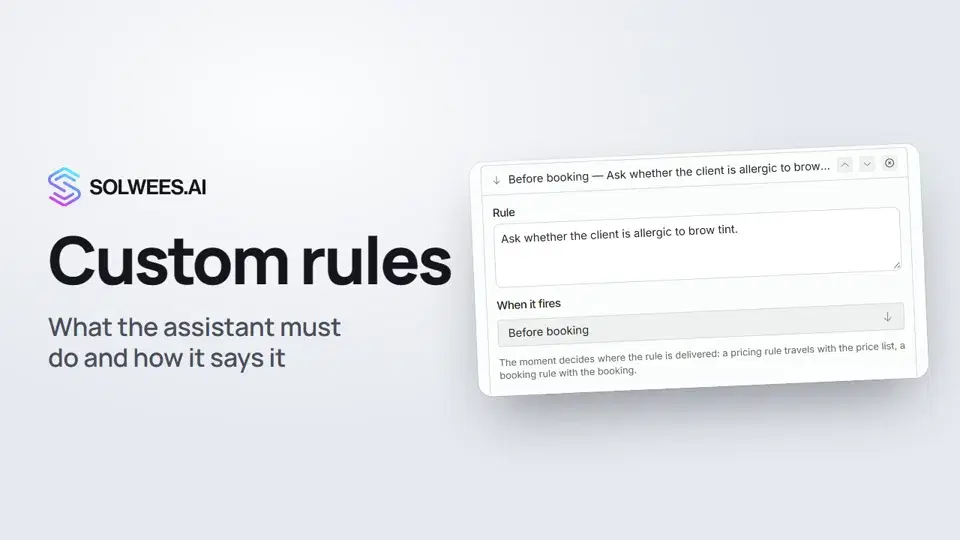 Custom rules and wordingHow to give the Solwees AI receptionist mandatory rules and wording: rules by moment, general rules and ready-made speaking styles for the key moments of a conversation.1:14
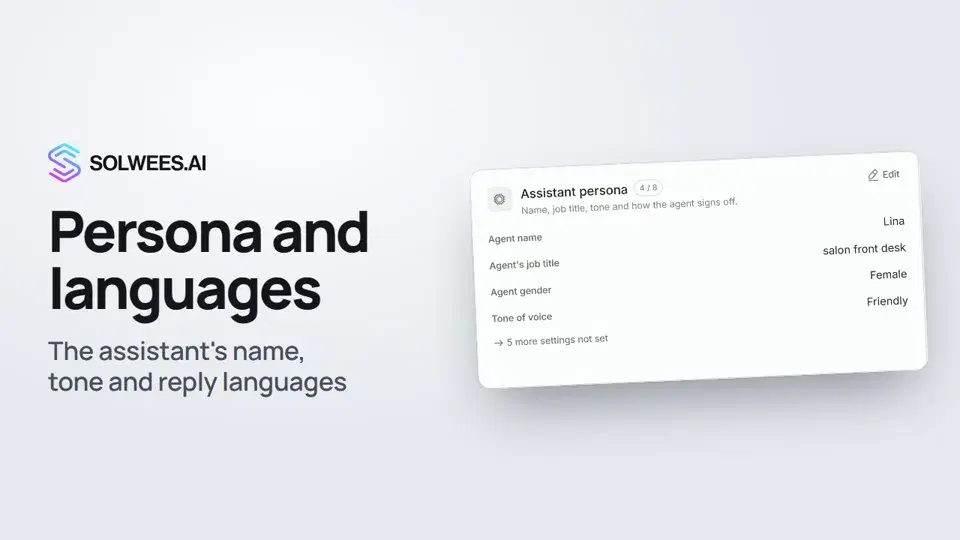 Persona and languages: how the assistant introduces itself and which languages it speaksHow to set the greeting language, allowed languages, name, job title, gender, tone of voice and closing lines of your Solwees AI receptionist in the Language and Assistant persona cards.1:22
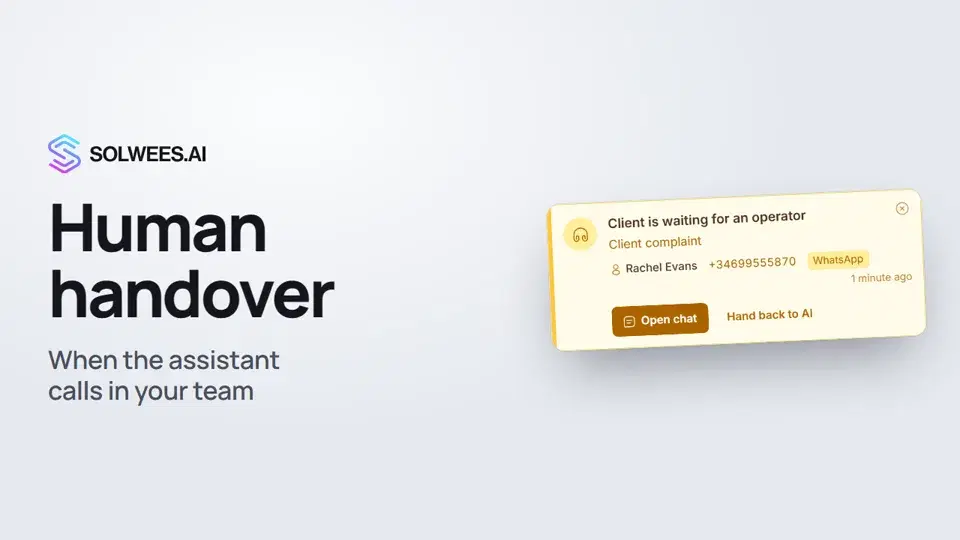 Handing over to a person: when the assistant calls in your teamHow the Solwees AI receptionist hands a conversation to your team: handover reasons in the business profile, the Client is waiting for an operator card, handing the chat back to AI and Telegram alerts.1:16
Precisa de mais ajuda?
Pergunte à Sola no painel
O botão do assistente no canto de qualquer página do painel conhece cada definição e mostra onde está.
Abrir o painel