
Booking messages: reminder, confirmation, reschedule and cancellation
Marketing e promoçõesAtualizado a 19 de outubro de 2026Vídeo 1:27Com o módulo Campanhas
Este guia está em inglês por agora.
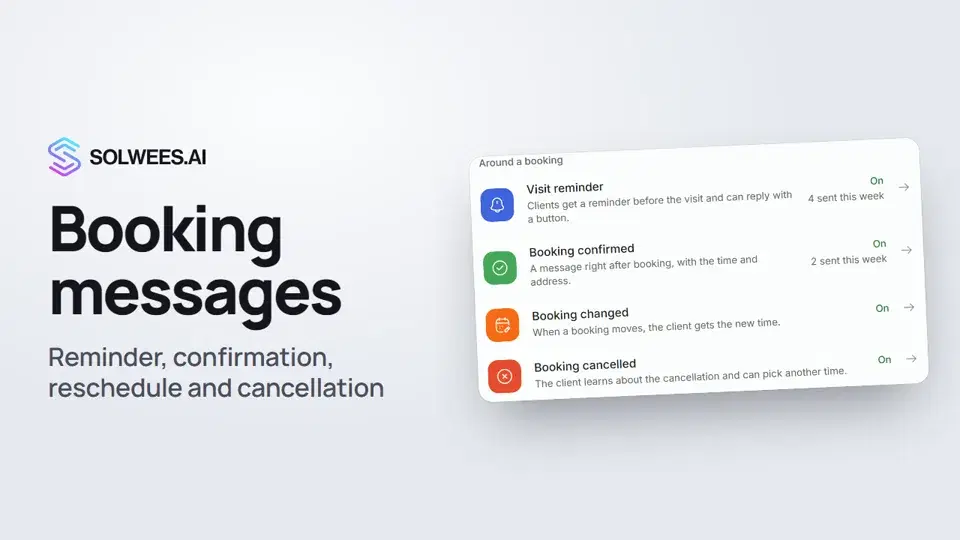
Booking messages go to clients on their own, when something happens: a booking is created, moved or cancelled, and before the visit. Clients don’t forget their visit, and you don’t spend time calling them with reminders.
Where to find them
Open Marketing. On the right, under Auto campaigns, the Around a booking group holds four cards. Each card shows whether the campaign is on and how many messages went out this week.
This section is part of the Campaigns module. It is open during the free trial.
The four messages
| Card | When it goes out | What you can insert |
|---|---|---|
| Visit reminder | Before the visit, at the time you choose | Client name, date, time, date and time, service, specialist, total price, address |
| Booking confirmed | Right after booking | Client name, service, specialist, total price, date, time, date and time, address, amount, currency, booking number |
| Booking changed | When a booking is moved | Client name, old and new date and time, old and new service, address, booking number |
| Booking cancelled | When a booking is cancelled | Client name, date, time, date and time, address, booking number |
How to turn them on
All four messages are off by default.
- Open the card you need.
- Turn on the switch at the top: «Campaign active» appears under it.
- Check the message text. Variables in curly brackets, like
{contact_name}, are added with the buttons under the text and filled in from the booking. - Look at the preview: this is what the client sees.
- Click Save settings.
To stop a campaign, turn the switch off and save: the card then says «Campaign paused».
Languages
The message languages are chosen above the text. The client gets the message in their own language. If it is not there, English goes out, and without English the first language in the list. A language without text can’t be saved.
Visit reminder
The reminder has a few extra settings.
Address. Needed if the agent settings have no address: the agent’s address wins. It is used in all campaigns.
When to send. Times follow the salon’s time zone.
| Mode | When it goes out |
|---|---|
| During the day before | The day before the visit, at a random moment of the daytime window (9:00 to 21:00) |
| Day before at a set time | Exactly at the chosen time the day before (10:00 by default) |
| N hours before the visit | The chosen number of hours before. If that falls at night, the reminder goes out the evening before |
Client’s reply. On WhatsApp the reminder comes with buttons: «I will come», «I cannot», «Reschedule». WhatsApp Web and Telegram have no buttons: turn on «Numbered reply options», and the client replies with a number.
If the client hasn’t confirmed. You can remind them once more the evening before, and with Altegio connected, also cancel the booking without confirmation. Any message from the client after the reminder counts as a reply: then there is no follow-up and no cancellation.
Notification channel order
The card under the campaign list sets where to message clients who haven’t written to the salon yet. If a channel fails to deliver, the message goes to the next one in the list.
- Clients who already chatted with the salon are messaged where that chat happened.
- A channel that delivered once is remembered and tried first.
- WhatsApp can reach a client by phone number alone. Instagram, Telegram and Facebook work only if the client has already written to you there.
Only connected channels are listed. Change the order with the arrows, add a channel in the «Add channel» row, then click Save.
Tips
- Start and end the text with a word, not a variable. WhatsApp rejects a template like «{contact_name}, your booking is confirmed», and the messages never reach clients. While the text has this problem, saving is blocked and a hint shows under the text.
- Keep it short: the time, the service, the address and what to do if plans change.
- Add a language for every language your clients write in.
FAQ
A client booked today for tomorrow. Will they get a reminder?
No. If there is less than a day between the booking and the visit, no reminder goes out: the client has just booked and remembers.
Why didn’t the client get a booking confirmation?
Check that «Booking confirmed» is on. If the assistant booked the client in a chat, no separate confirmation is sent: the assistant has already confirmed the booking there. After a booking over the phone, the confirmation does go out.
Why won’t the settings save?
Look for a yellow hint under the text. A text that starts or ends with a variable, or a language without text, can’t be saved.
Which WhatsApp number sends the messages?
The WhatsApp connected to your workspace. If there are several connections, the one chosen earlier is used, and if it was disconnected, the first available one.
Transcrição do vídeo
Tudo o que o narrador diz. Um tempo reproduz o vídeo a partir desse momento.
Where to find booking messages
Booking messages go to clients on their own: a confirmation, a reschedule, a cancellation and a reminder before the visit. Open Marketing. These messages are under Auto campaigns, in the Around a booking group.
Visit reminder: switch and text
All four are off by default. Open a card and turn on the switch at the top. Below are the address and the message text. Variables in curly brackets, like the client's name and time, are added with buttons. The preview shows what the client gets. On WhatsApp, they can answer the reminder with a button.
When the reminder goes out
Under When to send, choose: during the day before, at a set time, or a few hours before the visit. Click Save settings. Clients who book less than a day ahead get no reminder: they remember anyway.
Confirmed, changed and cancelled
Booking confirmed, Booking changed and Booking cancelled work the same way: a switch and a text. WhatsApp rejects a template that opens with a variable, so begin the message with a word, like a greeting.
Notification channel order
Notification channel order sets where to message clients who haven't written to you yet. If a channel fails, the next one is tried. Done. Next: Google Maps reviews after a visit.
Respondeu à sua pergunta?
Mais sobre este tema
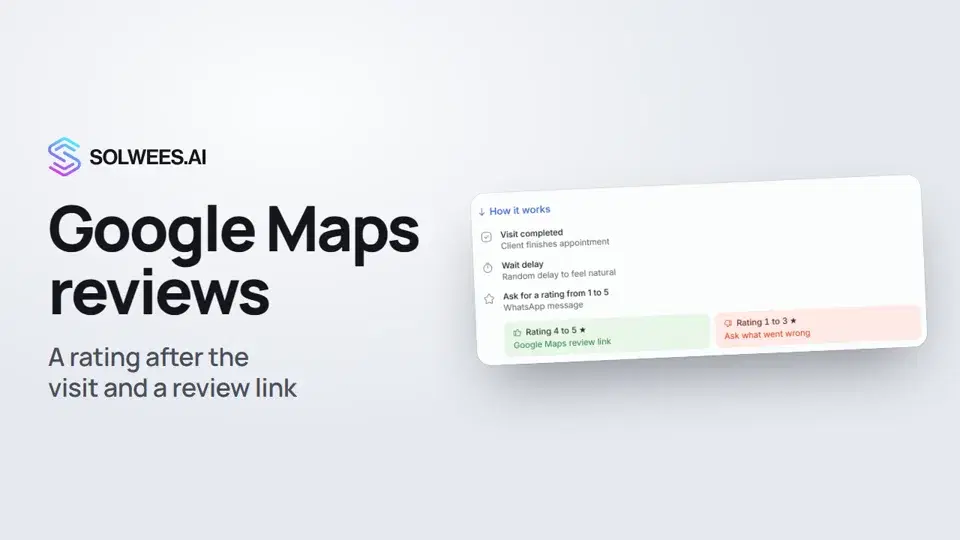 Google Maps reviews: a rating after the visit and a review linkHow to set up the after-visit rating request in Solwees: happy clients get a link to review you on Google Maps, unhappy ones are asked what went wrong.0:54
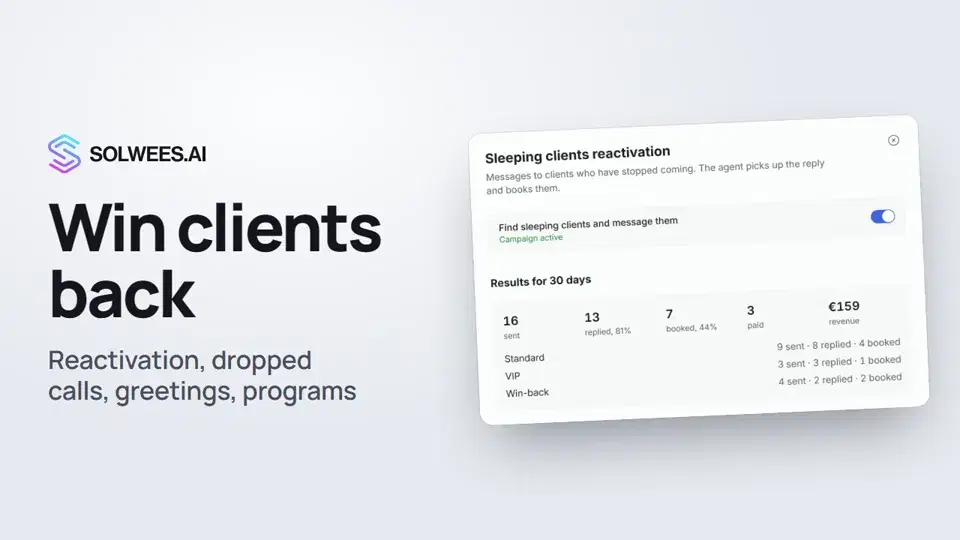 Winning clients back: reactivation, call follow-up, greetings and programsHow to win clients back with Solwees: sleeping clients reactivation, a follow-up after a dropped call, birthday and holiday greetings, and retention programs after a visit.1:36
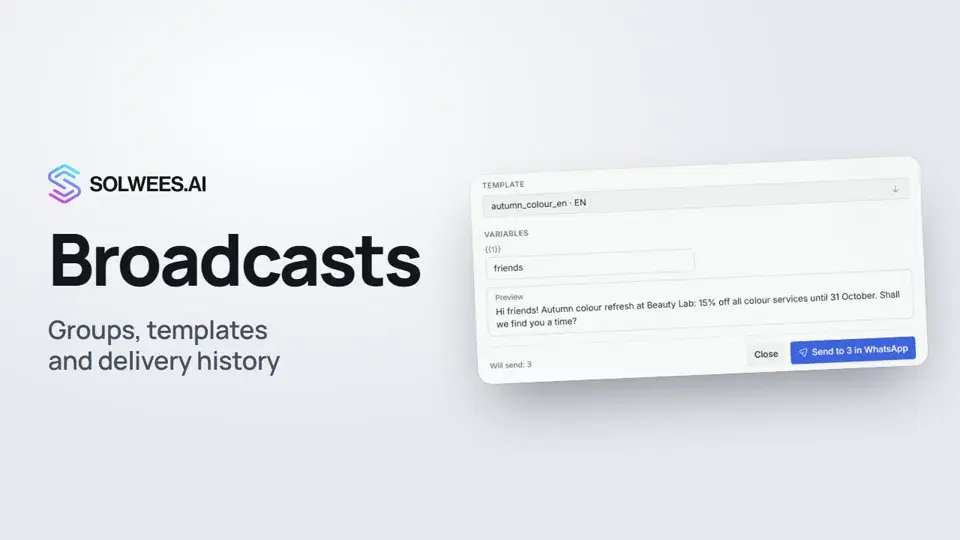 Broadcasts: how to message clients in WhatsApp and TelegramHow to send a broadcast to clients in Solwees: build a client group, pick a WhatsApp template or write in Telegram, check who got the message and see the analytics.1:26
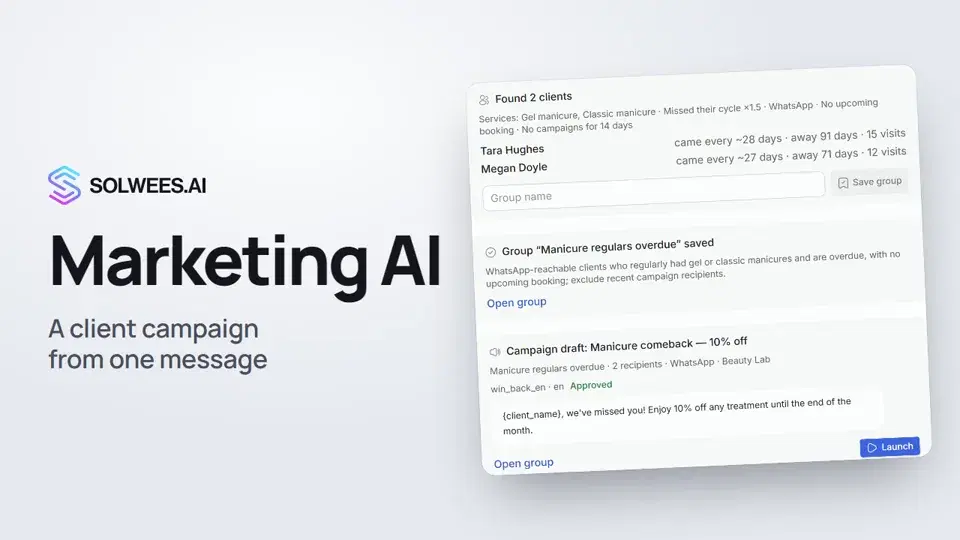 Solwees Marketing AI: the assistant that prepares your campaignsHow to ask Solwees Marketing AI to prepare a campaign: the assistant finds clients in your base, saves a group and prepares a draft, and you launch it.1:14
Precisa de mais ajuda?
Pergunte à Sola no painel
O botão do assistente no canto de qualquer página do painel conhece cada definição e mostra onde está.
Abrir o painel