
Demander une intégration
IntégrationsMis à jour le 4 octobre 2026
Votre logiciel de réservation ou votre CRM n'est pas dans le catalogue d'applications (App Directory) ? Voici ce qu'il faut nous envoyer.
Écrivez à support@solwees.ai en indiquant le nom du logiciel, votre pays et le nombre de vos établissements.
Nous vérifions si le logiciel nous permet de lire les créneaux libres, de créer, modifier et annuler des réservations et de retrouver un client par son téléphone. C'est ce dont l'assistant a besoin pour réserver.
N'envoyez jamais de mot de passe par e-mail. Si nous développons l'intégration, vous la connectez vous-même dans le catalogue d'applications (App Directory), ou nous convenons avec vous d'une méthode sûre.
En attendant, l'assistant peut répondre aux clients et transmettre les demandes de réservation à votre équipe.
Cet article a-t-il répondu à votre question ?
Plus sur ce thème
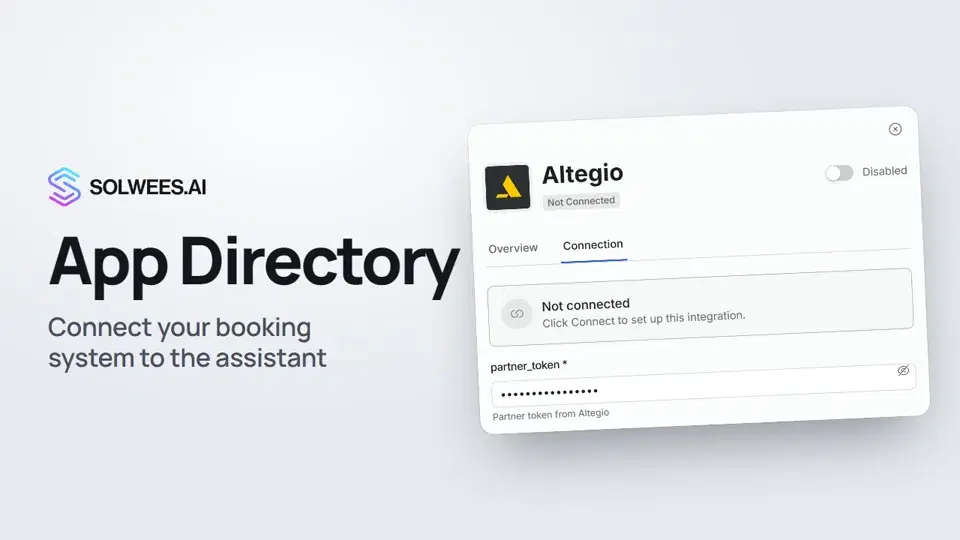 App Directory: connect your booking system, CRM and paymentsWhere to find the App Directory in Solwees and how to connect a booking system, CRM or payments to your AI receptionist: tabs, search, the integration card and the Connect button.1:06
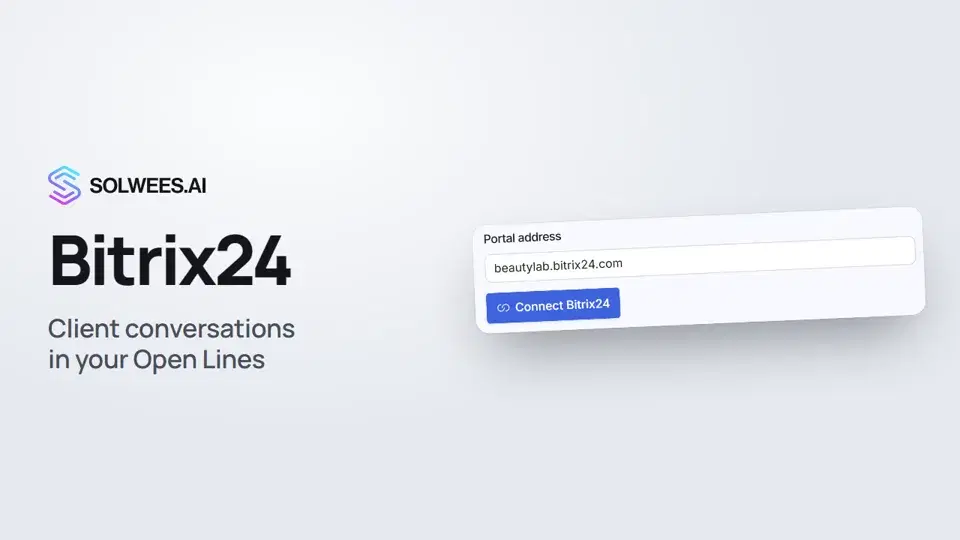 Bitrix24: client conversations in your Open LinesHow to connect your Bitrix24 portal to Solwees so the AI receptionist's conversations with clients go to your Open Lines: the portal address, confirming access on the portal, the agent's line and the No agent tab.1:03
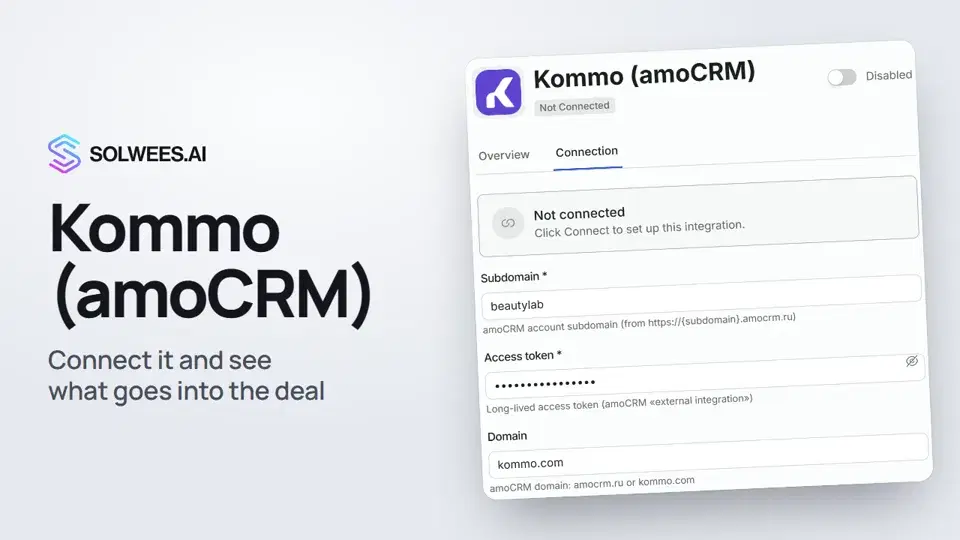 Kommo (amoCRM): how to connect it and what goes into the dealHow to connect Kommo (amoCRM) to your Solwees AI assistant: subdomain, long-lived token and domain, what the assistant sends into the deal and which assistant role it takes.1:19
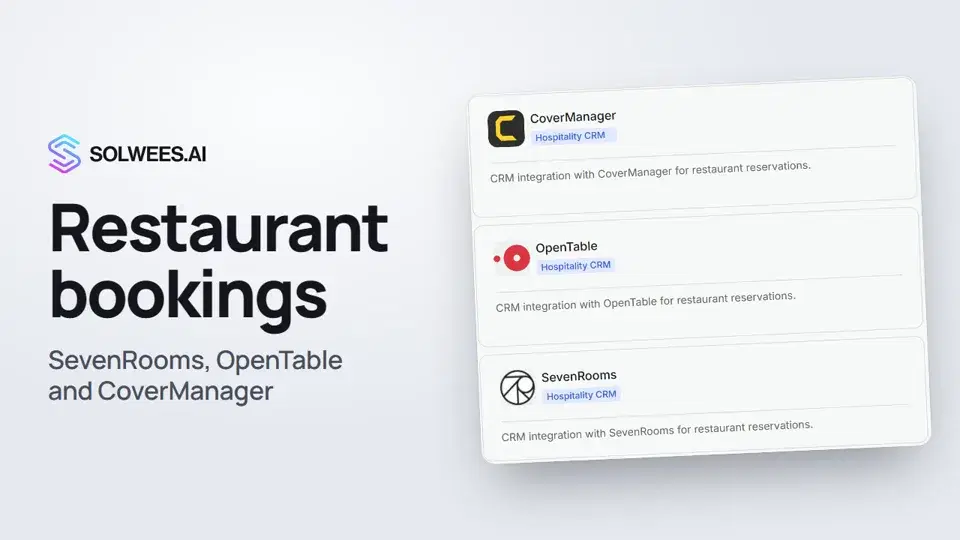 Restaurant bookings: connecting SevenRooms, OpenTable and CoverManagerHow to connect your restaurant booking system to the Solwees AI receptionist: SevenRooms and CoverManager connect in the App Directory, OpenTable is switched on by support. Once connected, the assistant checks for free tables and books right in your system.1:21
Besoin d’aide ?
Demandez à Sola dans votre tableau de bord
Le bouton de l’assistant, dans le coin de chaque page du tableau de bord, connaît chaque réglage et vous montre où il se trouve.
Ouvrir le tableau de bord