
Einrichtung mit Sola
Erste SchritteAktualisiert am 4. Oktober 2026
Wie Sola, die Einrichtungsassistentin, Ihren Assistenten aus Ihrer Website und Ihren Dateien aufbaut.
Sola ist die Einrichtungsassistentin, die sich nach der Registrierung öffnet. Sie fragt drei Dinge: Ihren Firmennamen, Ihre Branche und Ihre Zeitzone.
Dann liest sie Ihre Website. Sie sehen „Reading your website: services, prices, hours and contacts“. Was sie findet, landet in Ihrem Unternehmensprofil und in der Wissensdatenbank, wo Sie es prüfen und korrigieren können.
Liegen Ihre Preise oder Antworten in einem Google Sheet oder Google Doc, fügen Sie es unter Knowledge Base > Sources hinzu. Andere Dateien, etwa eine Preisliste als PDF, laden Sie mit „Add file“ hoch.
Danach führt Sola Sie durch die Wahl des Tarifs (für die Testphase ist keine Karte nötig), Ihr Buchungssystem und Ihre Kanäle. Sie können jederzeit unterbrechen und später weitermachen: „Continue setup“ setzt dort an, wo Sie aufgehört haben, und „Ask Sola“ beantwortet Fragen zu jedem Schritt.
Hat das Ihre Frage beantwortet?
Mehr zu diesem Thema
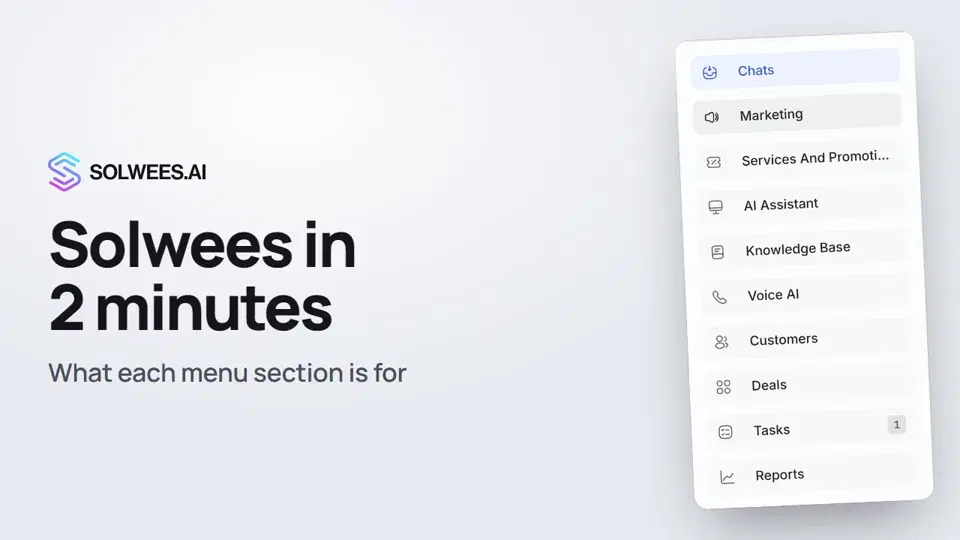 Solwees in 2 minutes: a tour of the menuA short tour of Solwees: what each menu section is for, where Settings and your profile are, and how not to miss what matters.2:10
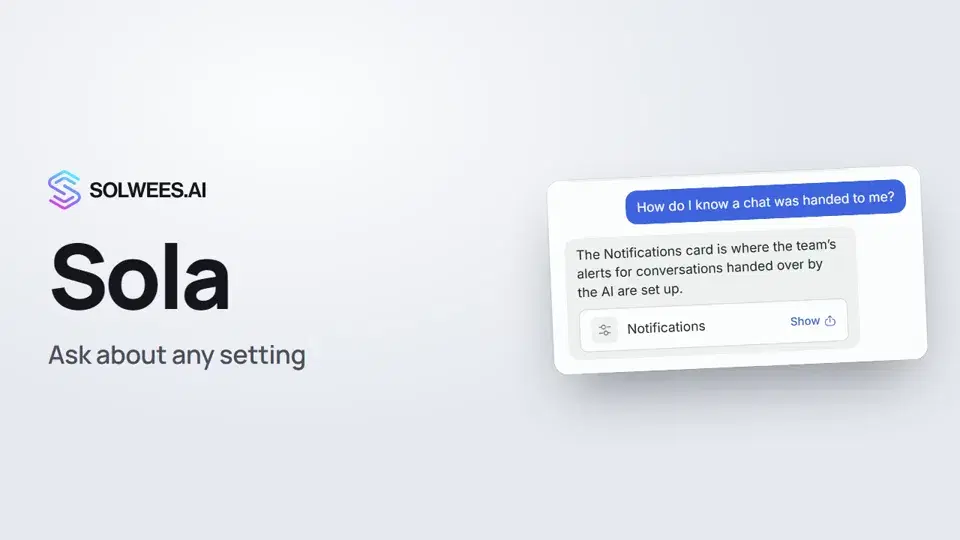 Sola: the setup assistant in SolweesHow to use Sola, the setup assistant in Solwees: ask in your own words, jump to the right place with the Show button, ask her to make a change, or start the interface tour.1:03
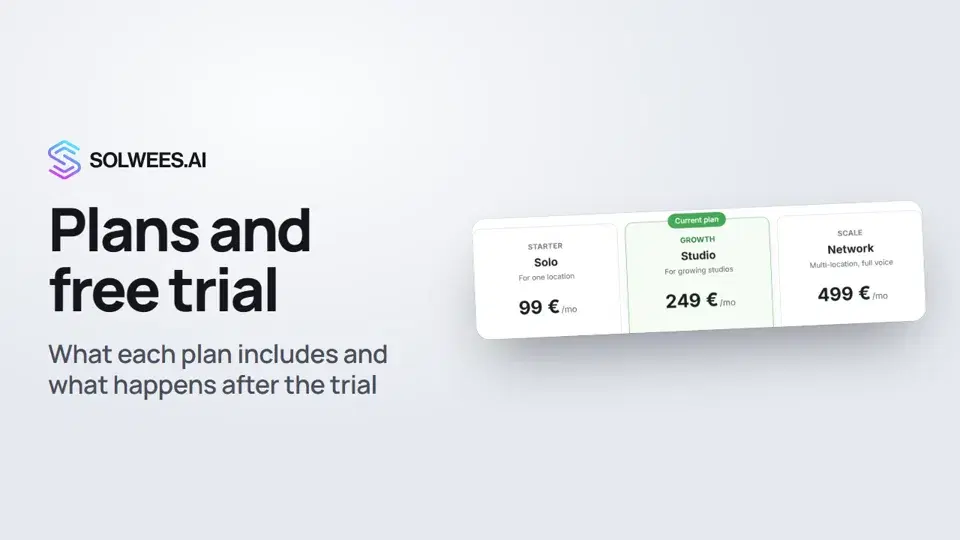 Plans and free trial: what's included and how to chooseWhich plans Solwees offers, how they differ, what your plan includes and how the free trial works.1:19
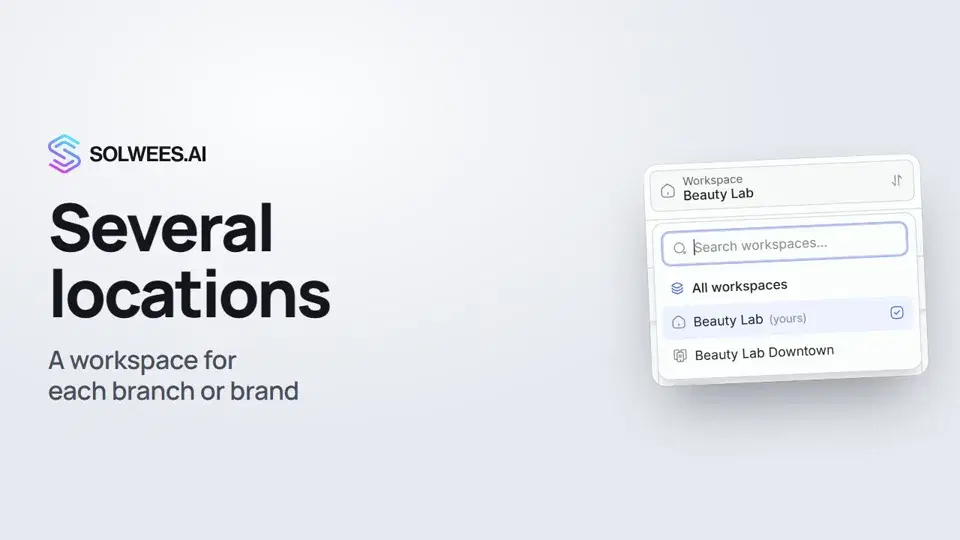 Several locations or brands: workspacesHow to run several locations or brands in Solwees: create a workspace, switch between workspaces and see every location's chats in one list.1:01
Noch Fragen?
Fragen Sie Sola im Dashboard
Der Assistent-Button in der Ecke jeder Dashboard-Seite kennt jede Einstellung und zeigt, wo sie ist.
Dashboard öffnenAn den Support schreiben
Unter support@solwees.ai antwortet ein Mensch aus unserem Team.
support@solwees.ai