
Plans and free trial: what's included and how to choose
Erste SchritteAktualisiert am 19. Oktober 2026Video 1:19
Diese Anleitung ist vorerst auf Englisch.
Your plan decides what Solwees can do for your business: whether the assistant replies, how many clients it serves per period, whether calls are included and how many teammates work in the account. A new business starts with a free trial and then picks a plan.
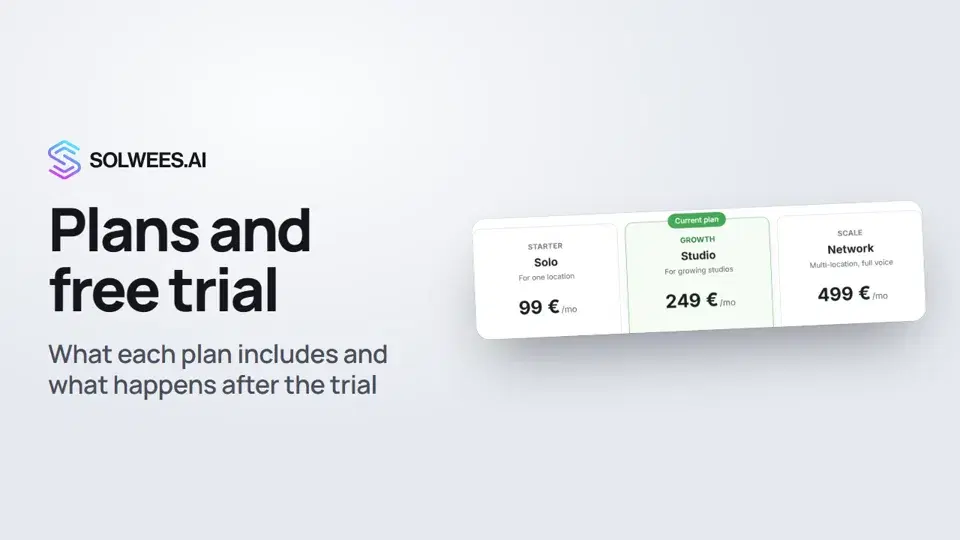
Where to find it
Open Settings and choose Billing, Subscription tab. Only the owner sees this section: administrators and other roles don’t have access to it.
What the Your subscription card shows
| Line | What it means |
|---|---|
| Plan | Your plan’s name and price |
| Total and date | The total with connected modules and channels, and the next charge date |
| Active clients | How many different people the assistant replied to in this billing period, and the plan limit. One person counts once per period, however often they write |
| Voice minutes | Call minutes used, and how many your plan includes together with purchased packs |
On the Hub plan, this card shows team members instead of active clients: Hub has no assistant.
The plans
Click Change plan to compare them. Monthly prices when paying monthly:
| Plan | Price | Active clients | Voice minutes | Team seats |
|---|---|---|---|---|
| Hub | €39 | no assistant | none | 3 |
| Solo | €99 | 400 per month | none | 5 |
| Studio | €249 | 1,000 per month | 100 | 5 |
| Network | €499 | 2,500 per month | 300, inbound and outbound calls | 10 |
| Enterprise | from €999 | unlimited | custom | unlimited |
- Hub: a shared inbox for your team. Channels connect and your team replies to clients itself; the assistant doesn’t reply in any channel.
- Solo, Studio, Network: the assistant replies to clients; the plans differ in client and minute limits. Calls with the assistant start from Studio.
- Enterprise: custom terms; the button takes you to sales.
At the top of the window, pick how often you pay: 3 months saves 5%, 6 months 10%, a year 15%. The plan prices update.
Modules and packs
Further down the Subscription tab:
- Modules: CRM and tasks (€19/mo), Campaigns (€19/mo), AI in marketing (€39/mo). They are added separately from the plan and open their own section.
- Extra voice minutes: one-time Mini, Standard and XL packs with 100, 500 and 1,000 minutes. Available on Studio and Network.
- Extra active clients: monthly packs from +200 to +10,000 clients. Available on Solo, Studio and Network.
Free trial
- It lasts 7 days. The end date is shown in the Your subscription card.
- All modules are open, nothing is charged and no card is needed.
- Minute packs, client packs and paid channels (Viber) can’t be added during the trial.
- It doesn’t renew by itself and doesn’t turn into a paid plan.
- Three days and one day before it ends, you get a notification in Solwees and an email with a link to choose a plan.
To keep going after the trial, click Change plan and choose a plan.
Tips
- Choose a plan by the number of clients the assistant replies to per month, not by the size of your whole client base.
- Need calls with the assistant? Look at Studio and Network.
- If your team replies to clients itself and you don’t need the assistant, Hub fits.
- Use the trial to try every module: once you pick a plan, they are added separately.
FAQ
Who can change the plan?
Only the owner. Administrators can do everything except billing.
What is an active client?
A person the assistant replied to in the current billing period. Each person counts once per period.
What happens after the trial?
Nothing is charged: the trial doesn’t renew by itself. To keep working, choose a plan with Change plan.
Can I pay less often than monthly?
Yes. In Change plan, pick 3 months, 6 months or a year: you save 5%, 10% or 15%.
Where are invoices and the card?
On the Invoices and Payment details tabs of the same section. There is a separate video, “Billing and invoices”.
Transkript des Videos
Alles, was der Sprecher sagt. Ein Zeitstempel spielt das Video ab dieser Stelle ab.
Where to find plans and billing
Your plan decides what Solwees can do for your business. Let's look at the plans and how the free trial works. Open Settings and choose Billing. Only the owner can see this section.
Limits and the plans
Your subscription shows the plan and its limits: active clients, meaning people the assistant replied to, and voice minutes. To compare plans, click Change plan. Solo, Studio and Network differ in their client and minute limits. Tip: on Hub, you can connect channels, but the assistant doesn't reply. It's a shared inbox for your team. Paying for 3 months, 6 months or a year up front saves up to 15%.
Modules, minute packs and the free trial
The CRM and tasks, Campaigns and AI in marketing modules are added separately. Extra minutes come in packs. The free trial lasts 7 days. All modules are open, and nothing is charged. It doesn't renew by itself. 3 days and 1 day before it ends, you get a notification and an email. Then choose a plan. Done. Next, we'll show how to run several locations or brands.
Hat das Ihre Frage beantwortet?
Mehr zu diesem Thema
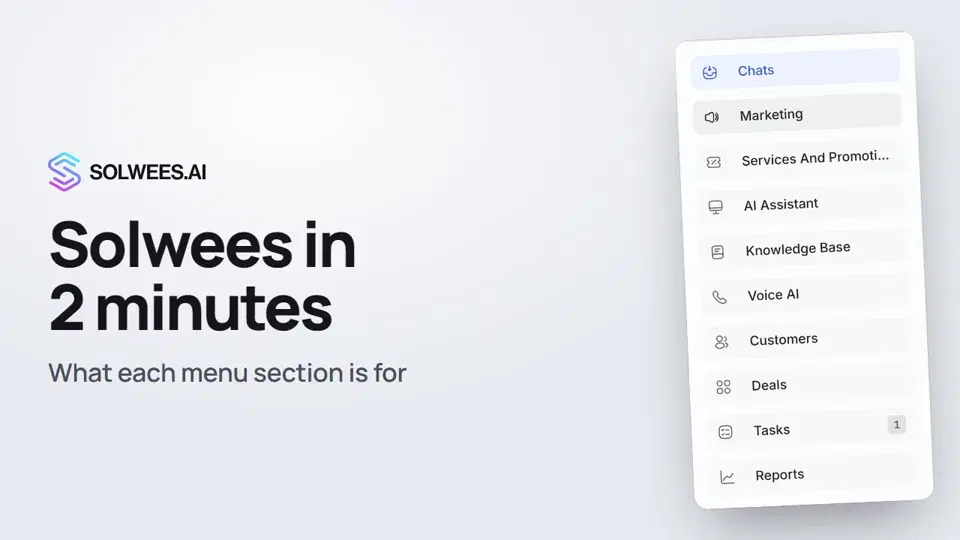 Solwees in 2 minutes: a tour of the menuA short tour of Solwees: what each menu section is for, where Settings and your profile are, and how not to miss what matters.2:10
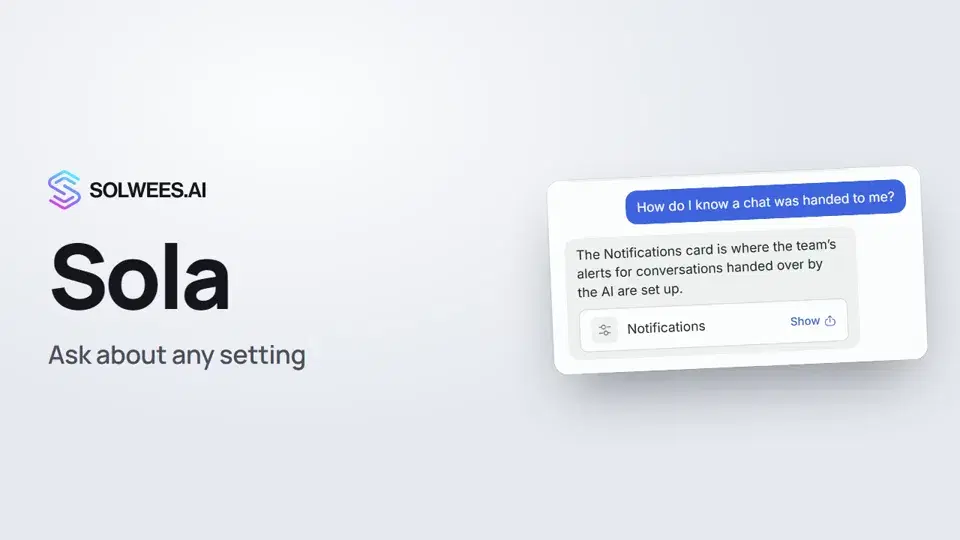 Sola: the setup assistant in SolweesHow to use Sola, the setup assistant in Solwees: ask in your own words, jump to the right place with the Show button, ask her to make a change, or start the interface tour.1:03
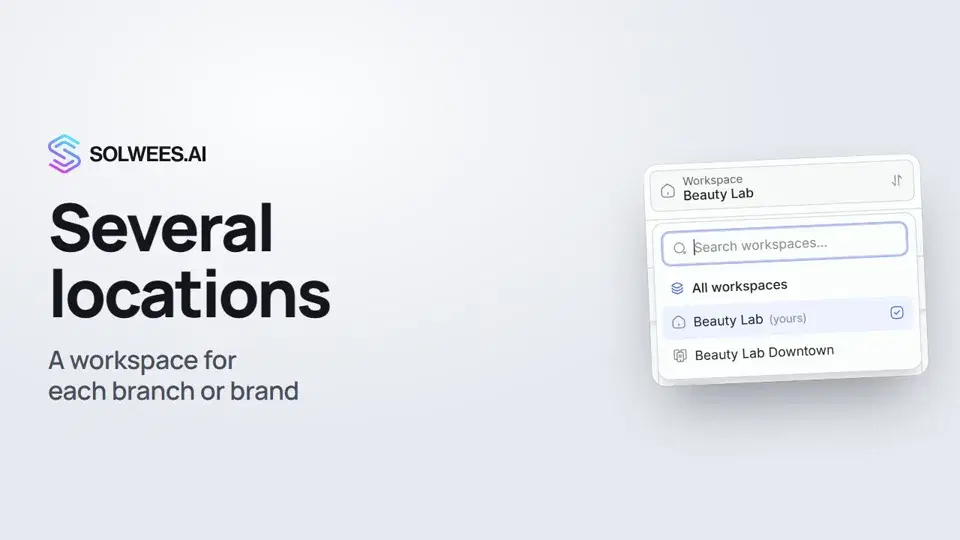 Several locations or brands: workspacesHow to run several locations or brands in Solwees: create a workspace, switch between workspaces and see every location's chats in one list.1:01Einrichtung mit SolaWie Sola, die Einrichtungsassistentin, Ihren Assistenten aus Ihrer Website und Ihren Dateien aufbaut.Textanleitung
Noch Fragen?
Fragen Sie Sola im Dashboard
Der Assistent-Button in der Ecke jeder Dashboard-Seite kennt jede Einstellung und zeigt, wo sie ist.
Dashboard öffnenAn den Support schreiben
Unter support@solwees.ai antwortet ein Mensch aus unserem Team.
support@solwees.ai