
Solwees Hilfe-Center
Videos und Schritt-für-Schritt-Antworten zu jedem Teil von Solwees: KI-Assistent, Kanäle, Chats, Kunden, Marketing und Einstellungen.
Hier starten
Vier Schritte vom neuen Konto zu einem Assistenten, der Kunden antwortet und Termine bucht.
Themen
Erste Schritte
Was Solwees ist, die erste Einrichtung, Tarife, die Testphase und mehrere Standorte.
- Solwees in 2 minutes: a tour of the menu
- Sola: the setup assistant in Solwees
- Plans and free trial: what's included and how to choose
- Several locations or brands: workspaces
KI-Assistent und Wissensdatenbank
Unternehmensprofil, Buchungsregeln, Übergabe an Mitarbeiter, Wissensdatenbank und Testen des Assistenten.
- Business profile: what the assistant knows about your company
- Custom rules and wording
- Persona and languages: how the assistant introduces itself and which languages it speaks
- Booking rules: how the assistant books your clients
Kanäle
WhatsApp, Instagram, Telegram, der Website-Chat und eine Telefonnummer für den Assistenten.
- WhatsApp templates: messages approved by Meta
- Telegram: how to connect the assistant
- Website chat: how to set it up and install it
- Viber: how to connect your own number to the assistant
Chats
Ein Posteingang für alle Kanäle: wann der Assistent antwortet, wann Sie, Schnellantworten und Notizen.
- Chats: every channel in one place
- AI or you: taking a chat over from the assistant and handing it back
- Needs attention: when a client is waiting for a person
- Quick replies and notes: what the chat input can do
Kunden, Deals und Aufgaben
Kundenkarte, Import, Warteliste, Deal-Board, Pipelines und Aufgaben.
- Customers and the customer card
- Importing clients: from a CSV file or from your CRM
- Waiting list: the assistant offers a freed-up time by itself
- Deals: the board
Marketing und Aktionen
Terminerinnerungen, Massenversand, Schutz vor WhatsApp-Sperren, Leistungen und Aktionen.
- Booking messages: reminder, confirmation, reschedule and cancellation
- Google Maps reviews: a rating after the visit and a review link
- Winning clients back: reactivation, call follow-up, greetings and programs
- Broadcasts: how to message clients in WhatsApp and Telegram
Anrufe, Berichte und Benachrichtigungen
Aufnahmen und Transkripte, Berichte, Zusammenfassungen und Benachrichtigungen fürs Team.
- Calls: history, recordings, transcripts and the assistant's calls
- Outbound campaigns: the assistant calls clients from your list
- Reports: bookings, money and how the assistant works
- Ads: which ads bring you clients
Integrationen
Buchungssysteme, CRMs, Zahlungen und Kalender, mit denen sich Solwees verbindet.
- App Directory: connect your booking system, CRM and payments
- Bitrix24: client conversations in your Open Lines
- Kommo (amoCRM): how to connect it and what goes into the deal
- Restaurant bookings: connecting SevenRooms, OpenTable and CoverManager
Team, Einstellungen und Abrechnung
Teammitglieder und Zugriffe, Workspace-Einstellungen, Tarife, Minuten und Rechnungen.
- Team and access: add teammates and choose what they can do
- General settings: workspace name, time zone and report currency
- Billing and invoices: your plan, modules, invoices and cancelling
- Aktive Kunden
Mobile App
Chats, Anrufe vom Assistenten und Benachrichtigungen auf dem Handy.
Alle Artikel · 2 ArtikelSicherheit und Daten
Zwei-Faktor-Anmeldung, Schutz des Website-Chats, DSGVO und Löschen von Daten.
- Security: two-factor authentication, attachments and allowed domains
- GDPR (DSGVO)
- SOC 2 und ISO 27001
- Unterauftragsverarbeiter
Fehlerbehebung
Was Sie prüfen, wenn Termine nicht synchronisieren, ein Anruf schlecht klingt oder Benachrichtigungen fehlen.
Alle Artikel · 2 ArtikelVideoanleitungen
Jedes Video zeigt eine Einstellung in ein bis zwei Minuten am Bildschirm, mit Kapiteln und Transkript.
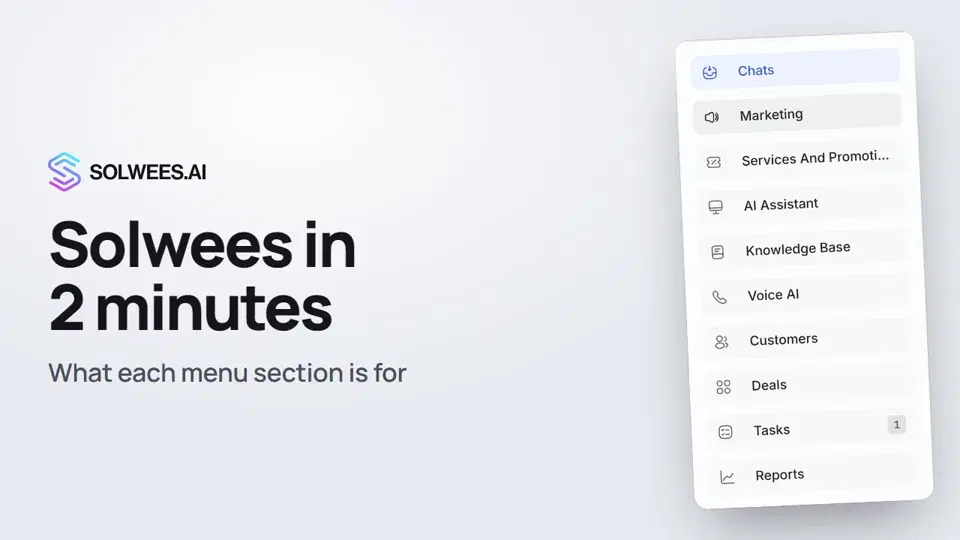 2:10Solwees in 2 minutes: a tour of the menu
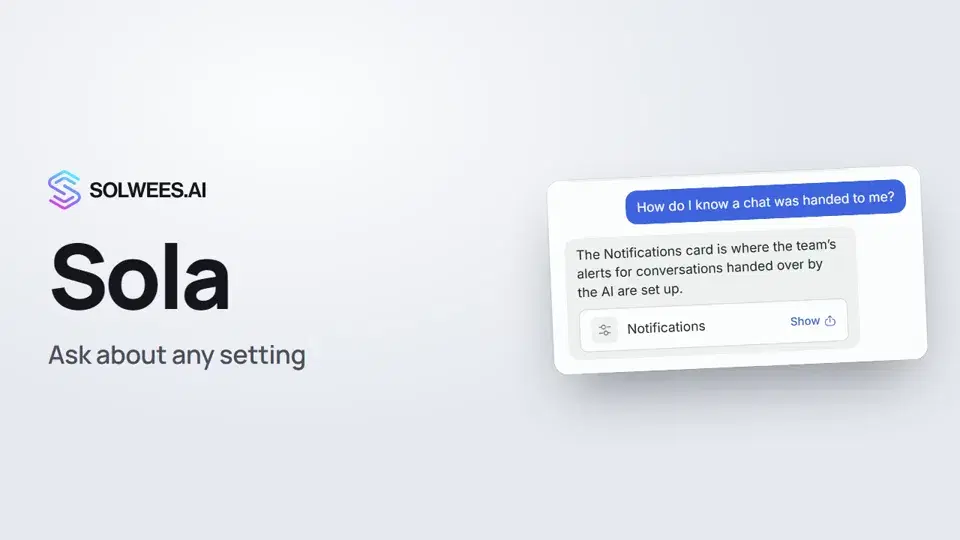 1:03Sola: the setup assistant in Solwees
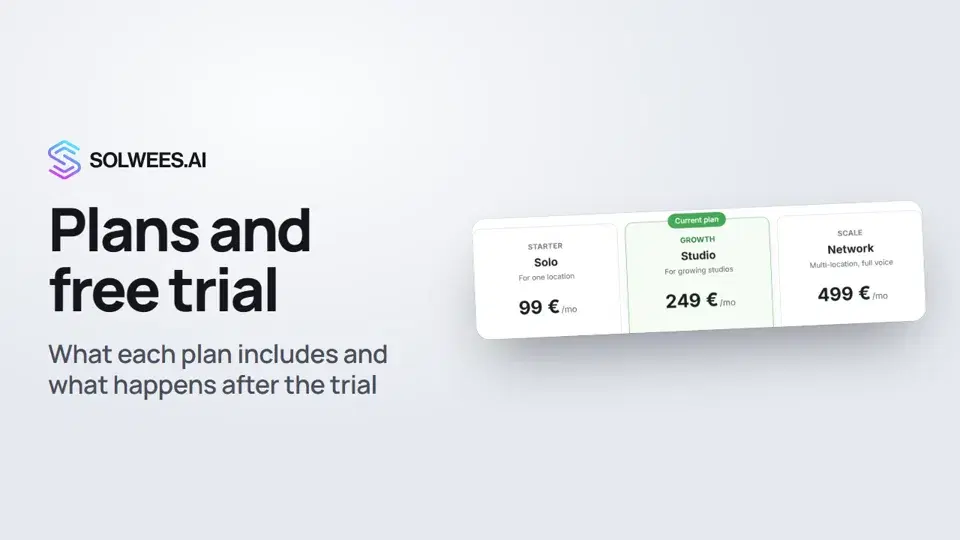 1:19Plans and free trial: what's included and how to choose
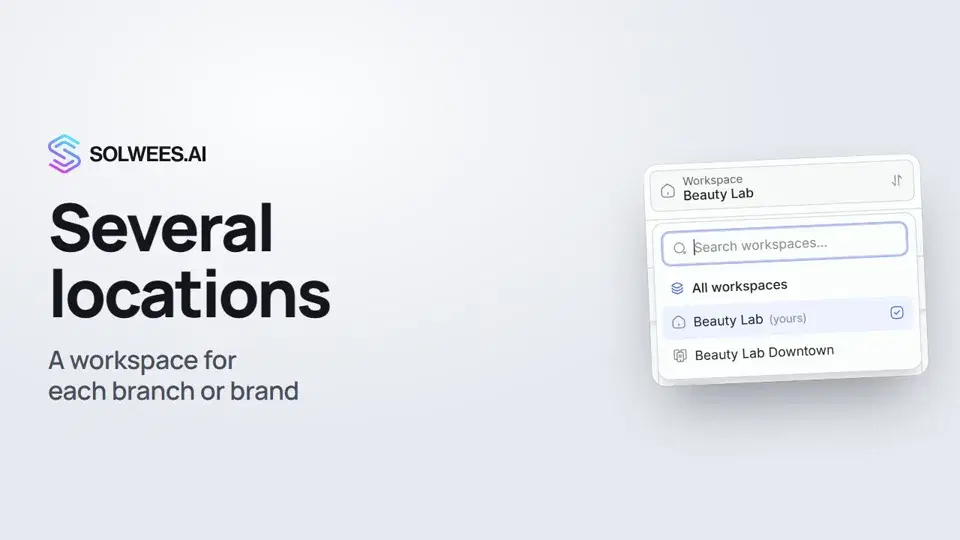 1:01Several locations or brands: workspaces
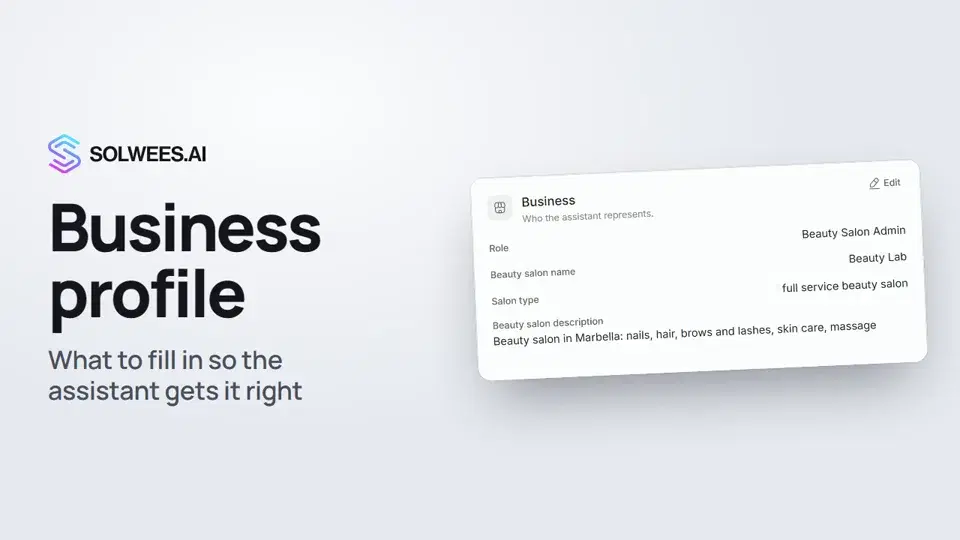 1:35Business profile: what the assistant knows about your company
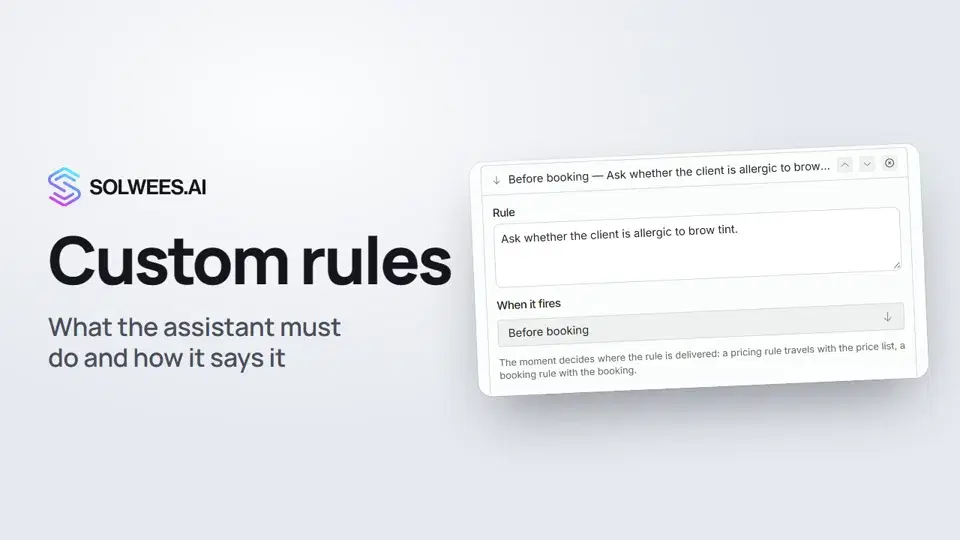 1:14Custom rules and wording
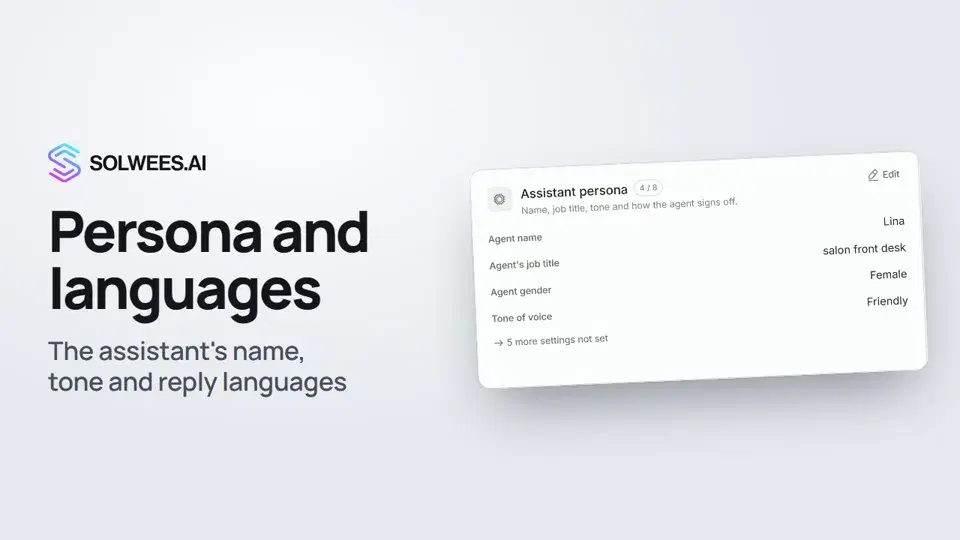 1:22Persona and languages: how the assistant introduces itself and which languages it speaks
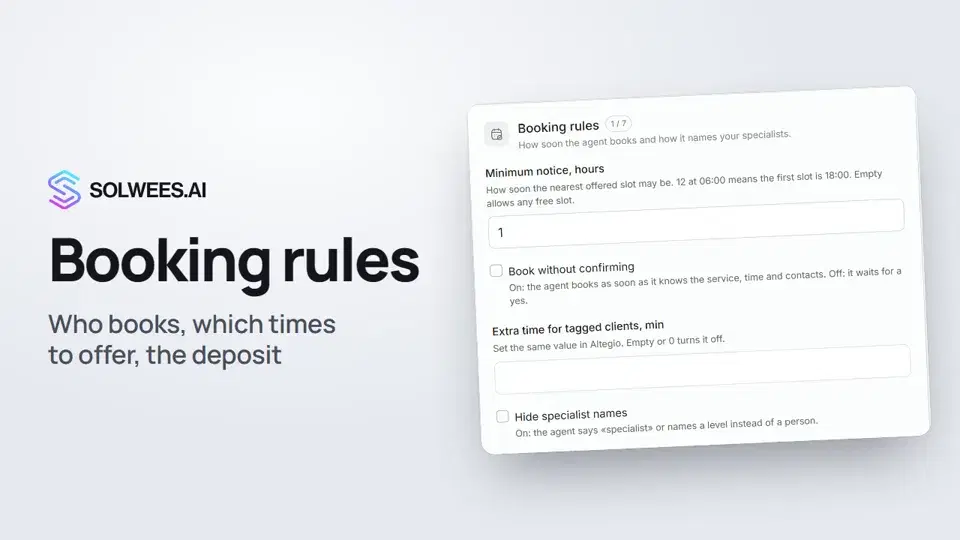 1:38Booking rules: how the assistant books your clients
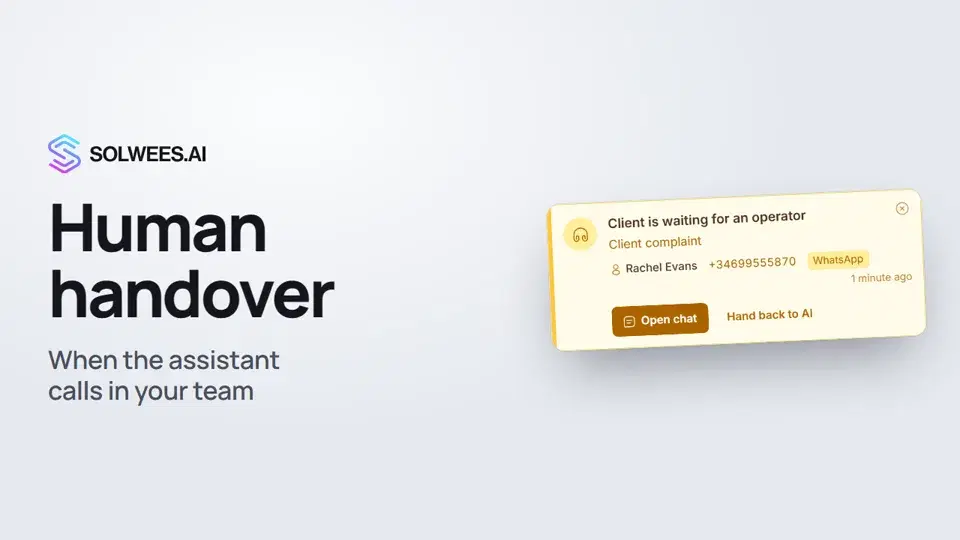 1:16Handing over to a person: when the assistant calls in your team
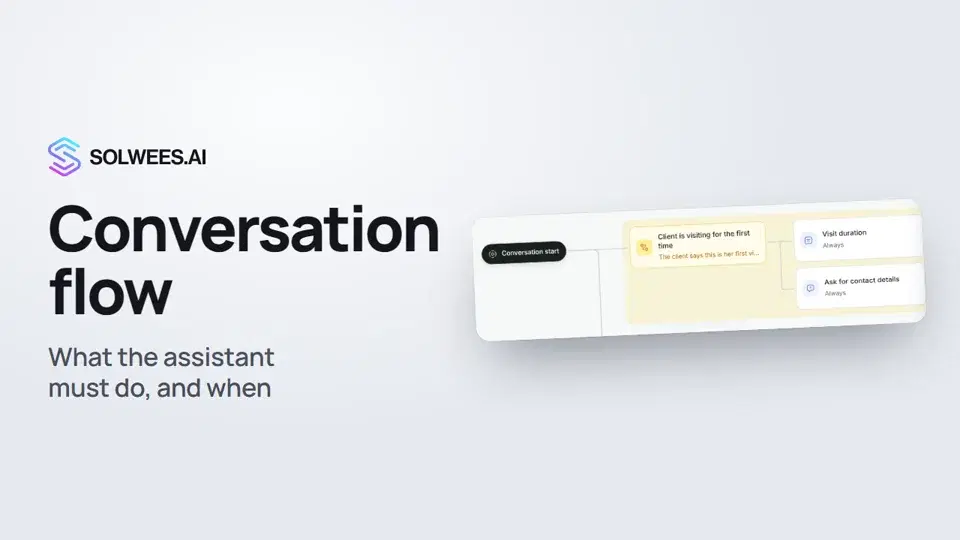 1:36Conversation flow: what the assistant must do, and when
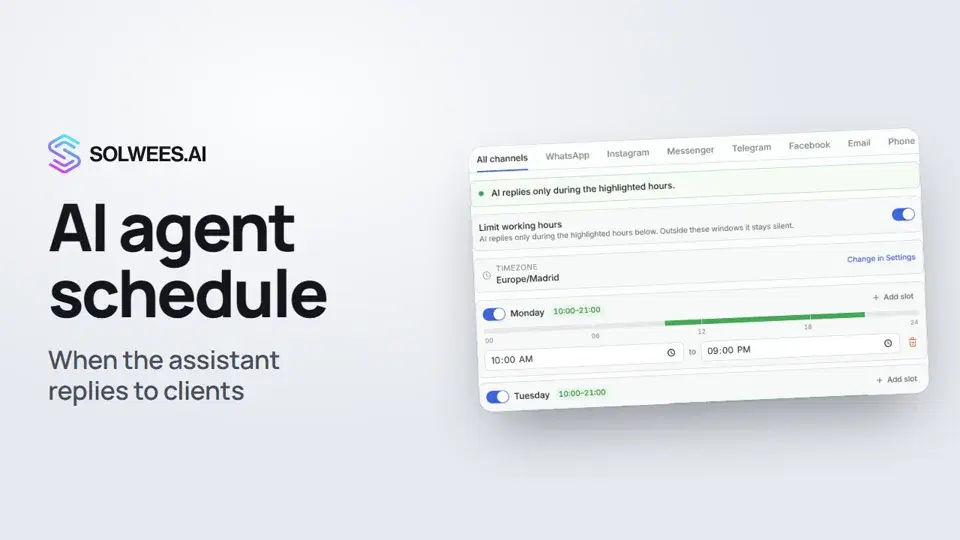 1:31Agents and the AI schedule: when the assistant replies to clients
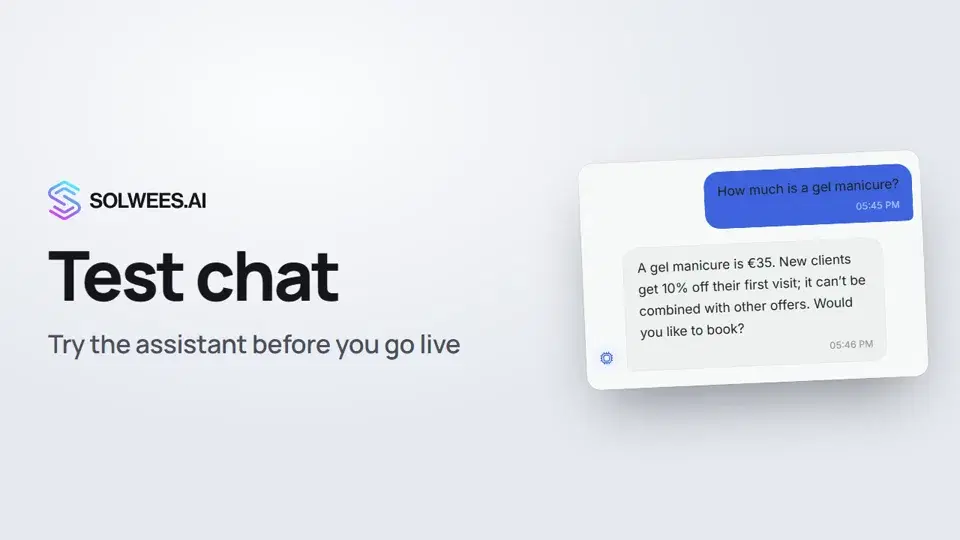 1:09Test chat and call: try the assistant before you go live
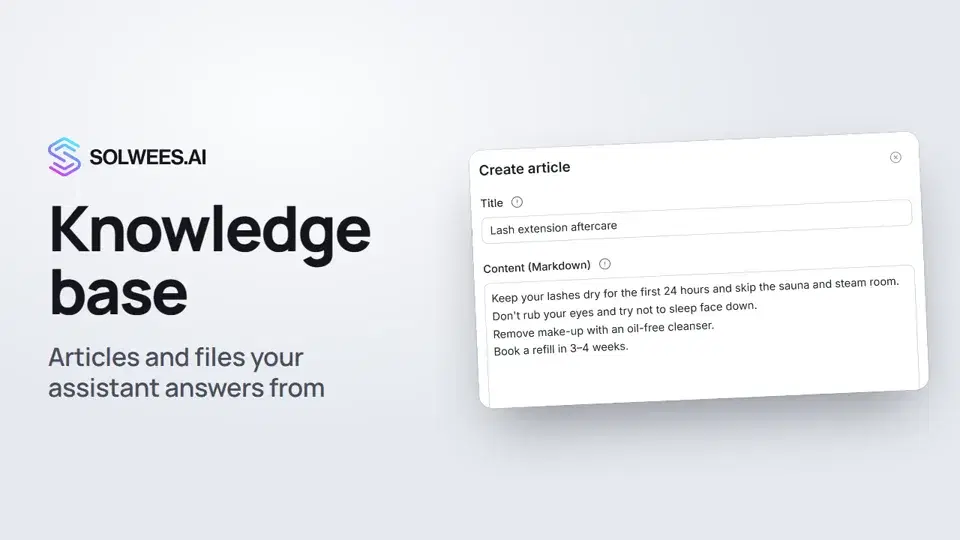 1:16Knowledge base: the articles and files your assistant answers from
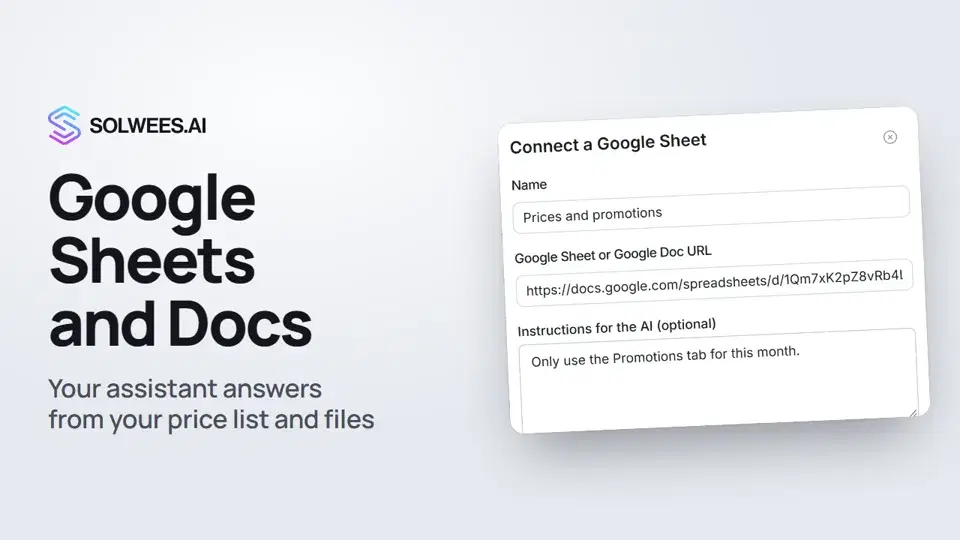 1:10Google Sheets and Docs: the assistant answers from your file
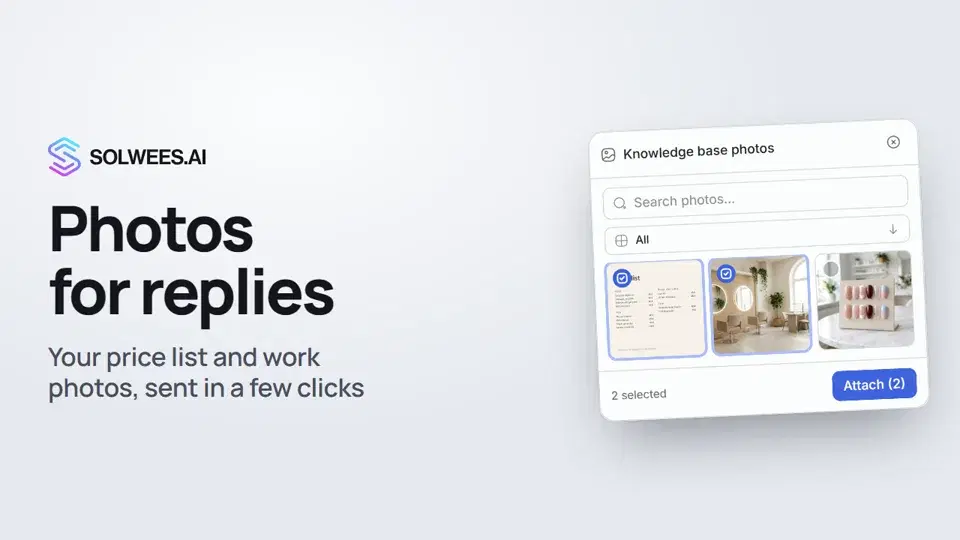 1:01Photos for replies: your price list and work photos in a chat in a few clicks
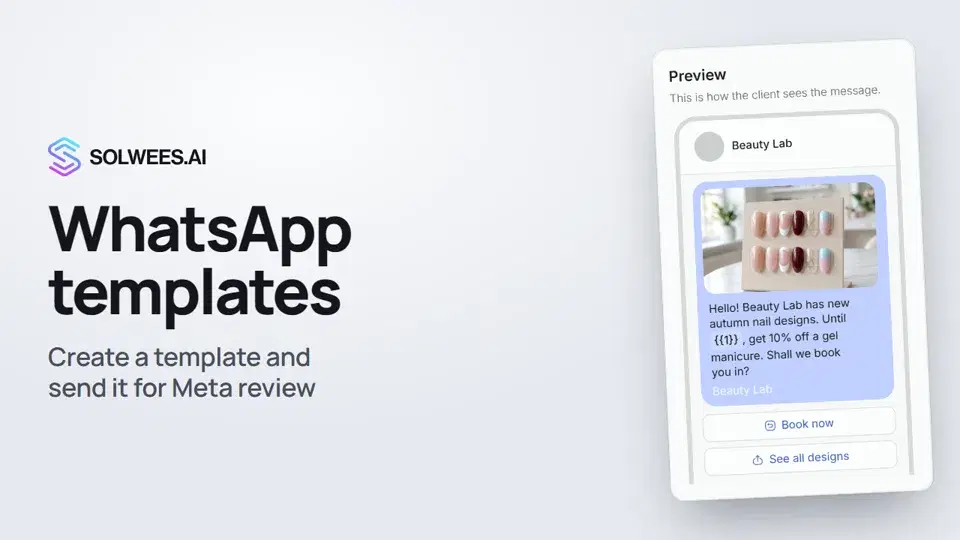 1:30WhatsApp templates: messages approved by Meta
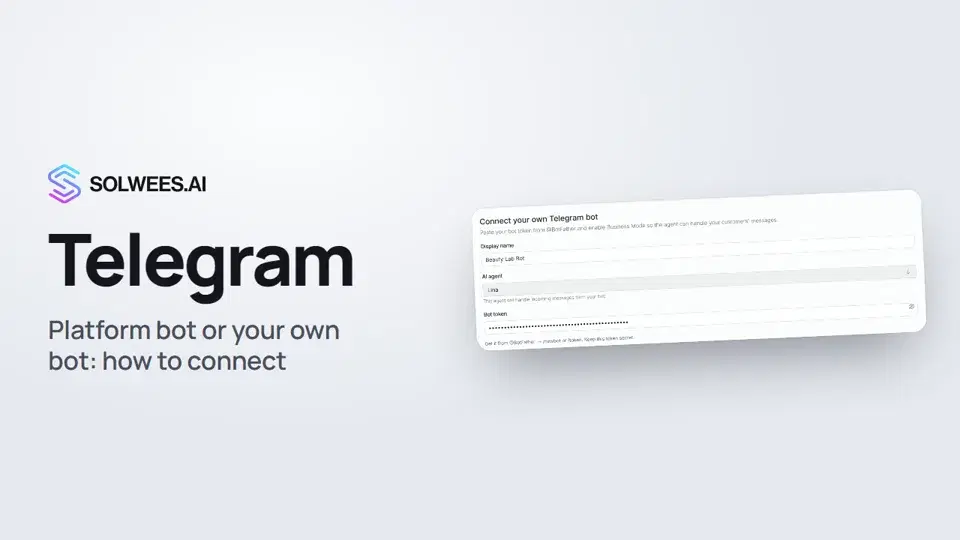 1:31Telegram: how to connect the assistant
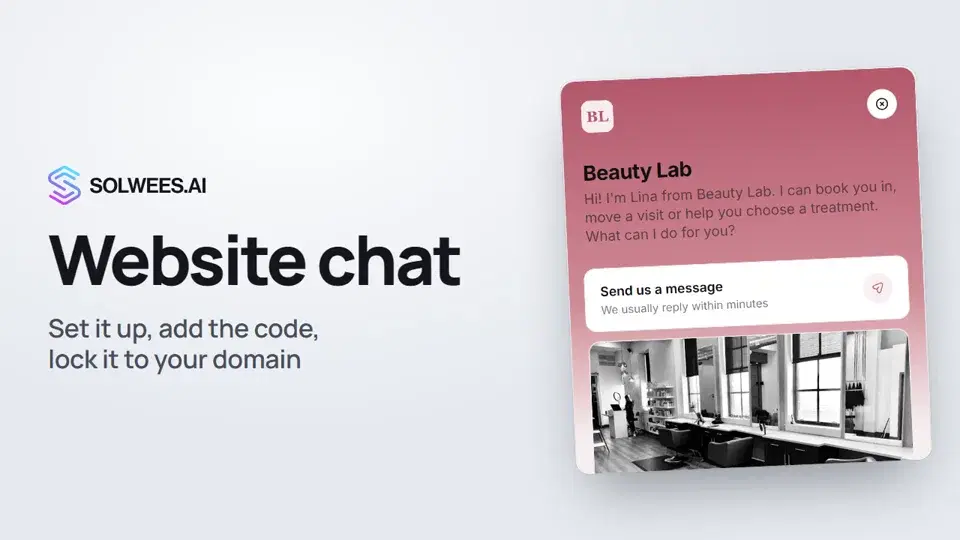 1:52Website chat: how to set it up and install it
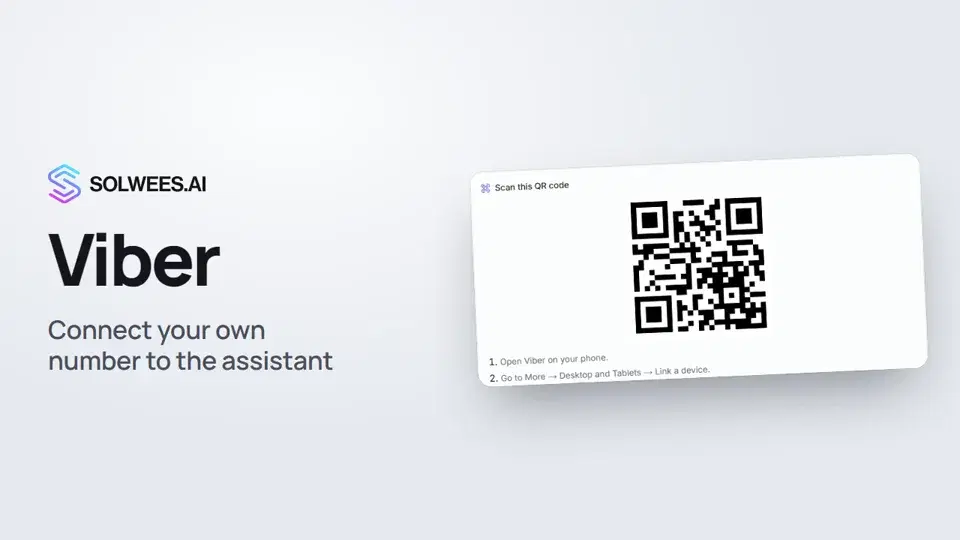 1:11Viber: how to connect your own number to the assistant
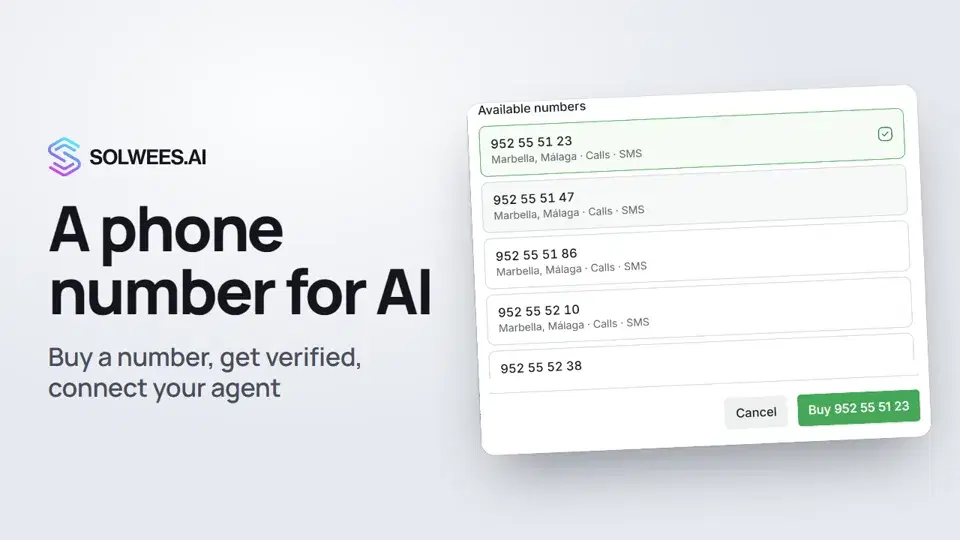 1:56Phone: a number for the assistant
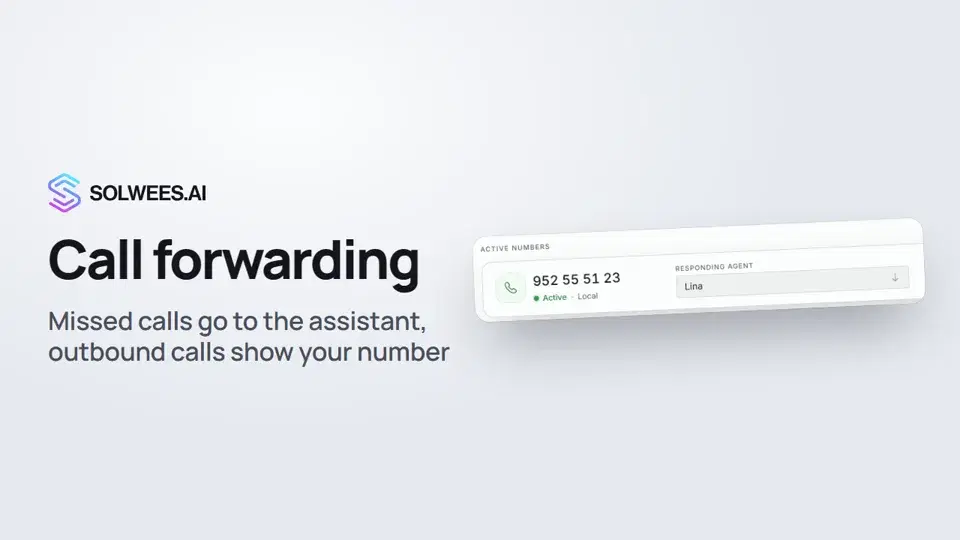 1:45Call forwarding and your own number
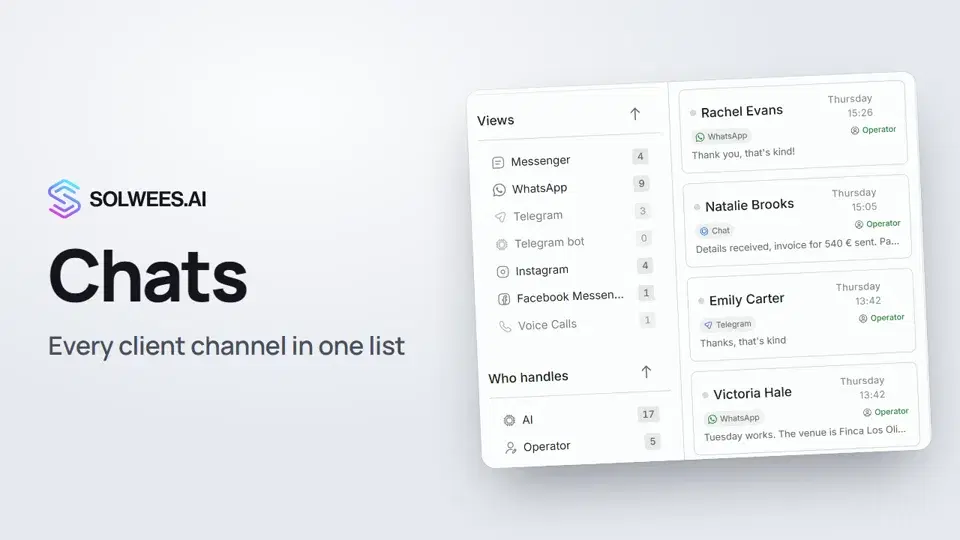 1:35Chats: every channel in one place
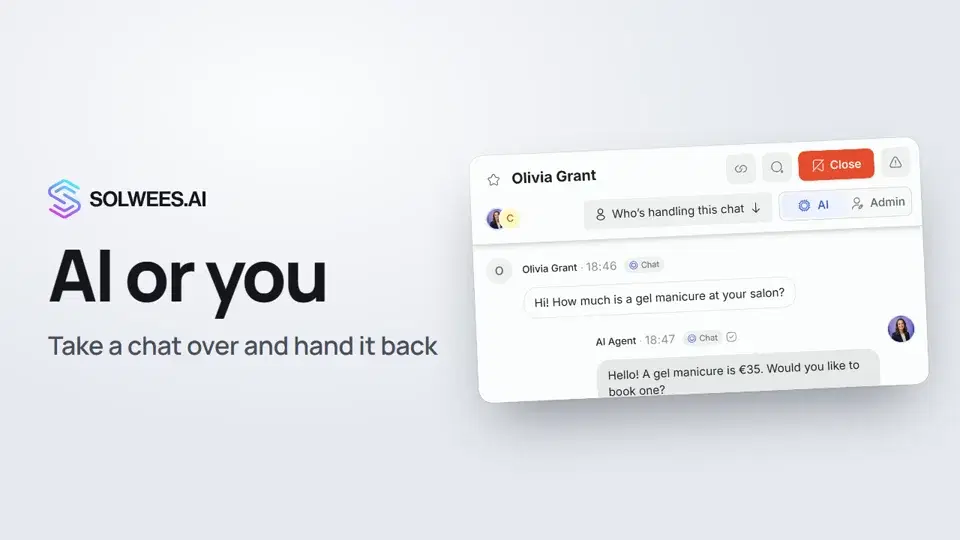 1:13AI or you: taking a chat over from the assistant and handing it back
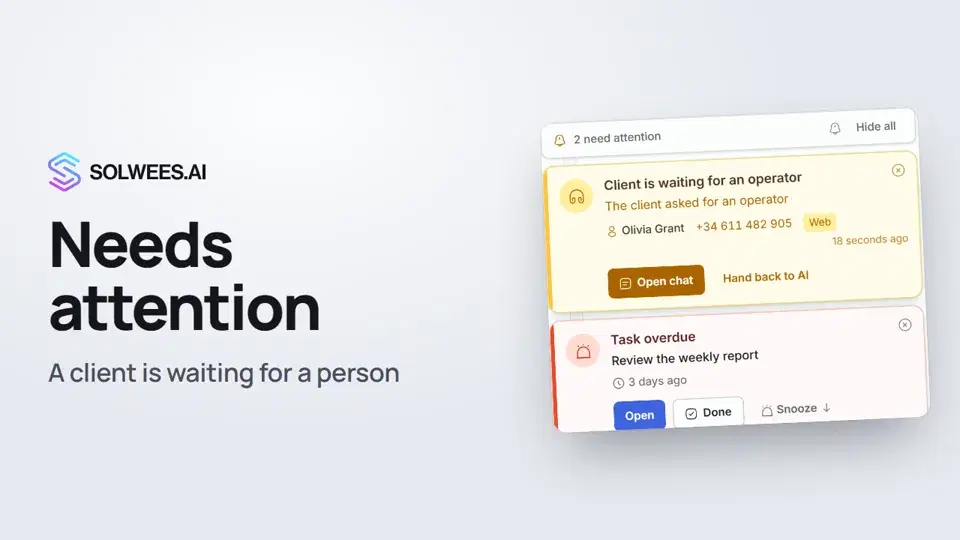 1:14Needs attention: when a client is waiting for a person
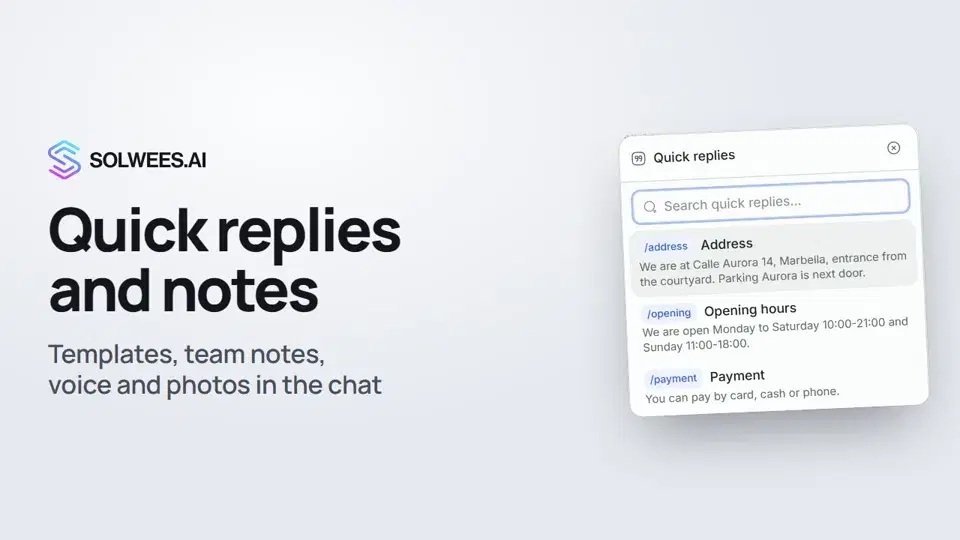 1:23Quick replies and notes: what the chat input can do
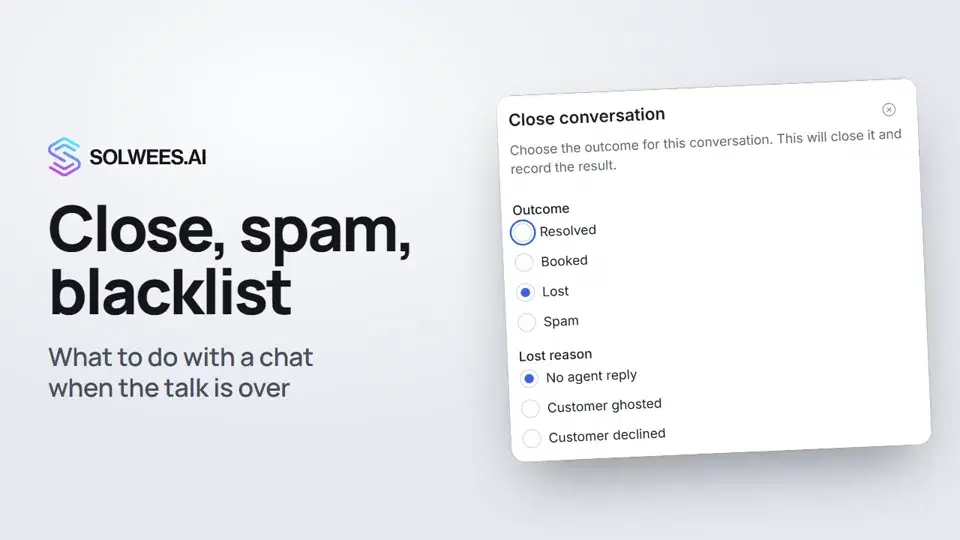 1:25Close a chat, spam and blacklist
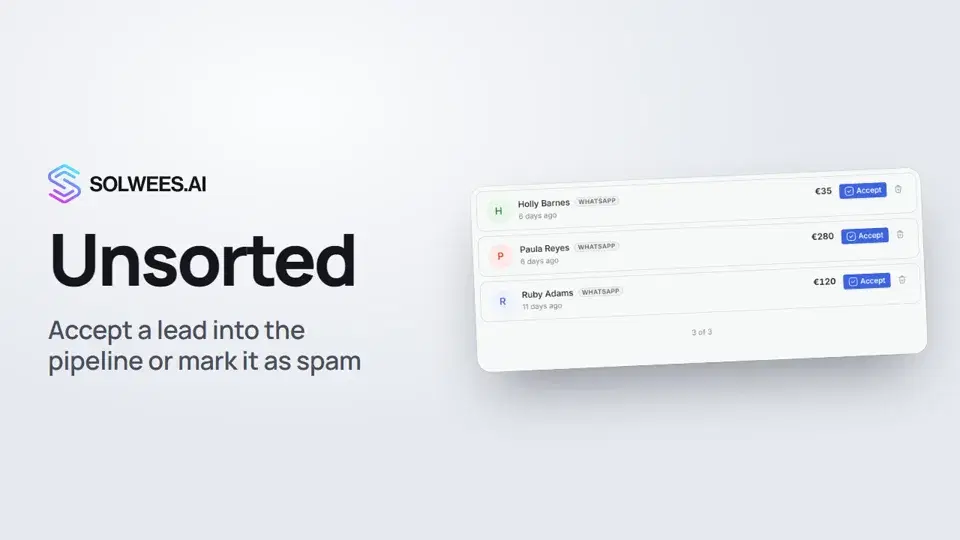 0:57Unsorted: how to triage new leads
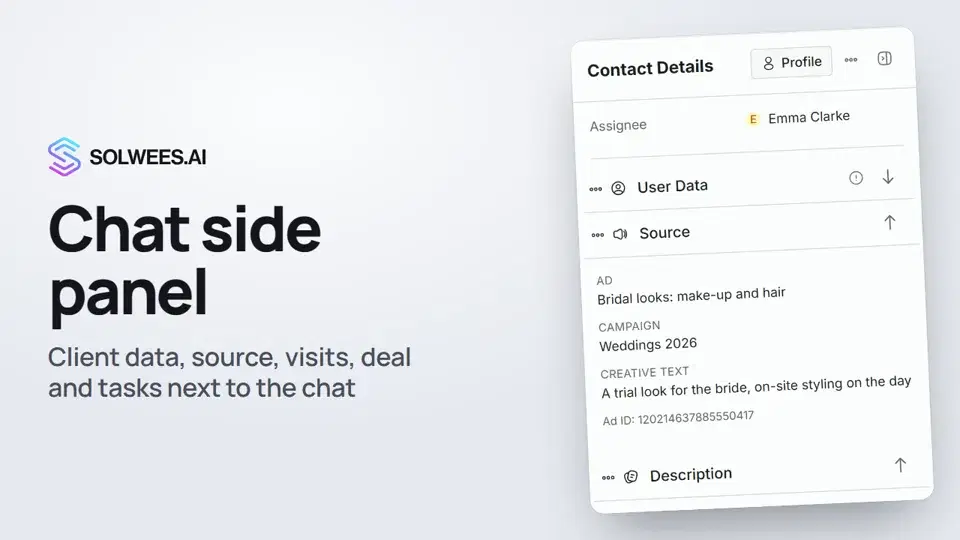 1:17Chat side panel: everything about the client next to the conversation
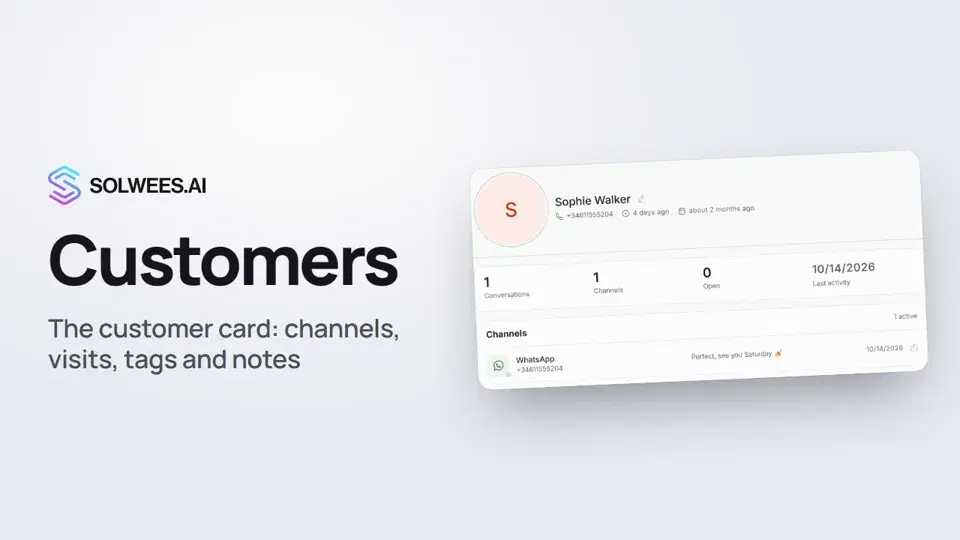 1:19Customers and the customer card
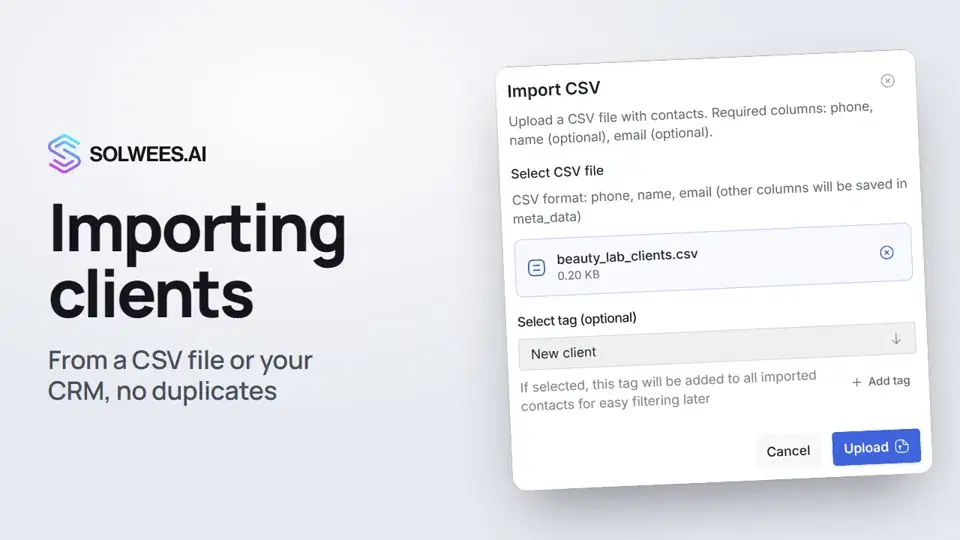 0:57Importing clients: from a CSV file or from your CRM
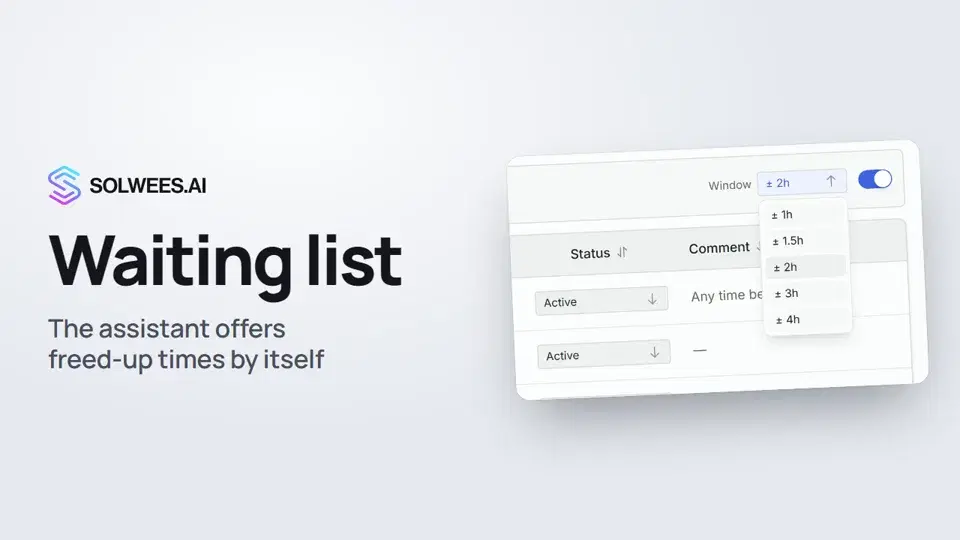 0:54Waiting list: the assistant offers a freed-up time by itself
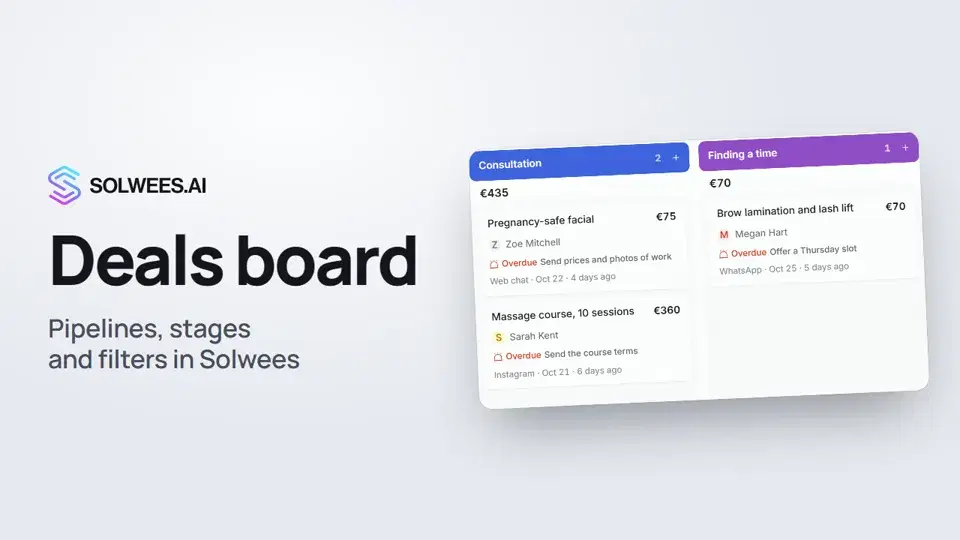 1:28Deals: the board
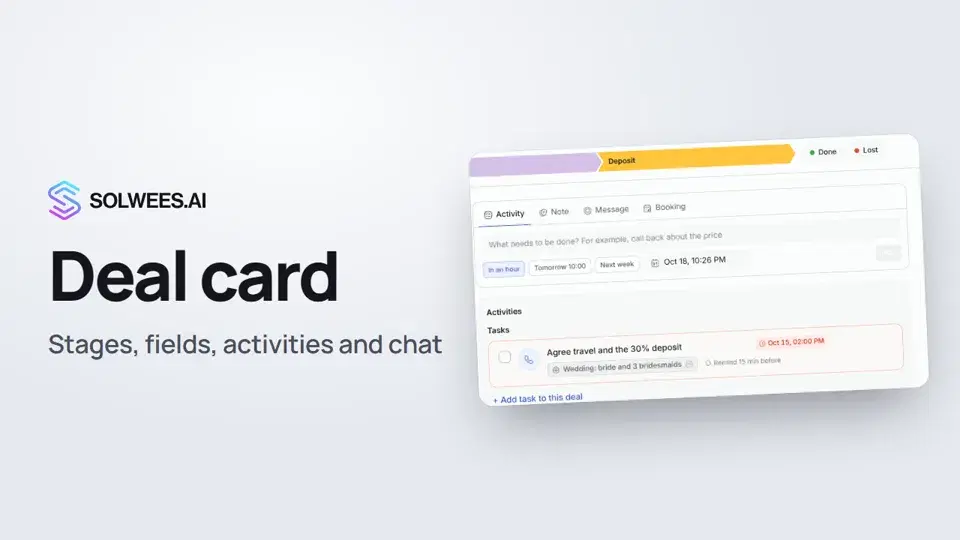 1:15The deal card: stage, fields, activities and chat in one place
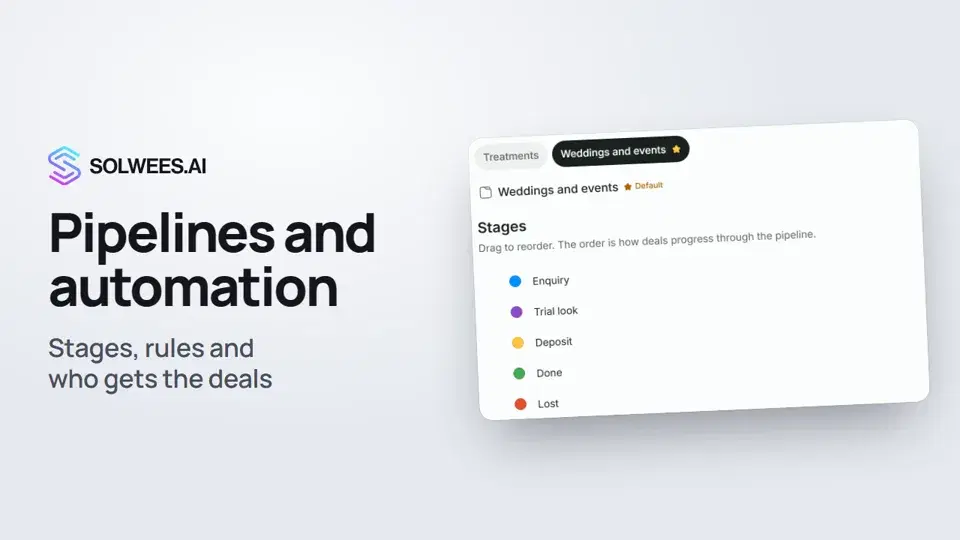 1:27Pipelines and automation: stages, rules and who gets the deals
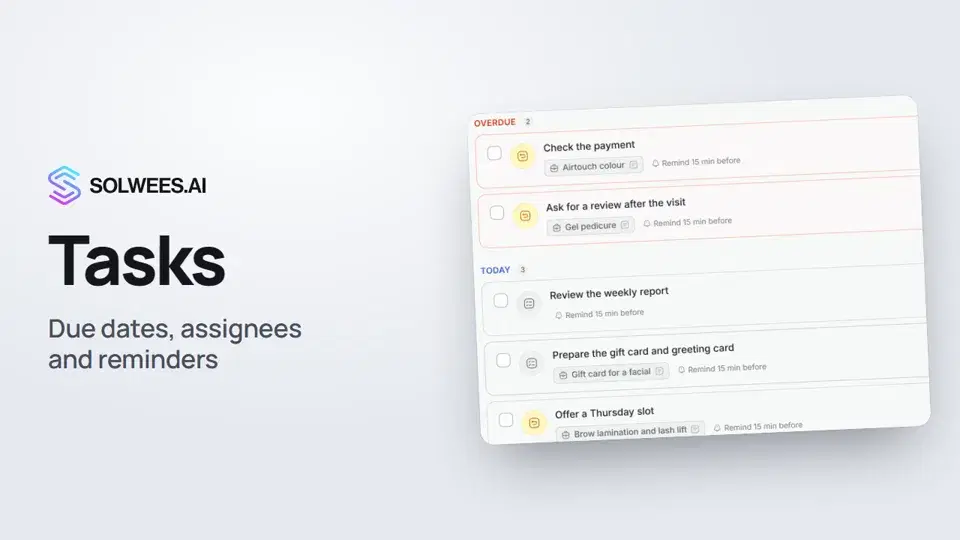 1:11Tasks: due dates, assignees and reminders
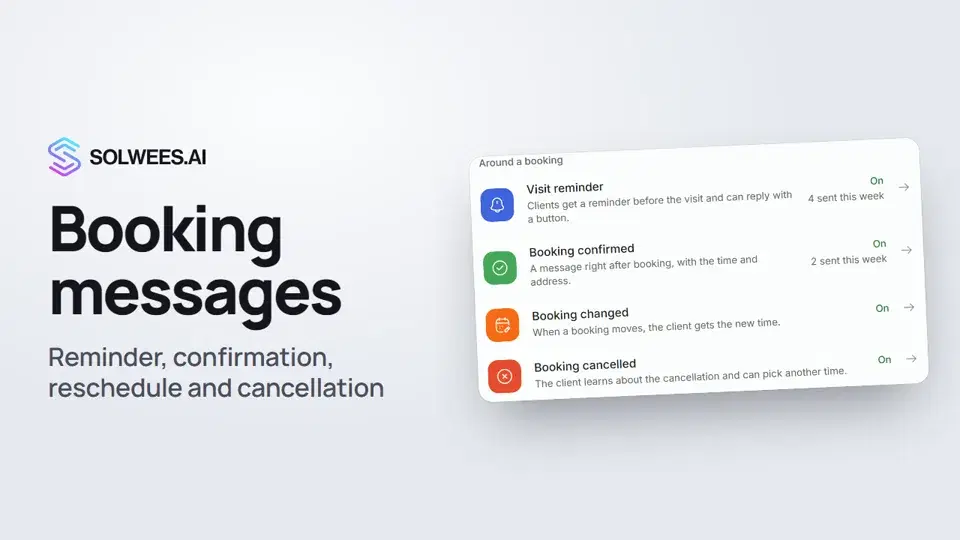 1:27Booking messages: reminder, confirmation, reschedule and cancellation
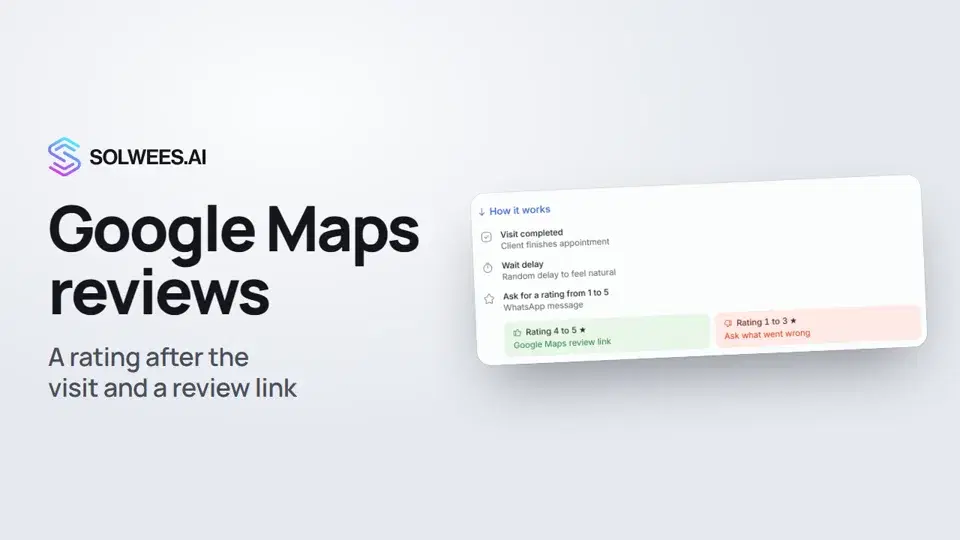 0:54Google Maps reviews: a rating after the visit and a review link
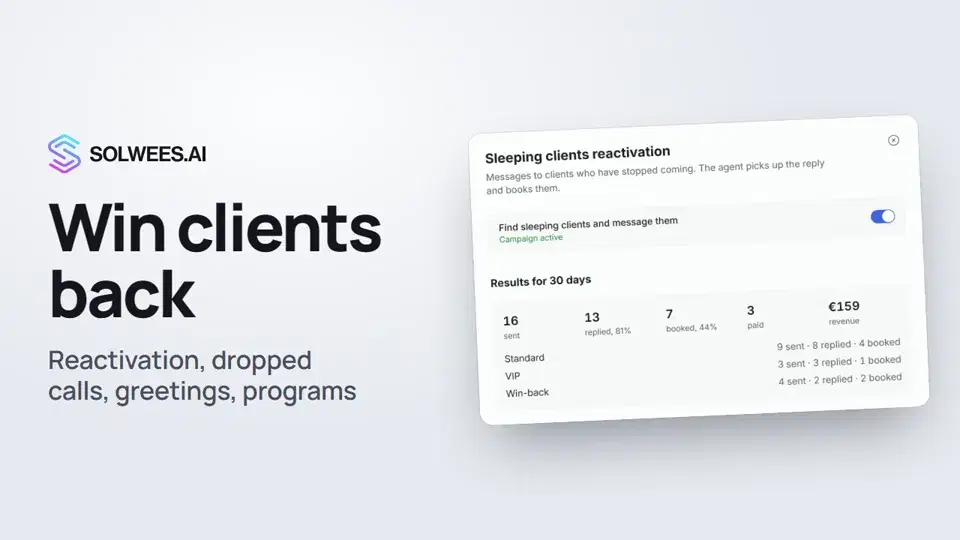 1:36Winning clients back: reactivation, call follow-up, greetings and programs
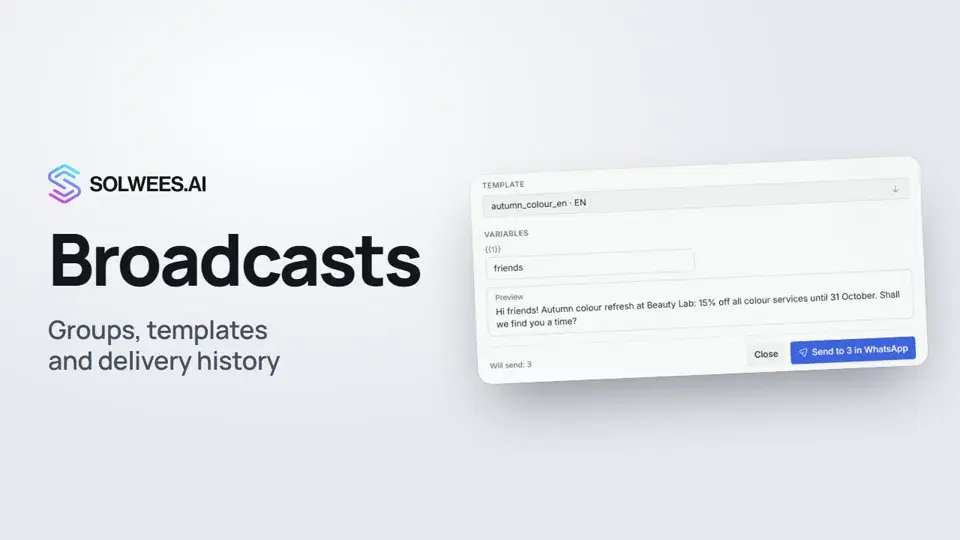 1:26Broadcasts: how to message clients in WhatsApp and Telegram
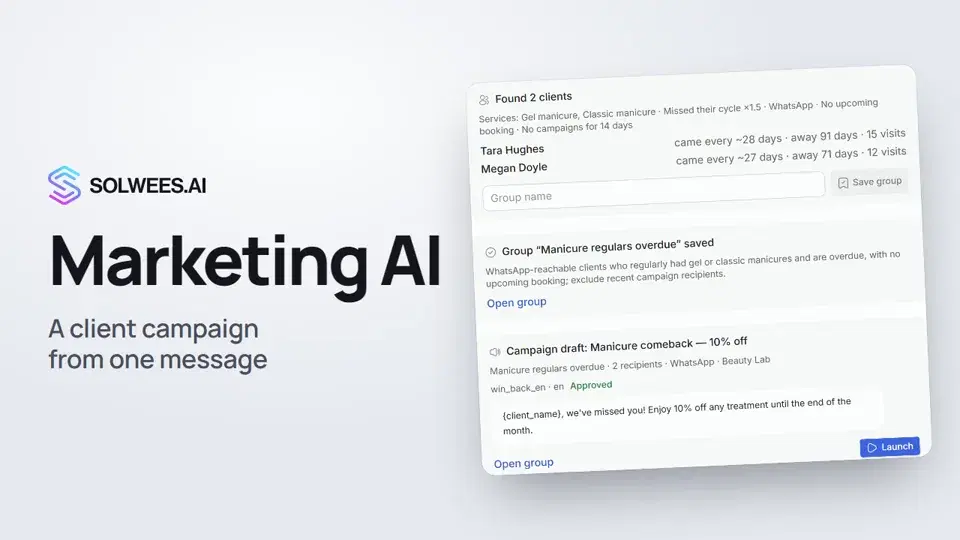 1:14Solwees Marketing AI: the assistant that prepares your campaigns
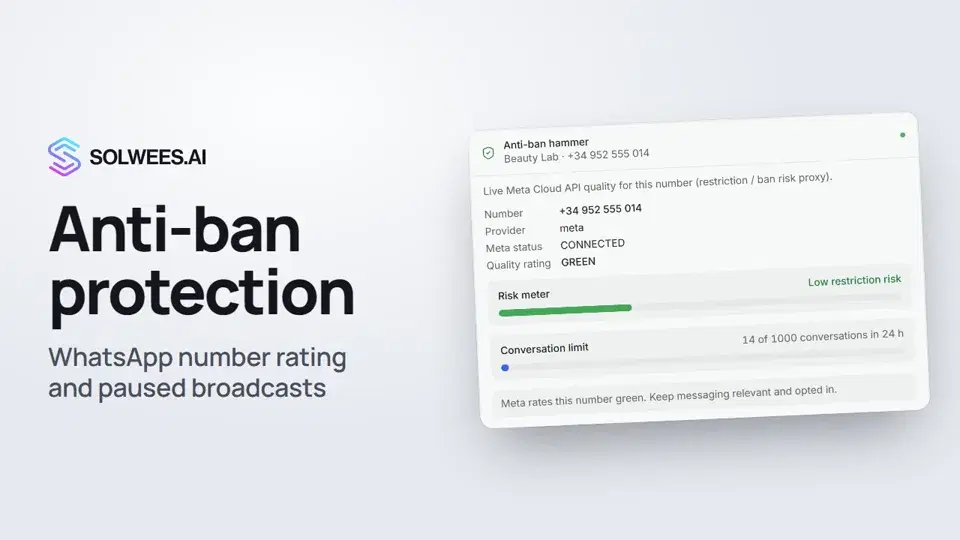 1:01Anti-ban protection: how Solwees keeps your WhatsApp number safe
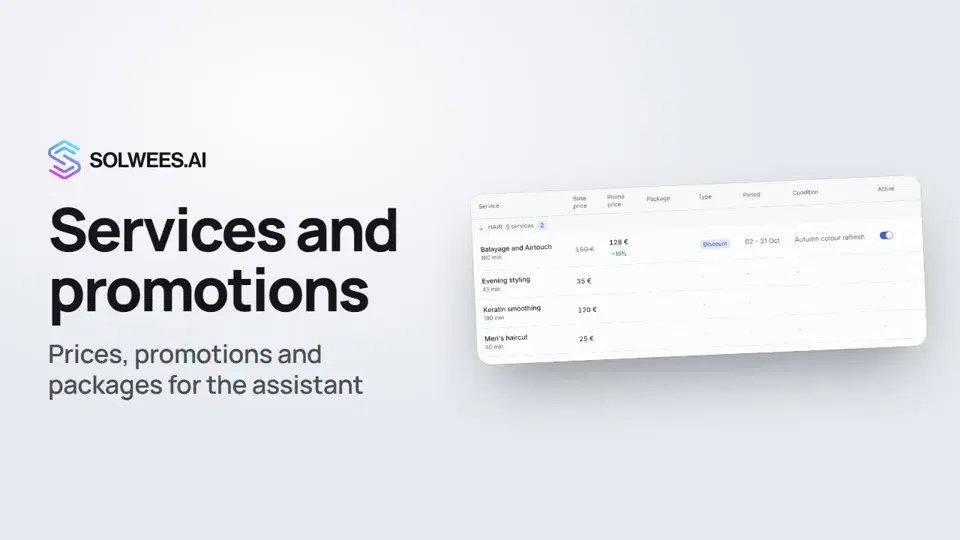 1:29Services and promotions: the prices and offers your assistant quotes
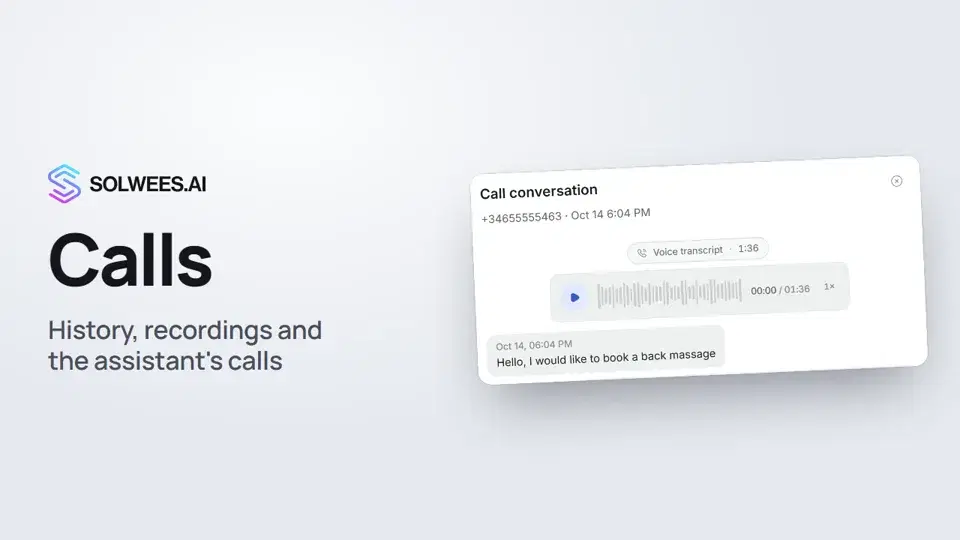 1:11Calls: history, recordings, transcripts and the assistant's calls
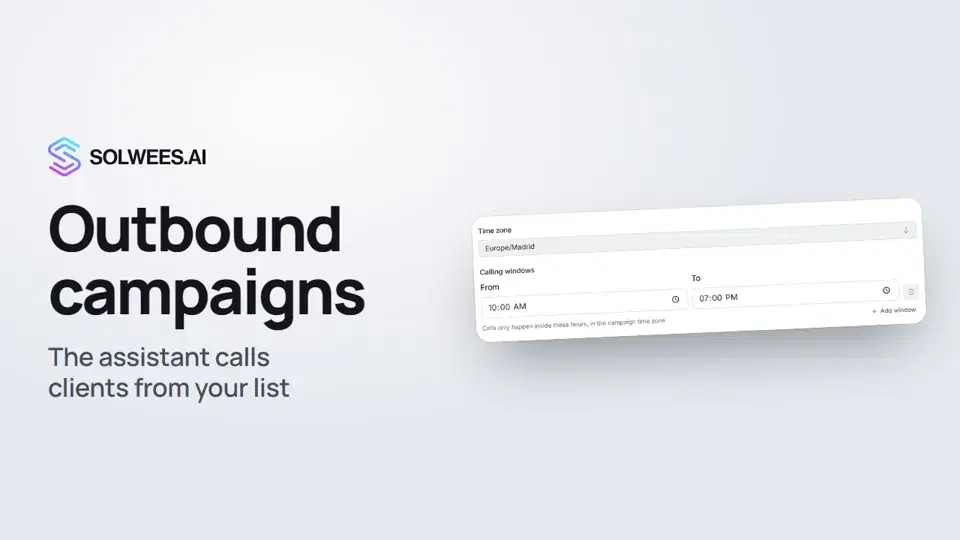 1:43Outbound campaigns: the assistant calls clients from your list
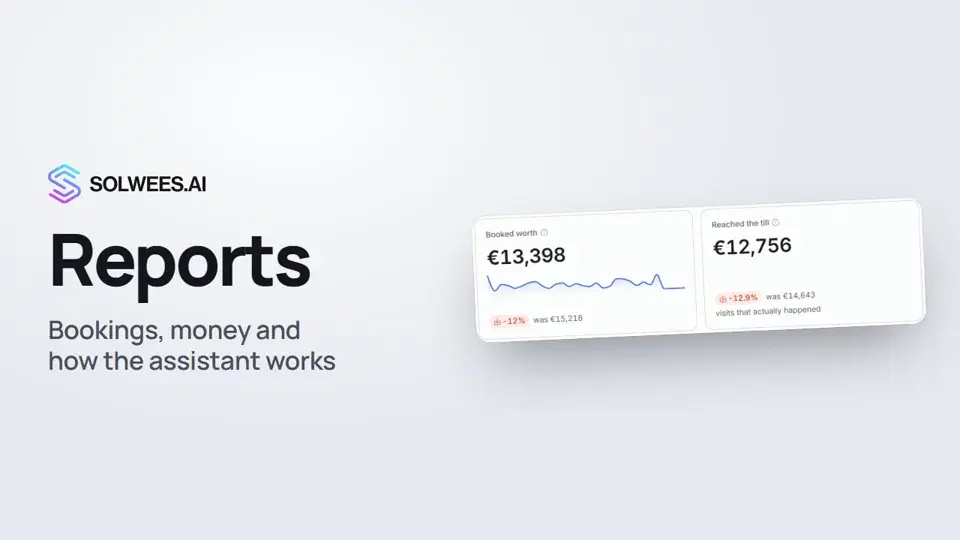 1:38Reports: bookings, money and how the assistant works
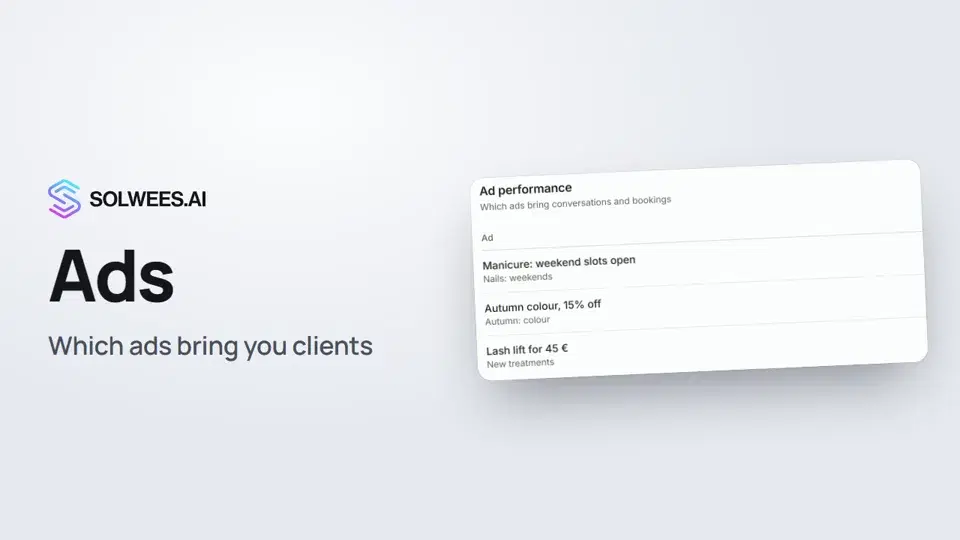 1:14Ads: which ads bring you clients
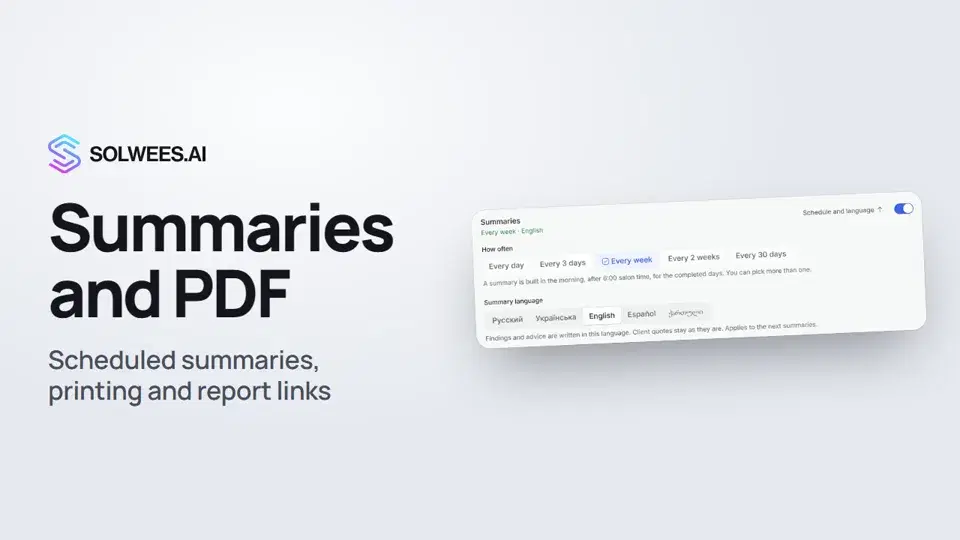 1:08Conversation summaries, printing a report and a link to a report tab
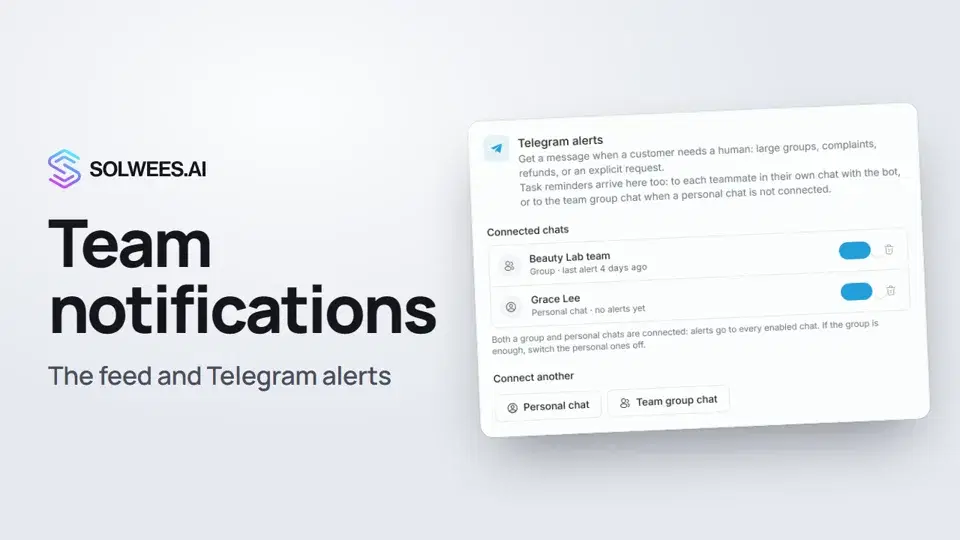 1:12Team notifications: the feed and Telegram alerts
 1:06App Directory: connect your booking system, CRM and payments
 1:03Bitrix24: client conversations in your Open Lines
 1:19Kommo (amoCRM): how to connect it and what goes into the deal
 1:21Restaurant bookings: connecting SevenRooms, OpenTable and CoverManager
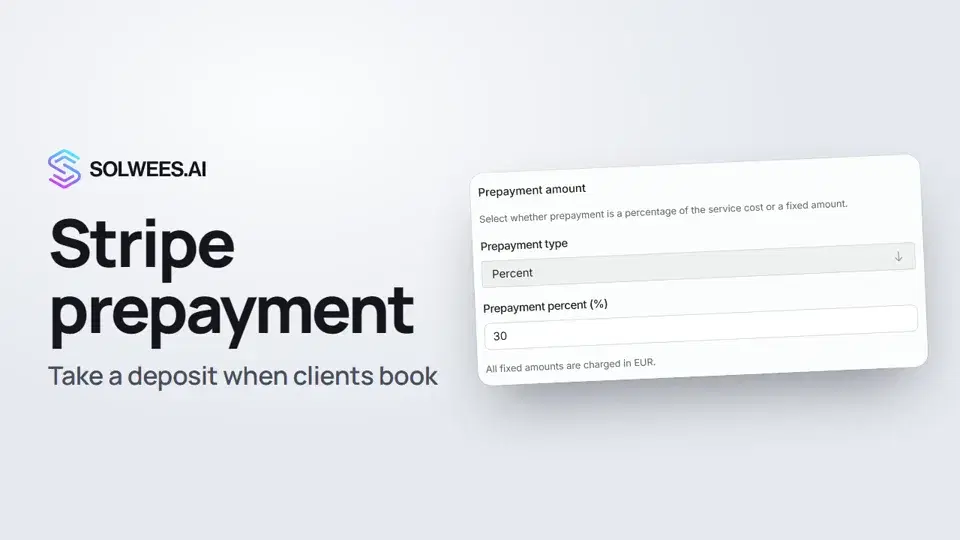 1:28Stripe prepayment: take a deposit when clients book
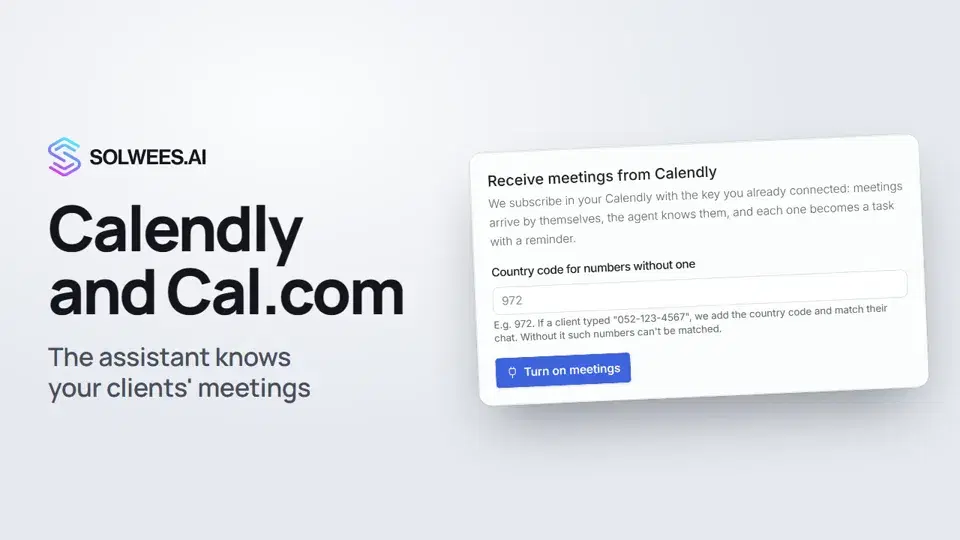 1:04Calendly and Cal.com: the assistant knows your clients' meetings
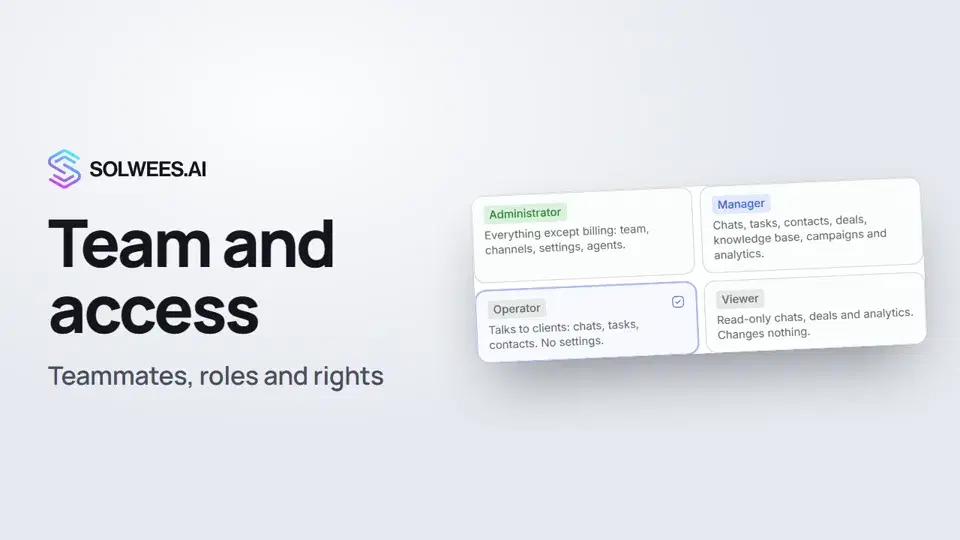 1:19Team and access: add teammates and choose what they can do
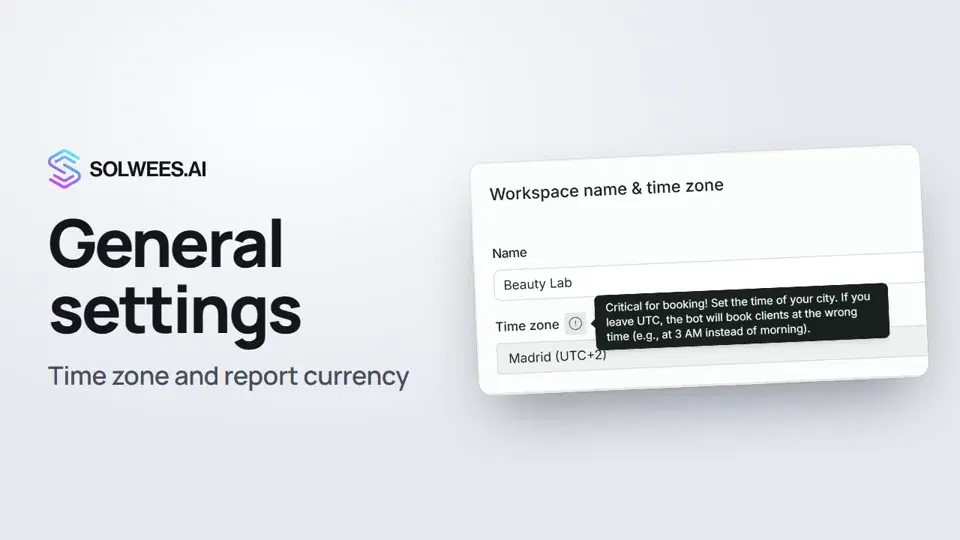 1:02General settings: workspace name, time zone and report currency
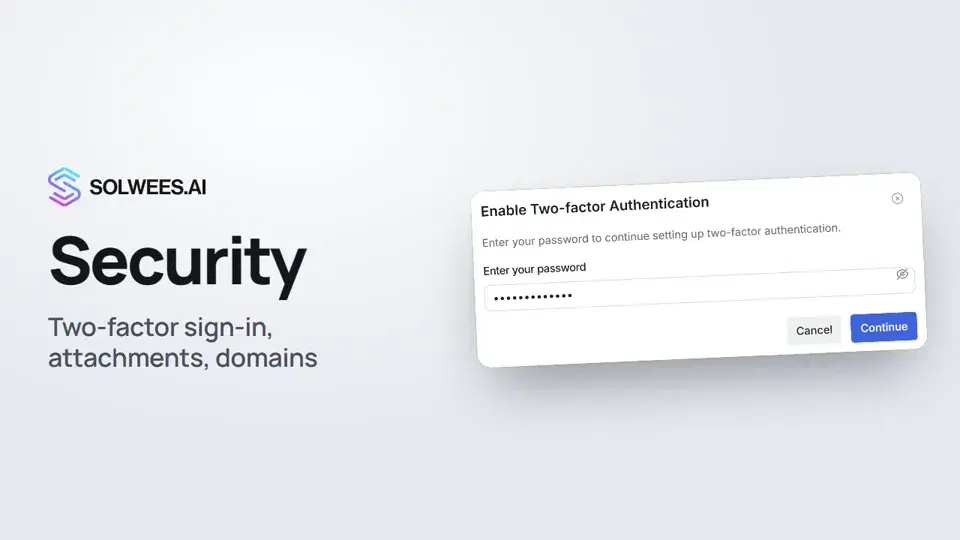 1:03Security: two-factor authentication, attachments and allowed domains
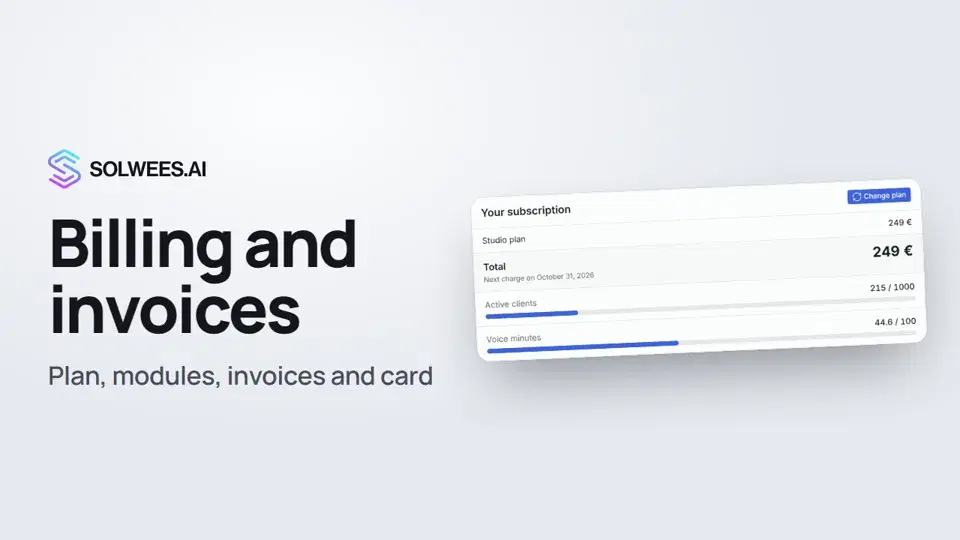 1:28Billing and invoices: your plan, modules, invoices and cancelling
Noch Fragen?
Fragen Sie Sola im Dashboard
Der Assistent-Button in der Ecke jeder Dashboard-Seite kennt jede Einstellung und zeigt, wo sie ist.
Dashboard öffnenAn den Support schreiben
Unter support@solwees.ai antwortet ein Mensch aus unserem Team.
support@solwees.ai