
WhatsApp verbinden
KanäleAktualisiert am 4. Oktober 2026
Zwei Wege, Ihre Nummer zu verbinden, und was jeder davon für Ihr Team bedeutet.
Öffnen Sie Settings > Channels > WhatsApp und klicken Sie auf „Connect WhatsApp“. Es gibt zwei Wege, auf zwei Tabs.
„OAuth Connection“ zieht Ihre Nummer auf die WhatsApp Business Platform um. Die Nummer läuft dann über Solwees und nicht mehr in der WhatsApp Business App.
„Coexistence“ lässt die Nummer in Ihrer WhatsApp Business App. Der Assistent antwortet und hält sich zurück, wenn Ihr Team aus der App antwortet, und bis zu 180 Tage Verlauf lassen sich importieren.
Nachrichten, die das Unternehmen nach 24 Stunden ohne Kontakt selbst beginnt, etwa Erinnerungen und Broadcasts, brauchen von Meta genehmigte Vorlagen. Solwees legt sie aus Ihren Texten im Bereich Marketing in Ihrem WhatsApp-Business-Konto an.
Hat das Ihre Frage beantwortet?
Mehr zu diesem Thema
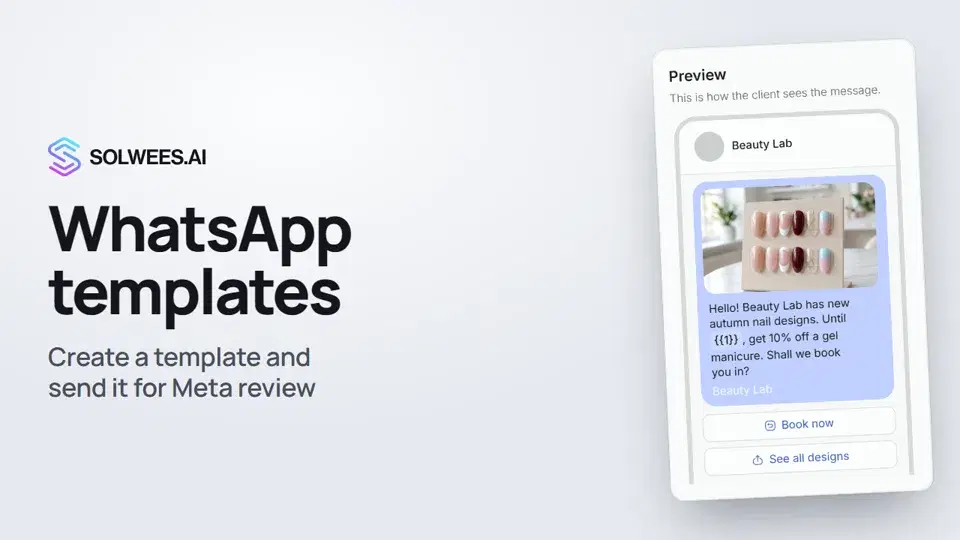 WhatsApp templates: messages approved by MetaHow to create a WhatsApp template in Solwees and send it for Meta review: category, language, image, variables in the text and buttons. You need a template to message a client who hasn't written to you for more than 24 hours.1:30
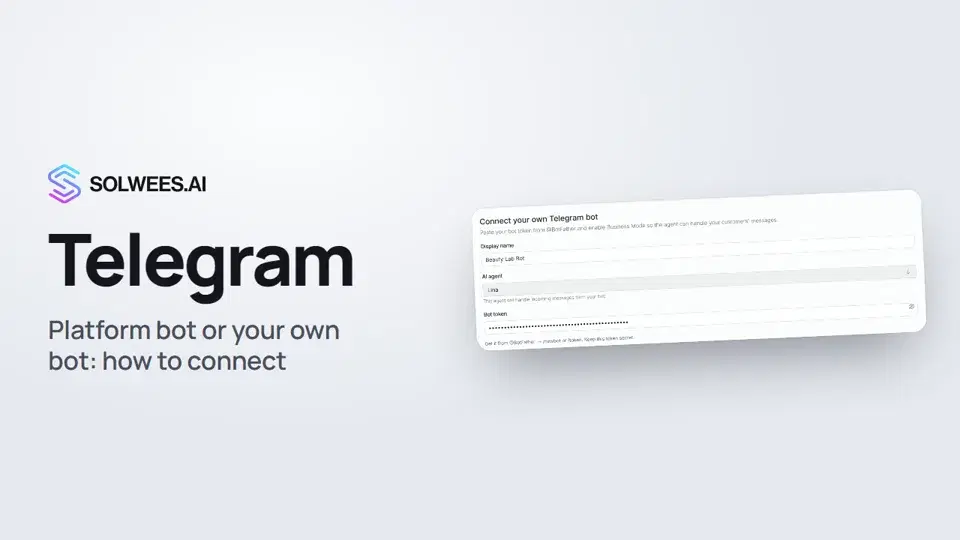 Telegram: how to connect the assistantHow to connect Telegram to Solwees so the AI assistant replies to your clients: through the platform bot and Telegram Business, or through your own bot with a token from BotFather.1:31
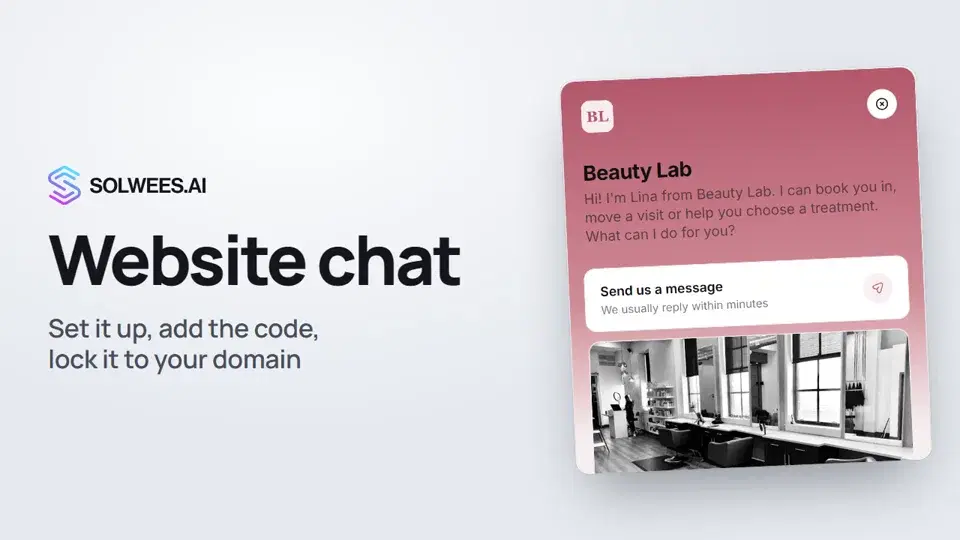 Website chat: how to set it up and install itHow to add the Solwees chat to your website: languages, visitor contact, welcome message, appearance, chat button, the install code and allowed domains. Visitors write in the chat and the AI assistant replies right away.1:52
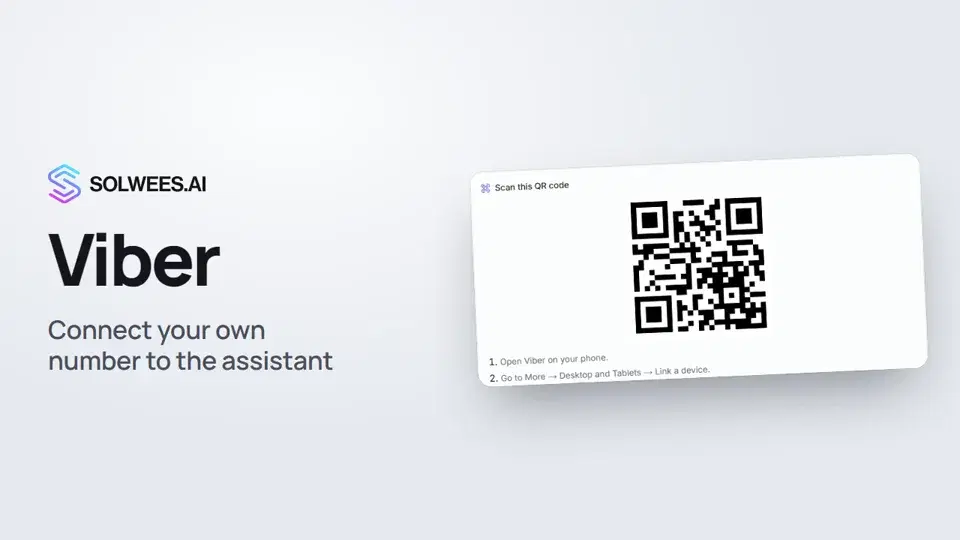 Viber: how to connect your own number to the assistantHow to connect Viber to Solwees so the AI assistant replies to your clients: paying for the channel, display name and AI agent, Connect number and linking with a QR code in Viber.1:11
Noch Fragen?
Fragen Sie Sola im Dashboard
Der Assistent-Button in der Ecke jeder Dashboard-Seite kennt jede Einstellung und zeigt, wo sie ist.
Dashboard öffnenAn den Support schreiben
Unter support@solwees.ai antwortet ein Mensch aus unserem Team.
support@solwees.ai