
Mozrest verbinden
IntegrationenAktualisiert am 4. Oktober 2026
Buchen Sie über Mozrest in Ihre Reservierungsplattform für Restaurants.
Mozrest verbindet Buchungskanäle mit Reservierungsplattformen für Restaurants. Fügen Sie unter AI Assistant > App Directory > Mozrest > „Connection“ Ihr Mozrest-API-Token ein. Die Venue-ID ist optional: Bei nur einem Betrieb wird sie automatisch gefunden.
Der Assistent prüft die Verfügbarkeit nach Bereich und Personenzahl, bucht in zwei Schritten (der Tisch wird erst vorgemerkt, dann bestätigt) und übergibt die Sprache des Gastes, damit die E-Mails Ihrer Plattform in dieser Sprache verschickt werden.
Für eine Änderung braucht es sowohl die neue Uhrzeit als auch die Personenzahl. Die Warteliste wird von der Mozrest-API nicht unterstützt, und Tische lassen sich darüber nicht auswählen.
Anzahlungen laufen über Stripe.
Hat das Ihre Frage beantwortet?
Mehr zu diesem Thema
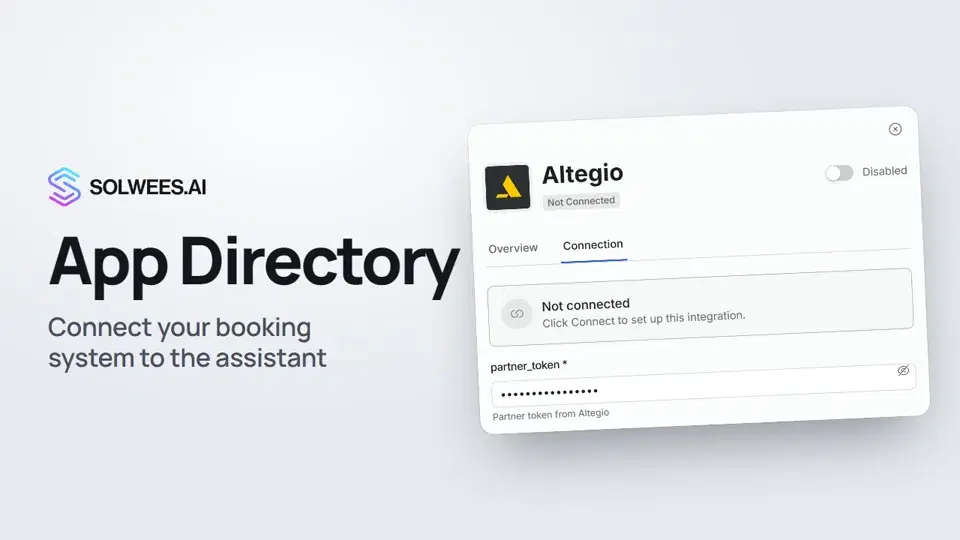 App Directory: connect your booking system, CRM and paymentsWhere to find the App Directory in Solwees and how to connect a booking system, CRM or payments to your AI receptionist: tabs, search, the integration card and the Connect button.1:06
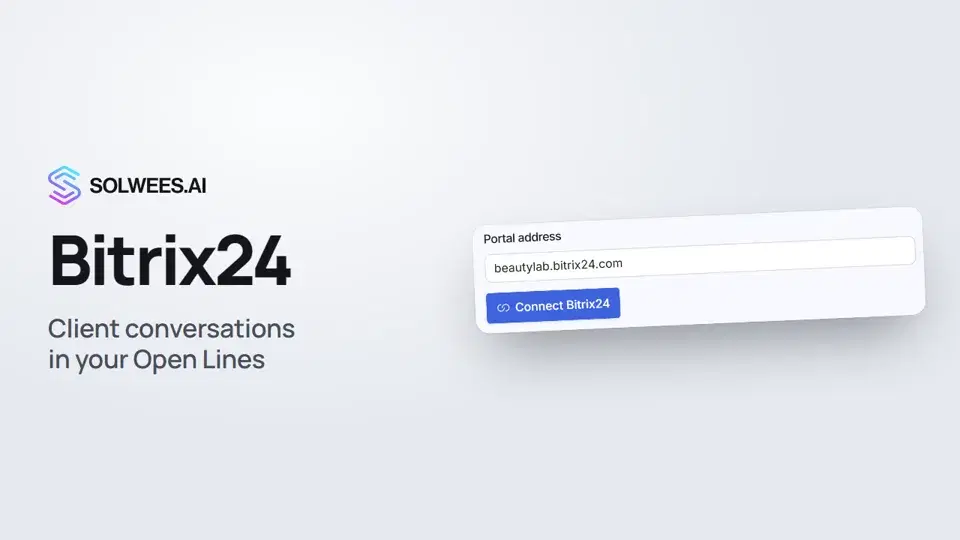 Bitrix24: client conversations in your Open LinesHow to connect your Bitrix24 portal to Solwees so the AI receptionist's conversations with clients go to your Open Lines: the portal address, confirming access on the portal, the agent's line and the No agent tab.1:03
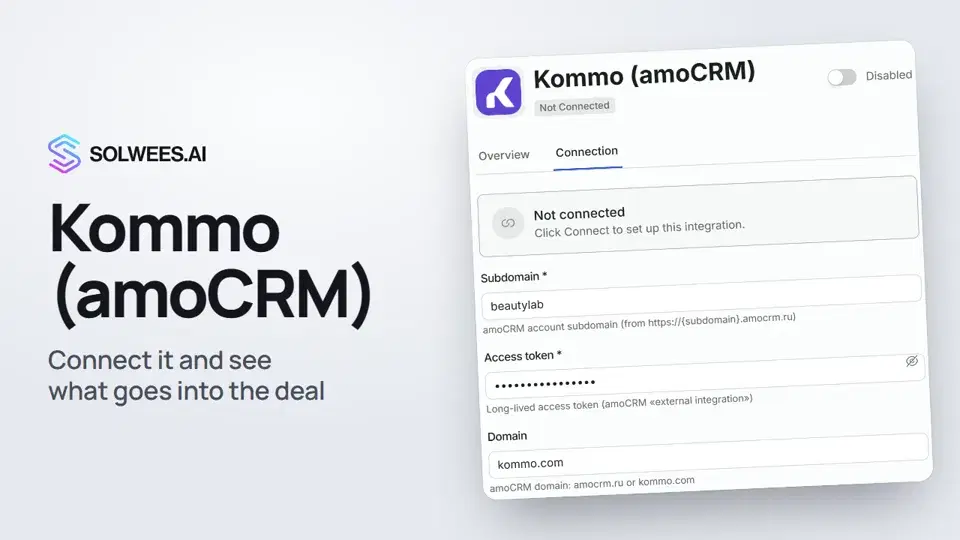 Kommo (amoCRM): how to connect it and what goes into the dealHow to connect Kommo (amoCRM) to your Solwees AI assistant: subdomain, long-lived token and domain, what the assistant sends into the deal and which assistant role it takes.1:19
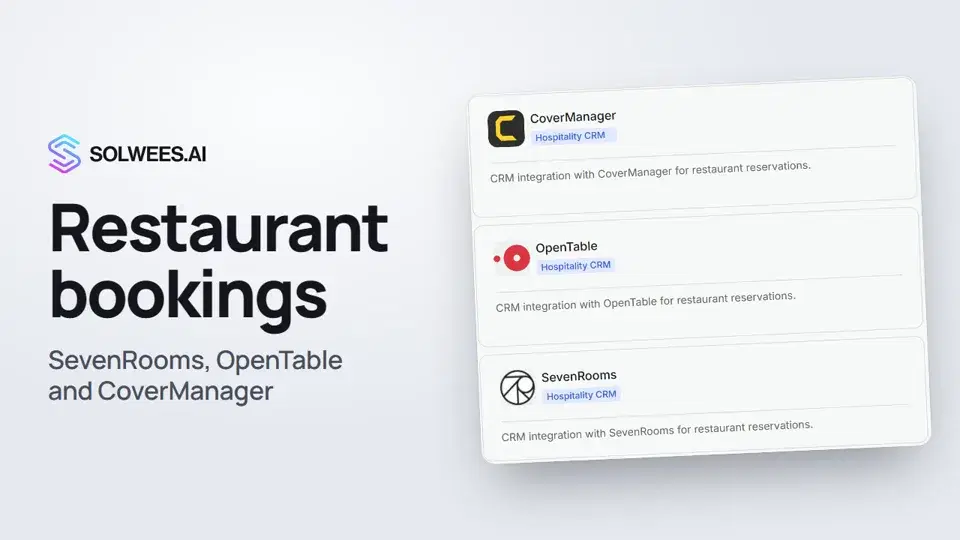 Restaurant bookings: connecting SevenRooms, OpenTable and CoverManagerHow to connect your restaurant booking system to the Solwees AI receptionist: SevenRooms and CoverManager connect in the App Directory, OpenTable is switched on by support. Once connected, the assistant checks for free tables and books right in your system.1:21
Noch Fragen?
Fragen Sie Sola im Dashboard
Der Assistent-Button in der Ecke jeder Dashboard-Seite kennt jede Einstellung und zeigt, wo sie ist.
Dashboard öffnenAn den Support schreiben
Unter support@solwees.ai antwortet ein Mensch aus unserem Team.
support@solwees.ai