
Integrationen
Buchungssysteme, CRMs, Zahlungen und Kalender, mit denen sich Solwees verbindet.
12 Artikel · 6 Videos
 App Directory: connect your booking system, CRM and paymentsWhere to find the App Directory in Solwees and how to connect a booking system, CRM or payments to your AI receptionist: tabs, search, the integration card and the Connect button.1:06
 Bitrix24: client conversations in your Open LinesHow to connect your Bitrix24 portal to Solwees so the AI receptionist's conversations with clients go to your Open Lines: the portal address, confirming access on the portal, the agent's line and the No agent tab.1:03
 Kommo (amoCRM): how to connect it and what goes into the dealHow to connect Kommo (amoCRM) to your Solwees AI assistant: subdomain, long-lived token and domain, what the assistant sends into the deal and which assistant role it takes.1:19
 Restaurant bookings: connecting SevenRooms, OpenTable and CoverManagerHow to connect your restaurant booking system to the Solwees AI receptionist: SevenRooms and CoverManager connect in the App Directory, OpenTable is switched on by support. Once connected, the assistant checks for free tables and books right in your system.1:21
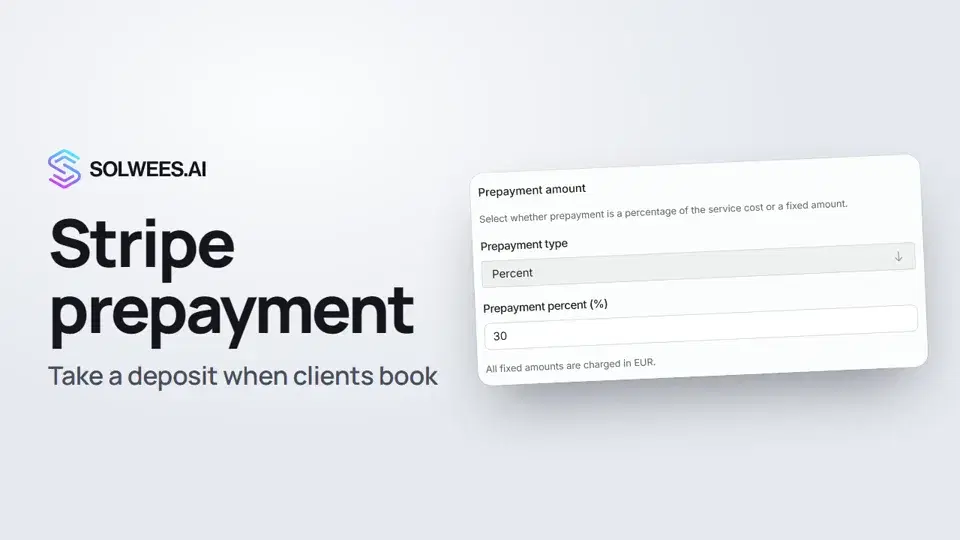 Stripe prepayment: take a deposit when clients bookHow to connect Stripe to Solwees and set up prepayment: the AI receptionist names the deposit before booking and sends the client a payment link, and you get notified once it's paid.1:28
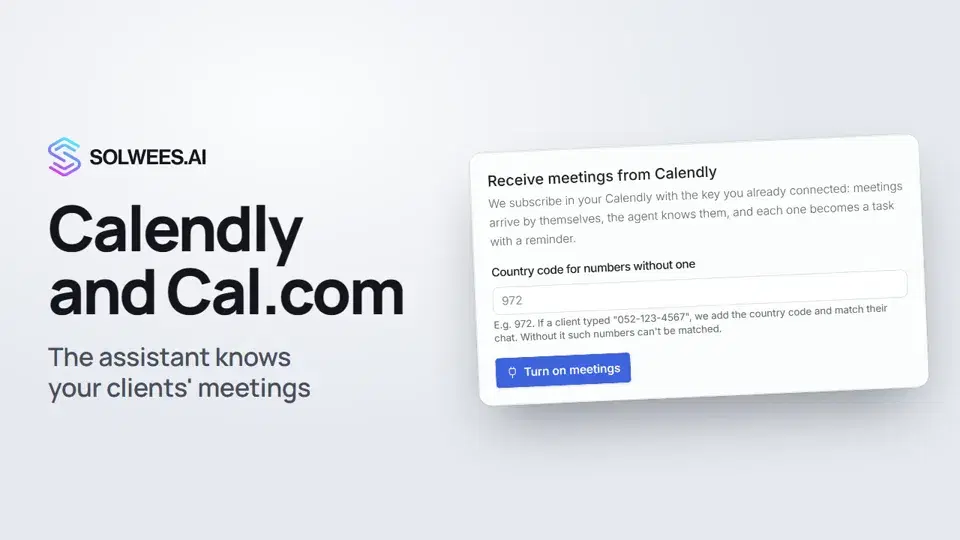 Calendly and Cal.com: the assistant knows your clients' meetingsHow to connect Calendly or Cal.com to Solwees: the assistant learns your clients' meetings and tells them when the meeting is and where the link is, and every meeting becomes a task with a reminder.1:04
- Altegio verbindenInstallieren Sie Solwees über den Altegio Marketplace oder verbinden Sie es von Hand, und legen Sie fest, wie Buchungen aussehen.Textanleitung
- Booksy-IntegrationBooksy verbindet unser Team, ein API-Schlüssel von Ihnen ist nicht nötig. Das brauchen wir und das macht der Assistent dort.Textanleitung
- Fresha-IntegrationFresha verbindet unser Team, ein API-Schlüssel von Ihnen ist nicht nötig. Das macht der Assistent dort.Textanleitung
- Mozrest verbindenBuchen Sie über Mozrest in Ihre Reservierungsplattform für Restaurants.Textanleitung
- Buchungssystem verbindenSolwees bucht direkt in das Buchungssystem, das Sie bereits nutzen. So verbinden Sie es.Textanleitung
- Integration anfragenIhr Buchungssystem oder CRM fehlt im App-Verzeichnis? Das sollten Sie uns schicken.Textanleitung
Noch Fragen?
Fragen Sie Sola im Dashboard
Der Assistent-Button in der Ecke jeder Dashboard-Seite kennt jede Einstellung und zeigt, wo sie ist.
Dashboard öffnenAn den Support schreiben
Unter support@solwees.ai antwortet ein Mensch aus unserem Team.
support@solwees.ai