
Buchungssystem verbinden
IntegrationenAktualisiert am 4. Oktober 2026
Solwees bucht direkt in das Buchungssystem, das Sie bereits nutzen. So verbinden Sie es.
Solwees führt keinen eigenen Kalender. Der Assistent liest freie Zeiten aus Ihrem Buchungssystem und trägt die Buchung dort ein, während der Kunde noch im Chat oder am Telefon ist.
Öffnen Sie AI Assistant > App Directory und wählen Sie Ihr System. Die meisten verbinden Sie im Tab „Connection“ der Karte mit einem Schlüssel, einem Token oder Ihren Zugangsdaten, unter anderem Altegio (auch über den Altegio Marketplace), Treatwell, Bokadirekt, Bookio, Wix Bookings, Doctra, TOOKI, SevenRooms, CoverManager, Mozrest und Restoo.
Booksy, Fresha und OpenTable verbindet unser Team. Auf ihrer Karte steht „Need this integration?“: Schreiben Sie an support@solwees.ai, und wir richten die Verbindung für Sie ein.
Geht es um Meetings statt Buchungen, verbinden Sie Calendly oder Cal.com: Die Meetings kommen als Aufgaben mit Erinnerungen in Solwees an. Eine Integration zeigt „Connected“, „Pending“ oder „Not Connected“. Gehen keine Buchungen mehr durch, öffnen Sie den Tab „Connection“ der Karte und geben Sie die Zugangsdaten erneut ein.
Hat das Ihre Frage beantwortet?
Mehr zu diesem Thema
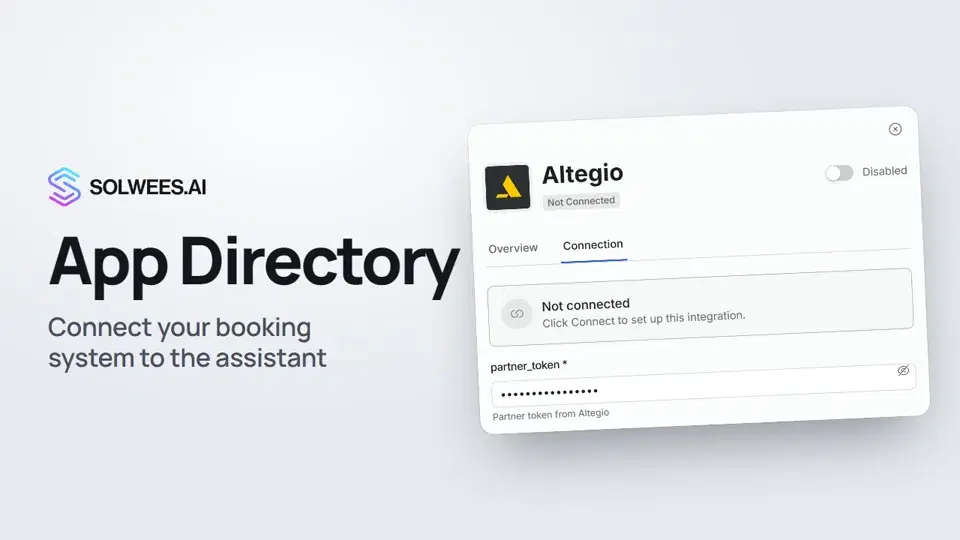 App Directory: connect your booking system, CRM and paymentsWhere to find the App Directory in Solwees and how to connect a booking system, CRM or payments to your AI receptionist: tabs, search, the integration card and the Connect button.1:06
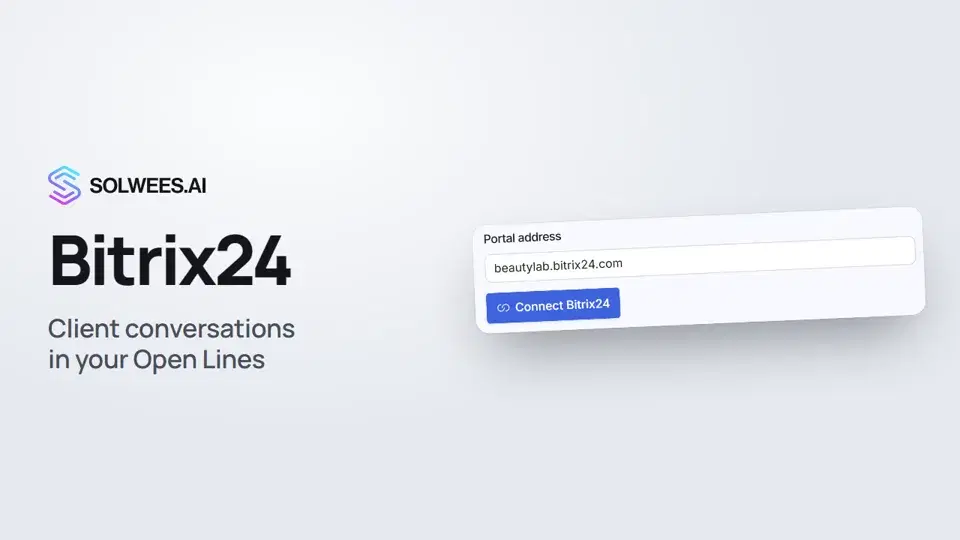 Bitrix24: client conversations in your Open LinesHow to connect your Bitrix24 portal to Solwees so the AI receptionist's conversations with clients go to your Open Lines: the portal address, confirming access on the portal, the agent's line and the No agent tab.1:03
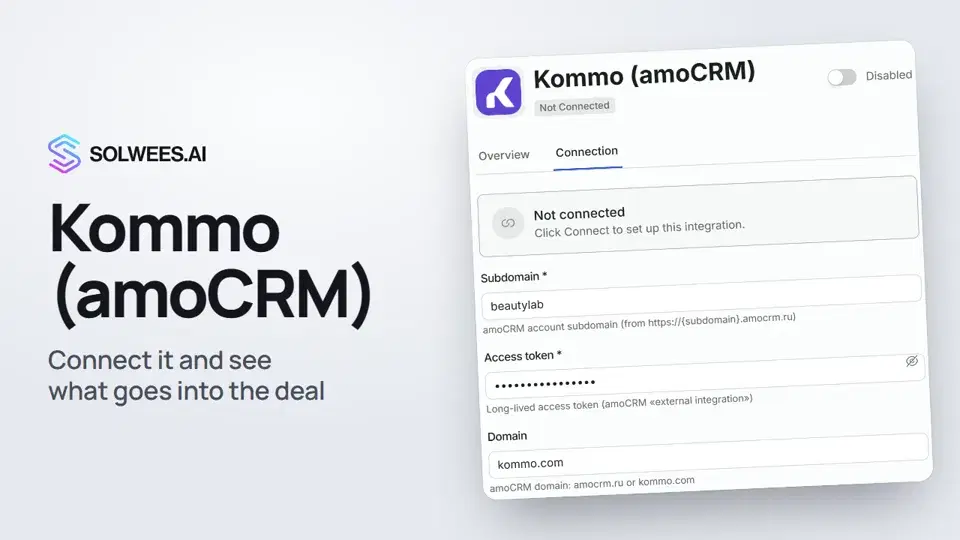 Kommo (amoCRM): how to connect it and what goes into the dealHow to connect Kommo (amoCRM) to your Solwees AI assistant: subdomain, long-lived token and domain, what the assistant sends into the deal and which assistant role it takes.1:19
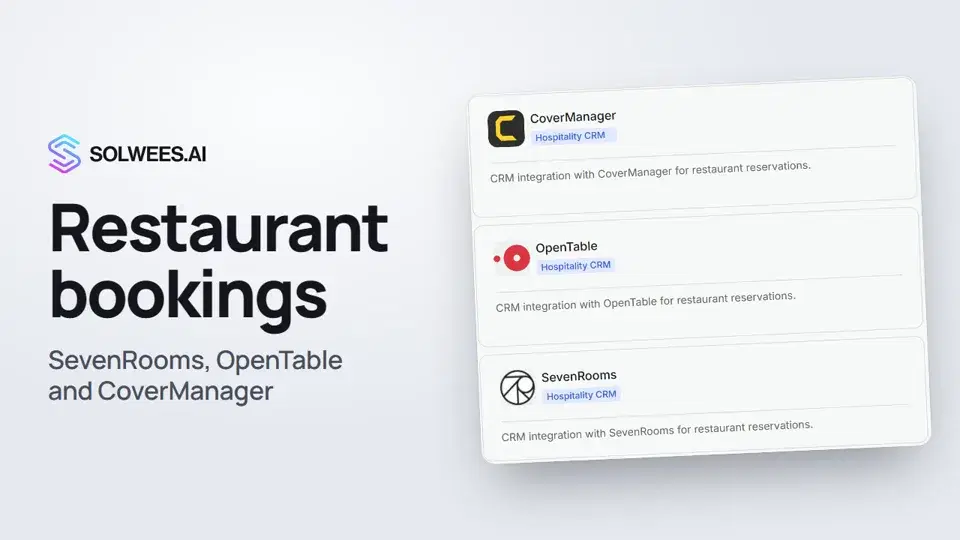 Restaurant bookings: connecting SevenRooms, OpenTable and CoverManagerHow to connect your restaurant booking system to the Solwees AI receptionist: SevenRooms and CoverManager connect in the App Directory, OpenTable is switched on by support. Once connected, the assistant checks for free tables and books right in your system.1:21
Noch Fragen?
Fragen Sie Sola im Dashboard
Der Assistent-Button in der Ecke jeder Dashboard-Seite kennt jede Einstellung und zeigt, wo sie ist.
Dashboard öffnenAn den Support schreiben
Unter support@solwees.ai antwortet ein Mensch aus unserem Team.
support@solwees.ai