
Set up with Sola
Getting startedUpdated 4 October 2026
How Sola, the setup assistant, builds your assistant from your website and files.
Sola is the setup assistant that opens after you sign up. It asks three things: your company name, your business type and your time zone.
Then it reads your website. You will see «Reading your website: services, prices, hours and contacts». What it finds goes into your Business Profile and Knowledge Base, where you can check and correct it.
If your prices or answers live in a Google Sheet or Doc, add it in Knowledge Base > Sources. Other files, such as a PDF price list, go in with «Add file».
After that Sola walks you through the plan (no card needed for the trial), your booking system and your channels. You can leave and come back: «Continue setup» picks up where you stopped, and «Ask Sola» answers questions about any step.
Did this answer your question?
More in this topic
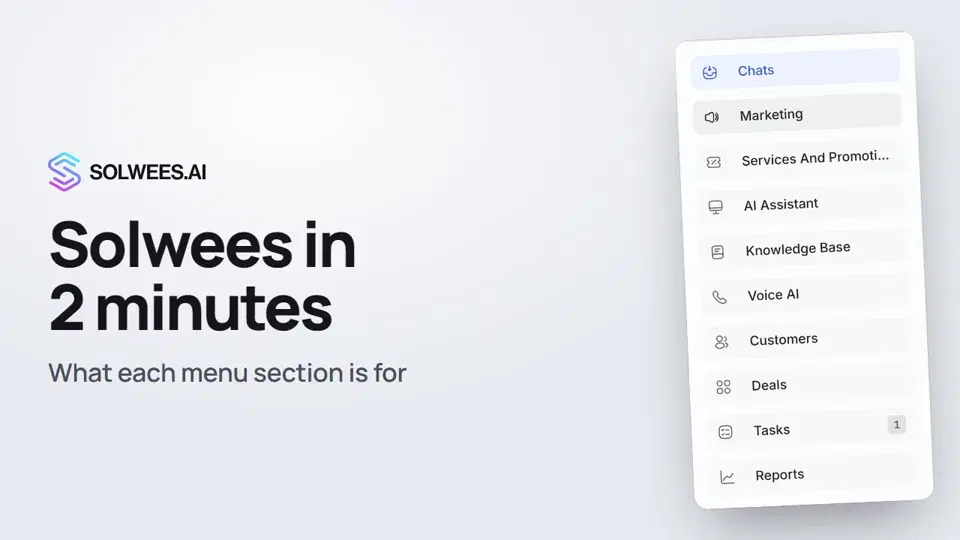 Solwees in 2 minutes: a tour of the menuA short tour of Solwees: what each menu section is for, where Settings and your profile are, and how not to miss what matters.2:10
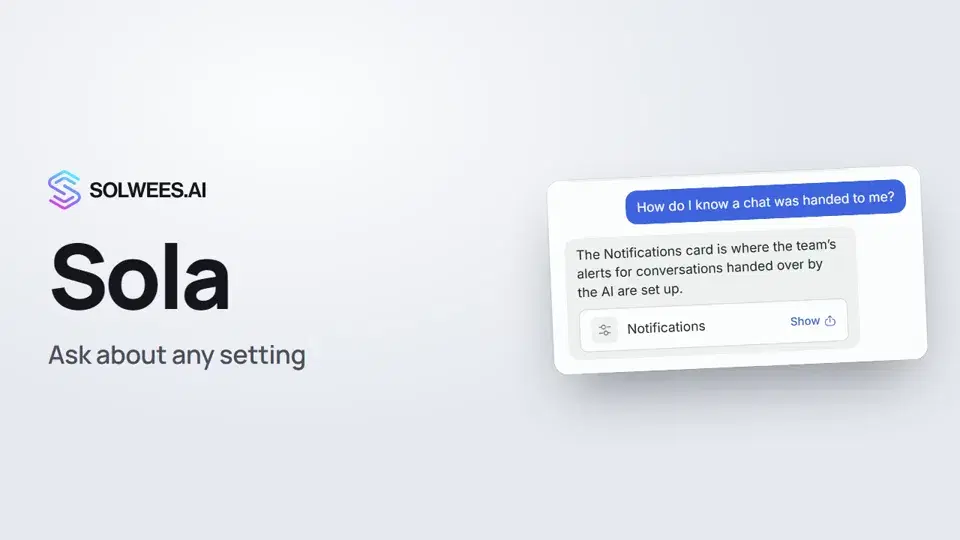 Sola: the setup assistant in SolweesHow to use Sola, the setup assistant in Solwees: ask in your own words, jump to the right place with the Show button, ask her to make a change, or start the interface tour.1:03
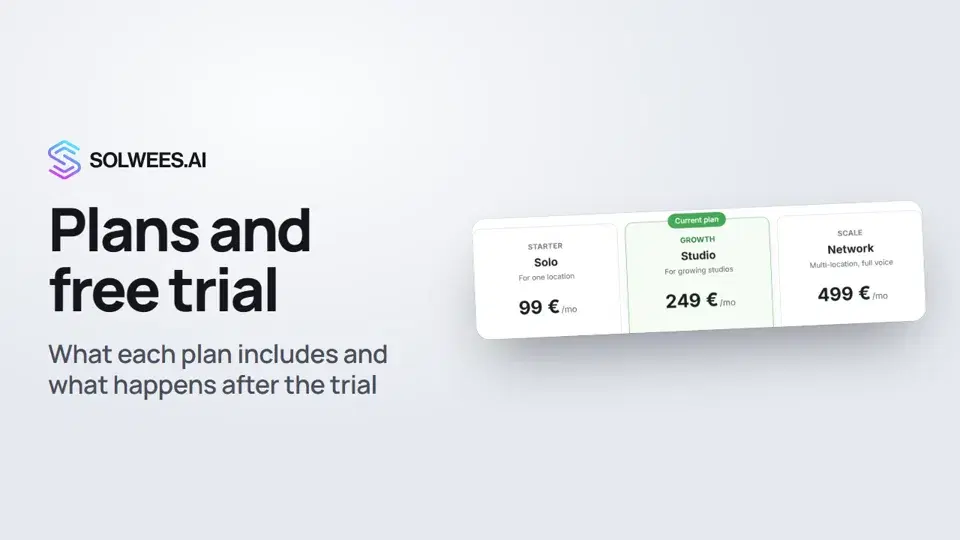 Plans and free trial: what's included and how to chooseWhich plans Solwees offers, how they differ, what your plan includes and how the free trial works.1:19
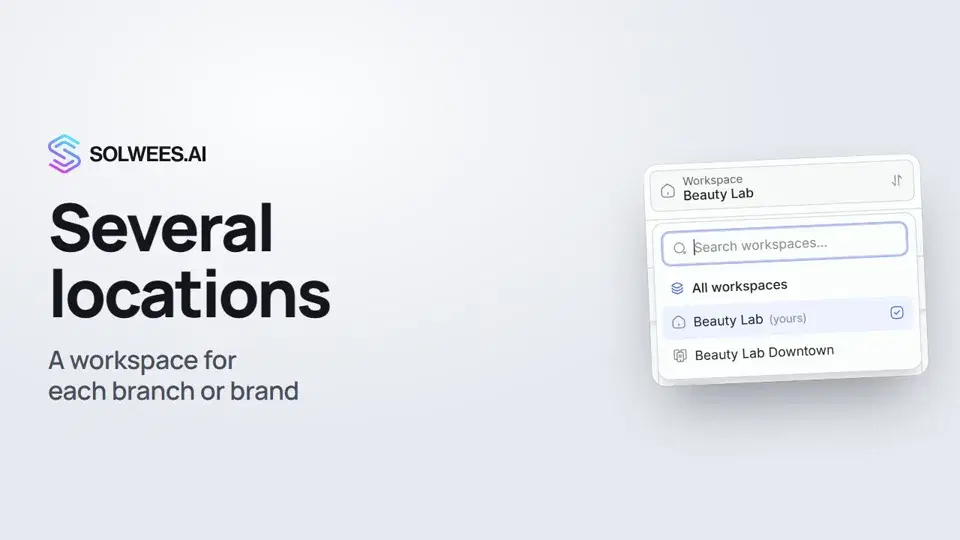 Several locations or brands: workspacesHow to run several locations or brands in Solwees: create a workspace, switch between workspaces and see every location's chats in one list.1:01
Still need help?
Ask Sola in your dashboard
The assistant button in the corner of any dashboard page knows every setting and shows you where it is.
Open the dashboard