
Email campaigns that end in bookings.
Put a newsletter together from ready blocks, send it to a group of your clients from your own domain, and see who opened it, who clicked and who booked. With Marketing with AI, the assistant can prepare the whole campaign from one sentence.
Studio Demo hello@studio.demo
Autumn colour week: 15% off until 31 October
Book your colour online in two taps
Studio Demo

Autumn colour week
Hello, Sofia!
From 14 to 31 October every colouring is 15% off. Pick a time online, and the booking goes straight into our calendar.
-15%
on colouring until 31 October
Studio Demo, Calle Ejemplo 12, Marbella
Unsubscribe
Autumn colour weekprepared by AI
From hello@studio.demo · Tue 13 Oct, 10:00
Scheduled
- recipients
- 86
- delivered
- 0
- opened
- 0
- clicked
- 0
- booked
- 0
Bounced: 1Unsubscribed: 1
An autumn campaign of the demo salon: the counters fill as the emails arrive, and the last one counts the bookings made from the email.
Build the email from ready blocks
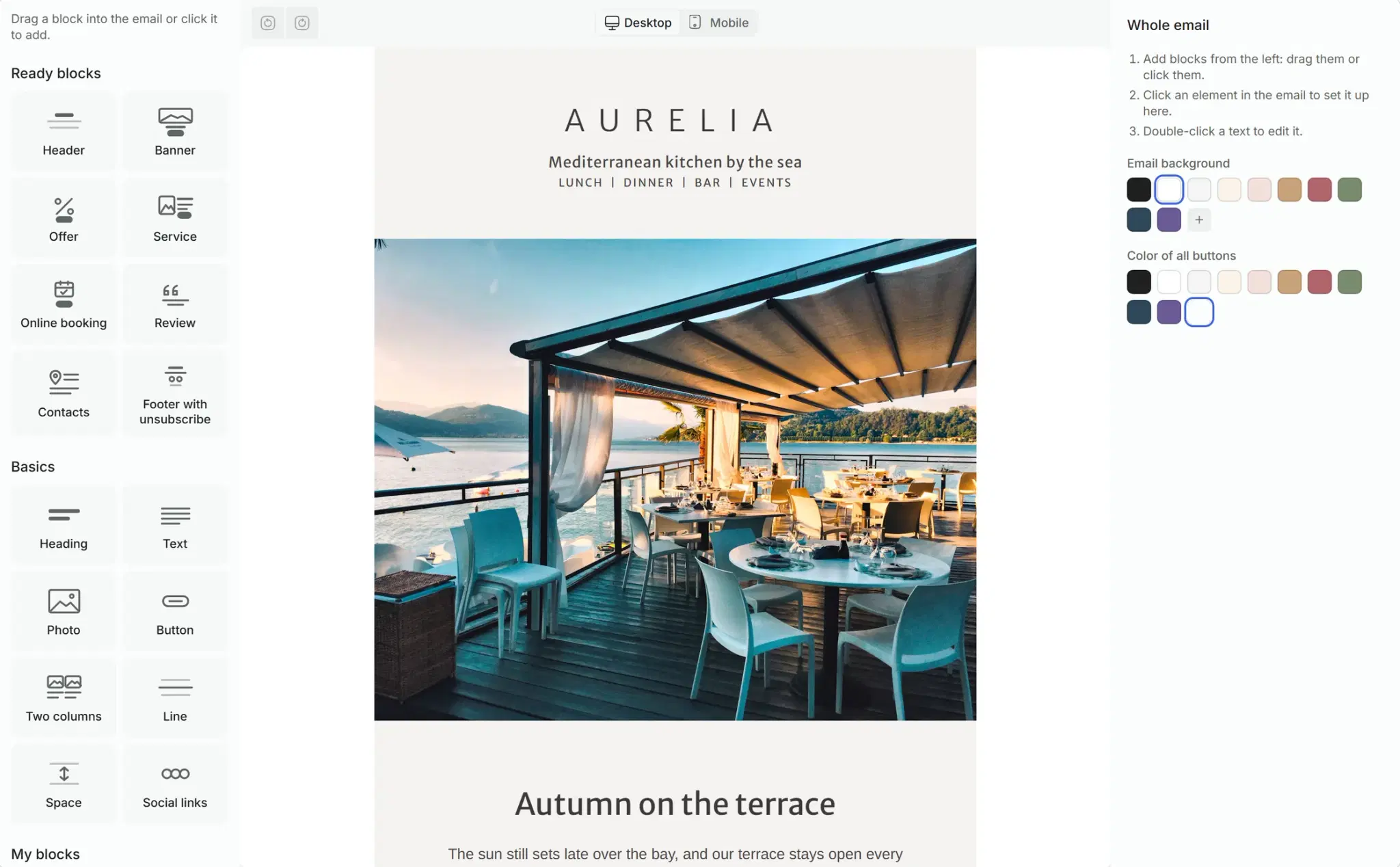
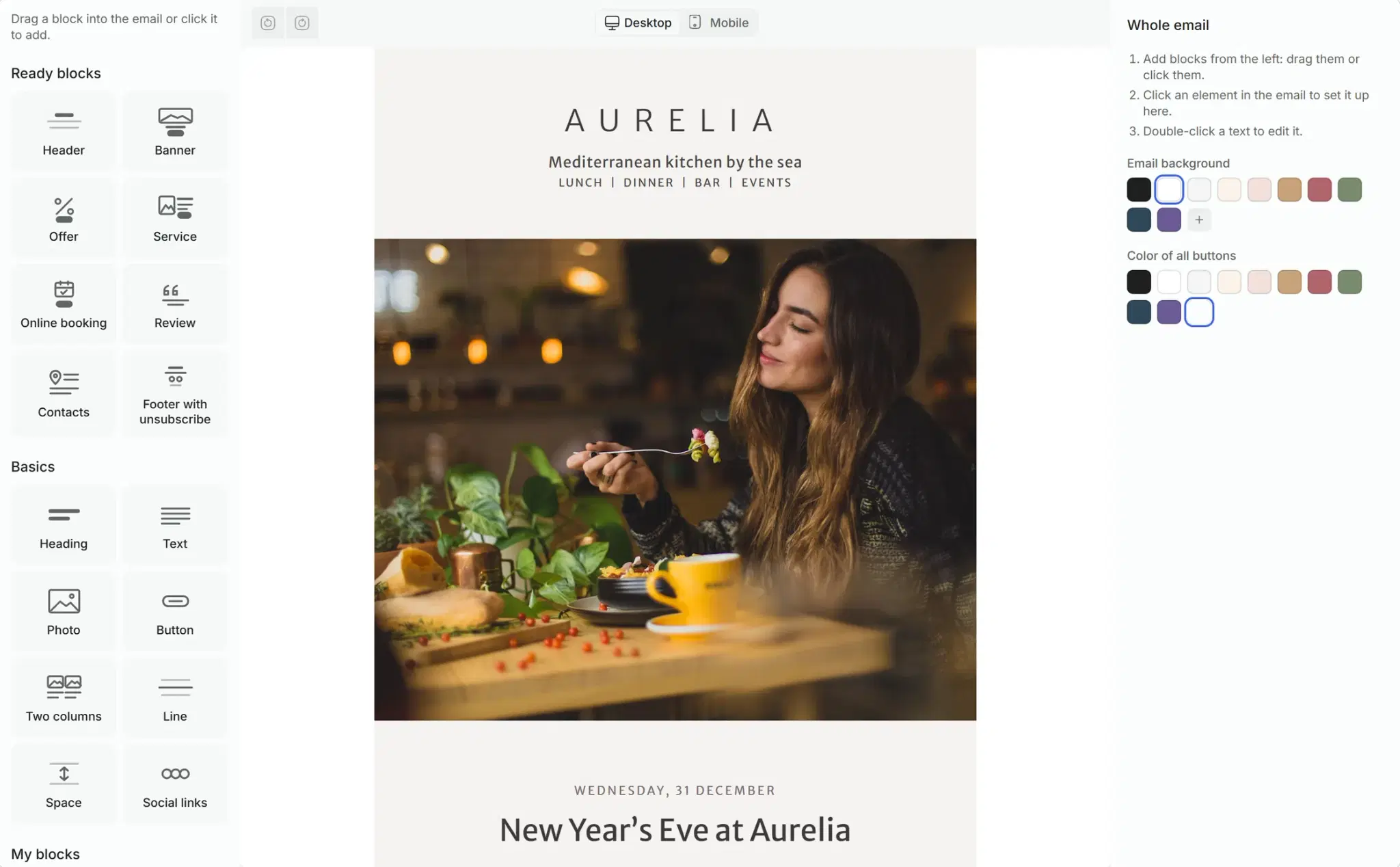
The email builder is in the dashboard. Drag a block in or click it, change the words and the photo, and the email looks right on a phone and on a computer.
Blocks made for a salon
Header, banner, offer, service, online booking, review, contacts, and a footer with an unsubscribe link.
Starters in your language
Ready emails for an offer, news or a holiday, written in the language of your salon. Change what you need.
Your colours in one click
One click sets the background of the email and the colour of every button in it.
The client’s name in the text
Variables put in the client’s first name and your salon’s name, so every email speaks to one person.
From the idea to the inbox in four steps
A campaign is one form: who gets it, which email, and when it goes. Until you press the button, nobody gets anything.
Groups are built from your client base: by services, visits, time since the last visit or tags. The form counts who will get the email.
- Only clients with an email who have not unsubscribed
- Addresses that bounced before are skipped
- The marketing assistant can build the group for you
New email campaign
Client group
Colour clients, away 60+ days
86 clients will receive it
Clients with an email who have not unsubscribed. Addresses that bounced before are skipped.
Your templates are shown as thumbnails. The subject and the short line after it come from the template, and you can change them.
- Subject and preview line
- Open the template in the builder from the form
- A warning before sending if the unsubscribe link is missing or a placeholder photo is left in
Emails go out during your salon’s daytime. If you pick a night hour, the sending starts in the morning.
- A scheduled campaign can be stopped
- The sender is an address on your domain, and you choose the part before @
Send the email to your own address and see it exactly as a client will: the subject, the sender and every block.
- One click from the campaign form
- Check it on your phone before the clients do
Emails leave from your salon’s address
Connect your own domain once. Solwees gives you the records to copy, checks them by itself, and every campaign is signed for your domain, as mail services expect from a real sender.
Records to copy
Two signature records and a bounce address, three in all, each with a copy button.
A gentle start
A new domain sends a limited number of emails a day at first, and the limit grows as the domain earns trust.
Bounces and unsubscribes handled
An address that bounced is not written to again, and a client who unsubscribed does not get your campaigns.
Settings › Email
Sending domain
studio.demo
Checking the records- SignatureTwo records that prove the emails are yours
- Bounce addressOne record for emails that come back
Studio Demo <hello@studio.demo>
Signed for studio.demo: this is how the client's inbox shows the sender.
Or ask the assistant
Describe the campaign in your own words. The marketing assistant finds the clients, prepares the email and a draft of the campaign. You check it and launch.
Finds the clients
From your visit history: who came for which service, and who has been away.
Writes the email
A template with the subject and the text, ready to open in the builder.
You decide
The draft waits for you. Nothing is sent until you press Launch.
Prepare an email for colour clients who have been away for two months: 15% off until the end of October
Found 86 clients with an email: they came for colouring and have not been back for more than 60 days.
The template and the campaign draft are ready. Check the email in the builder and launch it when you are happy with it.
Email template: Autumn colour week
Subject: 15% off your colour until 31 October
Email campaign draft: Colour, away 60+ days
86 recipients · From hello@studio.demo
See which email brought bookings
Every campaign shows its funnel: how many people got it, opened it, clicked and booked from it. Bounces and unsubscribes are counted next to it.
From sent to booked
Delivered, opened, clicked and booked, for every campaign.
Bookings counted
A booking made from the email’s button counts for its campaign.
Campaign next to campaign
The list keeps every campaign with its status, so you see which offer worked.
Email campaigns
Autumn colour week
sent Tue 13 Oct
Completed
- recipients
- 86
- delivered
- 85
- opened
- 49
- clicked
- 14
- booked
- 4
New: lash lift
sending Mon 2 Nov, 10:00
Scheduled
Christmas gift cards
draft
Draft
Everything email campaigns do in Solwees
The full list, group by group.
- Blocks: header, banner, offer, service, online booking, review, contacts, footer
- Heading, text, photo, button, two columns, divider, spacer, social links
- Starters in your salon’s language
- Background and button colours in one click
- Phone and computer preview
- Variables: the client’s name, your salon’s name
- Templates saved for the next campaign
Studio Demo hello@studio.demo
Autumn colour week: 15% off until 31 October
Book your colour online in two taps
Studio Demo
Autumn colour week
Hello, Sofia!
From 14 to 31 October every colouring is 15% off. Pick a time online, and the booking goes straight into our calendar.
-15%
on colouring until 31 October
Studio Demo, Calle Ejemplo 12, Marbella
Unsubscribe
Before you start
Plan
Email campaigns are in the Marketing module, €19 a month; the assistant that prepares campaigns comes with Marketing with AI, €39 a month.
A domain
Your own domain and access to its DNS settings, to add the records once.
Clients’ emails
Campaigns go to clients whose email is in Solwees: from conversations, bookings or an import.
Questions about email campaigns
Can I send email newsletters to my salon’s clients with Solwees?
Yes. Build the email in the builder, choose a client group and send it now or at a set time. It goes from an address on your own domain, and every campaign shows who opened it, clicked and booked.
Do I need my own domain?
Yes. Campaigns are sent from an address on your domain. Solwees gives you the DNS records to add once and checks them; until the check passes you can prepare campaigns but not launch them.
How do I know whether a campaign worked?
The campaign list shows the funnel of each one: recipients, delivered, opened, clicked and booked, with bounces and unsubscribes next to it.
Can the AI write the email for me?
Yes. Ask the marketing assistant in the dashboard: it finds the clients and prepares the template and a campaign draft. You check the email in the builder and launch it.
What happens when a client unsubscribes?
Every email has an unsubscribe link in its footer. A client who uses it does not get your campaigns any more, and an address that bounced is skipped.
Will the email look right on a phone?
Yes. The builder has a phone and a computer preview, and the blocks adapt to the screen. Send a test to yourself to see the email in your own mailbox.
Send your first campaign
Connect your domain, pick a starter in the builder and choose who gets it.