
Solwees Help Center
Video guides and step-by-step answers for every part of Solwees: the AI assistant, channels, chats, clients, marketing and settings.
Start here
Four steps from a new account to an assistant that answers clients and books them.
Topics
Getting started
What Solwees is, the first setup, plans, the free trial and several locations.
- Solwees in 2 minutes: a tour of the menu
- Sola: the setup assistant in Solwees
- Plans and free trial: what's included and how to choose
- Several locations or brands: workspaces
AI assistant and knowledge base
The business profile, booking rules, handover to a person, the knowledge base and testing the assistant.
- Business profile: what the assistant knows about your company
- Custom rules and wording
- Persona and languages: how the assistant introduces itself and which languages it speaks
- Booking rules: how the assistant books your clients
Channels
WhatsApp, Instagram, Telegram, the website chat and a phone number for the assistant.
- WhatsApp templates: messages approved by Meta
- Telegram: how to connect the assistant
- Website chat: how to set it up and install it
- Viber: how to connect your own number to the assistant
Chats
One inbox for every channel: when the assistant answers, when you take over, quick replies and notes.
- Chats: every channel in one place
- AI or you: taking a chat over from the assistant and handing it back
- Needs attention: when a client is waiting for a person
- Quick replies and notes: what the chat input can do
Clients, deals and tasks
Client cards, importing clients, the waiting list, the deals board, pipelines and tasks.
- Customers and the customer card
- Importing clients: from a CSV file or from your CRM
- Waiting list: the assistant offers a freed-up time by itself
- Deals: the board
Marketing and promotions
Booking reminders, broadcasts, protection from WhatsApp blocks, services and promotions.
- Booking messages: reminder, confirmation, reschedule and cancellation
- Google Maps reviews: a rating after the visit and a review link
- Winning clients back: reactivation, call follow-up, greetings and programs
- Broadcasts: how to message clients in WhatsApp and Telegram
Calls, reports and notifications
Call recordings and transcripts, reports, summaries and team notifications.
- Calls: history, recordings, transcripts and the assistant's calls
- Outbound campaigns: the assistant calls clients from your list
- Reports: bookings, money and how the assistant works
- Ads: which ads bring you clients
Integrations
Booking systems, CRMs, payments and calendars that Solwees connects to.
- App Directory: connect your booking system, CRM and payments
- Bitrix24: client conversations in your Open Lines
- Kommo (amoCRM): how to connect it and what goes into the deal
- Restaurant bookings: connecting SevenRooms, OpenTable and CoverManager
Team, settings and billing
Teammates and access, workspace settings, plans, minutes and invoices.
- Team and access: add teammates and choose what they can do
- General settings: workspace name, time zone and report currency
- Billing and invoices: your plan, modules, invoices and cancelling
- Active clients
Mobile app
Chats, calls from the assistant and notifications on your phone.
All articles · 2 articlesSecurity and data
Two-factor sign-in, the website chat's safety settings, GDPR and deleting data.
- Security: two-factor authentication, attachments and allowed domains
- GDPR
- SOC 2 and ISO 27001
- Subprocessors
Troubleshooting
What to check when bookings do not sync, a call sounds bad or notifications do not arrive.
All articles · 2 articlesVideo guides
Each one shows a single setting on screen in one to two minutes, with chapters and a transcript.
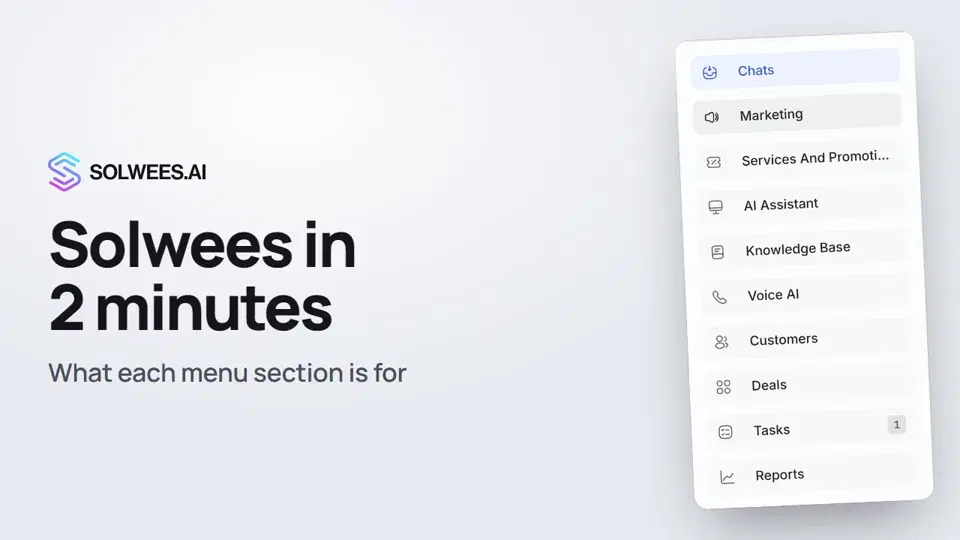 2:10Solwees in 2 minutes: a tour of the menu
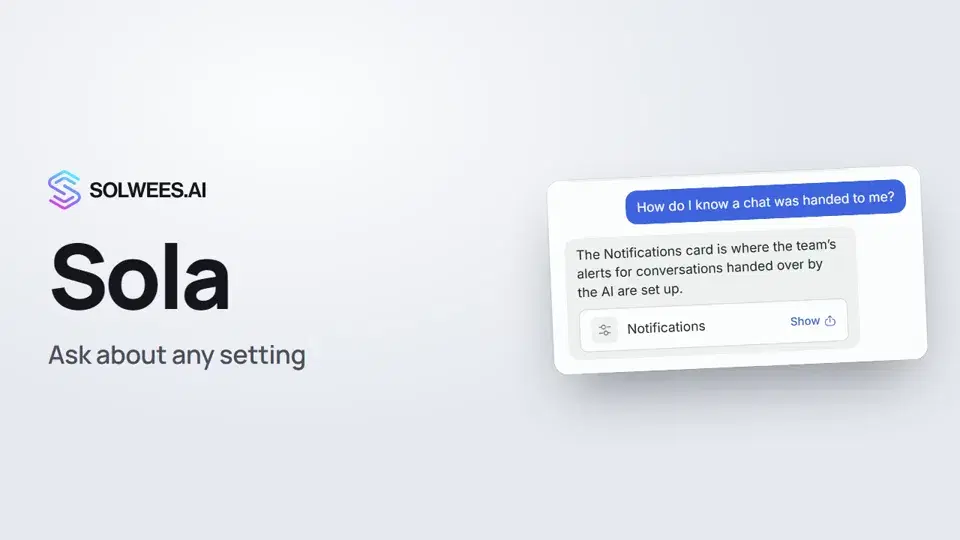 1:03Sola: the setup assistant in Solwees
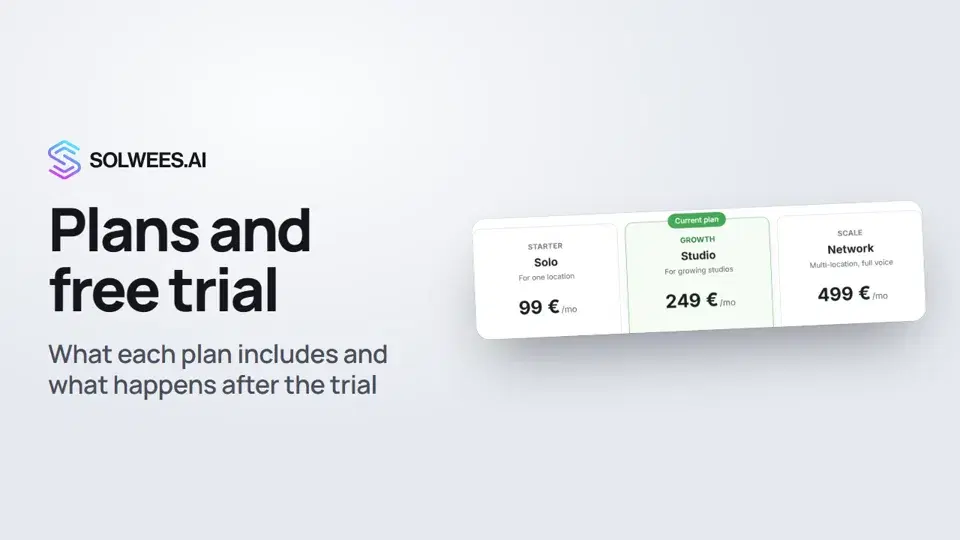 1:19Plans and free trial: what's included and how to choose
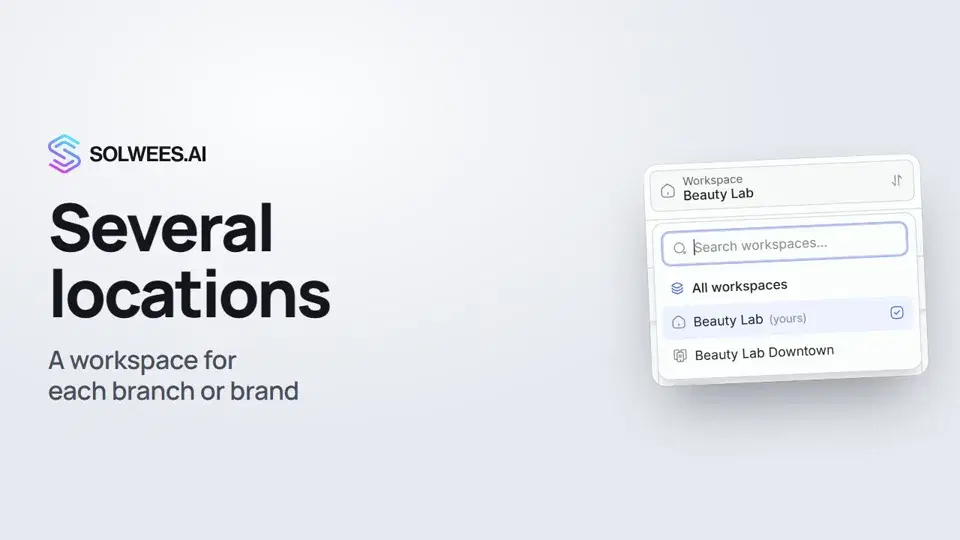 1:01Several locations or brands: workspaces
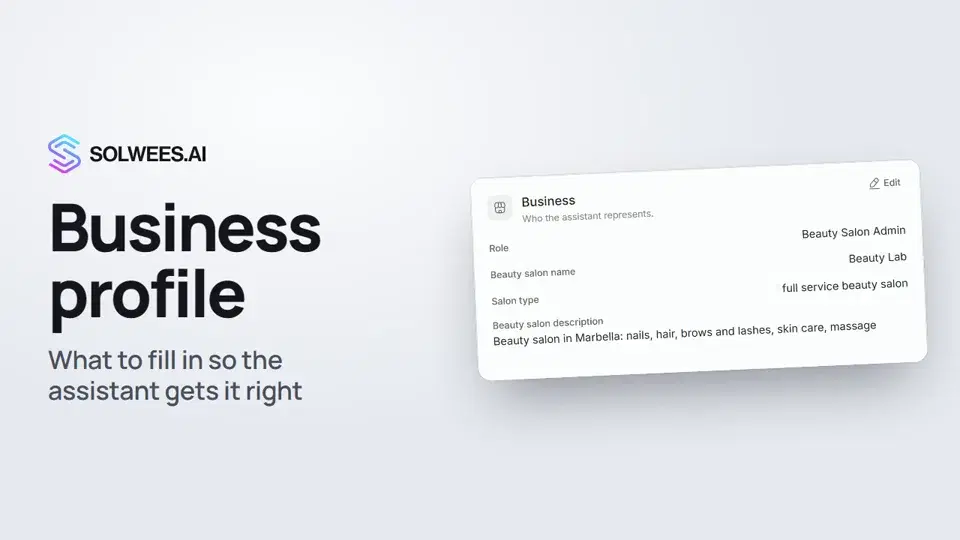 1:35Business profile: what the assistant knows about your company
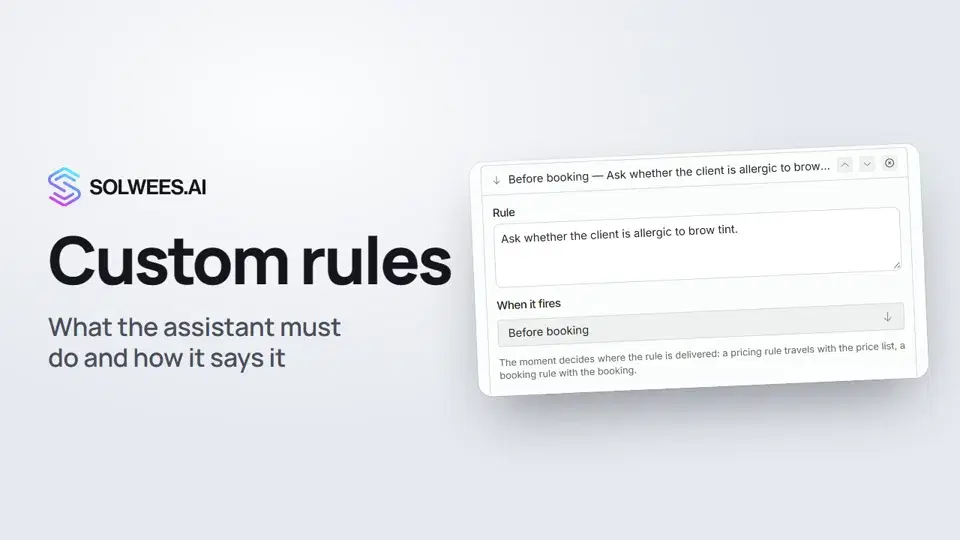 1:14Custom rules and wording
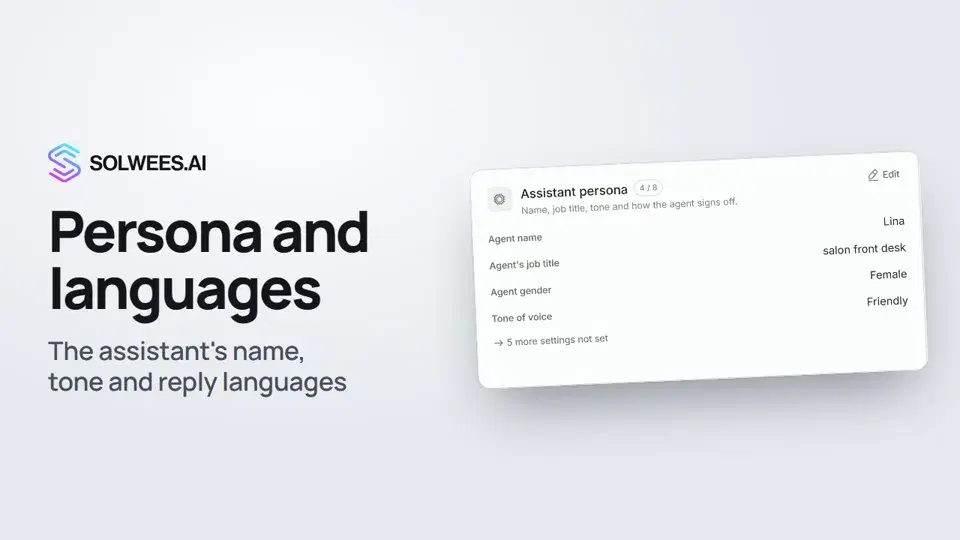 1:22Persona and languages: how the assistant introduces itself and which languages it speaks
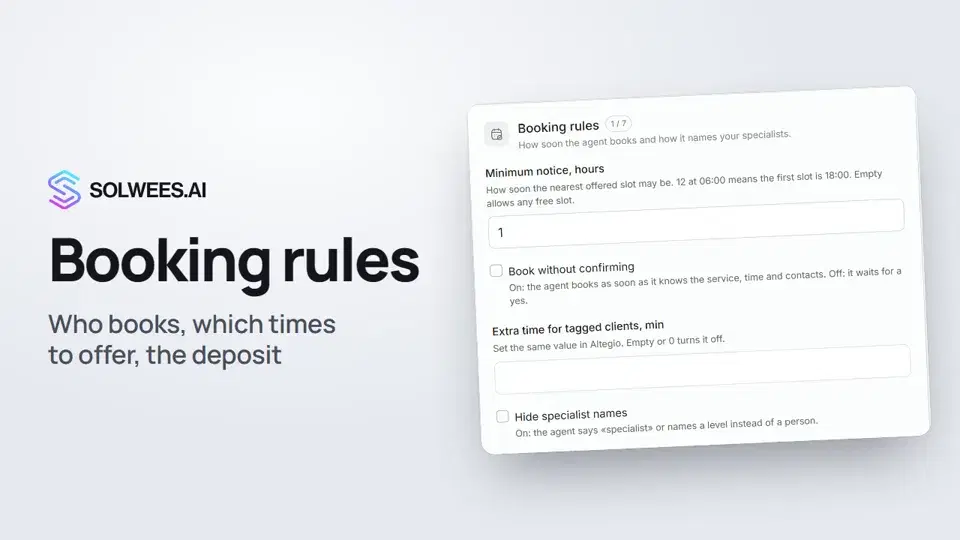 1:38Booking rules: how the assistant books your clients
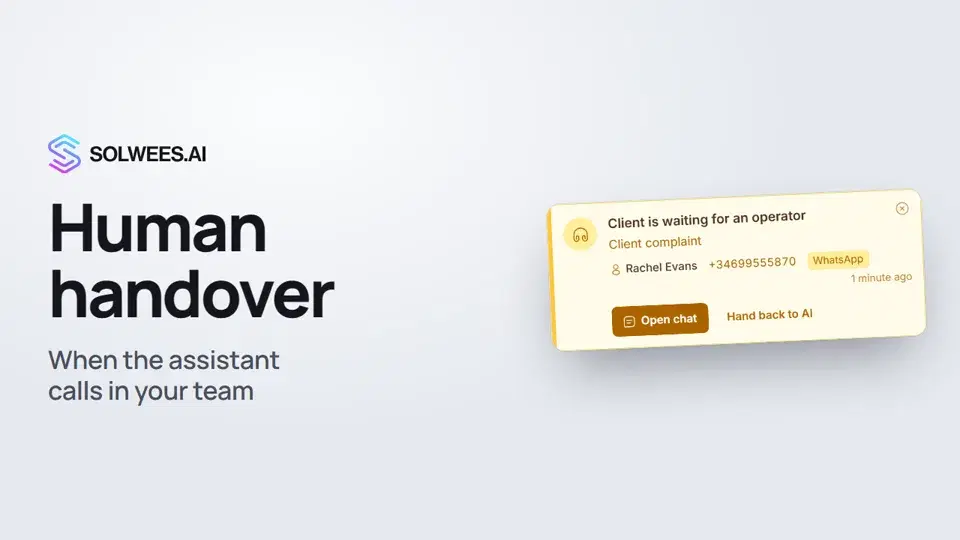 1:16Handing over to a person: when the assistant calls in your team
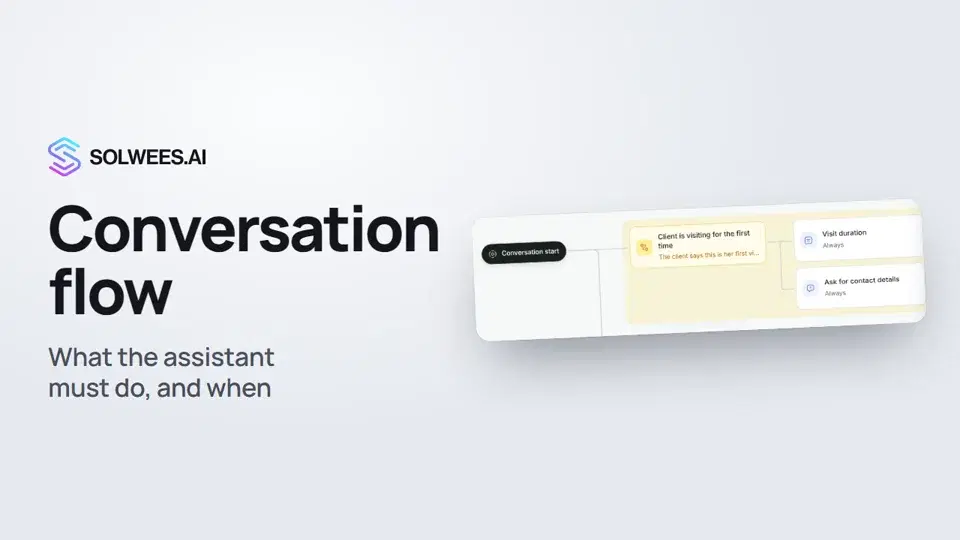 1:36Conversation flow: what the assistant must do, and when
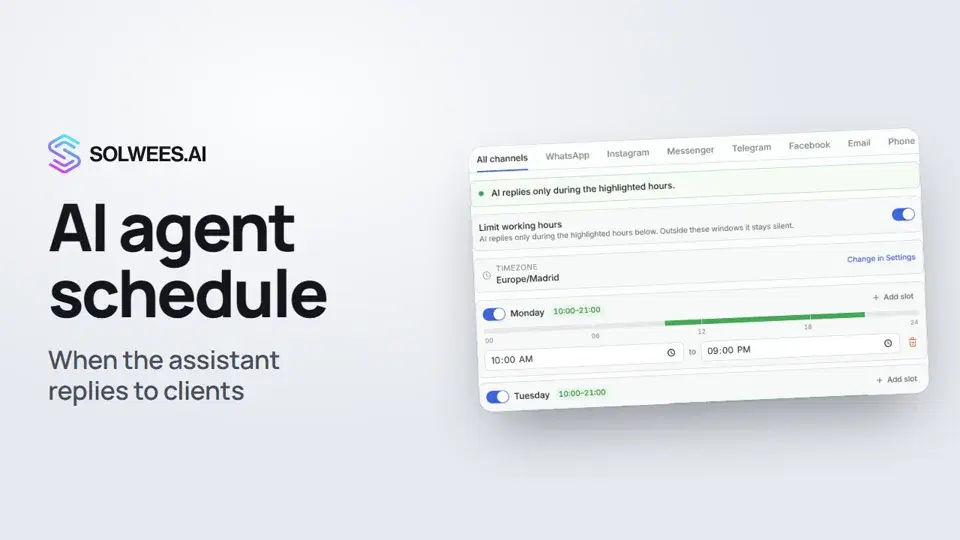 1:31Agents and the AI schedule: when the assistant replies to clients
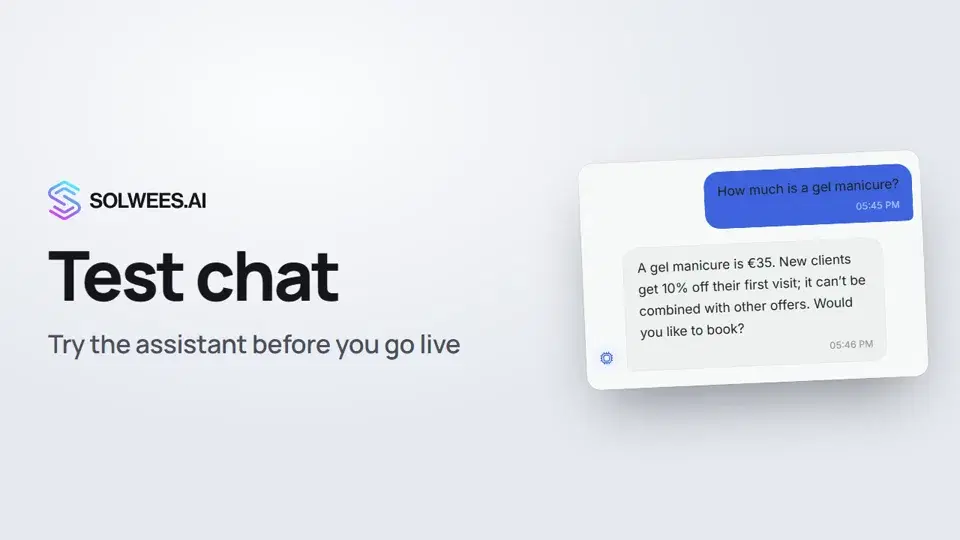 1:09Test chat and call: try the assistant before you go live
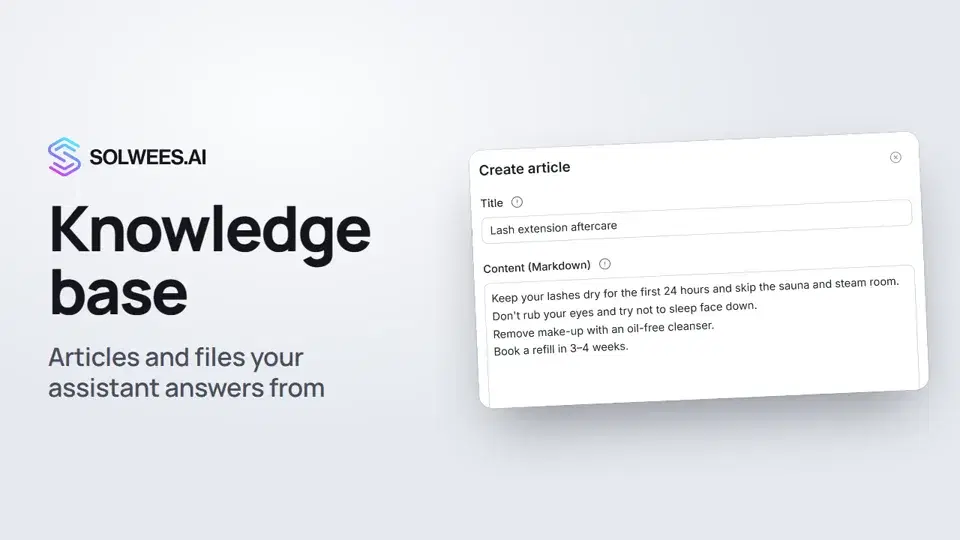 1:16Knowledge base: the articles and files your assistant answers from
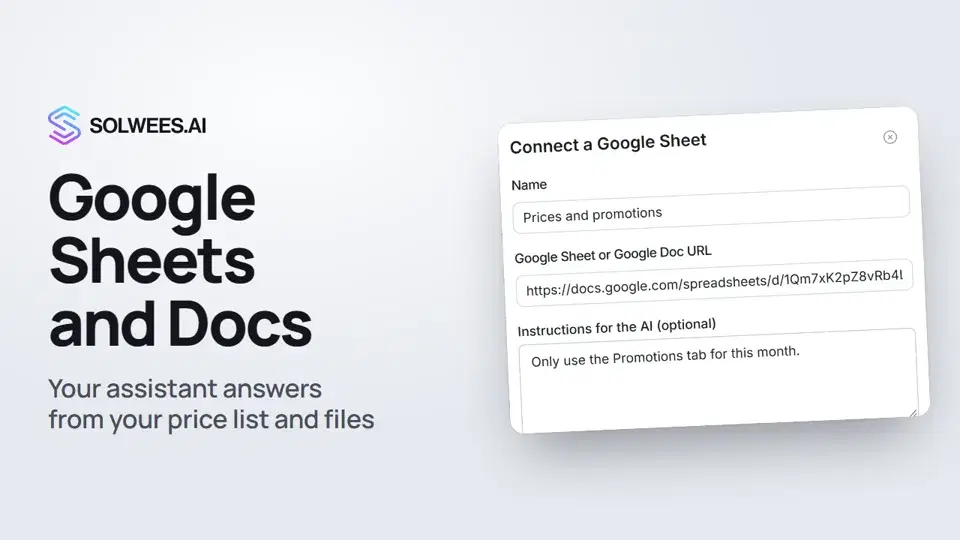 1:10Google Sheets and Docs: the assistant answers from your file
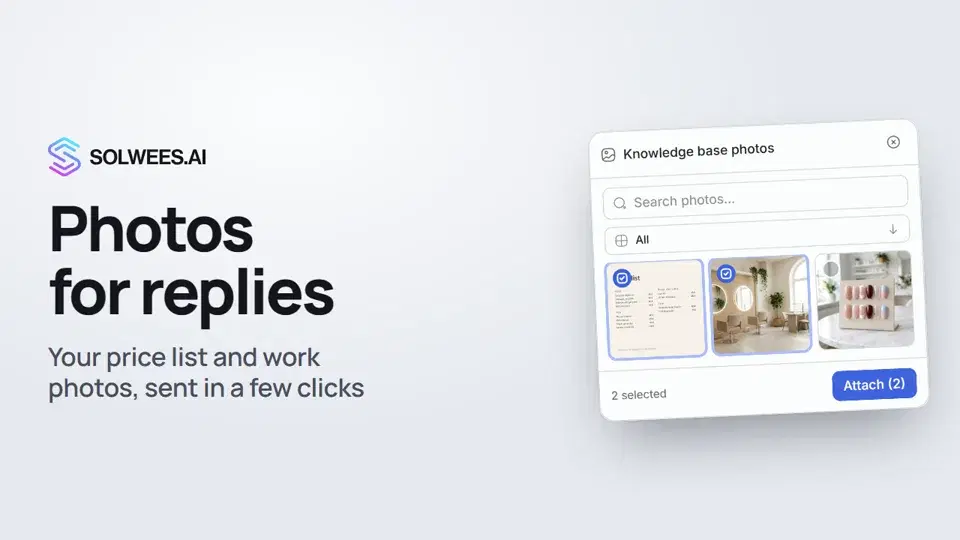 1:01Photos for replies: your price list and work photos in a chat in a few clicks
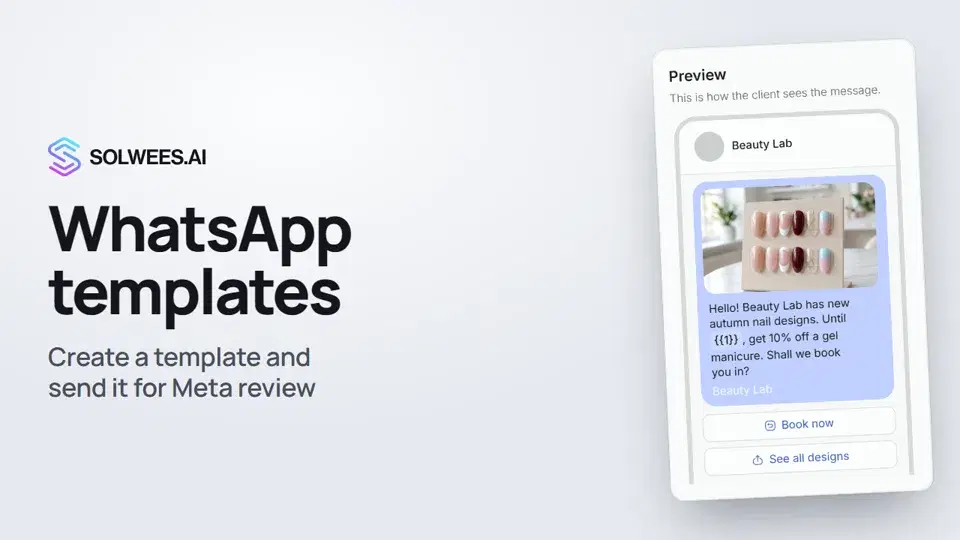 1:30WhatsApp templates: messages approved by Meta
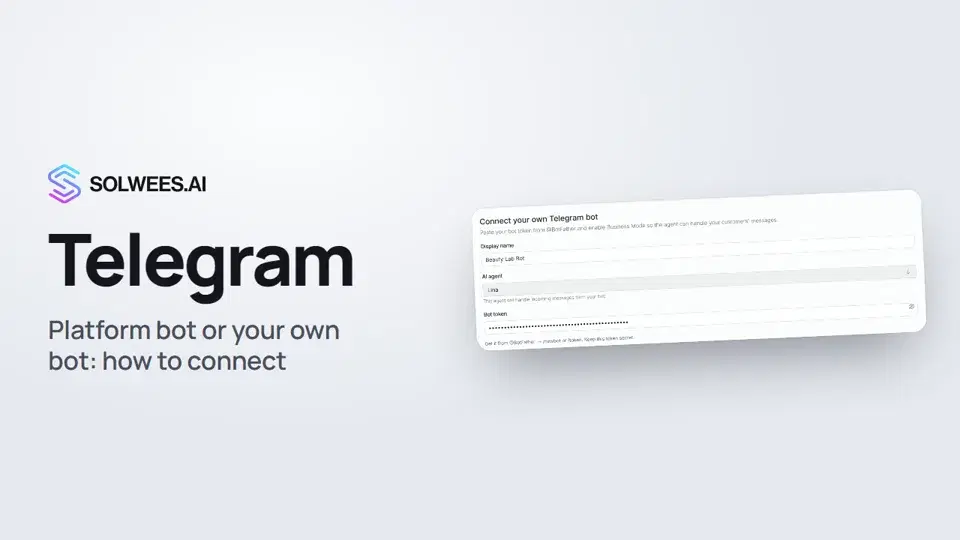 1:31Telegram: how to connect the assistant
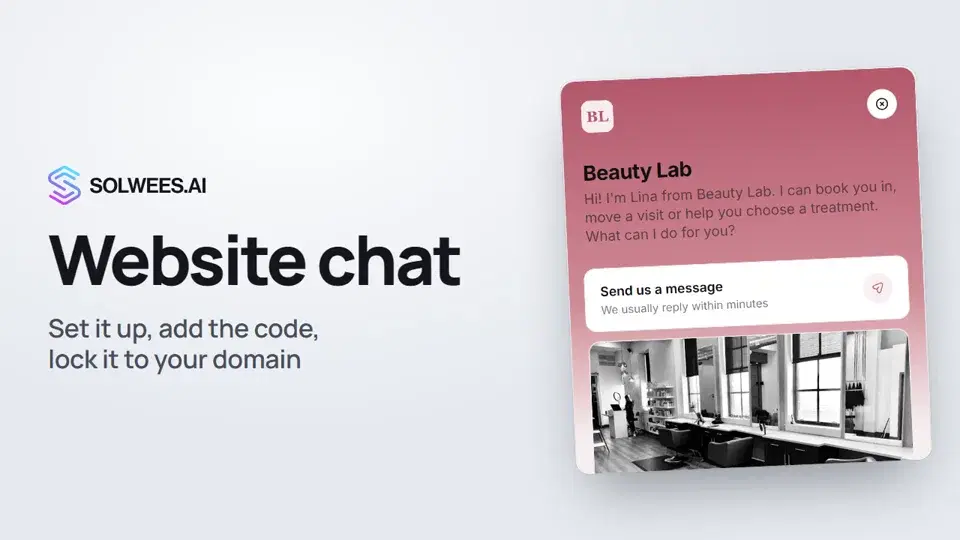 1:52Website chat: how to set it up and install it
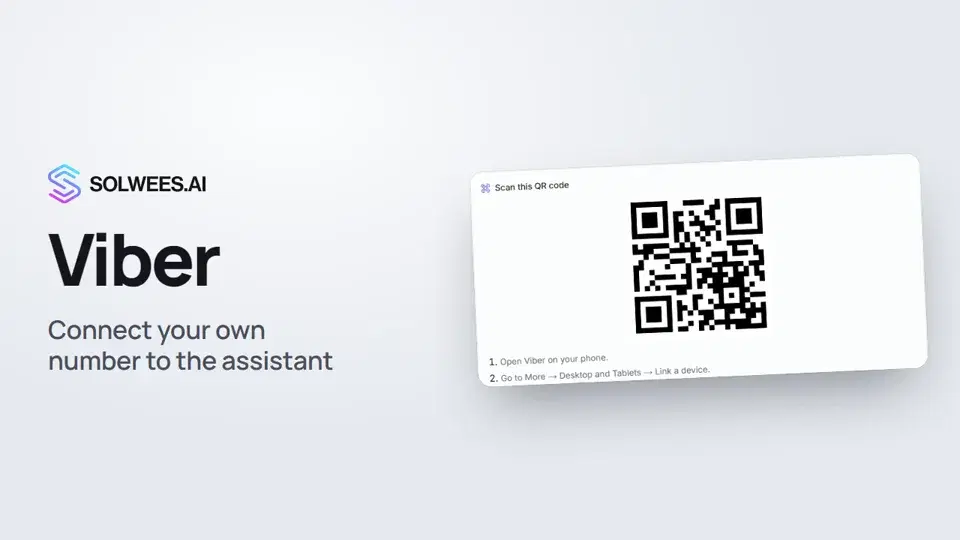 1:11Viber: how to connect your own number to the assistant
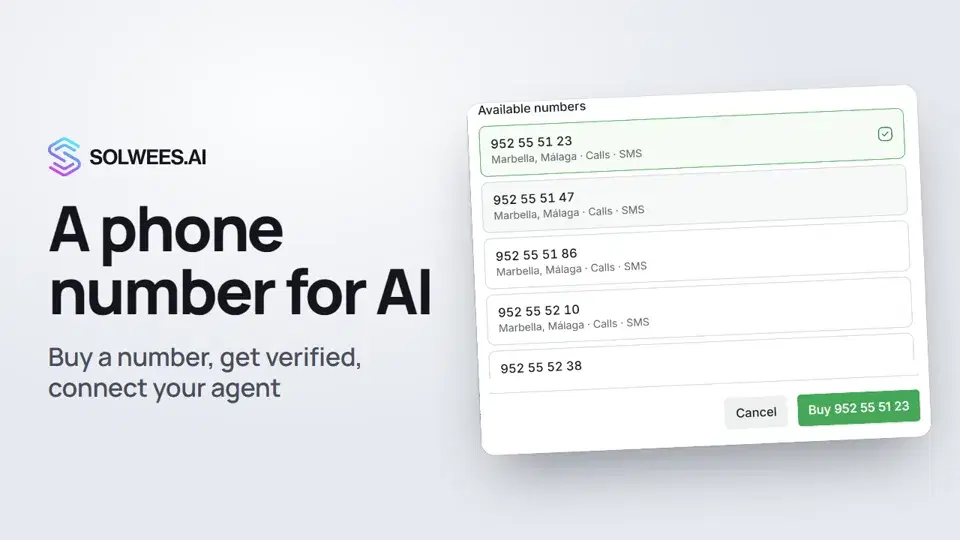 1:56Phone: a number for the assistant
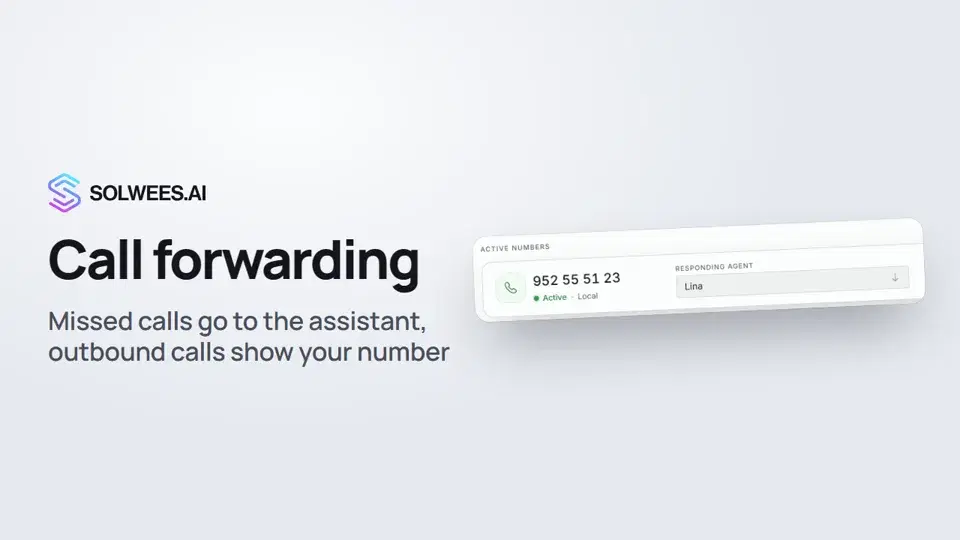 1:45Call forwarding and your own number
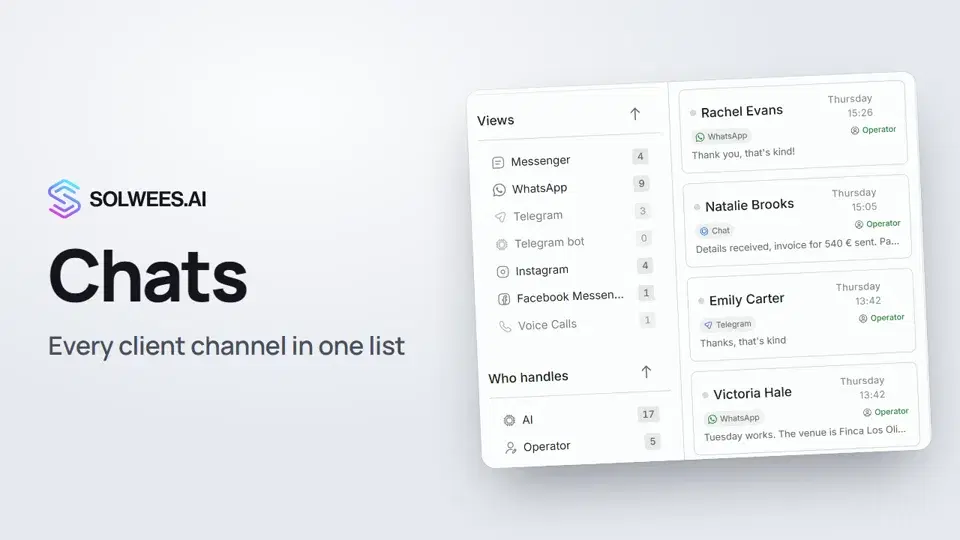 1:35Chats: every channel in one place
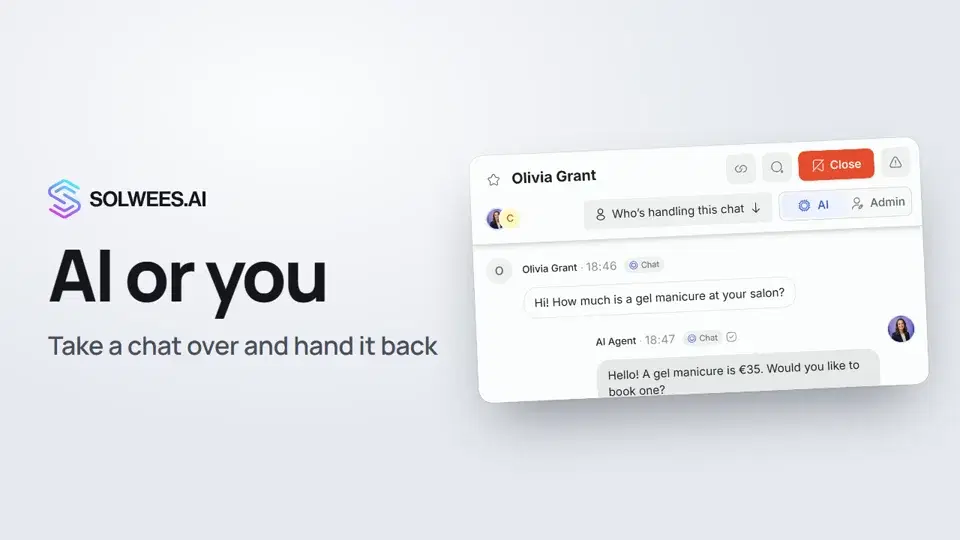 1:13AI or you: taking a chat over from the assistant and handing it back
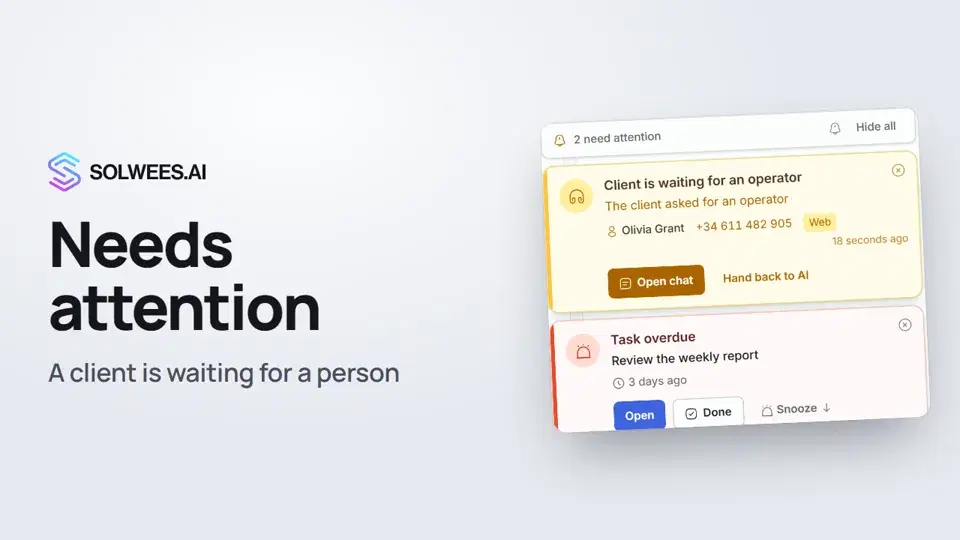 1:14Needs attention: when a client is waiting for a person
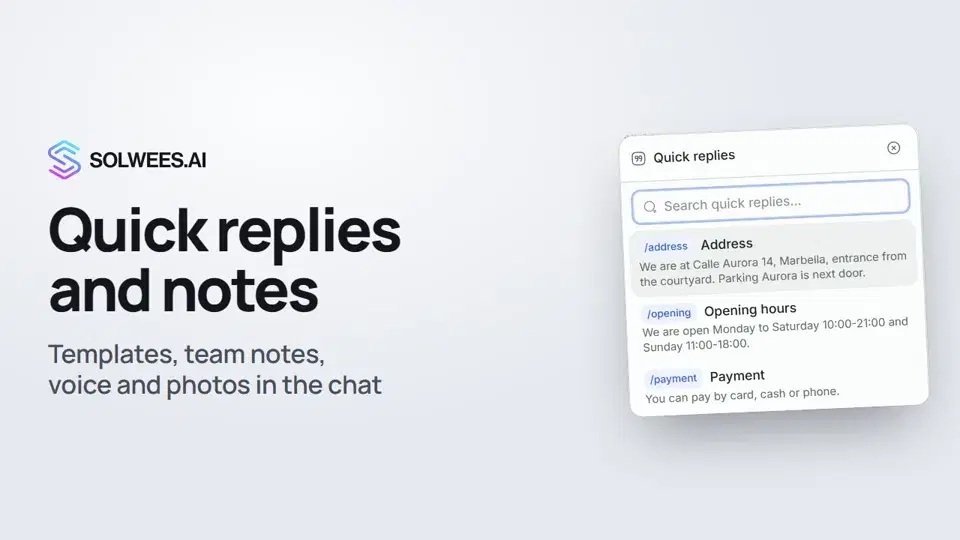 1:23Quick replies and notes: what the chat input can do
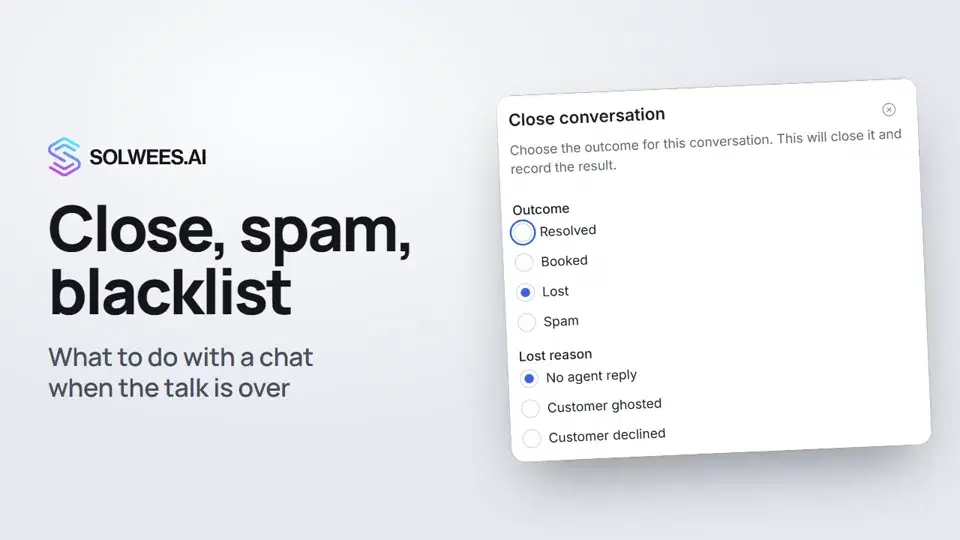 1:25Close a chat, spam and blacklist
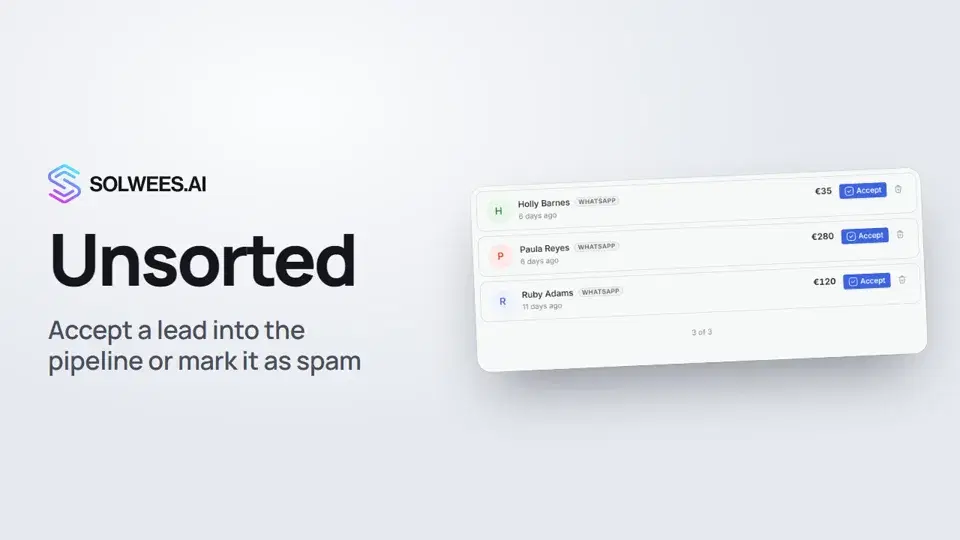 0:57Unsorted: how to triage new leads
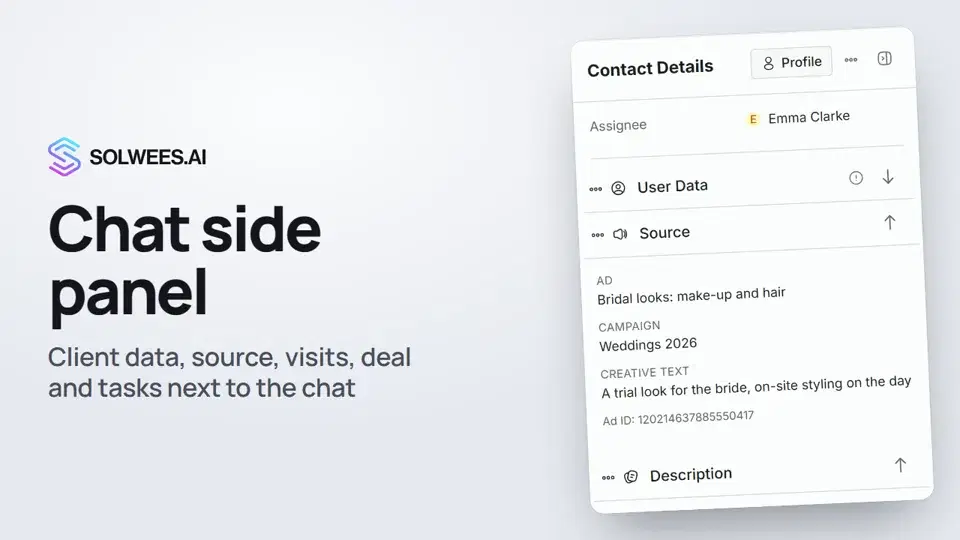 1:17Chat side panel: everything about the client next to the conversation
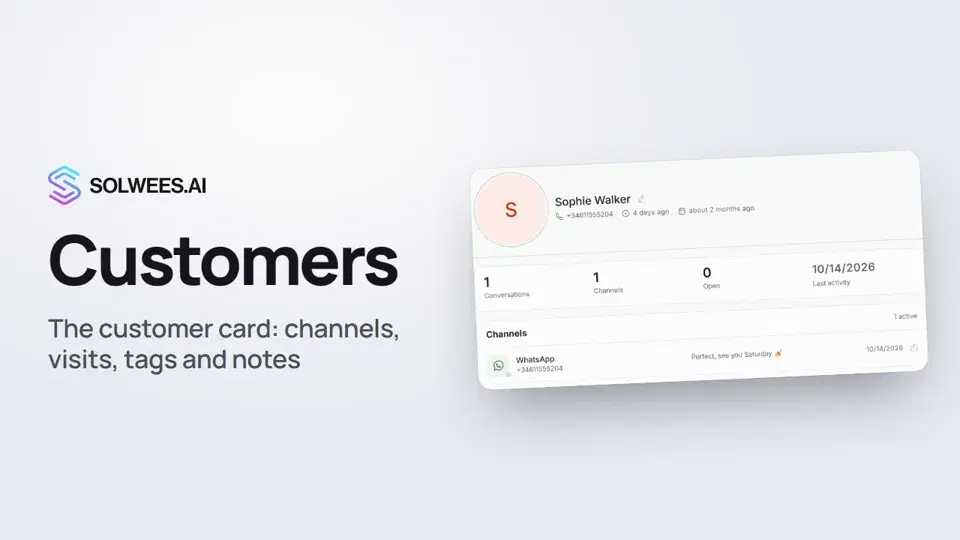 1:19Customers and the customer card
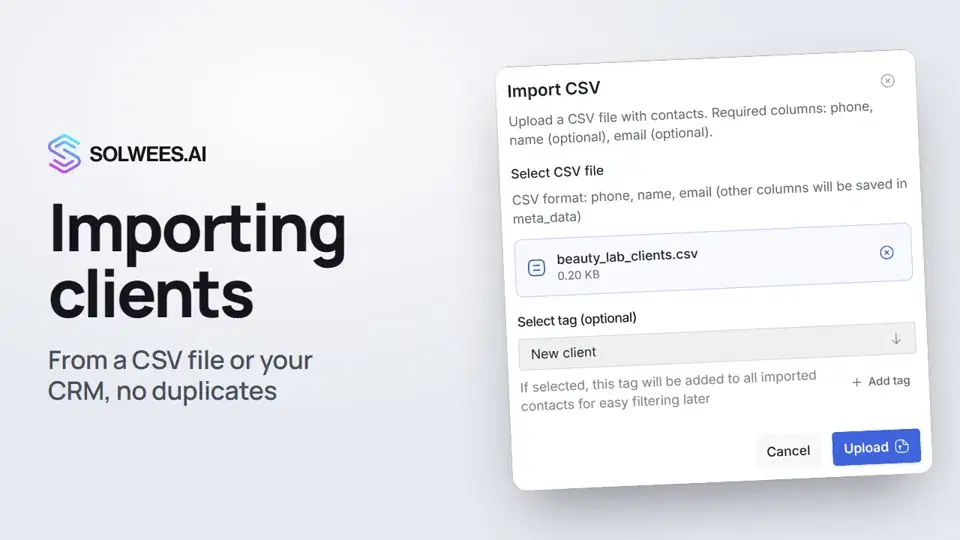 0:57Importing clients: from a CSV file or from your CRM
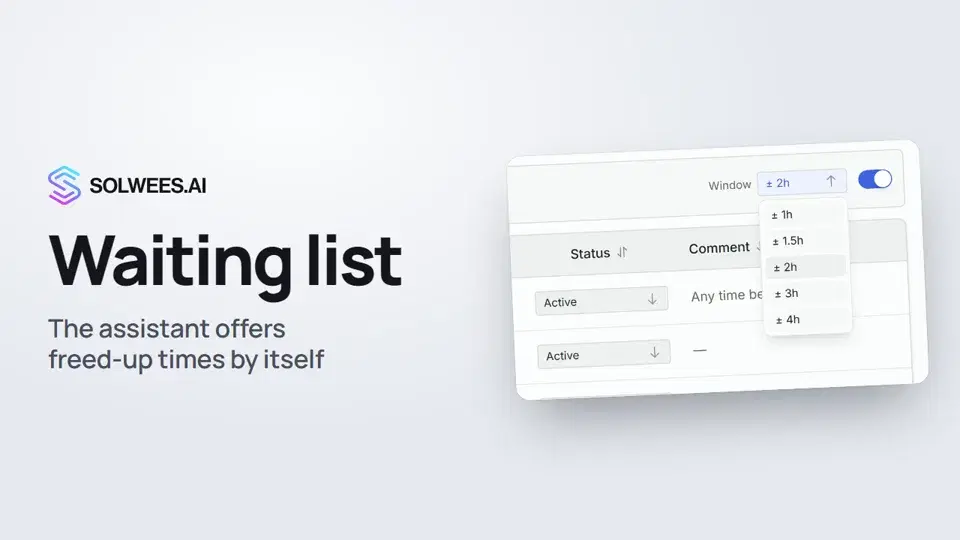 0:54Waiting list: the assistant offers a freed-up time by itself
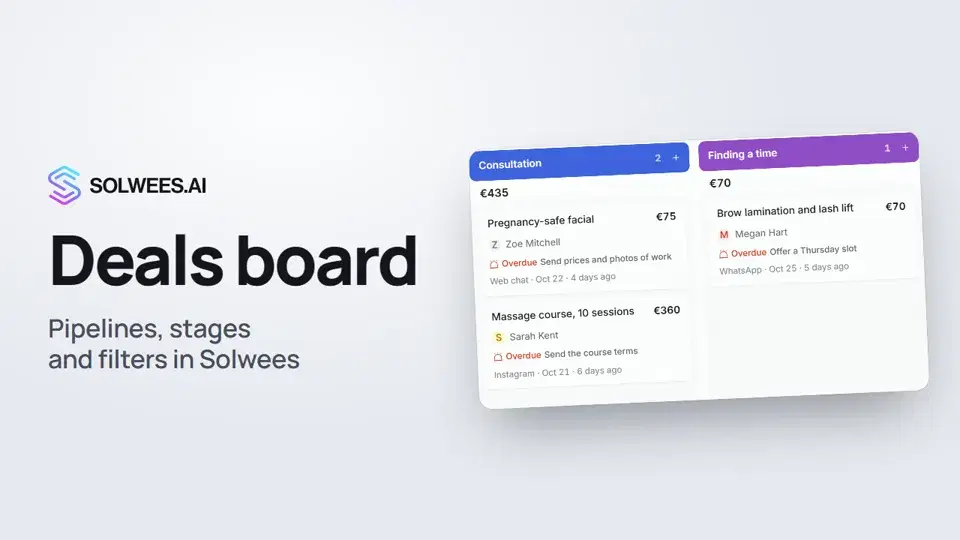 1:28Deals: the board
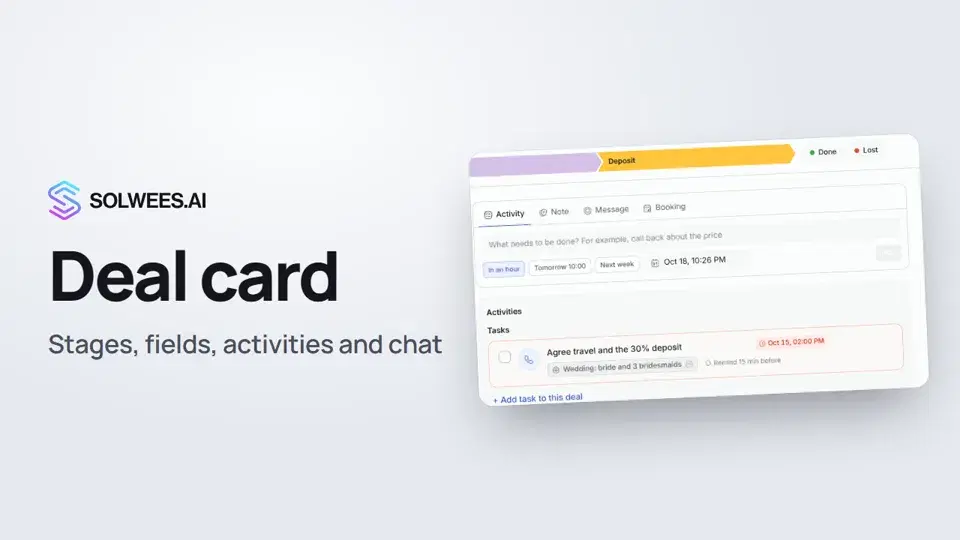 1:15The deal card: stage, fields, activities and chat in one place
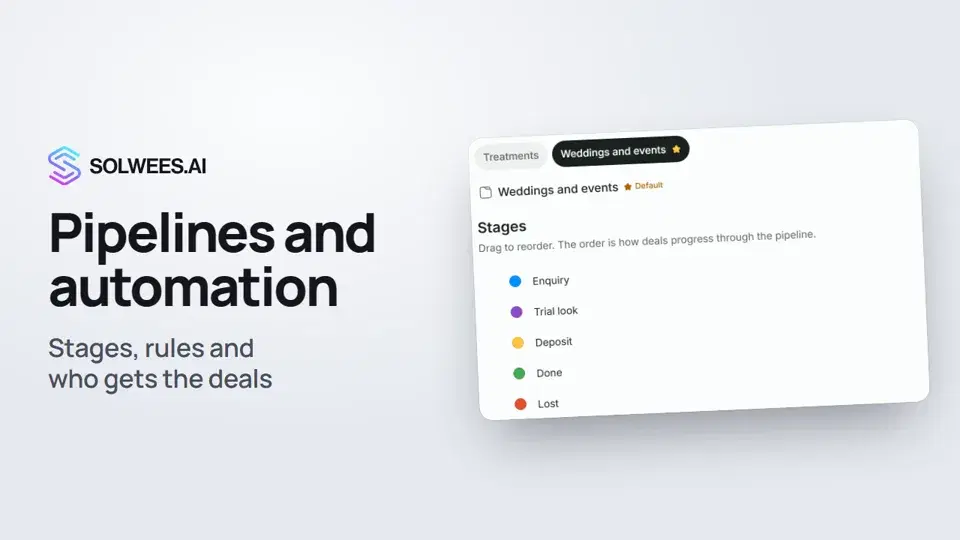 1:27Pipelines and automation: stages, rules and who gets the deals
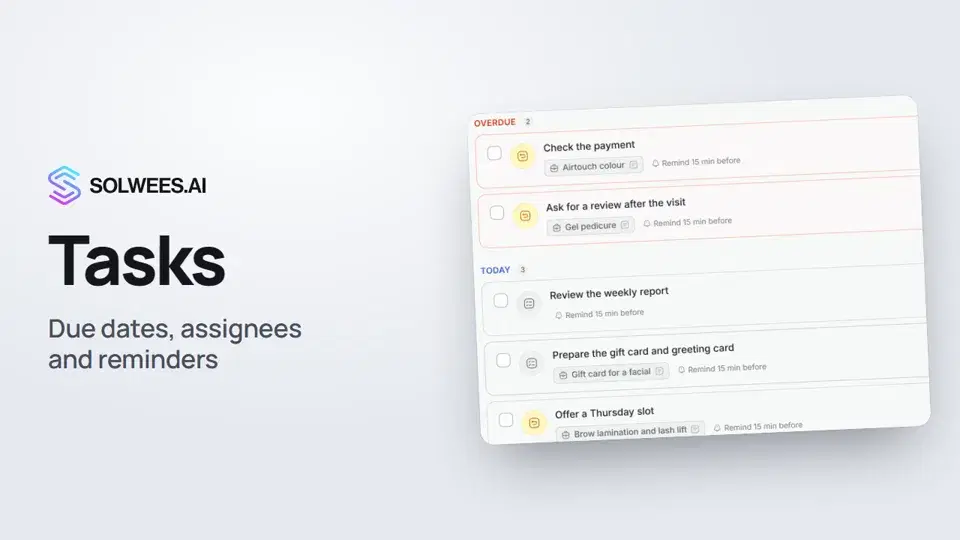 1:11Tasks: due dates, assignees and reminders
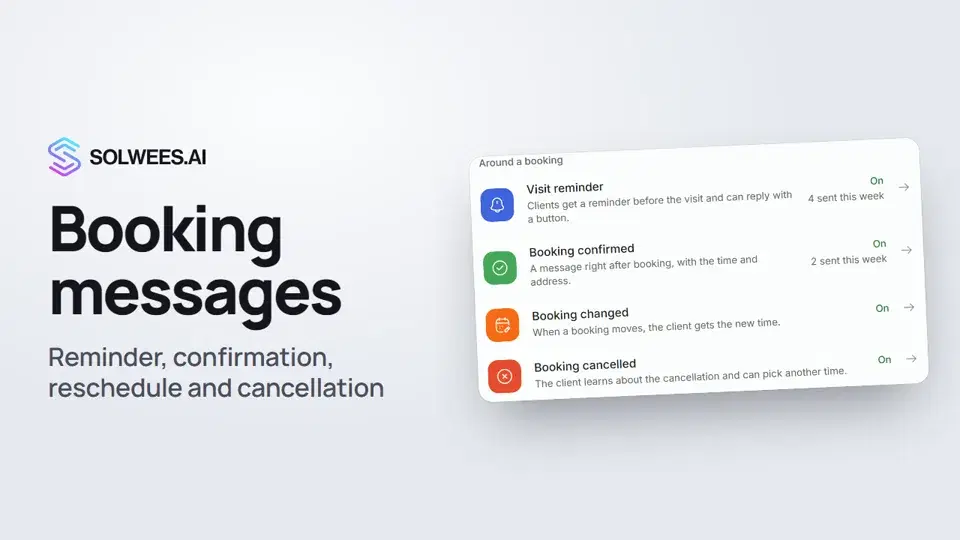 1:27Booking messages: reminder, confirmation, reschedule and cancellation
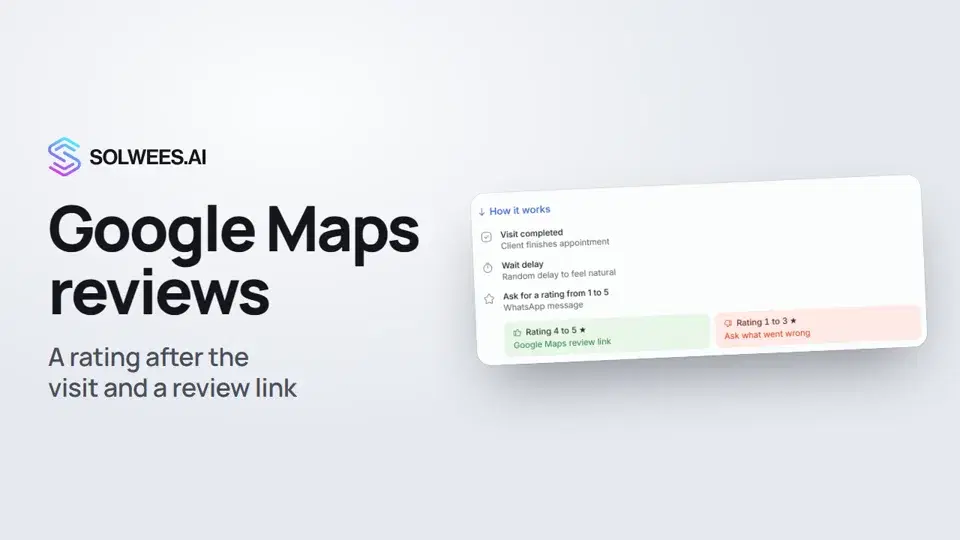 0:54Google Maps reviews: a rating after the visit and a review link
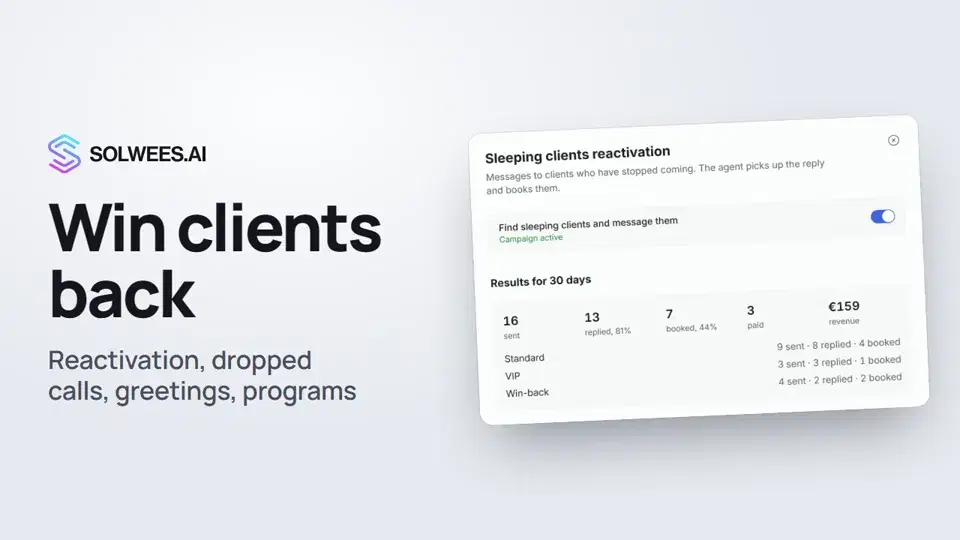 1:36Winning clients back: reactivation, call follow-up, greetings and programs
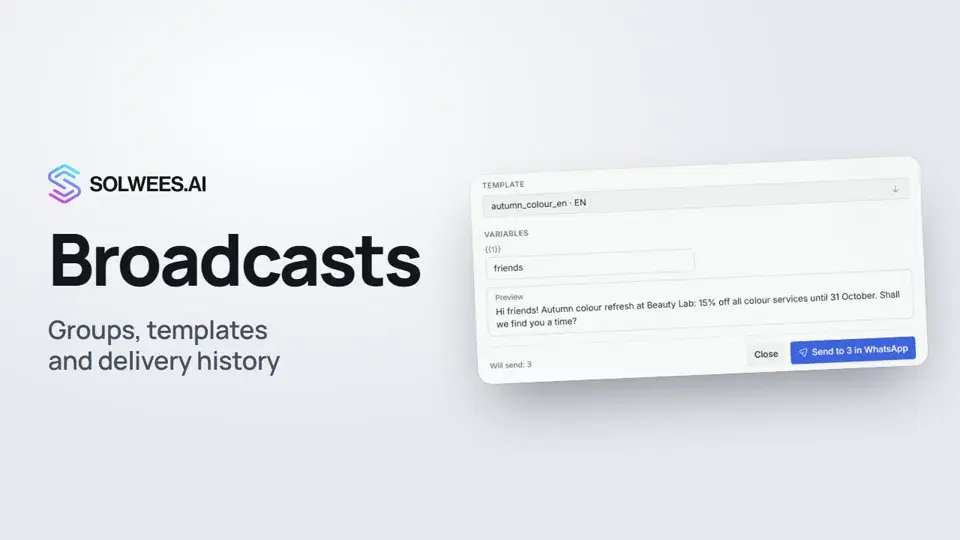 1:26Broadcasts: how to message clients in WhatsApp and Telegram
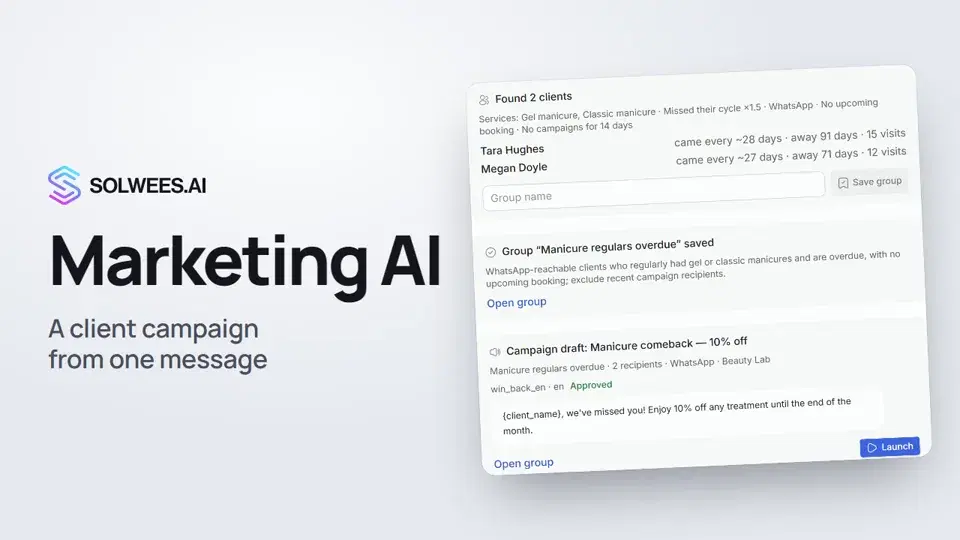 1:14Solwees Marketing AI: the assistant that prepares your campaigns
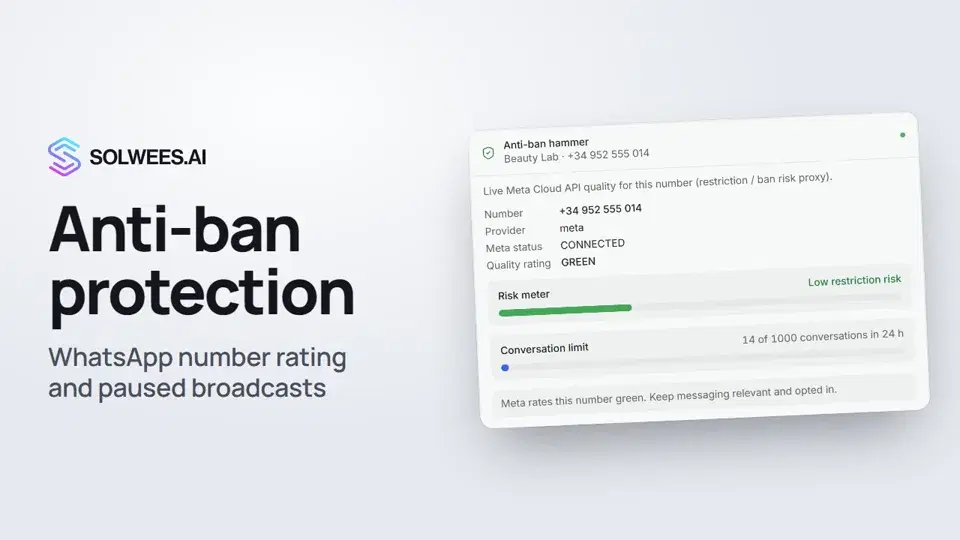 1:01Anti-ban protection: how Solwees keeps your WhatsApp number safe
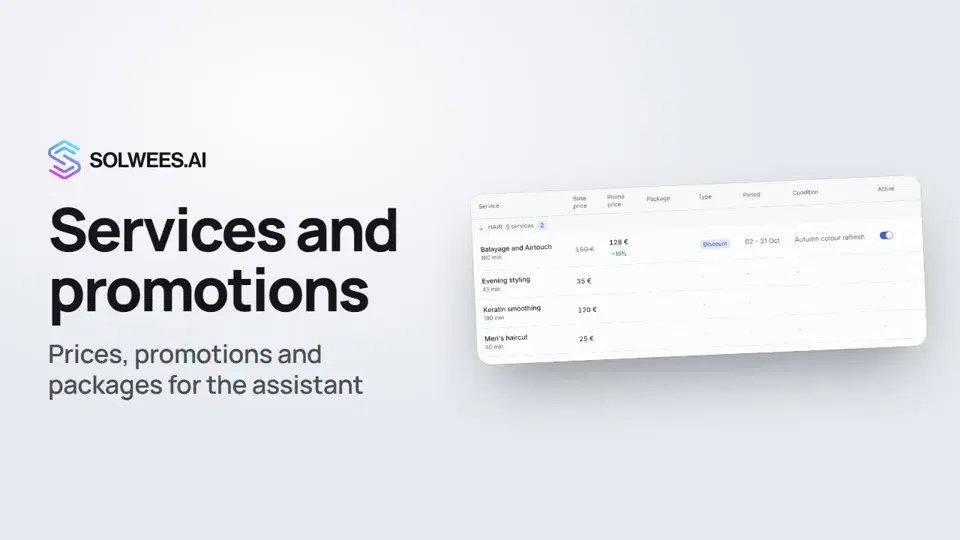 1:29Services and promotions: the prices and offers your assistant quotes
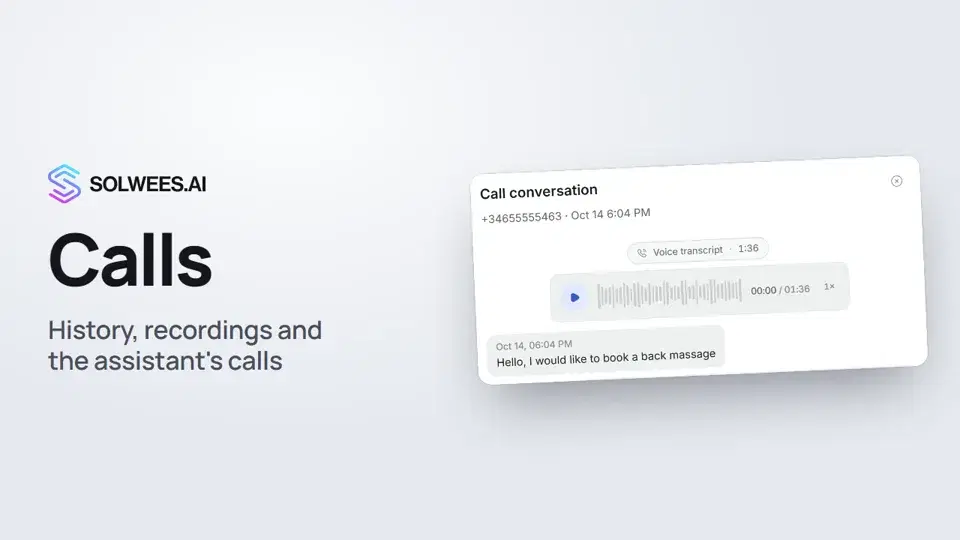 1:11Calls: history, recordings, transcripts and the assistant's calls
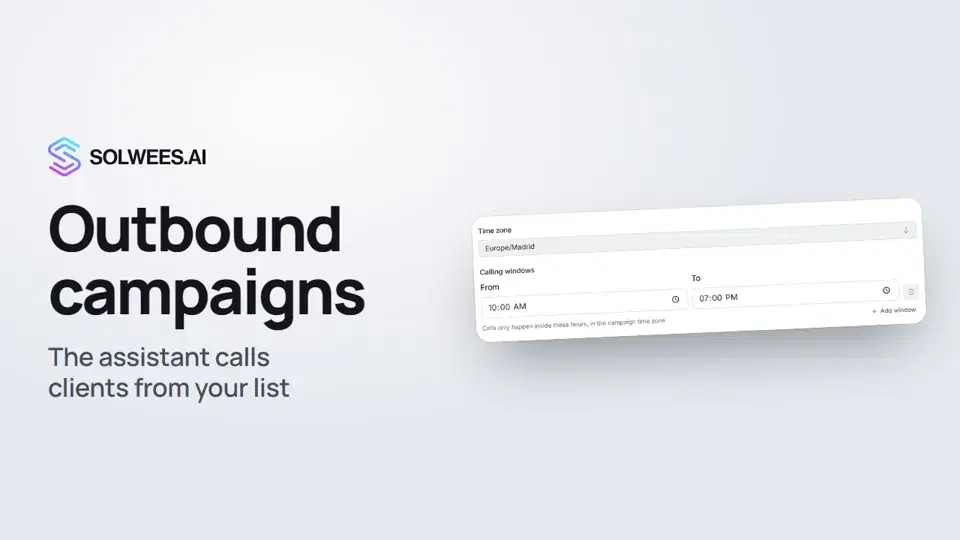 1:43Outbound campaigns: the assistant calls clients from your list
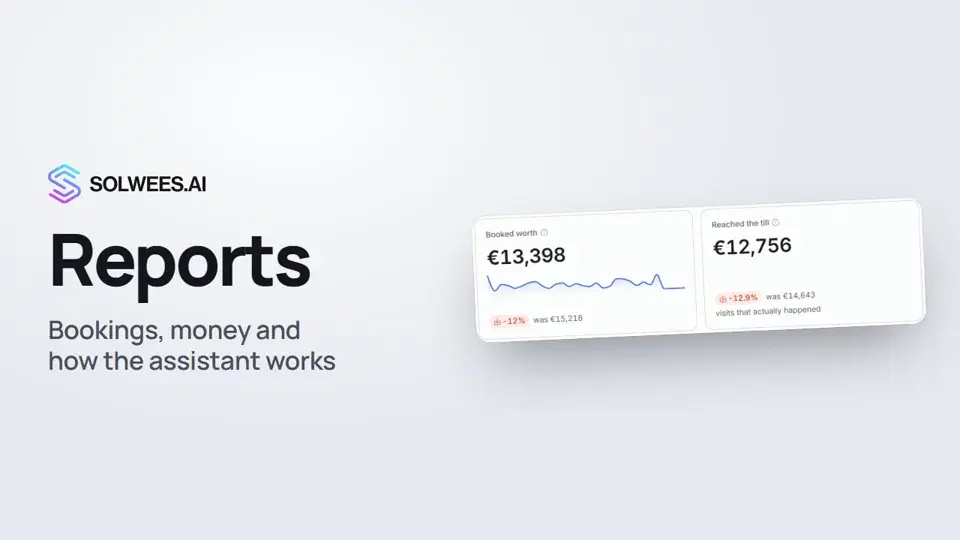 1:38Reports: bookings, money and how the assistant works
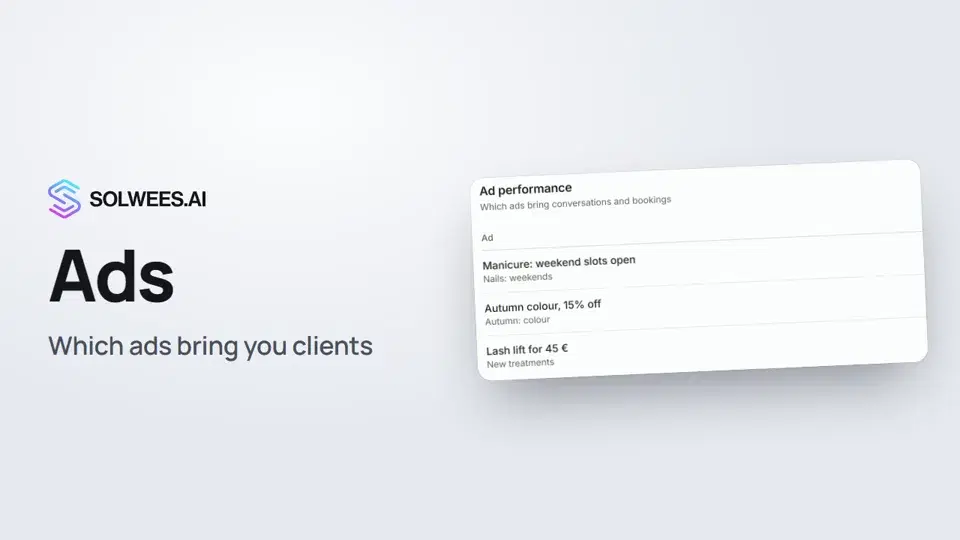 1:14Ads: which ads bring you clients
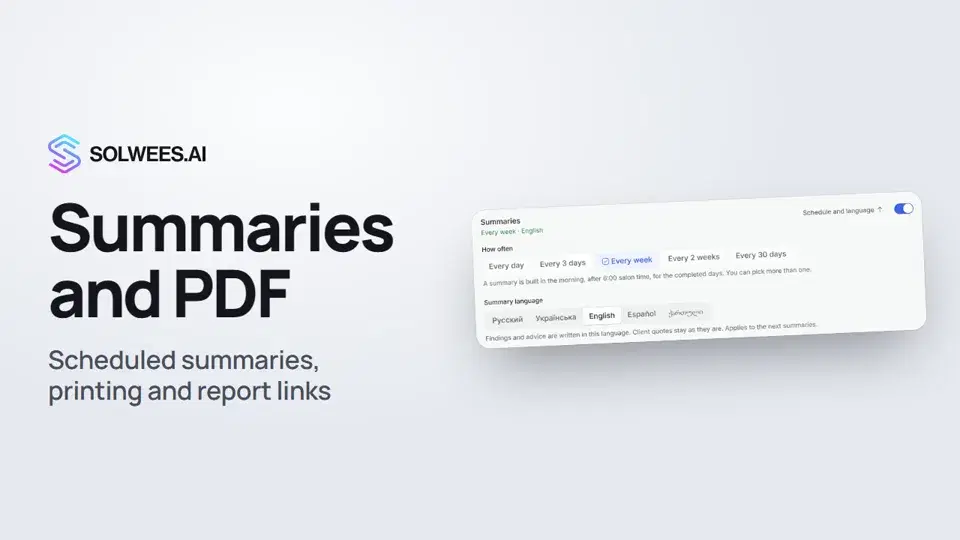 1:08Conversation summaries, printing a report and a link to a report tab
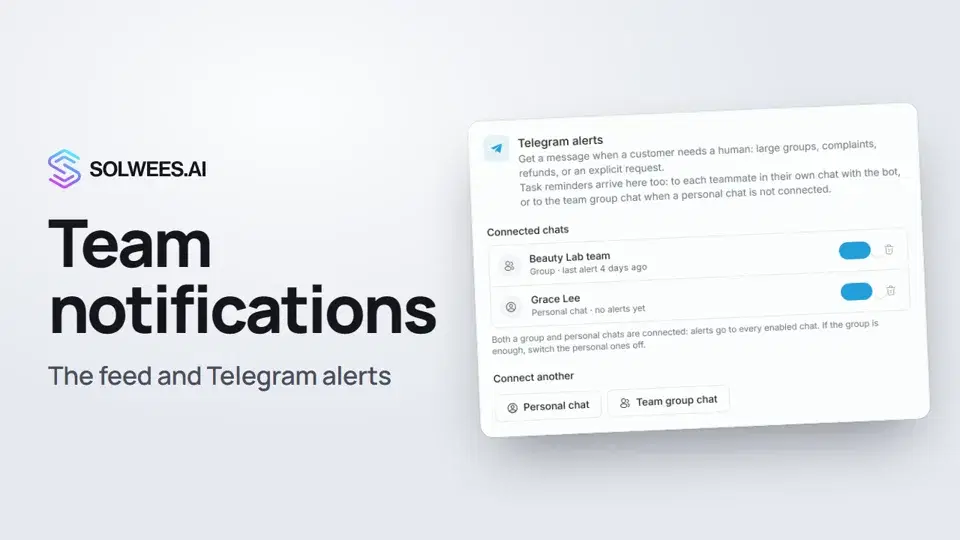 1:12Team notifications: the feed and Telegram alerts
 1:06App Directory: connect your booking system, CRM and payments
 1:03Bitrix24: client conversations in your Open Lines
 1:19Kommo (amoCRM): how to connect it and what goes into the deal
 1:21Restaurant bookings: connecting SevenRooms, OpenTable and CoverManager
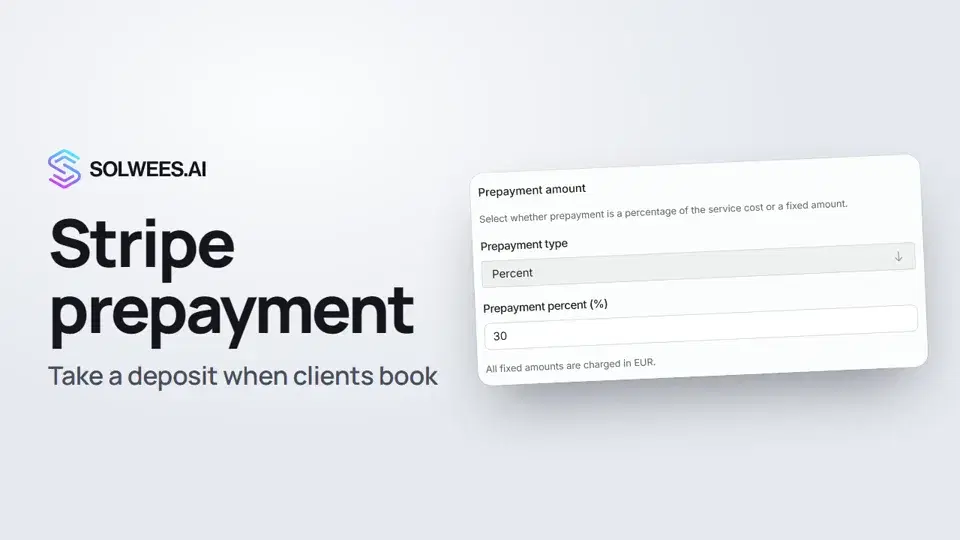 1:28Stripe prepayment: take a deposit when clients book
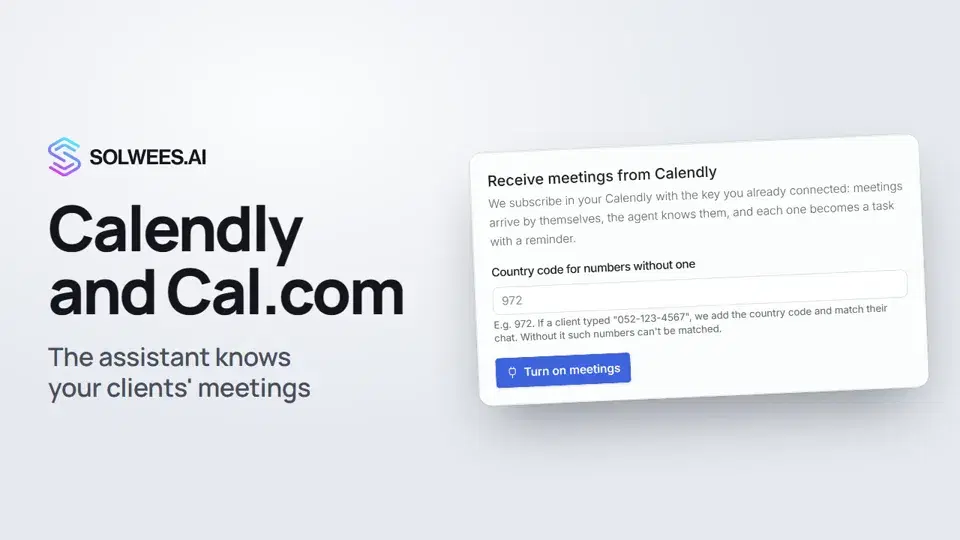 1:04Calendly and Cal.com: the assistant knows your clients' meetings
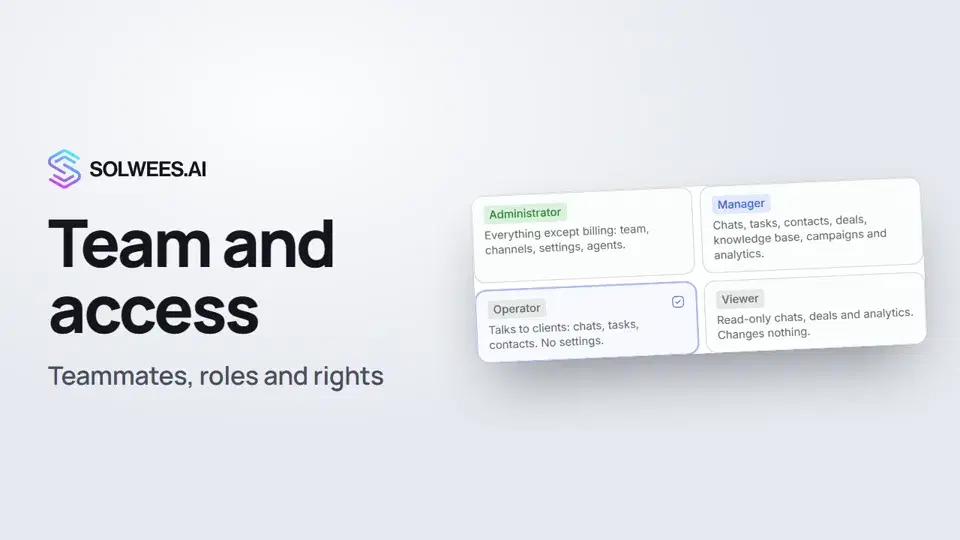 1:19Team and access: add teammates and choose what they can do
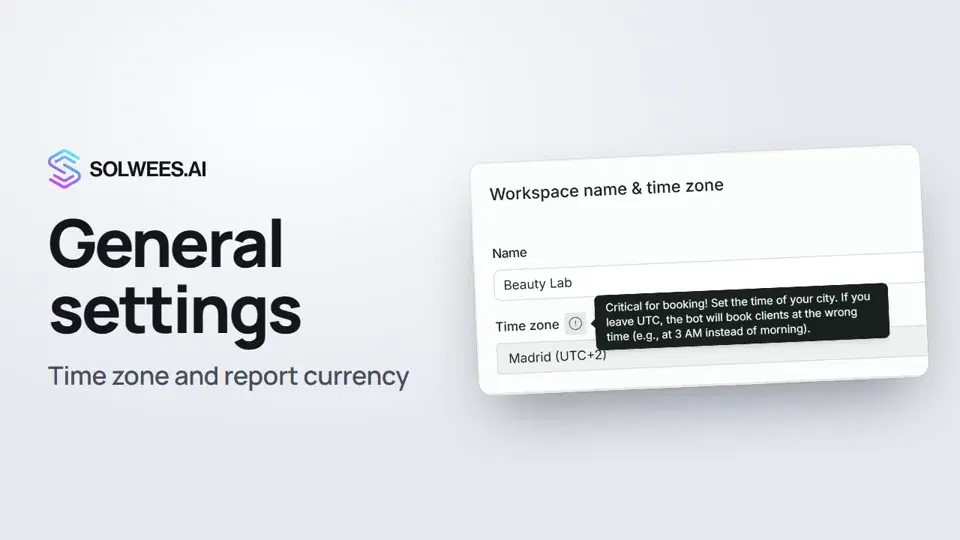 1:02General settings: workspace name, time zone and report currency
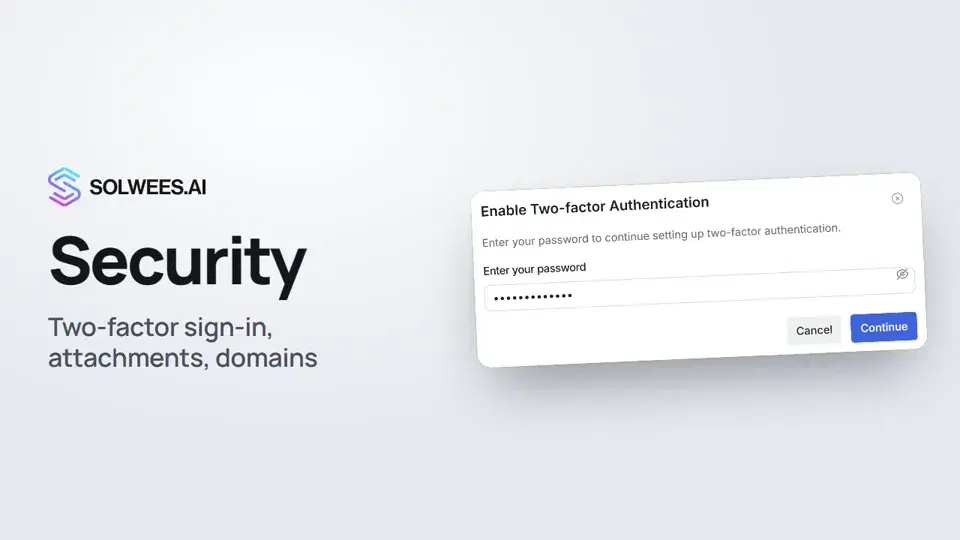 1:03Security: two-factor authentication, attachments and allowed domains
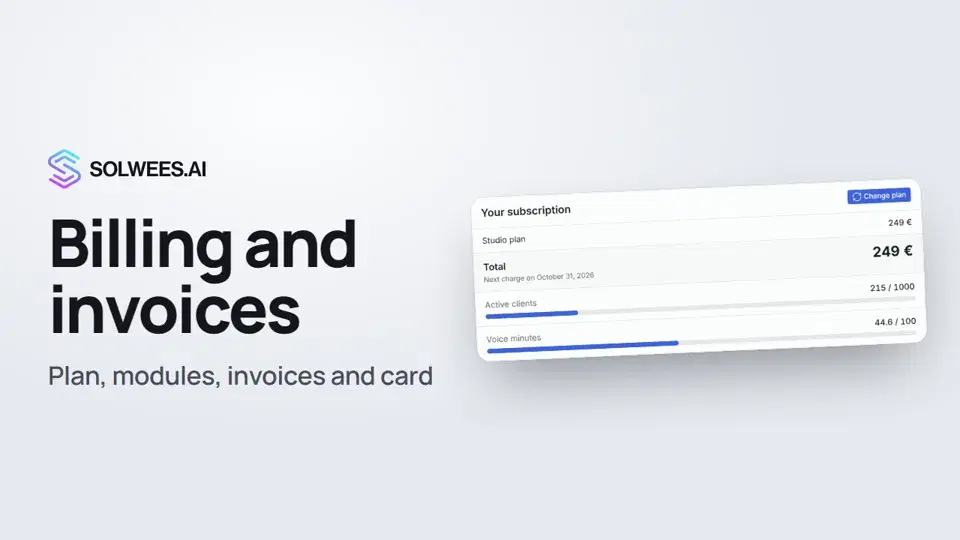 1:28Billing and invoices: your plan, modules, invoices and cancelling
Still need help?
Ask Sola in your dashboard
The assistant button in the corner of any dashboard page knows every setting and shows you where it is.
Open the dashboard