
Clients write by email. Solwees answers in the same thread.
Solwees is an AI receptionist that answers the email your clients send: questions, bookings for one person or a whole group, changes of plan. It replies from your own address, in the same thread, and passes the email to your team when a person is needed.
Hen party on Saturday 14 June
Elena Vargas
Mon 09:12
elena.vargas@example.com
Hello! We are planning a hen party on Saturday 14 June: six of us would like manicures. Do you have room in the afternoon?
Studio Demo
Mon 09:13
hello@studio.demo
Hello Elena, Thank you for thinking of us! On Saturday 14 June we can take six guests from 15:00, three at a time, so everyone is done by 17:30. A gel manicure is €35 per person. Shall I book it? Just send me the names of the guests.
Studio Demo Calle Ejemplo 12, Marbella
Elena Vargas
Mon 10:40
elena.vargas@example.com
Perfect, please book it! The names are attached.
guests.pdf
Booked: Saturday 14 June, 15:00, six gel manicures
A group request on a Monday morning: Solwees answers with a time and a price in the same thread, and books six places when the names arrive.
Connect your mailbox in two ways
Sign in with Google, or forward the mail of your own domain. Either way the answers leave from your address, and clients write to the same one as before.
Connect with Google
Sign in with your Gmail or Google Workspace mailbox. The answers are saved in your Sent folder.
Custom domain
Forward your mail to the address Solwees gives you and add three DNS records, so the answers are signed for your domain.
Your own address
Clients write to your salon’s address as before. Nobody sees a Solwees address.
Checked in a minute
A test email confirms the forwarding before the first client writes.
Settings › Channels
Email channel setup
Sign in with Google and allow Solwees to read and answer this mailbox.
Business email
hello@studio.demo
What the assistant does with email
Email is where the longer questions come: groups, gift cards, details before the first visit. The assistant answers them in the thread, with the same knowledge as in the chats.
A long email with several questions gets one answer to all of them, from your knowledge base.
- Every question in the email is answered
- From your knowledge base, with your prices
- In the client’s language
Questions before my first visit
Sofia de la Rosa
Tue 08:30
sofia.rosa@example.com
Hi! Before I book: do you have vegan polish, is there parking nearby, and can I pay by card?
Studio Demo
Tue 08:31
hello@studio.demo
Hi Sofia, Yes to all three: we have a vegan polish range, there is a public car park 100 m away, and we take cards and contactless payments. Shall I find you a time for your first visit?
Studio Demo Calle Ejemplo 12, Marbella
ReplyThe assistant offers free times from your booking system and books the visit when the client picks one.
- Free times come from your booking system
- Single visits and groups
- The confirmation goes out in the same thread
A client asks to move a visit by email: the assistant changes it in your booking system and confirms it in the thread.
- The change is made in your booking system
- Confirmed in the same thread
A complaint, a special request, a refund: the assistant answers kindly, says who will take it, and passes the email to your team with a note.
- The team answers from the Solwees inbox
- A note tells them what happened
- The assistant stays out of it while a person writes
The team answers in the same inbox
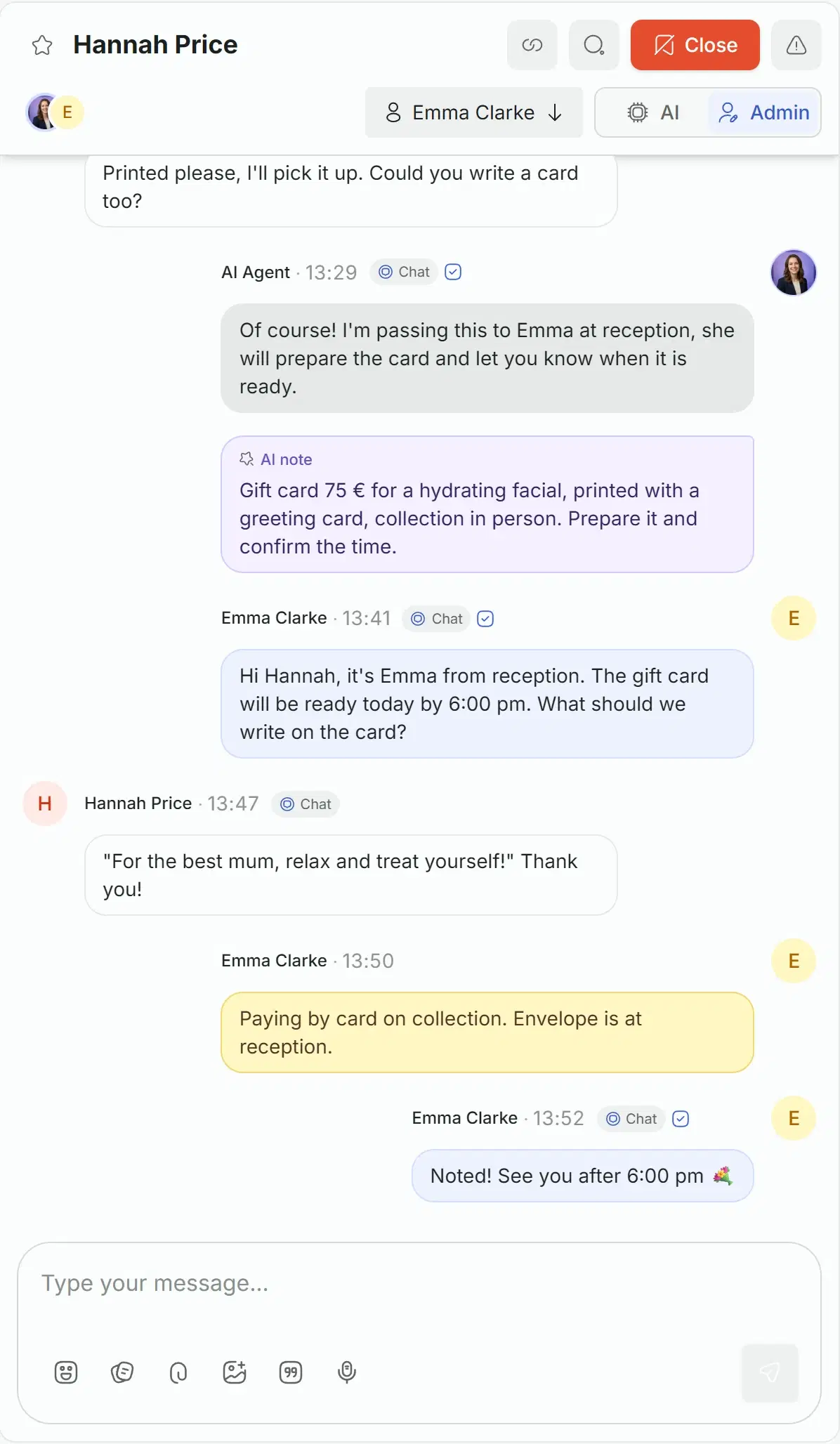
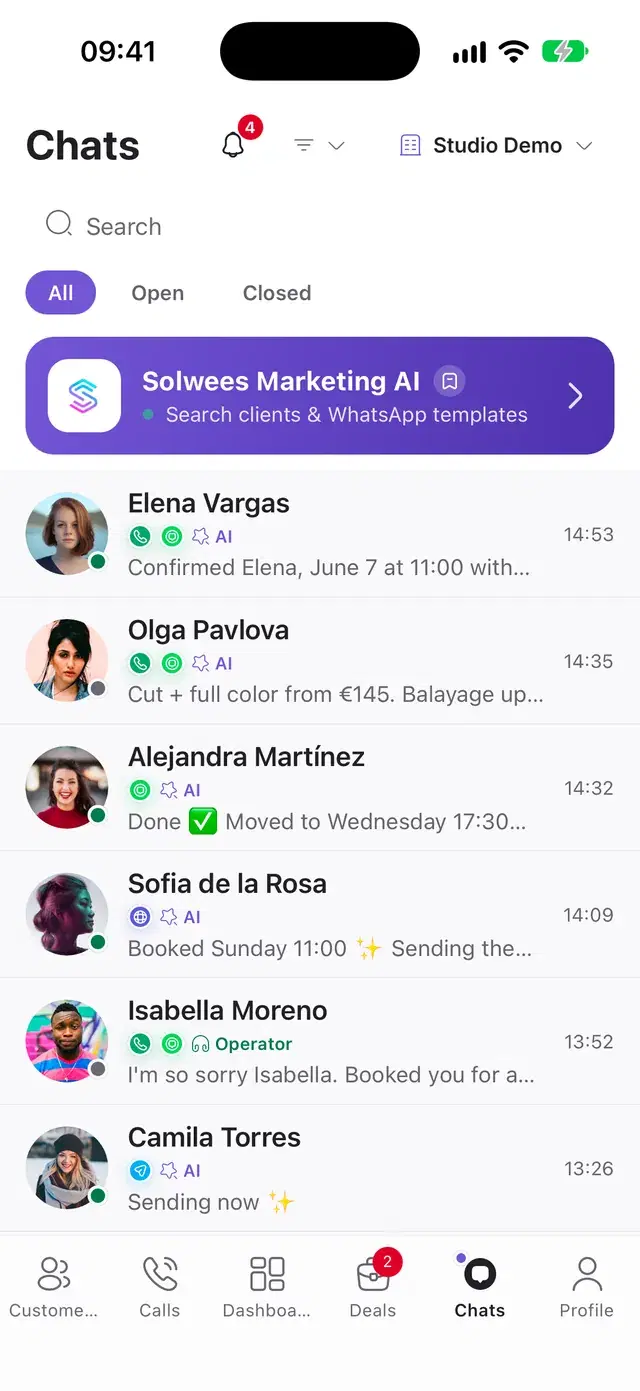
Emails are in the Solwees inbox next to WhatsApp, Instagram and calls, with the assistant’s notes and the team’s replies.
One inbox
Every email thread stands in the shared inbox, one row per client.
Take over by typing
A teammate answers, and the assistant stays silent until the thread is handed back.
Notes for the team
The assistant writes down what the client wants, so nobody asks twice.
Everything email does in Solwees
The full list, group by group.
- Connect with Google: Gmail or Google Workspace
- A custom domain with forwarding and DNS records
- Answers from your own address
- A test email checks the setup
- Set up in the web dashboard
Before you start
Plan
Email is included in every plan. The plans are compared on the pricing page.
Your mailbox
A Gmail or Google Workspace mailbox, or a mailbox on your own domain.
Where to connect
Email is connected in the web dashboard, in Settings, Channels.
Questions about email
Can an AI receptionist answer client emails?
Yes. Solwees answers the email your clients send: questions from your knowledge base, bookings for one person or a group, moving and cancelling in your booking system. It replies in the same thread from your own address, and the thread is saved in the shared inbox.
How do I connect my mailbox?
In the web dashboard open Settings, Channels and set up email: connect with Google for a Gmail or Google Workspace mailbox, or set up a custom domain by forwarding your mail to the address Solwees gives you and adding three DNS records. A test email checks the setup.
Do the answers come from my own address?
Yes. With Google, the answers leave from your mailbox and are saved in Sent. With a custom domain, they are sent for your domain, signed with the DNS records you added. Clients see your address, not a Solwees one.
Can Solwees take group bookings by email?
Yes. The assistant reads the whole request, offers times when the group fits, names the price per person and books the visits once the client confirms.
Can my team answer an email instead of the assistant?
Yes. Every thread is in the shared inbox. A teammate starts writing and the assistant stays silent there; the assistant’s note tells the team what the client wants.
Does the assistant answer newsletters and auto-replies?
No. Mailing lists, newsletters and automatic replies are recognised and left without an answer, so no loop of automatic emails starts.
Let Solwees answer your mailbox
Connect Google or your own domain, and the next email from a client gets an answer in the same thread.