
Clients write in Viber. Solwees answers on your own number.
Solwees is an AI receptionist that answers your clients in Viber, on the number they already know. It answers questions, books the visit in your booking system and passes the chat to your team when a person is needed. The number is linked with a QR code: no bot and no review.
Booked: Saturday, 15:30, haircut and blow-dry with Marta
A message in the evening: Solwees offers two times, books the one the client picks and confirms it. Nobody at the salon had to answer.
Your Viber number, connected with a QR code
Clients keep writing to the number they already know. You link it to Solwees the way you link Viber on a computer: no bot and no review process.
The number you already have
No new number and no extra SIM: Solwees answers on your existing Viber number.
Linked by a QR code
In Viber on your phone open More, Desktop and Tablets, Link a device, and scan the code from the dashboard.
No bot, no review
There is nothing to register and no approval to wait for.
The phone stays yours
Viber keeps working on your phone. Solwees is linked to the number as a second device.
Settings › Channels › Viber
Connect your Viber number
Display name
Studio Demo
Assistant
Studio Demo assistant
In Viber on your phone: More, Desktop and Tablets, Link a device. Then scan this code.
- Starting
- Scan the QR
- Linking
- Active
What the assistant does in Viber
Questions, bookings, changes of plan, and a person when one is needed: the client gets an answer in the same chat, at any hour.
The assistant answers from your knowledge base: prices, how long a service takes, where you are, how to pay.
- Answers come from your knowledge base
- In the client’s language
- Day and night
Studio DemoonlineHow much is a balayage, and how long does it take?13:40SolweesA balayage starts at €120 and takes about three hours, depending on the length. Shall I find you a time with Marta?13:40The assistant finds a free time in your booking system and books the visit there.
- Free times come from your booking system
- The booking is made in that system
- The supported systems are listed on the integrations page
A client’s plans change: the assistant moves or cancels the visit in your booking system and confirms it in the chat.
- The change is made in your booking system
- The client gets the confirmation in the same chat
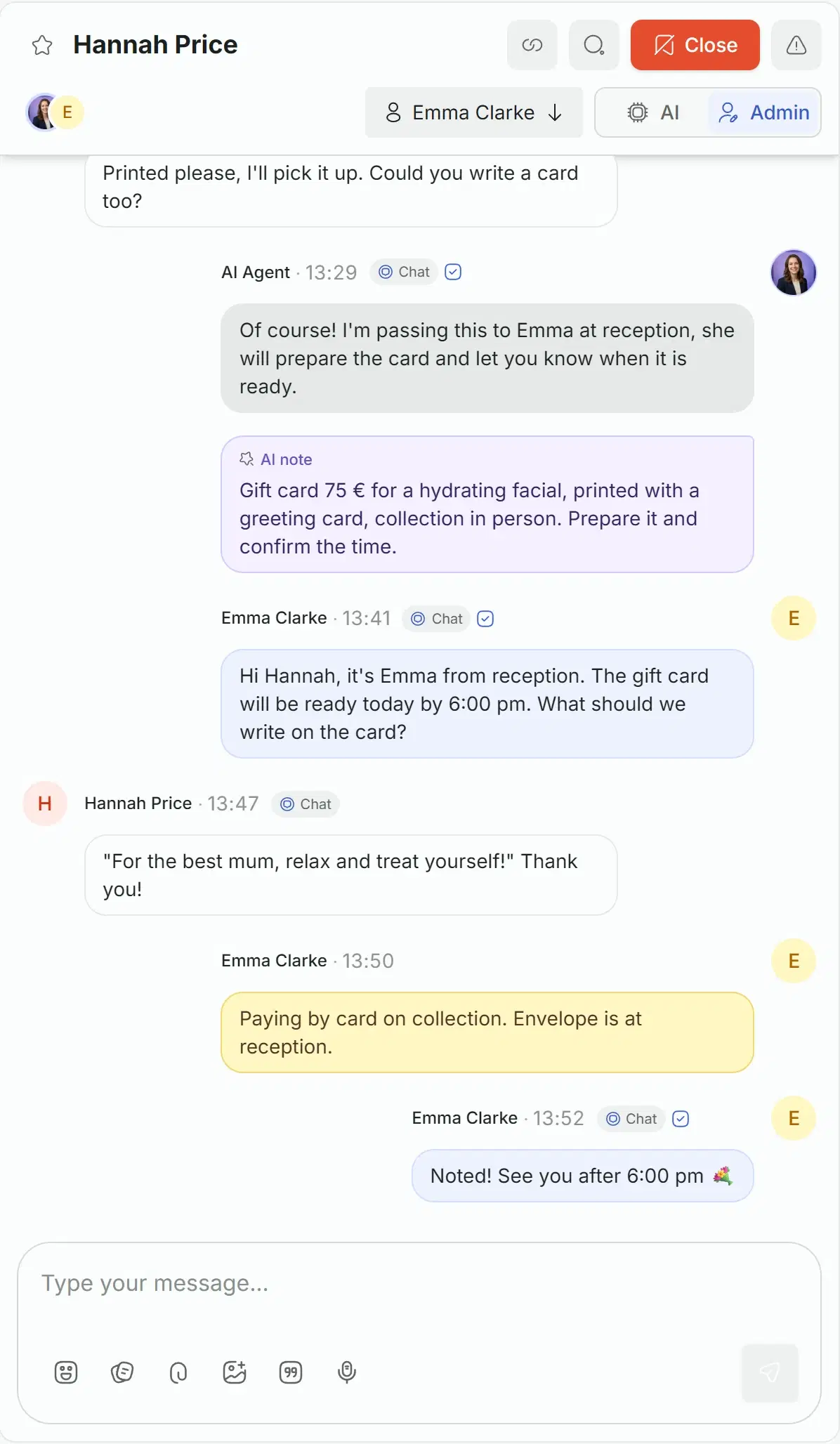
When the client needs your team, the assistant says so in the chat, leaves a note, and an administrator answers from the inbox.
- The team answers from the Solwees inbox
- The assistant stays silent while a person writes
- A note tells the team what the client wants
Your team answers from the same inbox
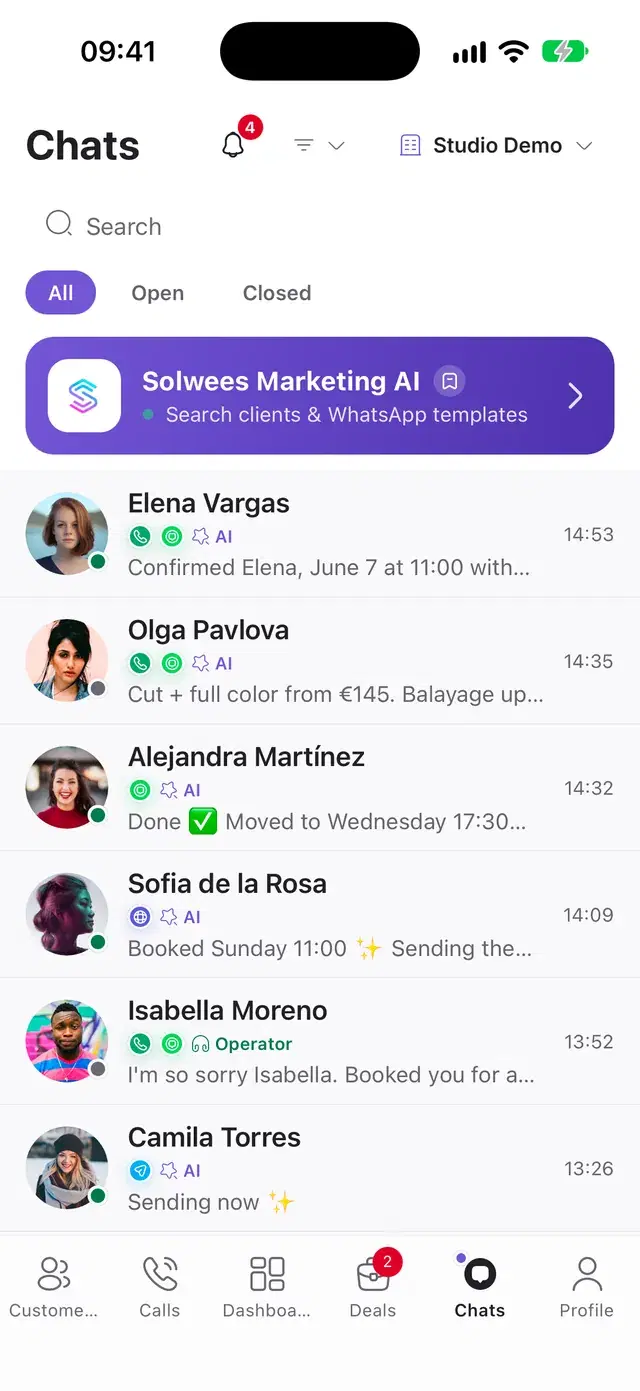
Viber chats are in the Solwees inbox next to WhatsApp, Instagram and Telegram, with the assistant’s notes and the team’s replies.
One inbox
Each Viber chat stands in the shared inbox and in the mobile app.
Take over by typing
A teammate writes, and the assistant stays silent until the chat is handed back.
Notes for the team
The assistant writes down what the client wants, so the administrator does not ask twice.
Everything Viber does in Solwees
The full list, group by group.
- Your existing Viber number
- Linked by a QR code, as a second device
- No bot and no review process
- The display name you choose
- The assistant picked when you connect
- The state of the connection in the dashboard
Before you start
A separate subscription
Viber is a paid add-on available on any plan. The price is on the pricing page.
Text messages
Viber chats are text: photos, voice messages and files are not passed to the assistant yet.
Languages
The assistant reads messages in English, Russian and Ukrainian and answers in the client’s language.
Questions about Viber
Can an AI receptionist answer clients in Viber?
Yes. Solwees answers text messages on your own Viber number: questions about services and prices from your knowledge base, booking, moving and cancelling in your booking system. The chats are saved in the shared inbox, and your team can step in at any moment.
How do I connect Viber to Solwees?
In the web dashboard open Settings, Channels, Viber, turn on the add-on, enter the display name and pick the assistant. Then in Viber on your phone open More, Desktop and Tablets, Link a device, and scan the QR code. No bot and no review process are needed.
Do I need a separate number for Viber?
No. Solwees works with your existing Viber number, linked as a second device. Viber keeps working on your phone as before.
Can Solwees send reminders in Viber?
Reminders and campaigns go out through your other channels, such as WhatsApp or Telegram. In Viber the assistant answers clients and sends follow-ups and cancellation notices in chats that already exist.
Is Viber included in the plan?
Viber is a separate paid add-on, available on any plan. The price is on the pricing page.
What can clients send in Viber?
Text messages, in English, Russian or Ukrainian. Photos, voice messages and files are not passed to the assistant yet: the client can describe the request in words, or your team can pick up the chat.
Answer Viber on the number clients already know
Turn on the add-on, scan the QR code, and the next message in Viber gets an answer.