
Active clients
Team, settings and billingUpdated 4 October 2026
Who counts as an active client, what happens at the limit, and the client packs.
An active client is a person the assistant talked to during the month, in any channel. One person is counted once, however many times and wherever they write.
Up to your plan’s limit the assistant answers. Up to 10% above it, it answers as usual. After that, new clients get a short automatic reply, and the clients already counted keep getting answers.
Need more? Add client packs, monthly, as many as you need: 200 for €39, 500 for €89, 1,000 for €149, 3,000 for €390, 5,000 for €575 and 10,000 for €1,000. Packs end with the month and don’t carry over. They are for Solo, Studio and Network.
If you built your own plan, there is no 10% margin: at the limit the assistant stops answering new clients. Enterprise has no limit.
Did this answer your question?
More in this topic
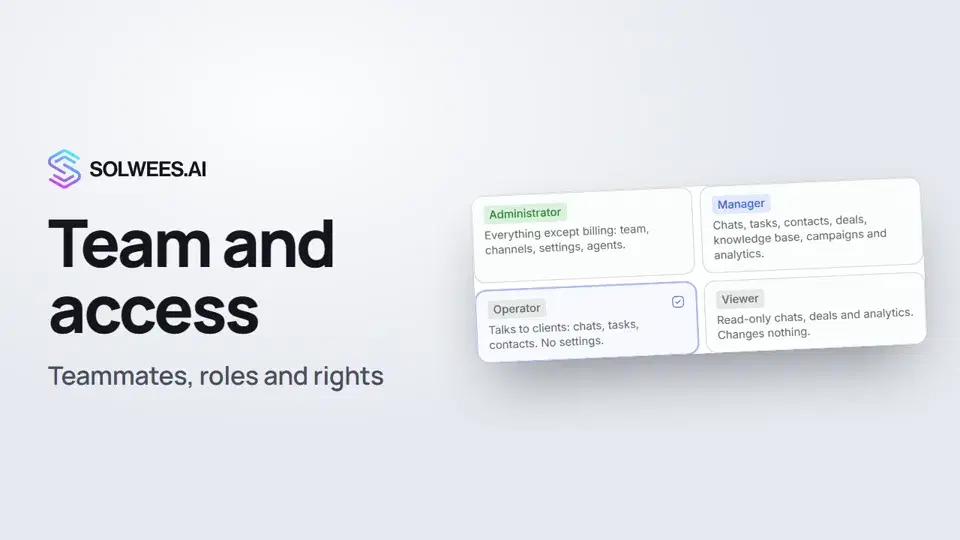 Team and access: add teammates and choose what they can doHow to add a teammate in Solwees, give them a role (administrator, manager, operator or viewer) and limit their access by section and pipeline.1:19
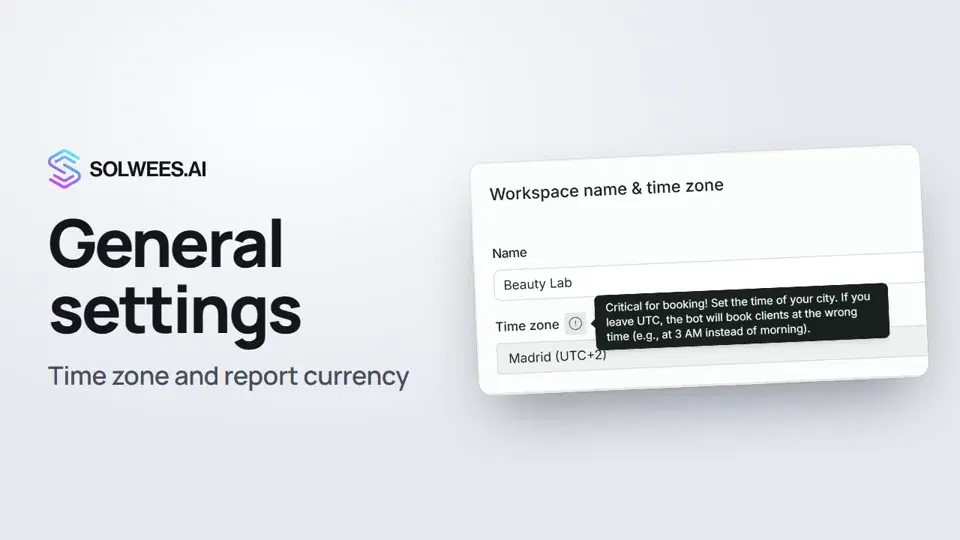 General settings: workspace name, time zone and report currencyWhere to set your workspace name, time zone, report currency and admin hourly rate in Solwees, and what they affect: booking times, the agent's schedule and the amounts in reports.1:02
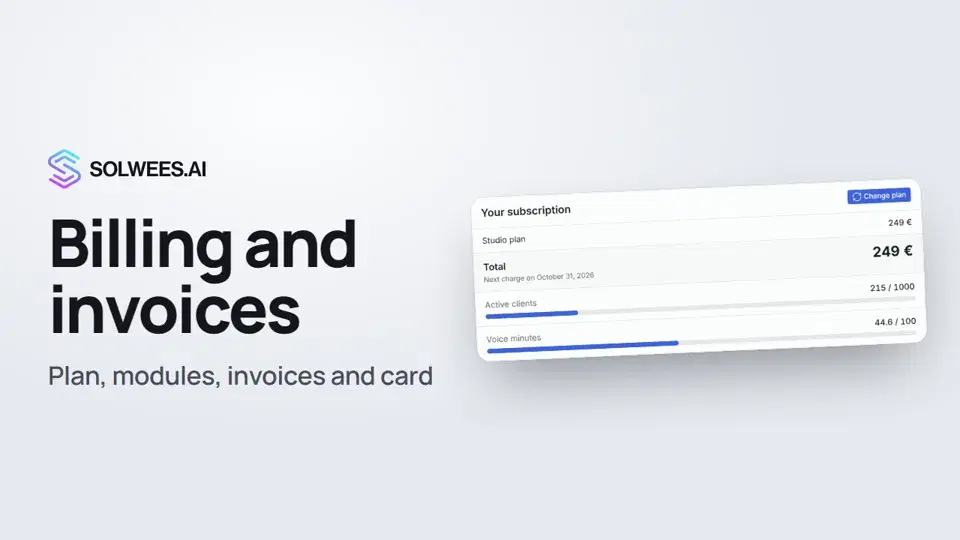 Billing and invoices: your plan, modules, invoices and cancellingWhere to see your Solwees plan and limits, change plan, add modules, buy a voice minutes pack, download invoices and cancel your subscription.1:28Call minute packsExtra call minutes, bought once, for any plan with the assistant.Text guide
Still need help?
Ask Sola in your dashboard
The assistant button in the corner of any dashboard page knows every setting and shows you where it is.
Open the dashboard