
Handing over to a person: when the assistant calls in your team
AI assistant and knowledge baseUpdated 18 October 2026Video 1:16On every plan except Hub
The assistant answers clients, books appointments and quotes prices on its own. But sometimes a client needs a real person: a complaint, a health question, a price dispute or a direct request to speak to the manager. Then the assistant hands the conversation to your team. The reasons in your business profile decide when that happens.
Available on every plan except Hub.
Where to set it up
Open AI Agent → Business Profile, expand Advanced settings (optional) and find the Handing over to a person card.
How to set the reasons
- In the Handing over to a person card, click Edit.
- Click Choose reasons, tick the ones that apply and click Apply.
- No reason that fits? Type your own in Your own reason and click Add.
- Click Update.
Ready-made reasons:
| Reason | When it helps |
|---|---|
| Complaint about service quality | The client is unhappy with a result or the service |
| Refund or reschedule outside policy | Money or an exception to your rules is a person’s call |
| Bulk booking for an event or group | Weddings, hen parties, corporate events |
| Press, partnership or supplier inquiry | The sender is not a client but writes on business |
| Price dispute or discount request | A discount is agreed by the manager |
| Question the agent could not answer | Neither the profile nor the knowledge base has the answer |
| Health concern or contraindication | Pregnancy, allergies, medication |
| Rude or aggressive client | The conversation is better continued by a person |
The assistant understands reasons by meaning, not exact words: “the polish came off on day two” counts as a complaint. Keep your own reasons short, like a category: “Home visit request”, “Booking for a child under 12”.
What your team sees
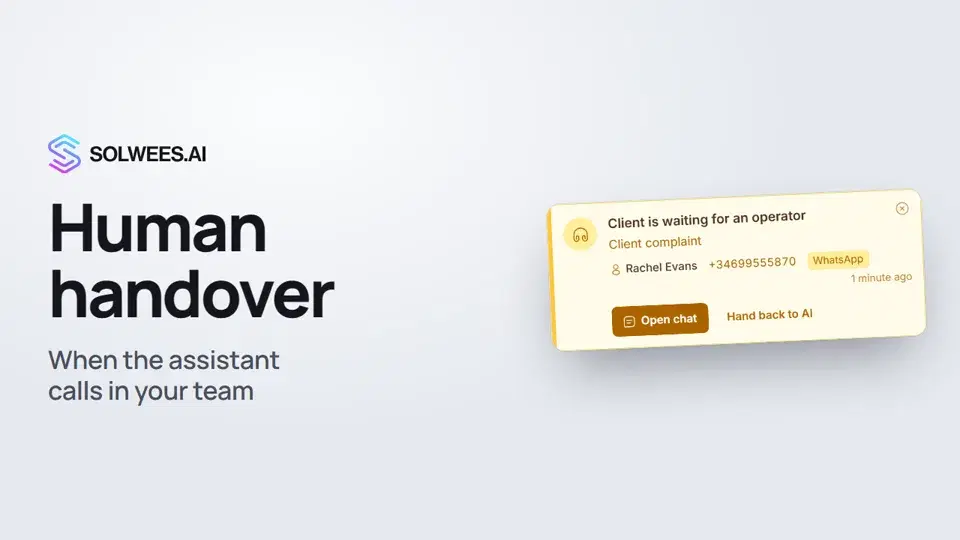
The Client is waiting for an operator card. When the assistant hands a chat over, a card appears at the top right of the dashboard: the reason, the client’s name and phone, the channel and how many minutes ago it happened. The card arrives with a sound, and if nobody responds within 3 minutes, the sound repeats. If browser notifications are allowed and the dashboard tab is in the background, you also get a browser notification.
The card has two buttons:
- Open chat opens the conversation with the client;
- Hand back to AI gives the chat straight back to the assistant when no person is needed.
When the assistant hands over a phone call, the card reads Call: operator needed and has an Answer button.
The Awaiting admin folder. In Chats you’ll find the conversations where the assistant called a person and nobody has replied yet. The chat card shows an “Awaiting admin” label and the reason.
How to reply and hand back to the assistant
Open the chat: you see what the client wrote and where the assistant stopped. While an operator has the chat, the assistant stays quiet and you reply. To pass the chat to a colleague, pick them in Who’s handling this chat in the chat header.
When you’re done, click AI in the chat header (or Hand back to AI on the card). The assistant answers the client in this chat again.
Alerts outside the dashboard
- Telegram. Open Settings → Notifications and connect a Personal chat or your Team group chat. The bot sends a message when a client needs a person: the client’s name and phone, the channel, a short summary and a button that opens the chat. Task reminders arrive there too.
- Solwees mobile app. A handover arrives as a push notification. When the assistant hands over a phone call, the app rings like an incoming call.
Tips
- Don’t add prices, the address, opening hours or the service list as reasons. The assistant answers those itself from the profile and the knowledge base and won’t pass them to a person.
- The more complete your profile and knowledge base, the less often the assistant needs a person.
- Connect Telegram for at least one person per shift, so handovers don’t wait until someone opens the dashboard.
- Try it in the test chat: write as a client would, for example “I want to complain about my stylist”.
FAQ
Do I need a reason like “the client asks for the manager”?
No. When a client asks for a person, the assistant hands the conversation over even without that reason.
Does the assistant always go quiet after a handover?
No. When the client asks for a person directly or the matter is urgent (health, payment), the assistant hands the chat over and the Client is waiting for an operator card appears. In other cases it notifies your team (the chat goes to Awaiting admin and a Telegram alert is sent) and keeps helping the client until you step in. When the salon is closed according to its working hours, the assistant doesn’t promise to connect the client: it notifies the team and tells the client they’ll hear back during opening hours.
Will the assistant come back to the chat on its own?
Usually the chat stays with the operator until you click AI. The exception, so the client isn’t left without an answer: if more than an hour has passed since the handover or the operator’s last reply, nobody on the team has written in any chat during that hour and nobody has opened this chat in the last 15 minutes, the next client message goes to the assistant again.
What does Hand back to AI do if I’ve already replied?
The chat goes back to the assistant, and it answers the client’s next message. Your messages stay in the conversation.
The card is gone. Where’s the chat?
In Chats, the Awaiting admin folder. The card disappears once you open the chat, hand it back to the assistant or close the card.
Video transcript
Everything the narrator says. A time code plays the video from that moment.
What a handover is and where to set it up
Sometimes a client needs a real person. Then the assistant hands the conversation to your team. Your business profile decides when: AI Agent, Business Profile, then Advanced settings.
Handover reasons in the business profile
In the Handing over to a person card, click Edit and choose the reasons, for example a complaint about service quality. No reason that fits? Type your own, click Add, then Update.
The Client is waiting for an operator card
When the assistant hands a chat over, you see a card: Client is waiting for an operator, with the reason, client and channel. Open chat takes you to the conversation, and Hand back to AI gives the chat back to the assistant.
Replying and handing back to AI
The chat shows where the assistant stopped. While an operator has it, the assistant stays quiet and you reply. Done? Click AI in the chat header, and the assistant takes over again.
Telegram alerts
So you never miss a handover, open Settings, Notifications, and connect Telegram alerts. That's it. Next up: agents and their schedule.
Did this answer your question?
More in this topic
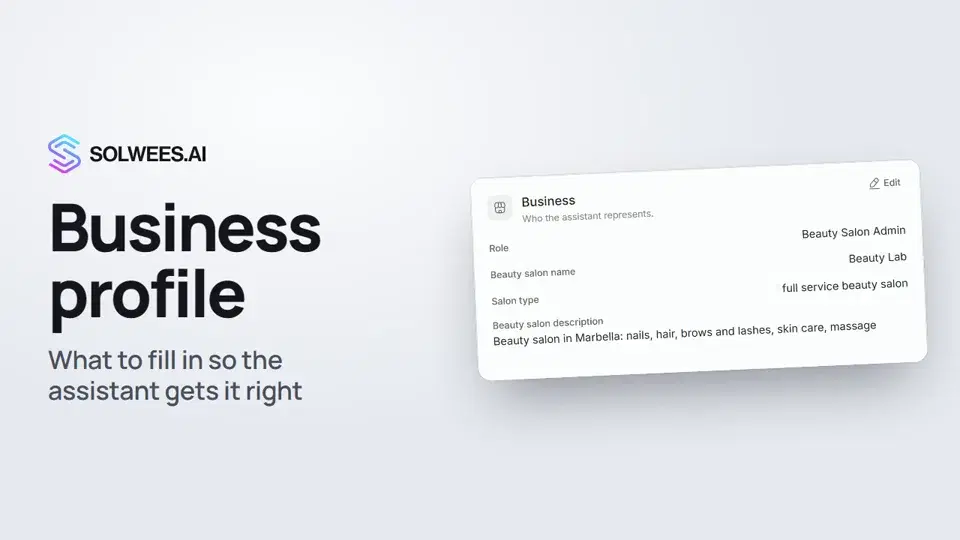 Business profile: what the assistant knows about your companyHow to fill in your business profile in Solwees so the AI receptionist answers clients accurately: name, language, contacts, address, working hours and the assistant's persona.1:35
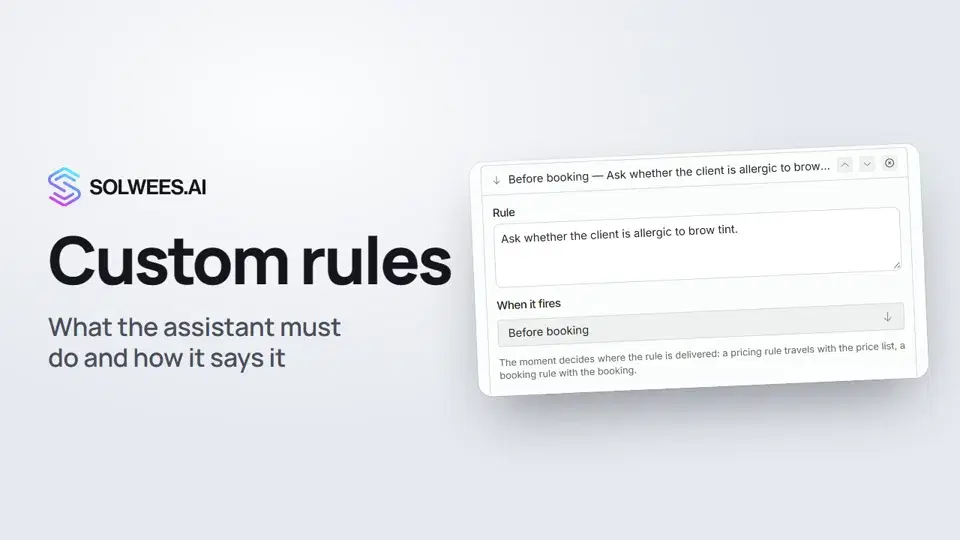 Custom rules and wordingHow to give the Solwees AI receptionist mandatory rules and wording: rules by moment, general rules and ready-made speaking styles for the key moments of a conversation.1:14
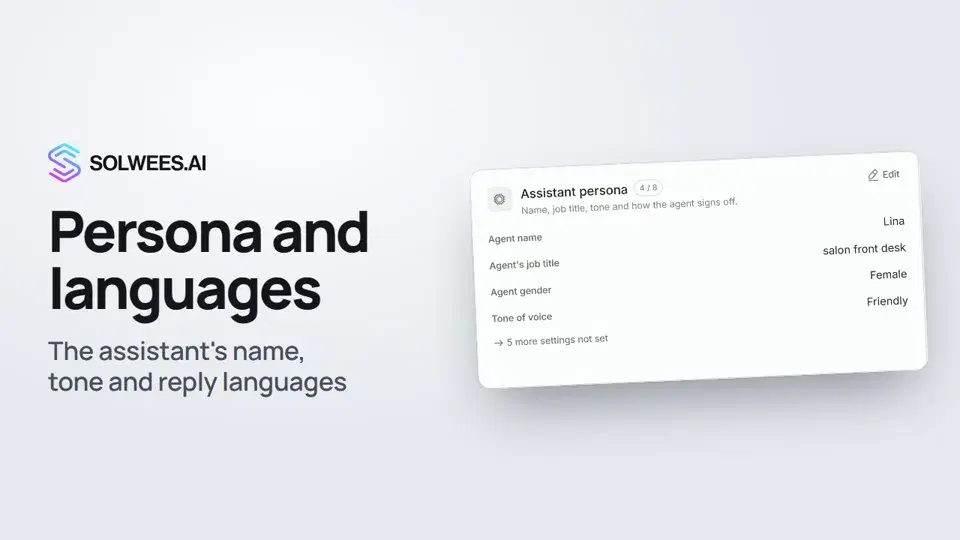 Persona and languages: how the assistant introduces itself and which languages it speaksHow to set the greeting language, allowed languages, name, job title, gender, tone of voice and closing lines of your Solwees AI receptionist in the Language and Assistant persona cards.1:22
 Booking rules: how the assistant books your clientsHow to set up booking rules for the Solwees AI receptionist: who makes the appointment, which windows it offers, what it says about a deposit, 4 and 6 hands services and add-on offers.1:38
Still need help?
Ask Sola in your dashboard
The assistant button in the corner of any dashboard page knows every setting and shows you where it is.
Open the dashboard