
Photos and files clients send
AI assistant and knowledge baseUpdated 4 October 2026
What the assistant does with pictures and documents, and what it can send back.
When a client sends a photo, a sticker or a GIF, the assistant understands what is in it and answers in context: a nail design, a screenshot of a booking, a picture of a product.
Documents are read too: PDF, TXT and CSV files a client sends.
The assistant can send photos back from Knowledge Base > Images, for example the product the client asked about or an example of your work.
Viber carries text only, and pictures are not available during calls. The Images catalogue is available from the Solo plan.
Did this answer your question?
More in this topic
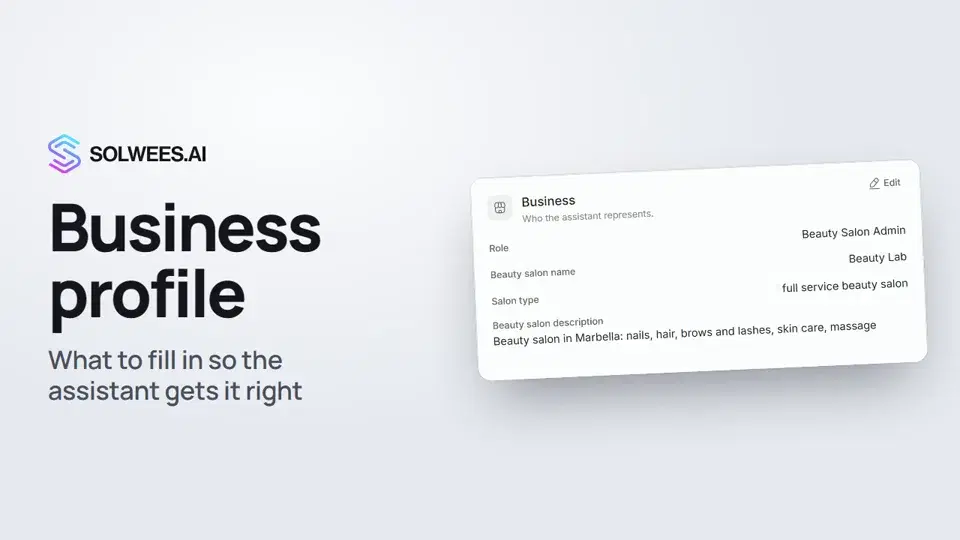 Business profile: what the assistant knows about your companyHow to fill in your business profile in Solwees so the AI receptionist answers clients accurately: name, language, contacts, address, working hours and the assistant's persona.1:35
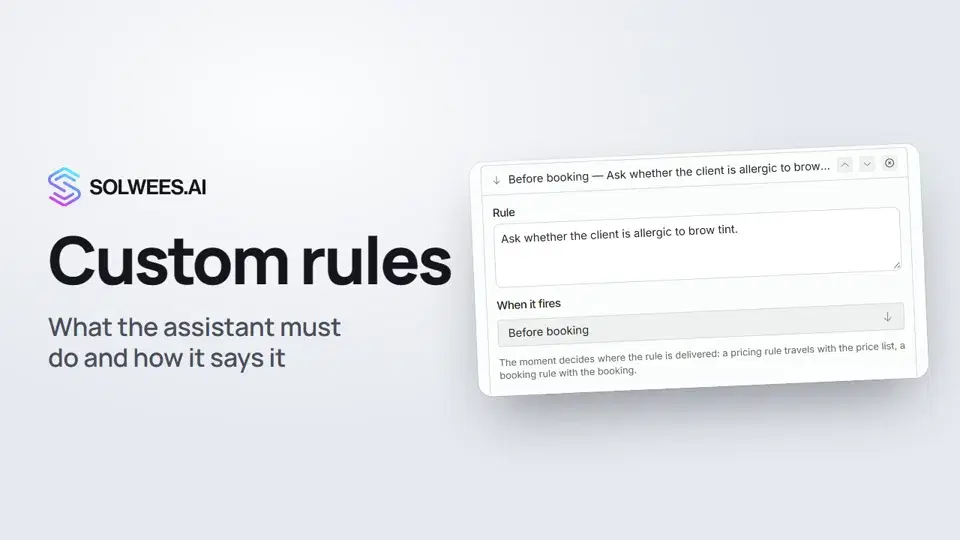 Custom rules and wordingHow to give the Solwees AI receptionist mandatory rules and wording: rules by moment, general rules and ready-made speaking styles for the key moments of a conversation.1:14
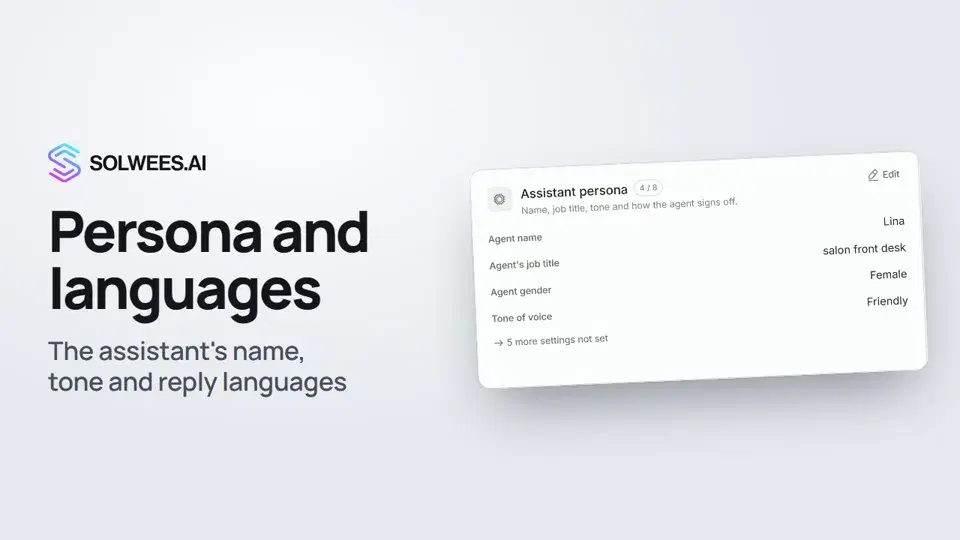 Persona and languages: how the assistant introduces itself and which languages it speaksHow to set the greeting language, allowed languages, name, job title, gender, tone of voice and closing lines of your Solwees AI receptionist in the Language and Assistant persona cards.1:22
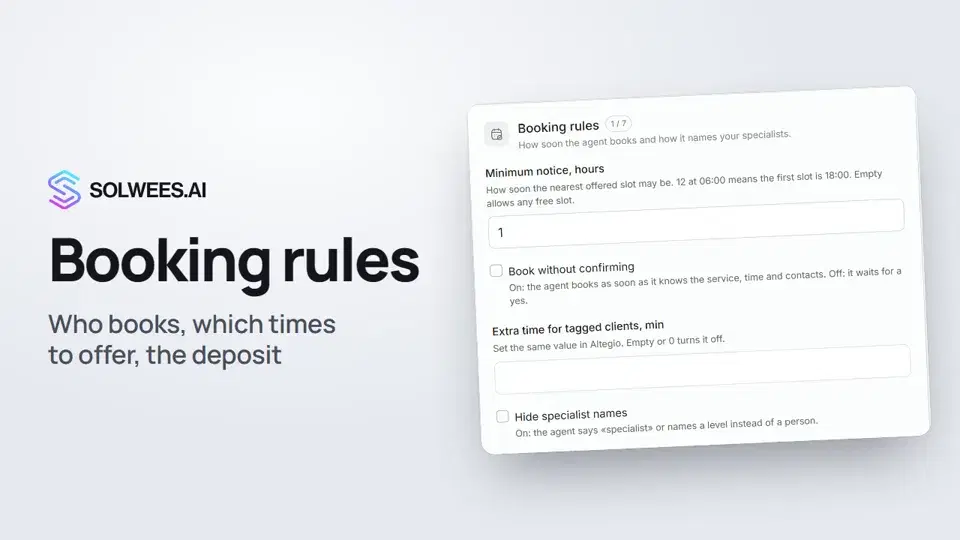 Booking rules: how the assistant books your clientsHow to set up booking rules for the Solwees AI receptionist: who makes the appointment, which windows it offers, what it says about a deposit, 4 and 6 hands services and add-on offers.1:38
Still need help?
Ask Sola in your dashboard
The assistant button in the corner of any dashboard page knows every setting and shows you where it is.
Open the dashboard